Le footer est un élément à ne pas négliger lors de la conception de vos emails.
Nous avons tendance à nous concentrer principalement sur le corps de mail mais le pied de page donne des informations essentielles sur votre marque que vos abonnés seront curieux de consulter. Un bon footer doit être informatif, clair et doit présenter un bon design.
Voici les bonnes pratiques pour concevoir un footer d’email impeccable.
1. Quelles informations à afficher dans le footer ?
Les services de messagerie habituels proposent de remplir votre footer avec le nom et l’adresse de l’entreprise ainsi qu’un lien de désabonnement. Ce dernier est essentiel pour assurer la délivrabilité de vos newsletters. Pensez également à tester le lien de désabonnement pour vous être sûr qu’il fonctionne.
Au-delà de ces éléments et selon votre secteur d’activité, vous pouvez y mettre d’autres informations utiles à vos abonnés telles que :
- Un lien vers votre site internet
- Les boutons de réseaux sociaux
- Les mentions légales obligatoires
- Le copyright
- Politique de confidentialité
- Les détails ou restrictions sur une offre en cours
- Une liste des rubriques de votre site web
Rappeler à vos abonnés l’objectif de vos mails peut aussi être une bonne idée pour leur montrer que vos envois sont conformes à leurs attentes. Par exemple : « Vous recevez cet email car vous avez souhaité recevoir nos dernières actualités. »
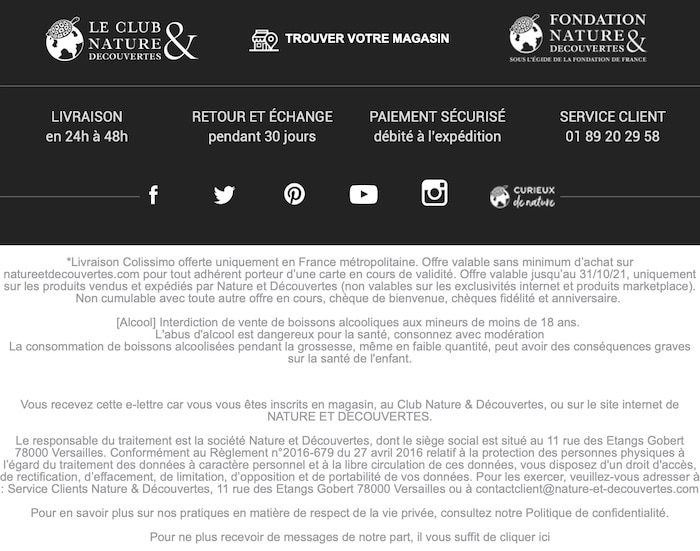
Footer d’un emailing Nature&Découvertes
2. Un footer simple
Ne risquez pas d’encombrer votre pied de page avec trop d’icônes, de liens ou d’informations. Faites une évaluation logique de ce que vous devez inclure comme contenu selon votre activité notamment.
Si vous êtes dans un domaine juridique, vous devrez vous concentrer sur les mentions légales par exemple. Il est conseillé de mettre le strict minimum d’informations dans votre pied de page.
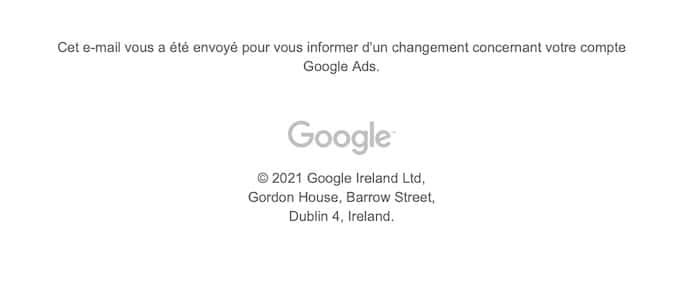
Ce footer d’un emailing d’information Google Ads séduit par sa simplicité
3. Organiser les informations
Maintenant que vous savez précisément quoi inclure dans votre footer d’email, vous pouvez hiérarchiser les informations de façon logique. Demandez-vous quelles actions vous souhaitez que vos abonnés entreprennent en premier et ce qu’ils souhaitent apprendre sur votre entreprise.
C’est l’occasion d’inclure des CTA pour pousser les lecteurs à l’action. Commencez par inclure les informations les plus essentielles pour terminer par celles qui ont moins d’importance.
4. Soigner le design
Votre pied de page doit être bien formaté par sections pour offrir un contenu organisé et faciliter la lisibilité.
Vérifiez la qualité de vos pictos pour éviter des images pixellisées et de basse qualité.
La palette de couleur et la taille du texte sont à prendre en compte pour faciliter la lisibilité.
Vous pouvez également inclure quelques emojis pour attirer l’attention du lecteur et rendre votre footer plus attractif et ludique.
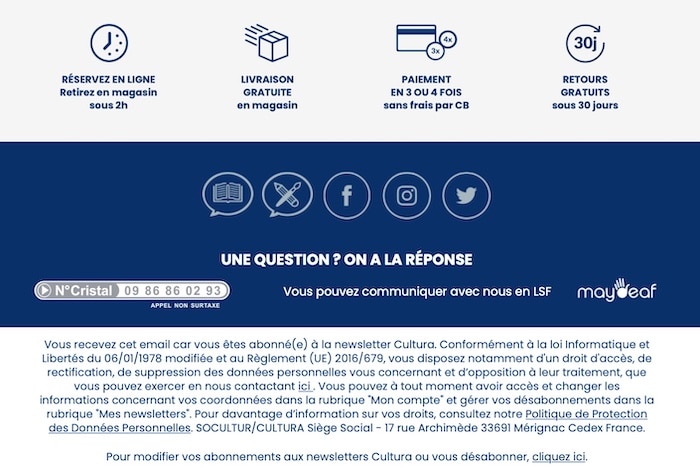
Footer d’un emailing Cultura
5. Couleurs et contrastes
Vous pouvez différencier le corps du mail du footer par la couleur de fond HTML. Afin de distinguer où se termine le contenu de la newsletter, il est plus simple d’utiliser une couleur en arrière-plan.
Puisque le texte du footer est particulièrement petit, vous devrez jouer sur les couleurs et les contrastes élevés pour faciliter sa lisibilité et guider le regard de votre audience où vous le souhaitez pour faciliter son engagement.
6. Garder de l’espace
Il n’y a pas de règles sur la taille du footer. En fait, il peut prendre autant d’espace que vous le souhaitez tant qu’il reste proportionnel à la taille du contenu de votre email.
Certaines marques n’hésitent pas à renforcer leur image en développant leur pied de page. Vous pouvez en faire un avantage tant que le contenu du footer est aéré et lisible.
Vous pouvez ainsi conclure votre email avec de nombreuses informations sans que cela ne soit envahissant pour vos abonnés si vous le faites de la bonne façon !
7. Ajouter une touche ludique
Certaines marques utilisent le footer comme terrain de jeu. En effet, vous pouvez par exemple inclure des emojis mais également des citations.
Votre signature s’inclut dans le footer, vous pouvez donc y ajouter une touche ludique et originale dans l’esprit de votre marque. C’est une façon intelligente de créer une relation de proximité avec les abonnés sans valeur marketing et ainsi de fidéliser les lecteurs.
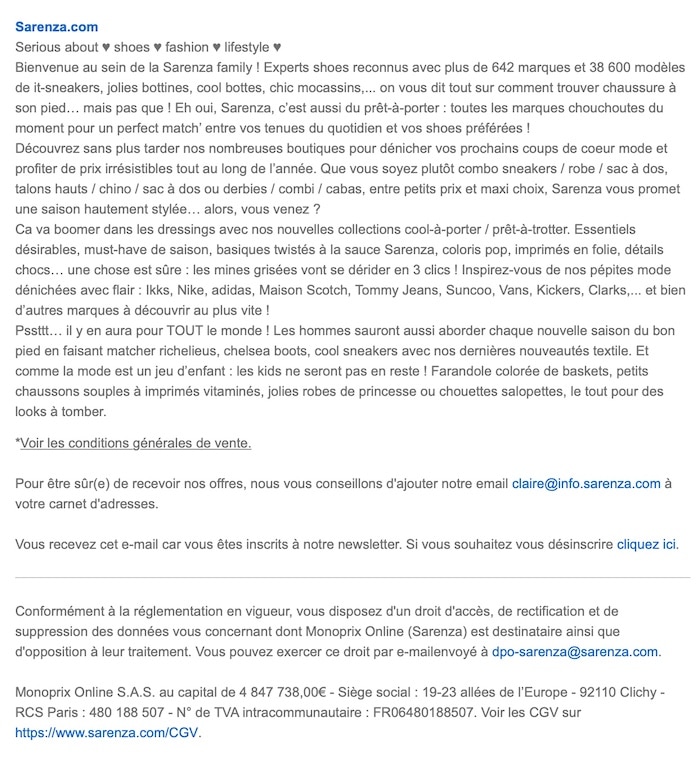
Sarenza renforce sa complicité avec ses clients en adoptannt un ton amical dans son footer d’email
Conclusion
Pour concevoir une fin d’email exceptionnelle, réunissez les informations essentielles et organisez-les pour offrir un contenu clair et lisible. Un footer réussi peut donner de nombreuses informations sur votre marque et faciliter l’engagement de vos abonnés.
Et pour vos projets de création de site internet, développement d’une application web, marketplace ou tout autre projet web, pensez à déposer votre projet sur Codeur.com. De nombreux prestataires freelances professionnels attendent de vous envoyer leur devis !


