Le temps de chargement d’un site internet est primordial sur le web. Utiliser un CDN gratuit ou un CDN payant peut vous aider à augmenter considérablement la vitesse de chargement de vos pages.
Découvrez les meilleurs CDN gratuits pour booster le chargement de vos pages, améliorer l’expérience utilisateur et donner un coup de fouet à votre SEO.
Certains outils dans cet article sont sponsorisés. Ils comportent la mention “Sponsorisé”. Découvrez comment sponsoriser votre outil.
1. Cloudimage Sponsorisé
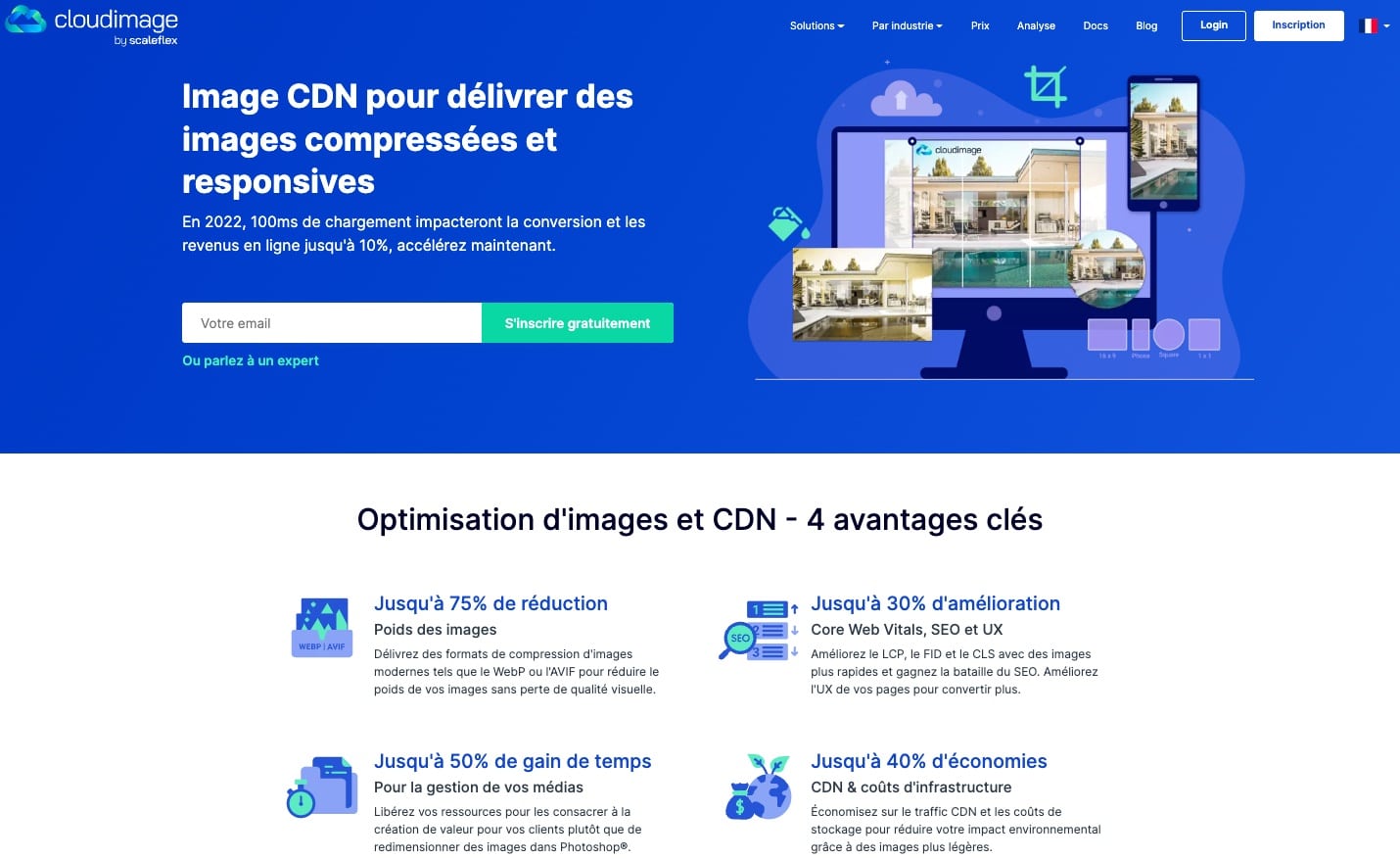
Cloudimage est un CDN d’images qui offre à la fois l’optimisation des images à la volée et un service CDN. En d’autres termes, en plus de disposer d’un CDN qui héberge vos actifs numériques en toute sécurité et fournit des images réactives au pixel près à grande vitesse dans le monde entier, vous pouvez compresser, redimensionner, recadrer et optimiser vos images en modifiant rapidement les paramètres URL. Parmi les autres fonctionnalités figurent les vues à 360°, le lazy loading et le détourage d’images.
Cloudimage est un logiciel low-code et son installation ne prend que quelques minutes. Il fonctionne parfaitement sur n’importe quelle plateforme et dispose de nombreux plugins CMS et e-commerce (WordPress, Shopify, Magento, etc.) pour une mise en œuvre facile.
Avec son plan gratuit qui offre un généreux 25 Go de cache d’images mensuel et de trafic CDN, ainsi que des transformations d’images illimitées, Cloudimage vaut la peine d’être testé.
2. Cloudflare : le meilleur CDN gratuit
Cloudflare est l’une des solutions les plus répandues pour alléger la charge de votre site web et en renforcer la sécurité. Cloudflare alimente plus de 20 millions de ressources et dispose de 335 emplacement dans le monde.
Vous pouvez configurer votre site web avec Cloudflare en moins de cinq minutes. Ce n’est pas beaucoup de travail pour un gros bénéfice.
Cela explique en partie la popularité de Cloudflare. Parmi ces utilisateurs, citons Yelp, Reddit ou Mozilla (ça fait chouette sur un CV, n’est-ce pas ?).
Cloudflare propose des plans payants avancés pour les gros comptes, mais il est possible de profiter d’un CDN gratuit et de nombreuses fonctionnalités dans un plan gratuit pour les plus petits sites.
Il est utile de mentionner que Cloudflare met à dispositions un catalogue d’applications qui facilitent l’intégration.
3. Jetpack : le CDN gratuit pour WordPress
Si vous utilisez WordPress, probablement que Jetpack n’a pas besoin d’une présentation. Jetpack s’est depuis longtemps doté d’un module de type CDN.
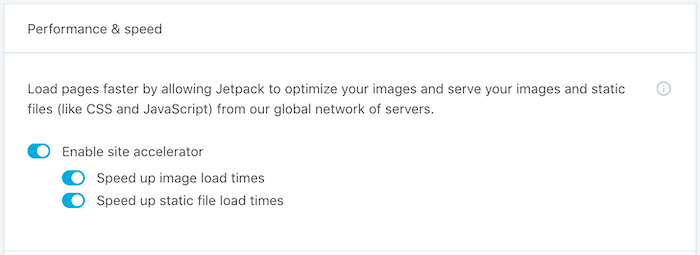
Vous pouvez utiliser la fonctionnalité « Site Accelerator » pour décharger la bande passante des fichiers images afin de les charger plus rapidement. Il suffit de l’activer via le tableau de bord du plugin Jetpack. Cela fonctionne aussi bien sur les sites WordPress.com que sur les solutions hébergées par vos soins.
4. Netlify : CDN gratuit jusqu’à 100Gb

Netlify vous permet d’héberger votre site web statique et de le servir par le biais du CDN. Netlify n’est pas un CDN classique, mais si vous hébergez un site statique, alors cette solution est faite pour vous.
Comme les autres plateformes, vous pouvez monter en gamme vers un plan payant pour bénéficier de plus de bande passante ou pour travailler en équipe.
5. Cloudinary

Si vous gérez un site web qui dépend fortement des images (si vous avez des portfolios ou un site de photographie/design/memes), le transfert de vos images vers un CDN est une bonne idée. Vous économiseriez ainsi une grande partie de votre précieuse bande passante.
Cloudinary est une solution de gestion d’images qui peut les héberger bien sûr, mais également les redimensionner à la volée. Cloudinary fonctionne sur n’importe quelle plateforme, donc si vous n’utilisez pas WordPress et que vous cherchez à optimiser vos images, cela vaut la peine d’essayer.
Les CDN gratuits pour vos bibliothèques JS et CSS
Si vous cherchez des CDN gratuits pour gagner en temps de chargement pour votre JavaScript et votre CSS, voilà les outils vers lesquels vous tourner :
- jsDelivr – Héberge NPM, GitHub, WordPress assets
- cdnjs – Fournit des bibliothèques JS populaires
- Google Hosted Libraries – Héberge quelques frameworks JS (jQuery, AngularJS, etc.)
- Microsoft Ajax CDN – Héberge jQuery et d’autres scripts MS
Les CDN gratuits pour les éléments statiques
Si vous cherchez un CDN gratuit pour des images ou des PDF, voici les meilleurs CDN gratuits :
- Cloudflare Pages & R2 – Offre un CDN gratuit avec stockage R2
- GitHub Pages – Peut servir de CDN pour les fichiers statiques
- Netlify – Bon pour l’hébergement statique avec un CDN intégré
- Vercel – Similaire à Netlify, idéal pour les projets Next.js
- Firebase Hosting – Google propose un CDN pour les sites statiques
- Surge – Super simple pour héberger des fichiers statiques rapidement
Les autres astuces pour économiser des données
Un autre moyen pas bête d’économiser la bande passante de vos serveurs est d’utiliser des services gratuits de stockage en ligne.
Supposons que vous ayez quelques PDF ou vidéos en téléchargement direct sur votre site. Les héberger sur votre serveur consommerait énormément de bande passante. Pourquoi ne pas plutôt utiliser un service de stockage de fichiers ? Il vous suffit alors de générer une URL publique du fichier en question et de la coller sur votre site.
Voici quelques solutions gratuites :
- Dropbox – 2 Go gratuits
- Google Drive – 15 Go gratuits
- OneDrive – 5 Go gratuits
- YouTube
Qu’est-ce qu’un CDN (Content Delivery Network) ?
En termes simples, un réseau de diffusion de contenu ou CDN est un ensemble de serveurs, situés dans le monde entier, conçus pour fournir les fichiers de votre site web au visiteur du site dans les meilleurs délais. Trois points :
- Un groupe de serveurs.
- Situés à travers le monde.
- Fournit les fichiers statiques de votre site web (images, PDF, bibliothèques statiques telles que les fichiers JavaScript et CSS) dans les meilleurs délais.
Un site web a généralement une seule source d’origine. Et c’est normal lorsque vous débutez et que vous n’avez pas beaucoup de visiteurs. Au fur et à mesure que votre site web se développe (c’est-à-dire que votre trafic augmente), le temps de chargement de votre site augmente également.
En général, les gens n’aiment pas attendre qu’une page se charge.
Avoir recours à un CDN accélère la diffusion du contenu en le diffusant à partir du serveur le plus proche du visiteur.
Maintenant qu’on y voit plus clair, passons en revue les principales offres, et voyons laquelle vous convient le mieux.
À lire aussi : Vol de contenu : 7 techniques pour lutter contre le scraping de votre site
Pourquoi utiliser un CDN gratuit ou payant ?
Personne n’aime tomber sur une page web qui se charge lentement, et cela peut potentiellement entraîner de grandes pertes de chiffre d’affaires, dans le cadre d’un e-commerce.
De plus, Google tient compte du temps de chargement des pages, donc le fait d’avoir un site rapide contribue à un meilleur classement dans les moteurs de recherche !
Voici quelques faits éclairants :
- Shopzilla a augmenté ses revenus de 12 % en améliorant le temps de chargement de 6 à 1,2 secondes.
- Amazon estime qu’un ralentissement d’une seconde pourrait coûter 1,6 milliard de dollars en vente chaque année.
- 21% des acheteurs abandonnent leur panier à cause d’un site trop lent.
Comme vous le voyez, le temps de chargement est essentiel pour un site web. Il existe de multiples façons de résoudre ce problème, l’une d’entre elles est de mettre en place un CDN.
Mettre en place un CDN gratuit
Evidemment, il existe de nombreux autres services de CDN. Chaque solution offre des spécificités qui lui sont propres. L’offre globale est donc variée et répondra à chacun de vos besoins !
Si la plupart des CDN listés ici sont entièrement gratuits, ils proposent également une ou plusieurs versions payantes. Il ne vous reste plus qu’à mettre en place celui qui convient le mieux à vos besoins.
Pour vous faire aider dans le choix ou dans la mise en place d’un CDN gratuit ou payant, faites appel à un développeur web en déposant gratuitement un projet sur Codeur.com.


