Java a été publié pour la première fois par Sun Microsystem en 1995, et a ensuite été acquis par Oracle Corporation. C’est l’un des langages de programmation les plus utilisés. Il existe de nombreux IDE pour Java qui permettent de compléter le code de manière intelligente et de valider les erreurs en temps réel. Choisir le meilleur IDE pour Java parmi une pléthore d’options pourrait être un défi.
Vous trouverez ci-dessous une liste des principaux EDI pour Java, avec leurs fonctionnalités les plus populaires et des liens vers leurs sites web.
Cette liste contient des logiciels open-source (gratuits) et des logiciels commerciaux (payants).
1. IntelliJ IDEA (Gratuit / Payant)
IntelliJ IDEA est l’un des trois grands IDE Java. Disponible en deux éditions différentes, l’outil est proposé dans une édition communautaire (sous licence Apache 2) et une édition commerciale propriétaire. IntelliJ IDEA est doté de fonctions de refactoring inter-langage et d’analyse de flux de données.
Parmi les fonctionnalités offertes par IntelliJ IDEA pour faciliter la vie d’un développeur Java on retrouve l’auto-complétion ou encore l’injection de langage.
Outre la prise en charge de Java et d’une multitude de frameworks, IntelliJ IDEA prend également en charge d’autres langages de programmation basés sur JVM, tels que Kotlin. Pour d’autres langages comme Javascript, il faudra passer à la version commerciale (499€ puis 399€ et 299€ les années suivantes)
2. BlueJ (Gratuit)
BlueJ est un IDE pour Java et bien qu’il soit conçu dans un but éducatif, BlueJ est adapté au développement de logiciels à petite échelle. Bien qu’il soit développé comme un EDI pour les débutants, les vétérans de Java apprécient beaucoup cet outil.
L’écran principal de BlueJ affiche la structure de classe de l’application en cours de développement. Il permet de créer et tester des objets de manière interactive.
Les développeurs peuvent appeler des méthodes sur les objets et inspecter leurs valeurs.
Parmi les autres fonctionnalités offertes par BlueJ figurent la création d’objets dynamiques et le balayage visuel du code.
3. DrJava (Gratuit)
Maintenu par le groupe JavaPLT, DrJava est un environnement de développement léger, spécialement développé pour les débutants et les étudiants. Bien qu’il ne soit pas aussi puissant que d’autres grands noms du développement Java, DrJava jouit d’une interface dépouillée très agreéable.
En plus d’offrir une installation de test JUnit, DrJava offre la possibilité d’évaluer le code à partir d’une console de manière interactive et de présenter le résultat sur cette même console. Comme ses concurrents, DrJava aide les programmeurs avec des fonctions comme « go to line » et « find/replace ».
Pour les programmeurs avancés, DrJava offre l’auto-complétion, l’indentation automatique, la correspondance des accolades, les commentaires et la coloration de la syntaxe. De plus, un plugin permet d’intégrer DrJava à Eclipse.
Contrairement à d’autres EDI Java, cet outil a une apparence similaire sur différentes plateformes.
4. MyEclipse (Gratuit)
MyEclipse est un simple IDE Java édité par CodeMix. Ce logiciel offre une validation en temps réel des erreurs au fur et à mesure que vous écrivez le programme. Il vous permet de personnaliser les thèmes et supporte la coloration syntaxique.
Il vous permet de définir des breakpoints et offre un débogueur robuste.
Vous pouvez rapidement ouvrir un fichier et exécuter votre code. Enfin, MyEclipse fournit de nombreuses bibliothèques et supports.
5. JDeveloper (Gratuit)
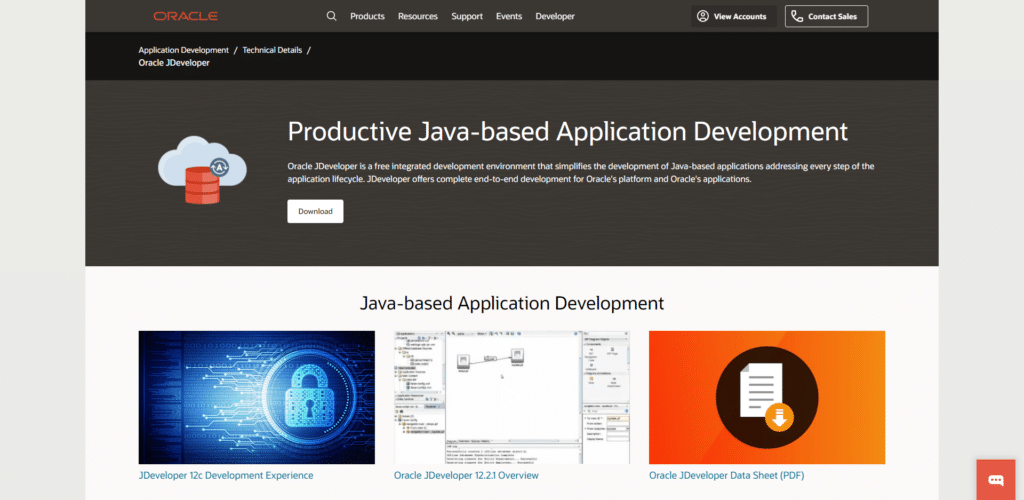
JDeveloper est un IDE Java gratuit édité par Oracle. Offrant un framework de développement intégré avec une pléthore de fonctionnalités et plusieurs outils de développement visuels, JDeveloper couvre l’ensemble du cycle de développement : le codage, la conception, le débogage, l’optimisation, le profilage et le déploiement.
JDeveloper peut s’intégrer avec le framework de développement d’applications Oracle (Oracle ADF) pour simplifier encore le développement d’applications.
En plus de Java, JDeveloper peut également être utilisé pour développer des applications en JavaScript, PHP, SQL et XML.
6. CodeEnvy (Gratuit / Payant)
Codenvy est un IDE Java commercial construit sur Eclipse Che. Il existe au total trois variantes de l’EDI parmi lesquelles les programmeurs Java peuvent choisir : développeur, entreprise et équipe. Si vous pouvez choisir des plans gratuits, ceux-ci sont limités (en nombre d’utilisateurs pour la solution équipe, en RAM pour la solution developpeur). La solution entreprise est sur mesure.
Codenvy se présente comme un espace de travail pour développeurs basé dans le cloud et à la demande. En plus d’écrire du code Java à l’aide de l’éditeur basé sur le navigateur, les programmeurs peuvent bénéficier de fonctionnalités puissantes comme la complétion de code, le refactoring et la mise en évidence de la syntaxe.
L’éditeur Codenvy facilite également la vie de ces utilisateurs, en leur offrant un moyen efficace de construire, déboguer, éditer et exécuter divers projets.
7. Kite (Gratuit)
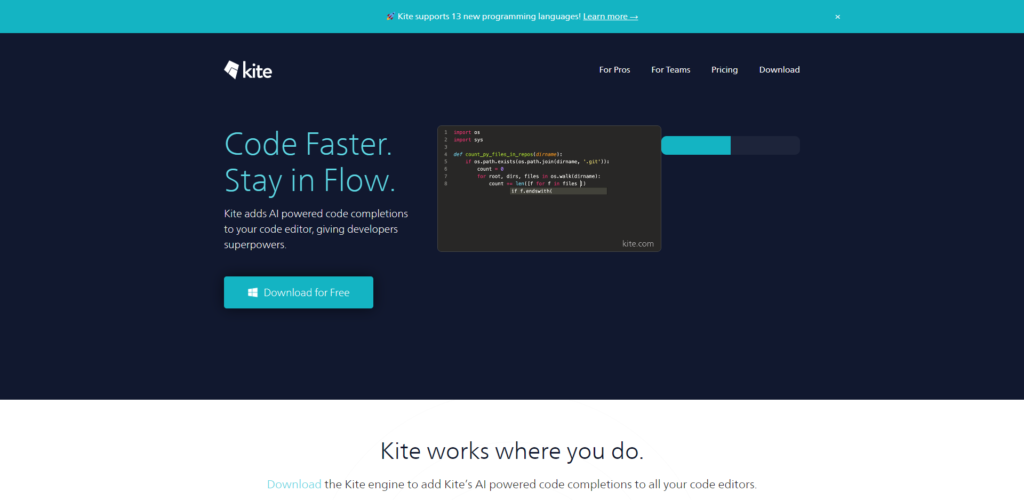
Kite est un IDE pour Java qui complète automatiquement des codes à lignes multiples. Cet éditeur qui supporte plus de 16 langages vous aide à coder plus rapidement et sans problème.
Kite utilise des modèles d’apprentissage automatique pour le langage Jave et fournit une assistance par e-mail.
Trouvez un développeur Java rapidement en postant votre projet sur Codeur.com !


