A brainstorming tool is today THE go-to creative solution for getting the most out of collaboration in the workplace. Thanks to tools that are as innovative as they are practical, teams can develop new ideas in a dedicated workspace.
We have selected 20 brainstorming tools to help you find the perfect ally for your next meetings. If you need help with your project, hire a freelancer on Codeur.com to gain agility.
In this article, we also explain why a brainstorming tool is important in business, what its features are, how long a brainstorming session should last, how many participants are required, and how to significantly improve your brainstorming sessions.
The tools in this article were selected by our team and are not sponsored. Discover how sponsor your tool.
Our selection of 20 online brainstorming tools
If you're looking for an effective brainstorming tool with an intuitive, collaborative interface to improve your brainstorming sessions, we have selected 20 tools with multiple features to help you choose the tool best suited to your needs and your team.
1. Miro: a whiteboard for team brainstorming
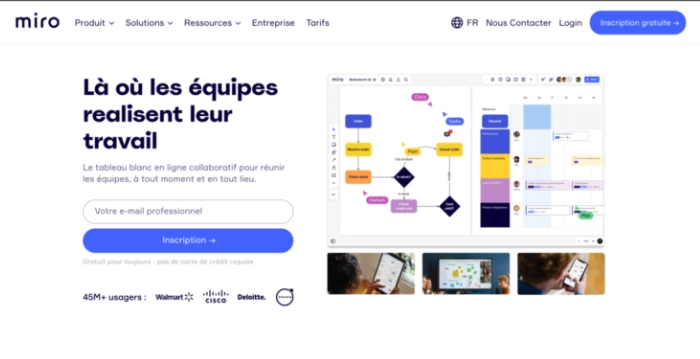
Miro is an online visual collaboration platform designed for teams of all kinds.
Using Kanban boards With visuals, user story maps or mind maps, the platform's infinite canvas allows teams to run brainstorming workshops, design products, and access it from any device.
Price: a free version is available but limited. Miro subscriptions start at $10/month.
Language: French, English, Spanish, German, Japanese.
2. Lucidspark: a collaborative brainstorming tool
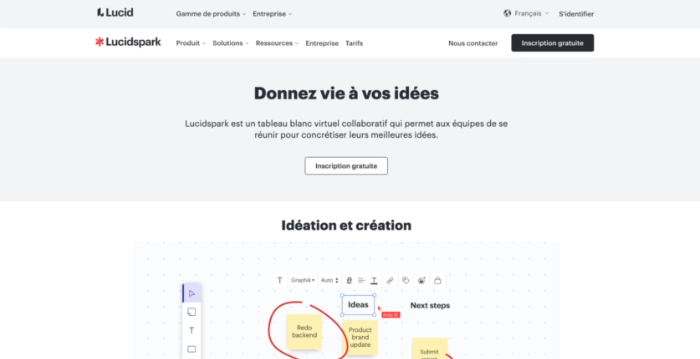
Lucidspark is a virtual whiteboard that allows you to carry out your online brainstorming sessions on an agile, creative workspace.
It offers great versatility with features such as customer journey mapping, a marketing roadmap product roadmap to coordinate your team’s work, and customizable storyboard templates.
Price: a free version is available, limited to 3 editable boards. Subscription starts at $7.95/month.
Language: available in 12 languages including French and English.
3. Klaxoon: a French-language brainstorming solution
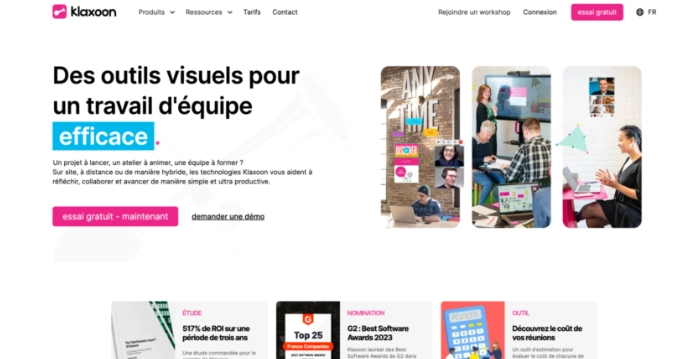
Klaxoon is a tool developed to help businesses with the brainstorming process.
It provides a centralized platform with features such as the ability to create slides and share screens with team members, to receive real-time feedback to organize ideas using filters, tags, and dimensions.
Price: a free version is available and limited to 15 participants per workshop. The Pro subscription costs €31 per user per month.
Language: English, French.
4. Draft.io: a tool for effective brainstorming
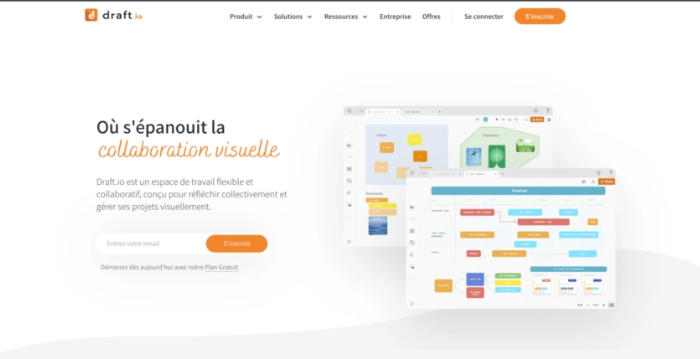
Draft.io provides a flexible workspace for team collaboration, information sharing, and idea visualization.
Drafit.io uses interactive templates and mappings to improve the user experience and makes it easy to create documents and share them in real time with collaborators.
Draft.io really allows you to improve your remote meetings, whatever their purpose: brainstorming, sprint, workshop.
Price: a free version is available for up to 500 items across all projects; subscriptions start at $10/month.
Language: French, English.
5. Mural
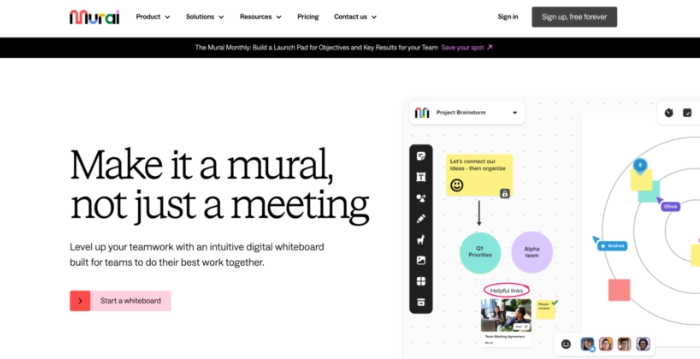
Mural is an intuitive digital whiteboard that offers interactive mind maps and brainstorming templates allowing teams to collaborate and easily improve their brainstorming sessions.
It has features such as sticky notes, images, GIFs, etc. You can use private mode to allow collaborators to express their ideas independently.
Price: a free version is available, limited to 3 Murals. The Team+ plan costs $12/month.
Language: English
6. Weje: a project management and brainstorming tool
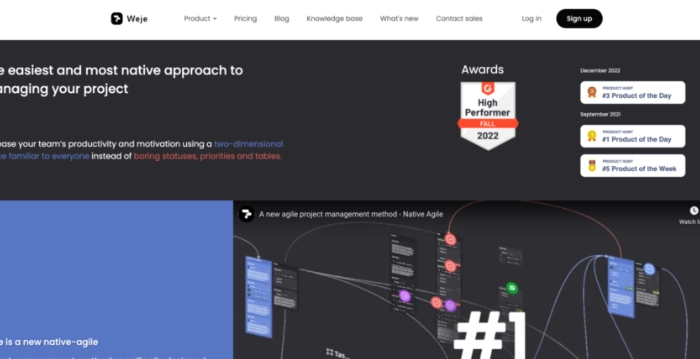
Weje is a virtual whiteboard that enables brainstorming. It’s an excellent solution for remote teams, allowing them to work together effectively on shared whiteboards.
Using concept maps, ready-to-use templates, and lists, you can gather and share any type of information with other collaborators.
Price: free and limited to one project per team. The subscription costs $10/month.
Language: 11 supported languages including German and English
7. Freeform: Apple's whiteboard
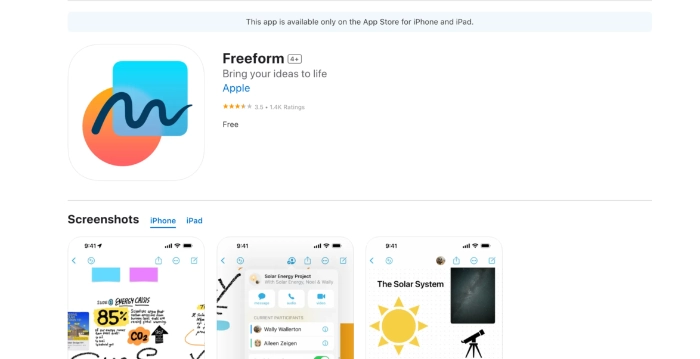
Freeform is an app developed by Apple that helps users sort and organize data in an open virtual space. The app includes numerous brushes and colors to illustrate concepts, write notes, and create diagrams.
Users can collaborate via FaceTime and the boards generated in Freeform are stored in iCloud to be synced across different devices.
Price: free
Language: French, English.
8. Microsoft Whiteboard
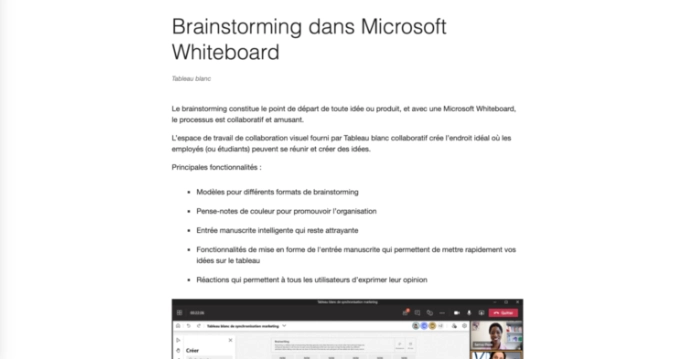
Microsoft Whiteboard offers a smart canvas where you can reflect, create and collaborate via the cloud. You can enter text, add an image, or a network of notes to communicate your ideas and share your thoughts.
You can insert a predefined layout or draw your own flowchart using a large library of shapes and access it from any device.
Price: free
Language: available in 62 languages including French and English.
9. Conceptboard
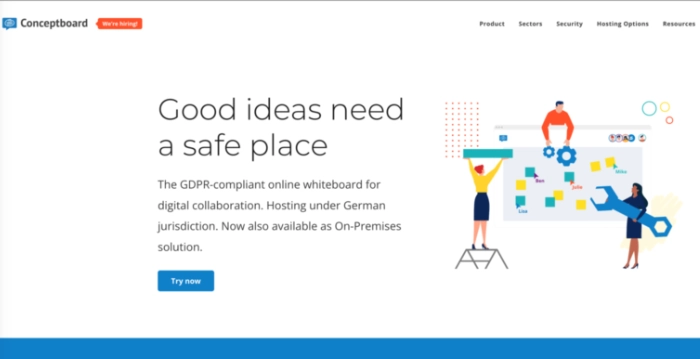
Conceptboard is a secure virtual whiteboard that allows teams of all sizes to collaborate in real time and asynchronously. Thanks to its infinite Canvas, the tool lets you create a centralized visual hub for all your project ideas.
From brainstorming to project planning, Conceptboard helps break down organizational silos and boost team collaboration.
Pricing: registration is free. Subscriptions start at $7.50/month per user.
Languages: English, German.
10. Milanote
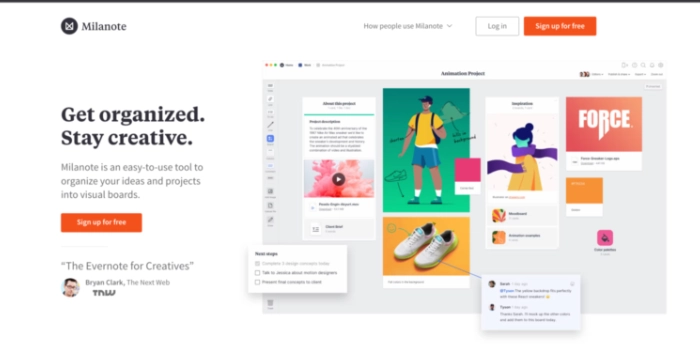
Milanote is a versatile software that enables a fast and easy idea iteration by using its integrated flexible tools to map, organize, and sketch your ideas.
The drag-and-drop interface lets you arrange images, notes, links, files, videos, and tasks on an infinite virtual canvas.
Price: Milanote is free and limited to 10 image uploads. The Professional Pro subscription starts at $12.50/user/month.
Language: English
11. Asana: a tool for creating brainstorming boards
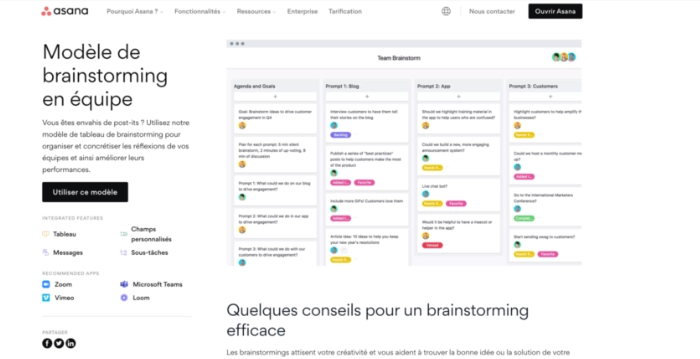
Asana is a project management tool that helps teams orchestrate their work with calendars and Gantt charts.
When it comes to brainstorming, Asana can serve as a collaborative virtual whiteboard, allowing you to add ideas, vote, and sort them into different groups. The tool also supports integrations with Zoom and GitHub.
Price: an attractive free plan with an unlimited number of projects. The subscription is billed at 13.49/month.
Language: 14 languages supported including French and English,
12. GitMind: a mind-mapping and brainstorming tool
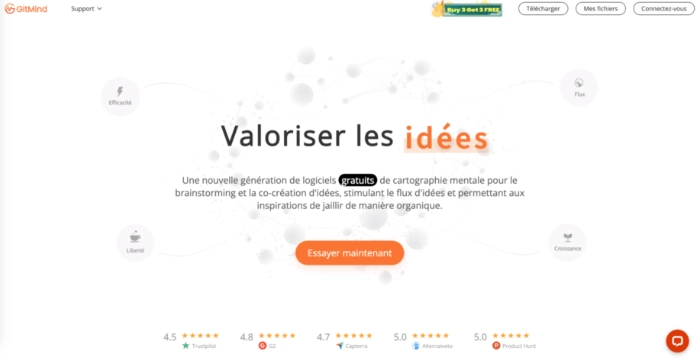
GitMind is a mind mapping software for brainstorming. GitMind has a smooth interface and its features continuously improve its inputs and outputs.
The tool allows you to work with mind maps, org charts, and UML diagrams to create in an organized and intuitive way.
Price: a basic free plan is available, limited to 10 mind maps. The monthly subscription costs €9/month.
Language: available in 10 languages including French and English
13. Sketchboard.io: a whiteboard ideal for brainstorming
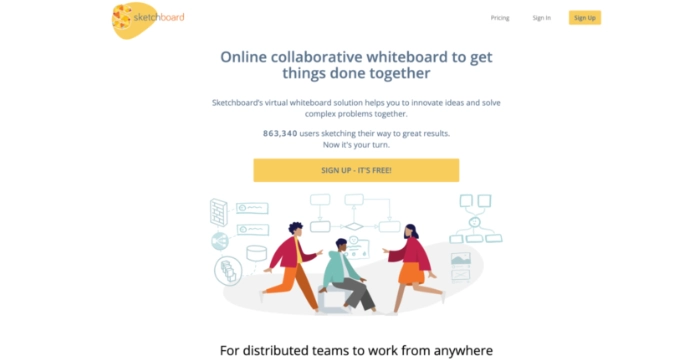
Sketchboard is ideal for product teams, consultants, and large organizations. It allows teams to collaborate on a digital whiteboard and receive immediate feedback.
Sketchboard's workspace makes it easy to share ideas, brainstorm, and visual collaboration on canvases endless.
Price: Sketchboard offers a free trial. The paid version starts at $9/month.
Language: French, English.
14. Figjam: Figma's brainstorming tool
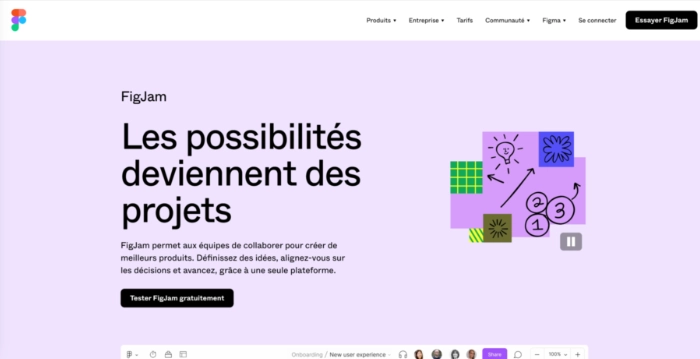
FigJam is the Figma collaborative whiteboard designed to enable teams to brainstorm and ideate together, with templates for diagrams, moodboards, meetings, etc.
FigJam's flexible, open canvas helps product teams develop stronger solutions to difficult problems.
Price: the basic plan is free. FigJam Professional costs $3 per editor per month.
Supported languages: German, English, French, Japanese
15. Lucidchart
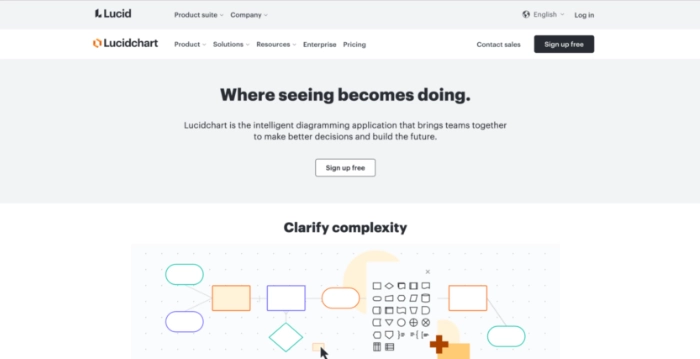
Lucidchart is a diagramming tool, which allows you to draw smart diagrams, UML, and mind maps to quickly visualize complex ideas.
Its interface is easy to use and its features allow for extensive customization.
Price: a free version is available, but a premium plan starting at $7.95/month is required to access advanced options.
Language: Lucidchart is available in over 10 languages, including French and English.
16. Freehand
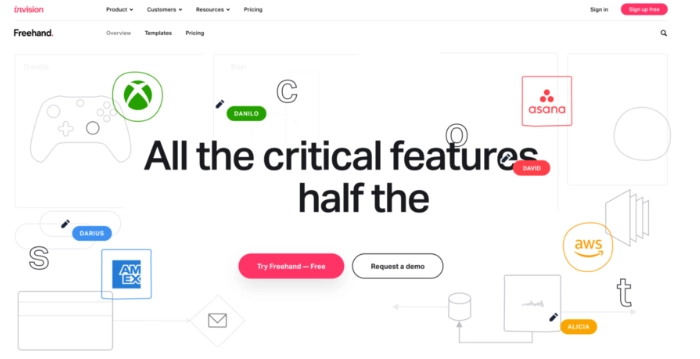
Whether you're looking to brainstorm, to launch a product or to run a retrospective, InVision of Freehand it offers an infinite canvas that allows teams of all sizes to collaborate on the same project.
Teams can work together in real time or asynchronously for successful collaboration.
Price: a free version is available, limited to 3 virtual boards. The Pro plan costs $4/month (billed annually).
Language: English
17. Stormboard
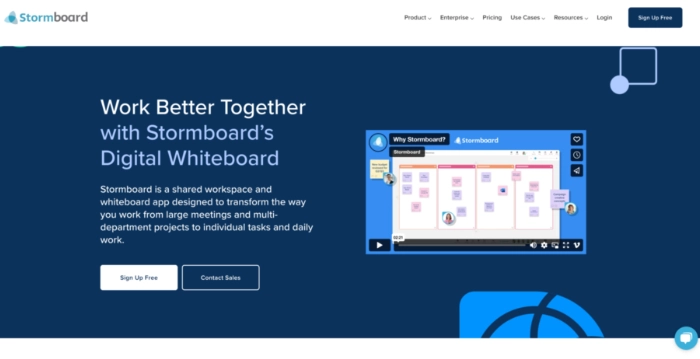
Stormboard It is a cloud-based whiteboard and shared workspace app that enables in-person and asynchronous collaboration from anywhere in the world, on virtually any device.
The tool has more thanaround a hundred templates designed for brainstorming and project planning.
Price: a free version is available. If you're looking for more advanced features, the Business plan costs $10/month.
Language: English
18. Popplet: a solution to visualize your ideas
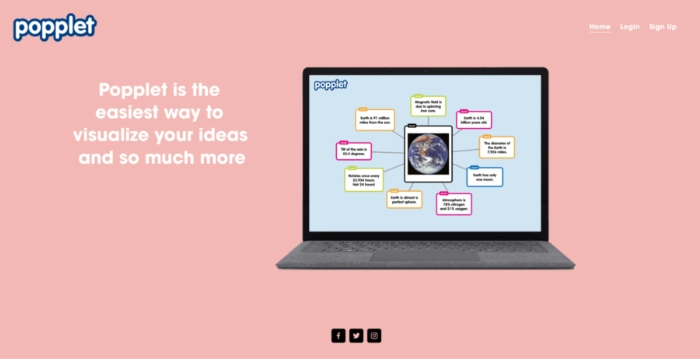
Popplet is a tool that allows users to create Popples (pinned mind maps) to visualize ideas and concepts in a fun way. This app can be used by educators, students, or other professionals.
Users can create graphic organizers and calendars accessible from computers and iOS devices, allowing them to start brainstorming sessions from anywhere.
Price: a free version exists; the subscription is priced at $3/month.
Language: French and English
19. Limnu
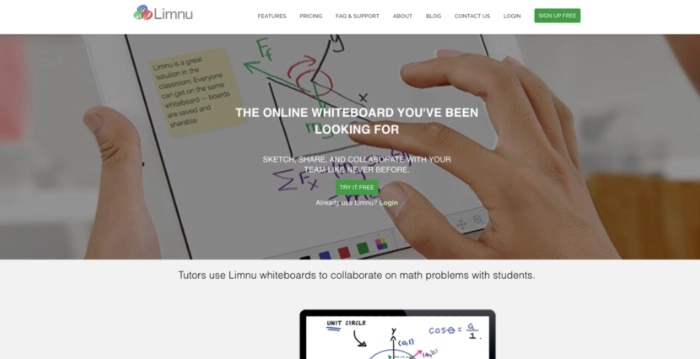
Limnu is a whiteboard and a collaboration software that helps teams of all sizes share and discuss ideas remotely.
Thanks to the drag-and-drop interface, virtual pens, and notes, you can upload images and files in multiple formats, create content, and brainstorm on a centralized platform.
Price: a free trial period is available and limited to 14 days. The subscription starts at $5/month.
Language: English
20. Ideaflip
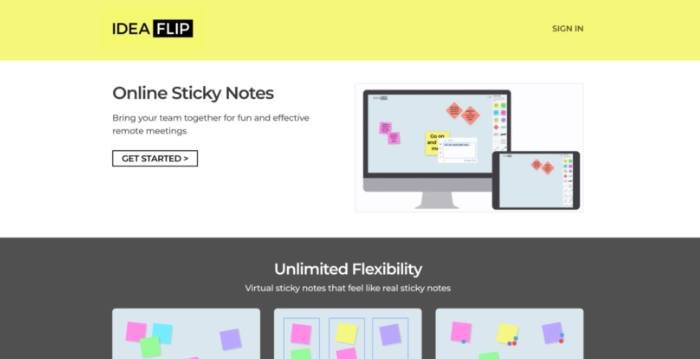
Ideaflip is an excellent mind mapping tool for capturing ideas and building mind maps. Although it lacks analytical tools that some teams may need, it offers a variety of prebuilt idea board templates to draft their innovative ideas.
It is also possible to add multiple idea contributors as collaborators to prepare and manage those ideas.
Price: a free version and a trial period (14 days) are available. The solo basic subscription starts at $9/month.
Language: English
What are the essential features of a good brainstorming tool?
To help you better manage your team collaboration sessions, a brainstorming tool should have certain features, including:
- Flexibility: it must be suited to each user's different needs;
- Real-time visual collaboration;
- File sharing and idea management;
- Options forintegrations to other applications;
- Good user interface (UI);
- Project management: The combination of brainstorming and project management creates an integrated workspace that increases efficiency.
Why is brainstorming important in business?
Brainstorming is very important in business. Not only does it create more cohesive teams, because it is a collaborative experience, but decision-making in business is strengthened by taking into account divergent points of view.
Brainstorming helps develop credible plans, brings more minds to the table, and turns good ideas into solutions. The results belong to the entire group, because team members have aligned on the best solution through critical thinking.
How can you improve your brainstorming sessions?
A effective brainstorming meeting It cannot be done on the fly; it requires some preparation. To improve your brainstorming sessions:
- Create an environment conducive to sharing.
- Set an upfront goal and identify the problem that will be solved by the session.
- Use online tools to enhance the virtual experience.
- Make participation easier: by assigning roles, such as with the 'Walt Disney' method.
- Take breaks, revisit, and revise.
- Favor asynchronous and flexible collaboration.
What is the ideal length for a brainstorming session?
In general, The ideal duration for a brainstorming session is between 15 and 45 minutes, because it allows everyone to discuss ideas without being overwhelmed by the amount of information they receive.
However, this duration varies depending on the number of participants in the meeting. If each person has prepared information to share, the meeting should allow at least 5 minutes for each person to briefly present their ideas, with additional time for questions and discussion.
How many people should you invite to a brainstorming session?
To generate the best ideas during a brainstorming session, it is important to bring together people with different but complementary personalities in order to make the most of the interactions between the ideas proposed.
The ideal number of people for a brainstorming session is between 5 and 10, because beyond 10 people it can be difficult to have a productive dialogue, especially if the meeting's objective is to solve a complex problem.
Our tip for running online brainstorming sessions
The goal of virtual brainstorming is to find new ideas and solve problems. Choosing a brainstorming tool with a collaborative interface and features suited to your project is therefore necessary to ensure successful online brainstorming sessions.
To support you in your creation projects (website, software, application), the freelance platform Codeur.com gives you access to the best freelancers available to help you bring your ideas to life and turn them into results.


