Bien que React soit l’un des frameworks les plus populaires sur le marché, il est assez difficile de référencer un site l’utilisant.
Dans cet article, nous allons voir comment créer un site adapté au référencement. Vous y apprendrez les principaux obstacles qui empêchent React d’être adapté au référencement et vous vous familiariserez avec les bonnes pratiques pour rendre votre application Web attrayante aux yeux de Google.
Comment fonctionnent les robots de Google
Pour résoudre le problème de référencement des applications React, nous devons comprendre le fonctionnement des robots de Google et les problèmes courants auxquels React est confronté.
Google utilise des robots pour classer les sites Web. Ces robots explorent les pages de votre site pour en trouver de nouvelles. Lors de la création d’un site Web, vous pouvez choisir les pages que vous souhaitez faire explorer en les répertoriant dans le fichier Sitemap. Pour éviter de surcharger votre site de requêtes de robots, et économiser votre « budget crawl », vous pouvez également demander à ne pas explorer certaines pages.
L’étape suivante effectuée par les robots de Google est l’indexation. Au cours de ce processus, un robot Google analyse le contenu d’une page Web pour comprendre de quoi il s’agit : les résultats de ce processus sont stockés dans l’index de Google.
L’indexation des pages Web étant automatisée, il est important de structurer et de formater le contenu de manière à ce qu’il soit compréhensible pour une machine.
La dernière étape comprend les processus de diffusion et de classement. Lorsqu’un utilisateur effectue une recherche, Google consulte son index pour trouver les résultats les plus pertinents.
Alors quel est le problème avec les applications web React ?

Pourquoi est-il difficile d’optimiser React pour le référencement ?
Les développeurs doivent identifier les problèmes rencontrés par les moteurs de recherche qui tentent d’explorer et d’indexer les pages React.
Voyons cela de plus près : qu’est-ce qui ce qui rend le référencement de React difficile et que peuvent faire les développeurs peuvent faire pour surmonter ce défi.
1. Contenu vide
Nous savons que les applications React s’appuient sur JavaScript, et qu’elles rencontrent souvent des problèmes avec les moteurs de recherche. Cela est dû au fait que React emploie un modèle de coquille d’application par défaut. Le HTML initial ne contient aucun contenu significatif, un utilisateur (ou un robot) devant exécuter JavaScript pour voir le contenu de la page.
Cette approche implique que Googlebot détecte une page vide lors de son premier passage. Pour voir le contenu, il faut attendre que la page soit rendue. Cela retarde l’indexation du contenu surtout lorsqu’il s’agit de dizaines (centaines ?) de pages.
2. Temps de chargement et expérience utilisateur
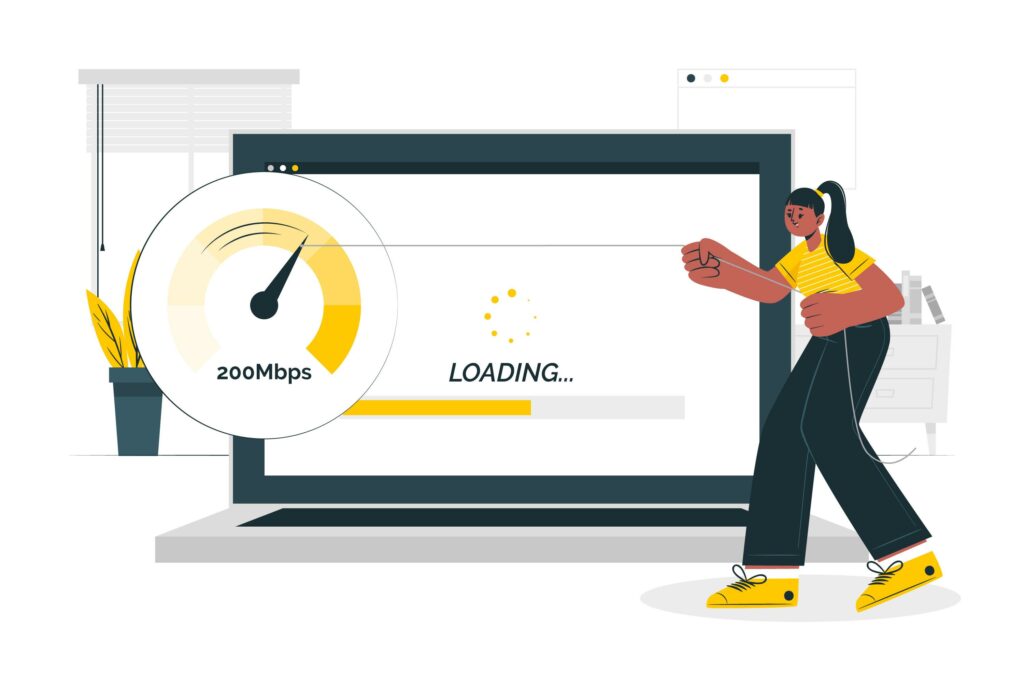
L’extraction, l’analyse et l’exécution de JavaScript prennent du temps. De plus, JavaScript peut avoir besoin d’effectuer des appels réseau pour récupérer le contenu, et l’utilisateur peut devoir attendre un certain temps avant de pouvoir visualiser les informations demandées.
Google a défini un ensemble d’indicateurs web liés à l’expérience de l’utilisateur, utilisés dans ses critères de classement. Un temps de chargement long peut affecter le score de l’expérience utilisateur, incitant Google à moins bien classer un site.
3. Métadonnées
Les balises <meta> sont utiles : elles permettent à Google et aux sites de réseaux sociaux d’afficher des titres, des vignettes et des descriptions pour chaque page. Pour obtenir ces informations, ils s’appuient sur la balise <head> de la page Web. Ces sites n’exécutent donc pas de JavaScript pour la page cible.
React rend tout le contenu, y compris les balises méta, sur le client. Comme le shell de l’application est le même pour l’ensemble du site web/de l’application, il peut être difficile d’adapter les métadonnées pour les pages individuelles.
Comment rendre votre site web React adapté au référencement ?
4. Pré-rendering
Le pré-rendu une approche courante pour rendre une application adaptée aux moteurs de recherche.
Le pré-rendu est utilisé lorsque les robots de recherche ne peuvent pas rendre vos pages correctement. Dans ce cas, vous pouvez utiliser des programmes spéciaux qui interceptent les demandes adressées à votre site web et, si la demande provient d’un robot, ils envoient une version HTML statique (en cache) de votre site web. Si la demande provient d’un utilisateur, la page habituelle est chargée.
5. Rendu côté serveur
Si vous envisagez de créer une application web React, vous devez connaître la différence entre le rendu côté client et le rendu côté serveur.
Le rendu côté client signifie qu’un navigateur et un robot Google obtiennent des fichiers HTML vides ou des fichiers avec peu de contenu. Ensuite, le code JavaScript télécharge le contenu depuis le serveur et les utilisateurs le voient sur leurs écrans.
En termes de SEO, le rendu côté client pose problème, les robots de Google ne recevant aucun contenu ou recevant un contenu limité qu’ils ne peuvent pas indexer correctement.
Avec le rendu côté serveur, ils reçoivent des fichiers HTML contenant tout le contenu. Les robots de Google peuvent indexer la page correctement et la classer.
Le rendu côté serveur est le moyen le plus simple de créer un site React adapté au référencement.
Besoin d’aide pour optimiser votre site React pour le SEO ? Trouvez un développeur React rapidement en postant votre projet gratuit sur Codeur.com !


