Vous-êtes vous déjà demandé ce que font les visiteurs de votre site web sur vos pages ? Où cliquent-ils ? Qu’est-ce qui attire leur attention ? Comment bougent-ils le curseur de leur souris ? Autant de questions auxquelles les heatmaps peuvent répondre.
Une heatmap – que l’on peut traduire par « carte thermique » – permet de repérer les zones de chaleur sur vos pages web, c’est-à-dire les endroits où vos visiteurs interagissent le plus avec votre site.
En comprenant ce qui intéresse le plus les internautes et, au contraire, ce qui ne fonctionne pas, vous pourrez grandement améliorer l’expérience utilisateur de votre site web.
Dans cet article, voyons ensemble l’utilité de concevoir une « carte thermique » pour améliorer l’expérience utilisateur, ainsi que 10 outils heatmaps à tester !
Qu’est-ce qu’une heatmap ?
Une heatmap est une représentation graphique décrivant la navigation des visiteurs de votre site web. Via un code de couleurs, vous identifiez les sections les plus visitées et les moins populaires de vos pages.
En général, les couleurs chaudes représentent les endroits fréquentés par vos visiteurs. Les couleurs froides font référence à ceux qui ne retiennent pas leur attention.
Il existe différents types de cartes thermiques :
Les cartes de clics
Format d’heatmaps populaires, les cartes de clics vous montrent les zones où les utilisateurs cliquent.
Les informations fournies vous aident à optimiser le placement de vos boutons d’appels à l’action et à supprimer les zones de frictions. Le but est d’améliorer la progression des visiteurs vers l’acte de conversion (achat, téléchargement d’un contenu, souscription à la newsletter, etc.).
Les cartes de défilement
Comme l’indique leur nom, elles représentent le défilement des visiteurs sur une page web.
Les scroll maps vous indiquent le nombre de visiteurs qui ont fait défiler une page jusqu’en bas ou qui l’ont quitté avant. Elles vous aident à déterminer la longueur idéale de vos contenus. Cela peut également vous aider à décider où placer les éléments importants sur une page.
Les cartes de déplacement
Les cartes de déplacement analysent le mouvement de la souris de vos utilisateurs. Elles permettent de repérer les utilisateurs frustrés en montrant les endroits où ils survolent, hésitent ou agitent leur curseur.
Ce type de heatmap vous aide à améliorer la navigation en optimisant les boutons ou éléments dynamiques qui gênent l’expérience. Cela peut aussi aider à repérer les liens brisés ou les problèmes de design.
Les cartes de clics d’erreur
La rencontre d’erreurs ou de problèmes sur le site peut être frustrante pour vos utilisateurs.
Les cartes de clics d’erreur vous permettent de découvrir et de corriger rapidement les bugs. Ce qui améliore considérablement l’expérience des utilisateurs… et leur progression vers la conversion.
Les cartes de clics « morts »
Parfois, les visiteurs confondent les éléments non cliquables d’un site web avec un bouton, ce qui entraîne un clic mort. Ces cartes révèlent les éléments non fonctionnels de votre page en vue de réduire la confusion et la frustration des utilisateurs.
Elles peuvent également aider à comprendre les tendances comportementales au fil du temps. Vous identifiez de nouvelles opportunités comme des boutons ou sections à placer dans un endroit précis du site.
Les heatmaps générées par l’IA
Les cartes alimentées par l’intelligence artificielle prédisent les sections de votre site web sur lesquelles les utilisateurs sont susceptibles de s’engager. Elles imitent les 3 à 5 premières secondes d’attention des visiteurs afin d’identifier les éléments les plus regardés et ceux qui sont totalement ignorés.
Toutefois, les heatmaps dopées à l’IA fonctionnent mieux sur les pages à fort trafic. Plus il y a de données à analyser, plus l’algorithme est précis.
Pourquoi utiliser une heatmap ?
Les heatmaps vous aident à suivre visuellement l’engagement des visiteurs. Les objectifs ? Mieux comprendre le comportement des internautes et vérifier si vos call-to-action sont bien placés, afin d’améliorer le parcours de conversion.
Avec un outil heatmap, vous saurez :
- Où les visiteurs clics pour atteindre la page finale
- Si les internautes éprouvent des difficultés pour trouver vos CTA
- S’ils existent des problèmes en fonction du type d’appareil ou du navigateur
- Quels sont les éléments non cliquables qui créent des distractions et nuisent à la conversion
- Quels sont les liens les plus cliqués
Les 10 meilleurs outils heatmap
Maintenant que vous en savez plus sur ces outils, découvrons ceux que vous pouvez utiliser.
1. Crazy Egg
Crazy Egg se définit comme « une paire de lunettes à rayons X » qui permet de voir exactement ce que font les visiteurs sur votre site web.
S’il permet d’analyser le scrolling et les clics grâce à ses heatmaps, l’outil vous aide aussi à connaître la provenance de vos visiteurs et les endroits où ils cliquent le plus.
Vous pourrez par exemple en déduire les préférences de vos visiteurs venus de Facebook et les comparer à ceux venus de Twitter, et ainsi adapter vos publications sur les réseaux sociaux pour optimiser leurs performances.
2. Contentsquare
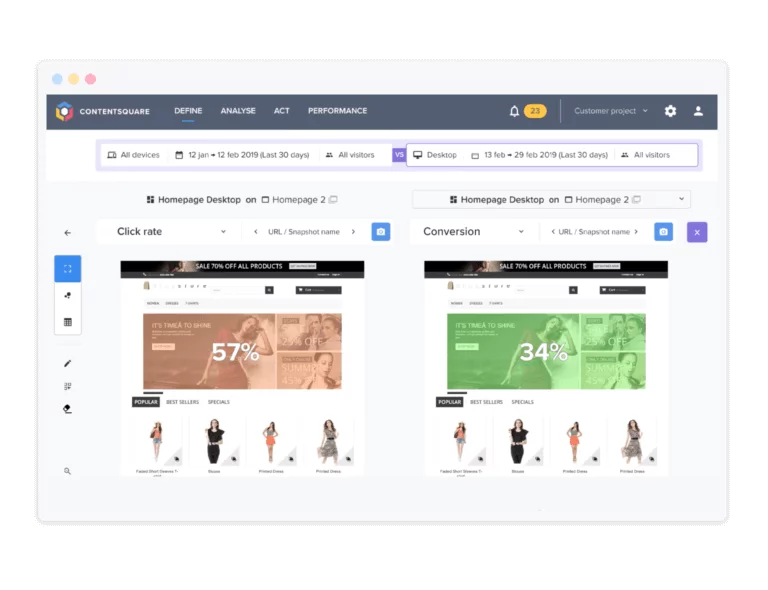
Contentsquare (anciennement Clicktale) permet de créer des heatmaps d’une très grande précision, que ce soit sur ordinateur, mobile ou tablette.
Zones de clics, mouvements de souris, scrolling de pages : tout y est.
De plus, pour ceux qui préfèrent apprendre par le texte et les chiffres que par le visuel, Clicktale propose des rapports riches en données et en statistiques pour comprendre le comportement de vos visiteurs.
3. Lucky Orange
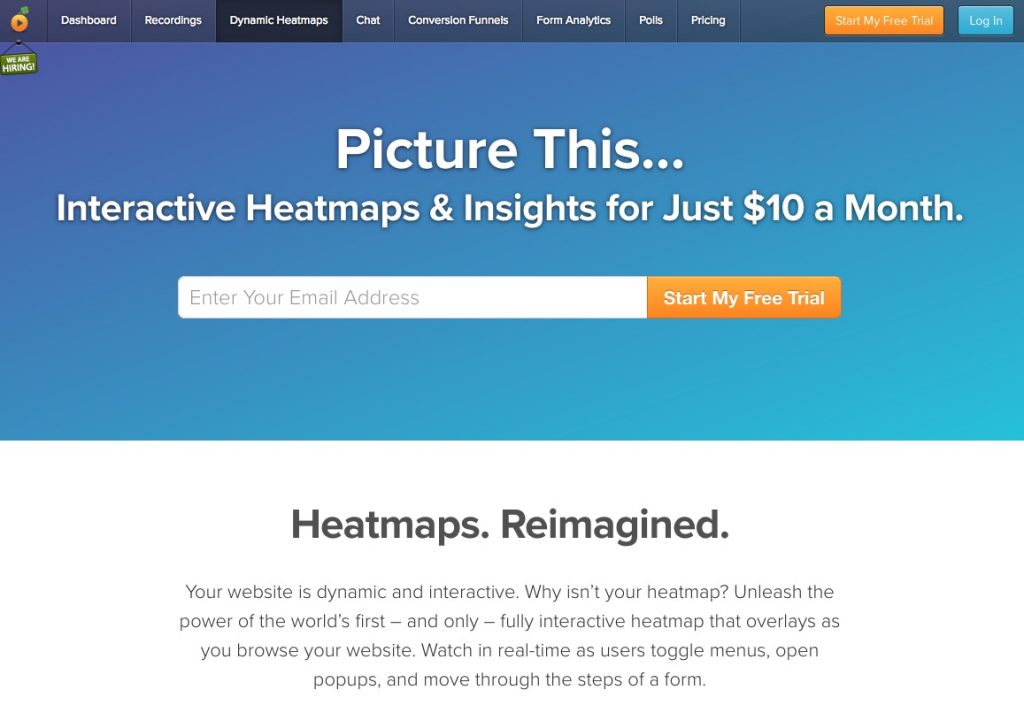
Les heatmaps de Lucky Orange ont la particularité d’être dynamiques et interactives, ce qui signifie que vous pouvez les suivre et obtenir des données intéressantes en temps réel.
L’outil dispose aussi de possibilités de segmentation poussées pour mieux connaître les visiteurs de votre site web.
Lucky Orange inclut d’autres fonctionnalités très intéressantes. Par exemple, il effectue automatiquement une capture d’écran vidéo de chacun de vos visiteurs : un très bon complément aux heatmaps pour analyser la navigation sur votre site.
4. Heatmap for WordPress
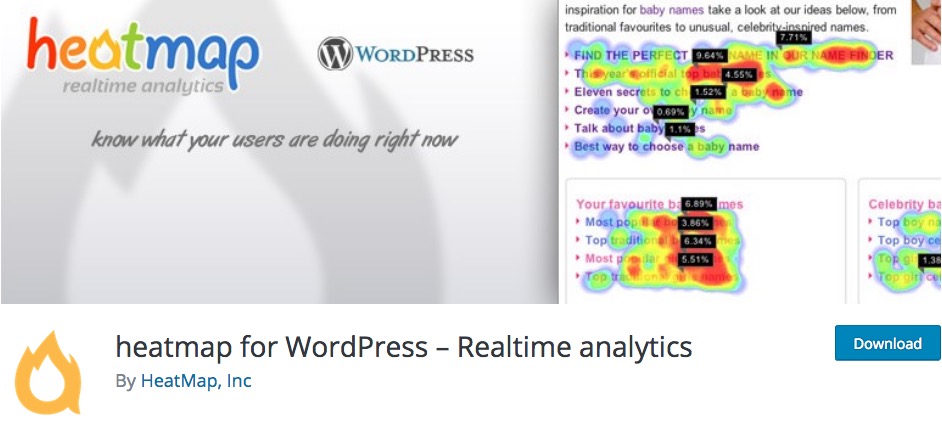
Heatmap for WordPress est un plugin destiné au CMS WordPress qui vous aide à comprendre quels sont vos contenus les plus performants grâce aux heatmaps.
Il mémorise les clics des internautes sur votre site web, mais aussi les interactions sur les supports tactiles, et donne accès à des analyses statistiques en temps réel.
5. UXWizz
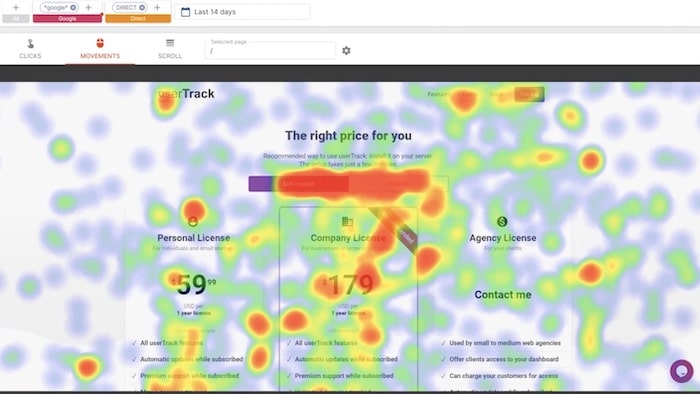
UXWizz (anciennement appelé userTrack) est un autre outil de qualité pour créer des heatmaps et analyser la navigation sur votre site web.
Il génère des heatmaps à partir des clics de vos visiteurs, de leur mouvements de souris et des défilements de pages.
6. Mouseflow
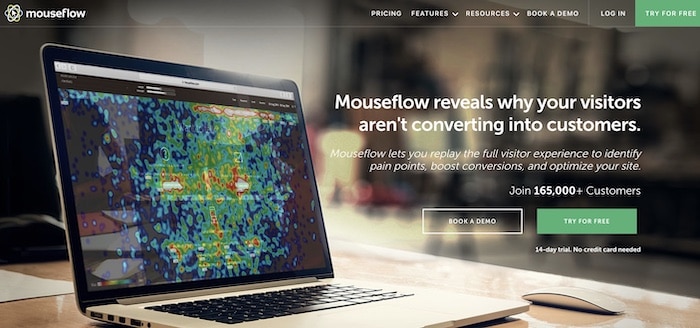
Mouseflow vous livre plus que des cartes thermiques. En plus des zones de clics et de défilement, il vous révèle le parcours d’un visiteur d’une page à une autre.
Grâce à une session replay, Mouseflow vous montre, en temps réel, l’engagement des utilisateurs, afin que vous puissiez suivre son comportement et piloter vos futures décisions.
Très intuitif, cet outil heatmap vous offre la possibilité de filtrer les données selon le lieu, la durée et la source du trafic. Vous pouvez même comparer le comportement des nouveaux visiteurs et de ceux qui reviennent.
7. Hotjar
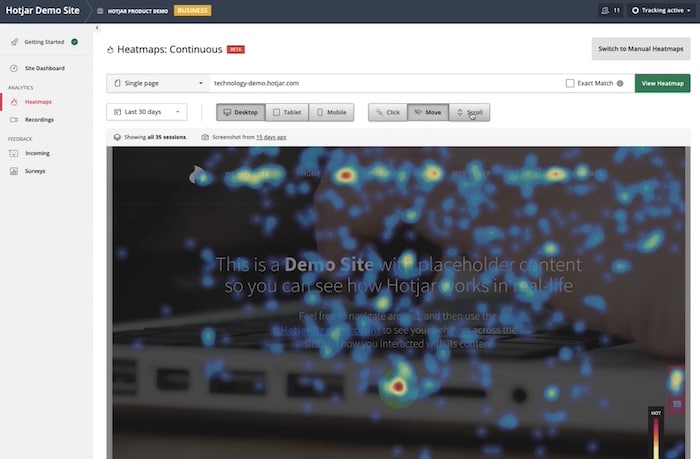
Avec Hotjar, vous pouvez créer des cartes thermiques qui mettent en évidence les clics, les mouvements de la souris et les tapotements sur la page. Les heatmaps sont élaborés aussi bien sur desktop que sur mobile, ce qui vous permet d’améliorer l’expérience utilisateur sur ces deux plans.
Hotjar effectue des enregistrements de session que vous pouvez partager avec les membres de votre équipe. L’objectif est de vous aider à améliorer le webdesign et le contenu de vos pages ou formulaires.
8. Inspectlet
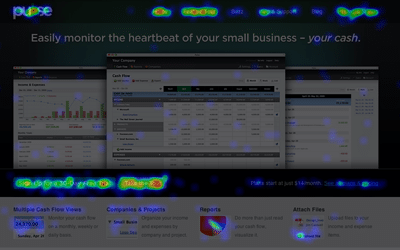
Inspectlet utilise le eye-tracking pour réaliser des cartes thermiques. Le principe de base de l’outil est que l’œil se déplace avec le curseur de la souris. L’idée est donc de vous mettre réellement à la place du visiteur, en voyant à travers ses yeux. Ces heatmaps avancés s’intéressent aussi aux clics et scrolls de page.
L’outil enregistre les sessions des utilisateurs pour que vous puissiez les visionner à votre guise et avec votre équipe. De nombreuses options vous permettent de les filtrer selon la durée de visite et le parcours de navigation. Ces dernières sont très utiles pour améliorer votre entonnoir de conversion.
Enfin, sachez qu’Inspectlet dispose d’une fonction pour effectuer des tests A/B et construire des landing pages plus performantes.
9. FullStory
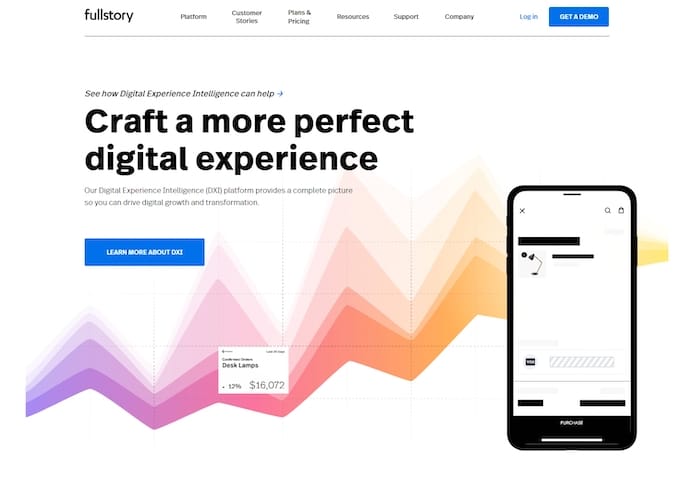
Solution complète d’analyse de l’expérience utilisateur, FullStory vous donne une vue approfondie du comportement des internautes. Cet outil heatmap met en évidence les frustrations et les abandons en entonnoir. Son analyse intelligente du parcours d’achat offre un aperçu des raisons pour lesquelles les visiteurs du site web ne se sont pas convertis.
Bien entendu, vous aurez aussi la possibilité de créer des cartes de clics et de défilements pour découvrir les points chauds et froids de vos pages.
10. Clicky
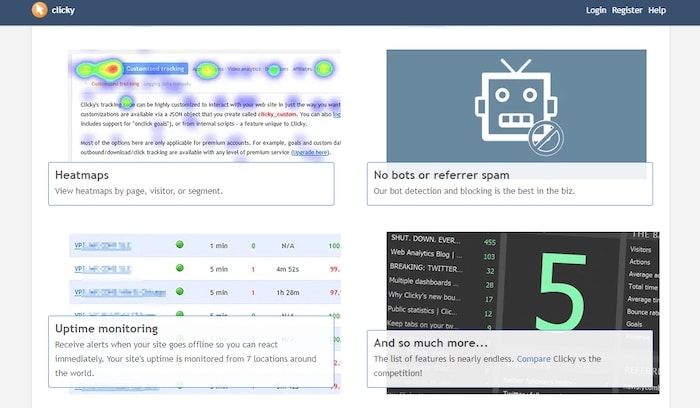
Spécialisé dans le web analytics, Clicky propose également un outil heatmap. Son interface épurée vous permet de le prendre en main très facilement.
Avec cette solution, vous pouvez filtrer les cartes thermiques par visiteurs, pages ou événements. Cela vous aidera à suivre très simplement le parcours des visiteurs pour comprendre comment ils se convertissent (et pourquoi certains ne vont pas au bout du tunnel).
Conclusion
Si tous ces outils de heatmap peuvent vous permettre de mieux comprendre vos visiteurs et leur comportement sur votre site, la réalisation d’un test utilisateur est aussi une bonne solution.
Ensuite, vous n’aurez plus qu’à trouver un web designer freelance pour améliorer l’expérience utilisateur de votre site web.


