Nous évoquions dans un précédent article les conseils pour construire sa stratégie d’entreprise en matière de contenu vidéo. Celui-ci va s’attarder sur des problématiques bien plus terre à terre : les freins techniques souvent évoqués lorsqu’on parle de création vidéo. Le but va être de répondre à ces questions que vous vous posez peut-être et qui vous empêchent de vous projeter sur l’aspect stratégique. Vous allez le voir : le plus souvent, on a tendance à s’en faire toute une montagne !
Les grandes interrogations autour du matériel
C’est sans doute le sujet qui vient le premier sur la table lorsqu’on évoque la création vidéo. Si les équipes marketing sont habituées à la production écrite et ses outils, c’est beaucoup moins le cas pour la vidéo.
Quel type de caméra (smartphone, webcam, reflex, etc.) est le plus adapté à mon usage ?
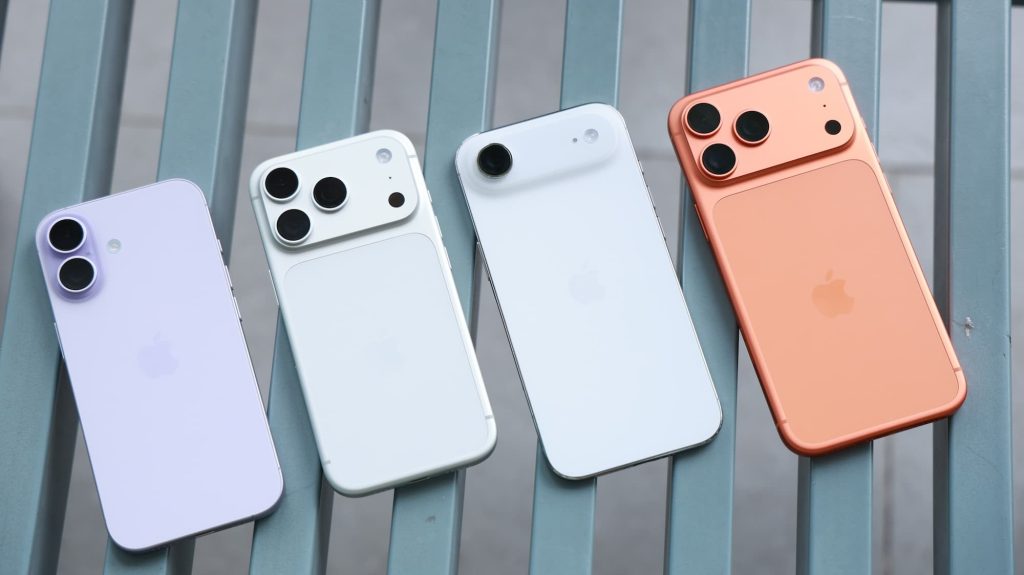
Le mieux est l’ennemi du bien est une expression qui pourrait parfaitement résumer un problème que l’on rencontre souvent en matière de choix de caméra. Dans l’absolu, vous obtiendrez une meilleure image avec un appareil reflex ou hybride haut de gamme, mais je ne suis pas pour vous recommander cette solution. J’aurais plutôt tendance à vous diriger vers un smartphone haut de gamme dans les cas où vous en auriez déjà un à disposition. Il y a deux raisons principales à cela :
- La première est que la qualité vidéo offerte par un smartphone est déjà amplement suffisante pour l’immense majorité des productions vidéo d’entreprise. Un iPhone, pour prendre un exemple que tout le monde connaît, est capable de produire des images de qualité professionnelle lorsqu’il est utilisé dans de bonnes conditions. Rien ne sert donc de vous ruiner avec un investissement à quatre chiffres pour, au final, un gain de qualité somme toute marginal.
- La seconde raison est la difficulté de prise en main de certains appareils. Un smartphone offre l’avantage de prendre par la main son utilisateur, de ne pas demander de compétences particulières pour être utilisé. On ne peut pas en dire autant de certains appareils qui vous demanderont parfois de mettre le nez dans les réglages pour obtenir une bonne image.
Ai-je besoin d’un micro externe pour une bonne qualité sonore ?
Si j’ai tendance à tempérer les envies d’investissement concernant l’appareil de captation vidéo, mon avis est à l’opposé concernant la prise de son. Un micro externe est en effet indispensable, quel que soit l’appareil avec lequel vous tournez. Rien de plus désagréable qu’un mauvais son, et cela se corrige avec du matériel qui n’est pas si onéreux.
Pour les vidéos tournées face caméra, un microphone à pied ou sur trépied est une option tout à fait envisageable. Ils sont robustes, permettent une captation du son directionnelle et offrent un bon rapport qualité-prix. On peut par exemple citer le Blue Yeti, qui est devenu au fil des années une référence. On peut parfaitement envisager d’en avoir plusieurs en cas d’interview.
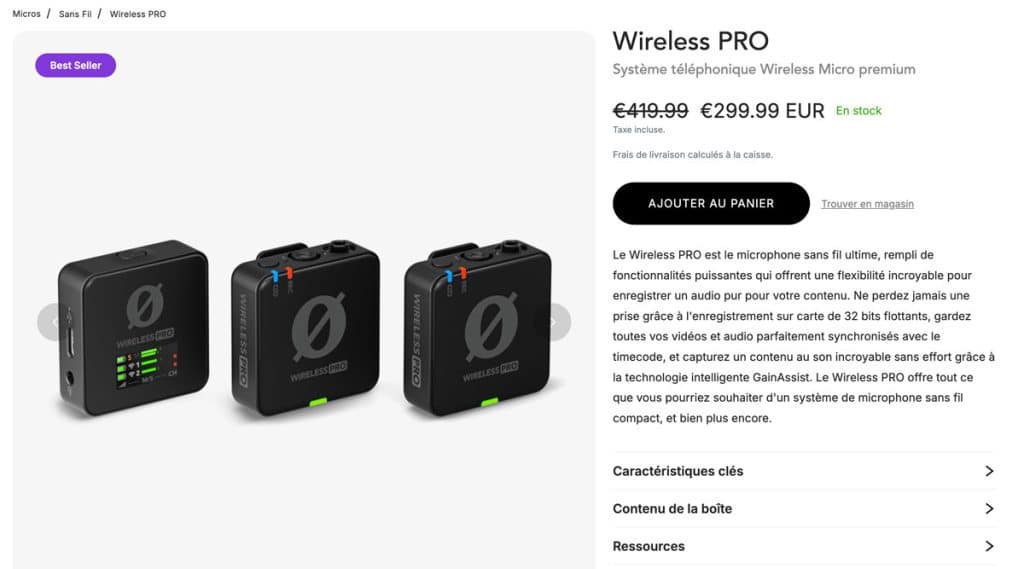
Pour les vidéos tournées dans des conditions bruyantes, pour une captation de son au plus près des acteurs prenant la parole, le micro-cravate s’impose comme la solution parfaite. Seuls ou en duo, avec ou sans fil, plusieurs technologies existent. La marque RODE propose par exemple des systèmes sans fil où tout est compris. Je peux vous recommander le Wireless Pro.
Les micros-canons qui s’installent directement sur un smartphone ou une caméra peuvent également être de bonnes solutions si vous avez besoin d’enchaîner les interviews dans des contextes dynamiques où l’installation d’un micro-cravate n’est pas possible. Cela peut également permettre de capturer des ambiances sonores complètes. Ce n’est pas miraculeux, mais ça améliore déjà grandement votre son.
De manière générale : ne négligez pas l’investissement réalisé sur le micro en cherchant le prix le plus bas possible. Les différences de tarifs ne valent pas la perte de qualité que cela représente. Si votre budget est serré, cherchez les économies partout sauf ici.
L’éclairage, c’est important ?
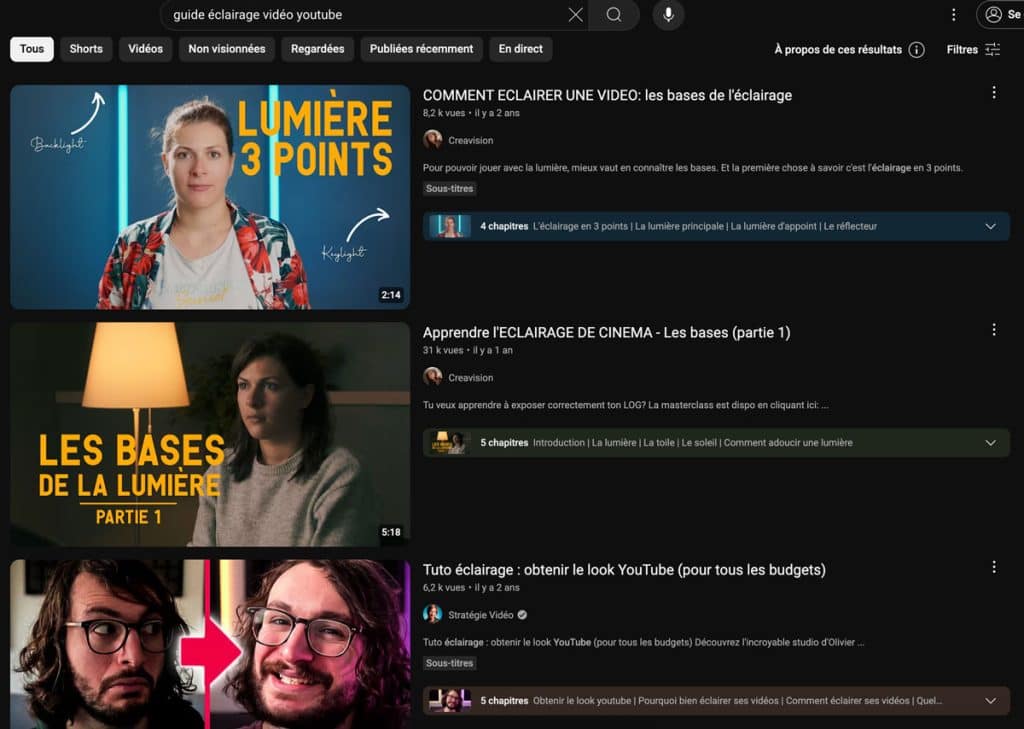
Vous obtiendrez un bien meilleur rendu avec une très mauvaise caméra et un bon éclairage que l’inverse. C’est important à avoir en tête, puisque des kits d’éclairage vidéo se trouvent facilement à moins de 100 €, avec plusieurs softbox incluses. C’est donc une dépense relativement réduite, mais le résultat est spectaculaire sur la qualité vidéo perçue. Quelques recherches YouTube devraient rapidement vous donner des références et des configurations pertinentes.
Quels accessoires sont indispensables pour débuter sans se ruiner ?
Au-delà des éléments précédemment évoqués, quelques investissements peuvent s’avérer utiles. Attention, il ne s’agit pas de faire l’acquisition de tous les éléments suivants, mais de voir si vous pouvez en avoir l’usage.
- Un bras pour votre microphone : ce dernier se fixera à votre bureau, par exemple, et vous offrira bien plus de flexibilité sur l’utilisation de votre micro pour bon nombre de productions.
- Un trépied de qualité : c’est la base, vous y avez forcément déjà pensé, mais ça reste un indispensable dès que vous voulez des plans propres, immobiles et qui ne sont pas forcément toujours au même endroit.
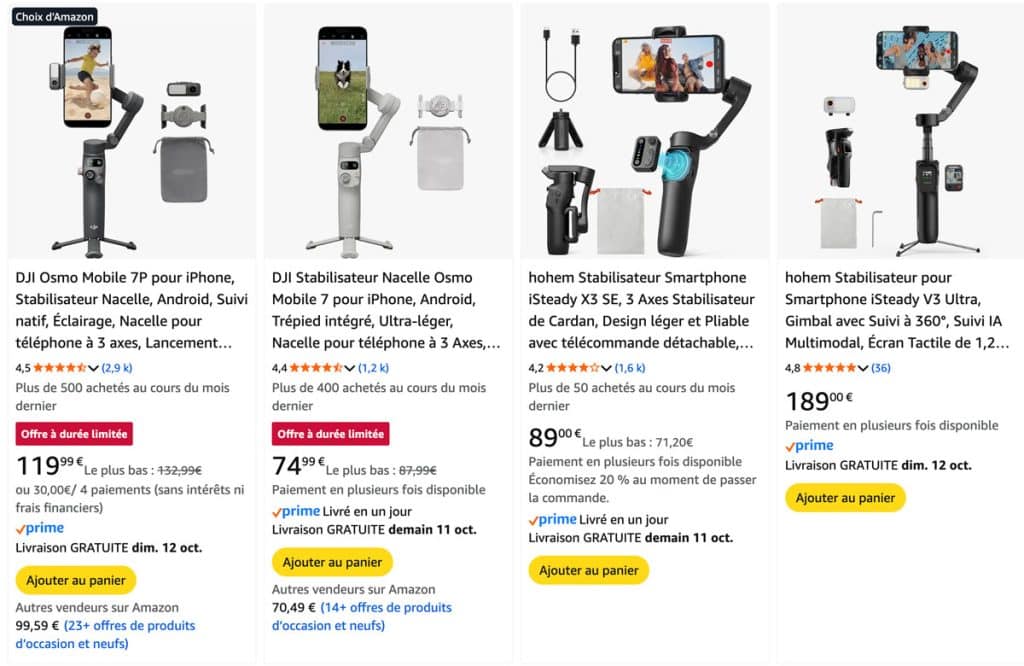
- Un stabilisateur/gimbal : si vous voulez tourner en mouvement, c’est le must-have pour la stabilisation. Désormais, les smartphones proposent une stabilisation logicielle tout à fait satisfaisante, mais l’accessoire reste bien supérieur.
- Des options de sécurité : si vous utilisez un appareil photo, une batterie supplémentaire ainsi qu’une seconde carte SD ne seront jamais de trop. Pour le cas du smartphone, la batterie externe pourra également vous sauver la vie.
Et pour la partie logicielle, comment s’y prendre ?
La captation vidéo est une chose, la production avec cette matière brute de contenus qui en valent la peine en est une autre. Sur la partie montage, voici les questions qui reviennent le plus souvent et les réponses qui me semblent les plus adaptées.
Quel logiciel de montage vidéo est le plus adapté (et simple) pour débuter ?
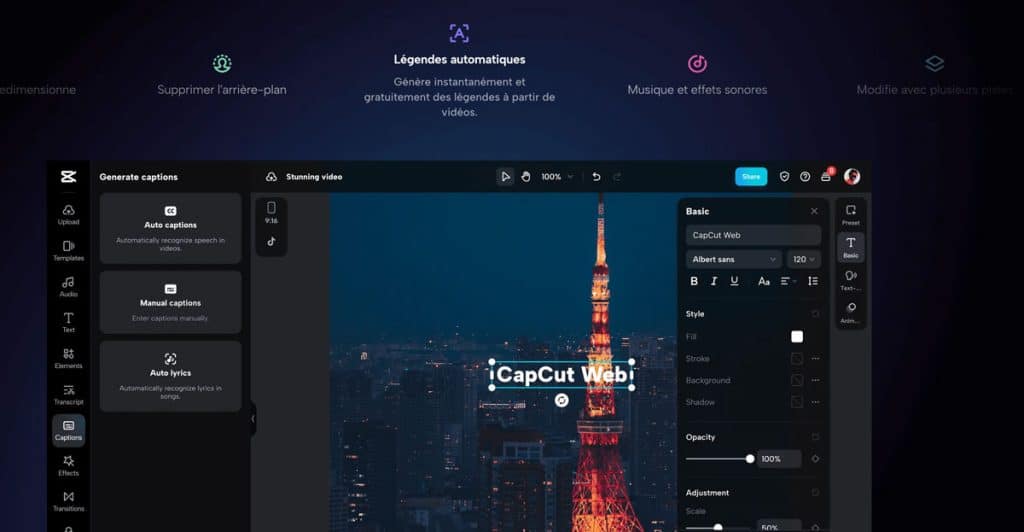
Comme souvent, tout dépendra de vos besoins. Pour les besoins basiques, mais également pour son utilisation possible sur smartphone, CapCut est une option facilement recommandable. Disposant d’une version gratuite, peu onéreux même avec toutes les options, c’est un logiciel de montage relativement simple d’accès et pensé pour se prêter à la création vidéo sur les réseaux sociaux. Avec sa version desktop, il est même capable de répondre à des usages assez avancés.
Pour les utilisateurs les plus exigeants, Adobe Premiere Pro et Final Cut Pro peuvent être deux excellentes options. Le premier offre l’avantage d’être une référence assez universelle et se retrouve intégré dans la suite Adobe. Le second est réservé aux Mac, mais s’achète en une fois et n’est pas basé sur un système d’abonnement. Honnêtement : c’est selon les préférences de chacun, les deux ayant une ergonomie éprouvée, mais souffrant parfois de leur côté très complet.
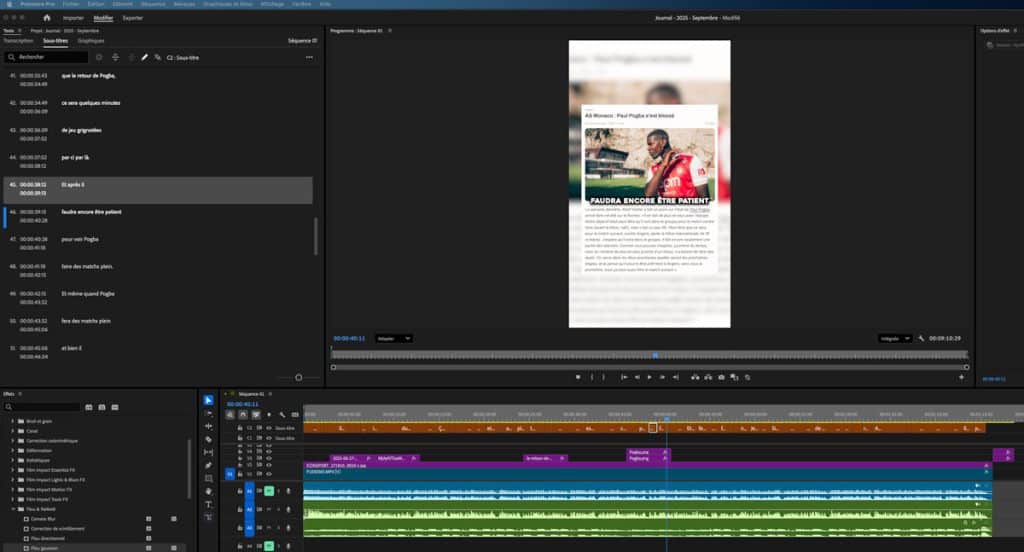
Quel logiciel utiliser pour ajouter des sous-titres ?
On utilisera ici les mêmes logiciels que ceux cités précédemment. CapCut offre l’avantage d’avoir pensé cet élément dès sa création, et on sent que le logiciel est conçu en ayant cette fonction de façon native. Premiere Pro propose lui aussi la possibilité de transcrire vos séquences audio et de générer des sous-titres de façon automatique. Dans les deux cas, quelques corrections seront à prévoir, mais aujourd’hui les logiciels sont très performants.
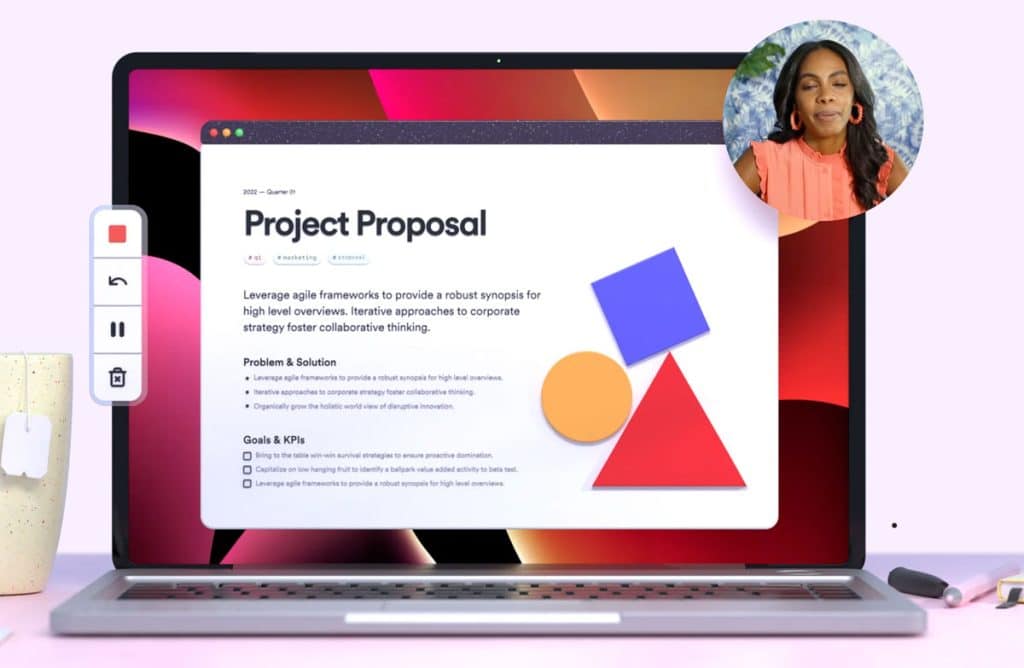
Comment enregistrer mon écran pour des tutoriels ou des démos ?
Loom est souvent utilisé dans le milieu marketing, car il a directement été conçu pour permettre de superposer sa webcam à une capture d’écran. C’est très simple d’utilisation, et il existe une version gratuite pour prendre en main l’outil.
Une bonne alternative est OBS Studio, le logiciel généralement utilisé par les streamers, mais qui fonctionne parfaitement pour de la captation n’ayant pas vocation à la diffusion en direct. Ultra-puissant, l’outil est gratuit, mais demande néanmoins un petit temps d’apprentissage. Les tutos ne manquent pas sur YouTube, mais il faut de la bonne volonté.
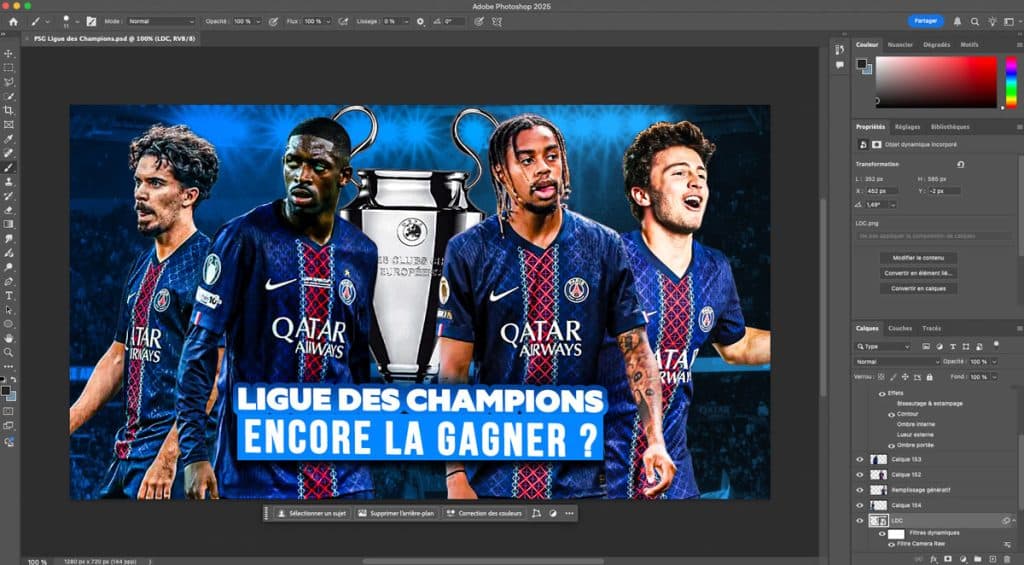
Quels outils pour créer facilement des miniatures attractives (thumbnails) ?
Les mêmes outils que vous utilisez pour vos créations graphiques ! Selon vos préférences, il s’agira le plus souvent de Canva ou Photoshop. En réalité, une miniature attractive ne repose pas tant sur une magnifique qualité de création graphique que sur la mise en place de bonnes pratiques. Cette dernière doit être lisible, retenir l’attention au premier coup d’œil et donner envie de consulter le contenu.
Bonne nouvelle : YouTube propose depuis quelque temps la possibilité d’effectuer de l’A/B testing pour vos vignettes. Vous pourrez donc voir quelle est la création la plus efficace. C’est un peu comme pour les visuels de social ads : attention aux idées reçues, vous serez parfois surpris des résultats.
Où trouver des musiques libres de droit pour ses vidéos ?
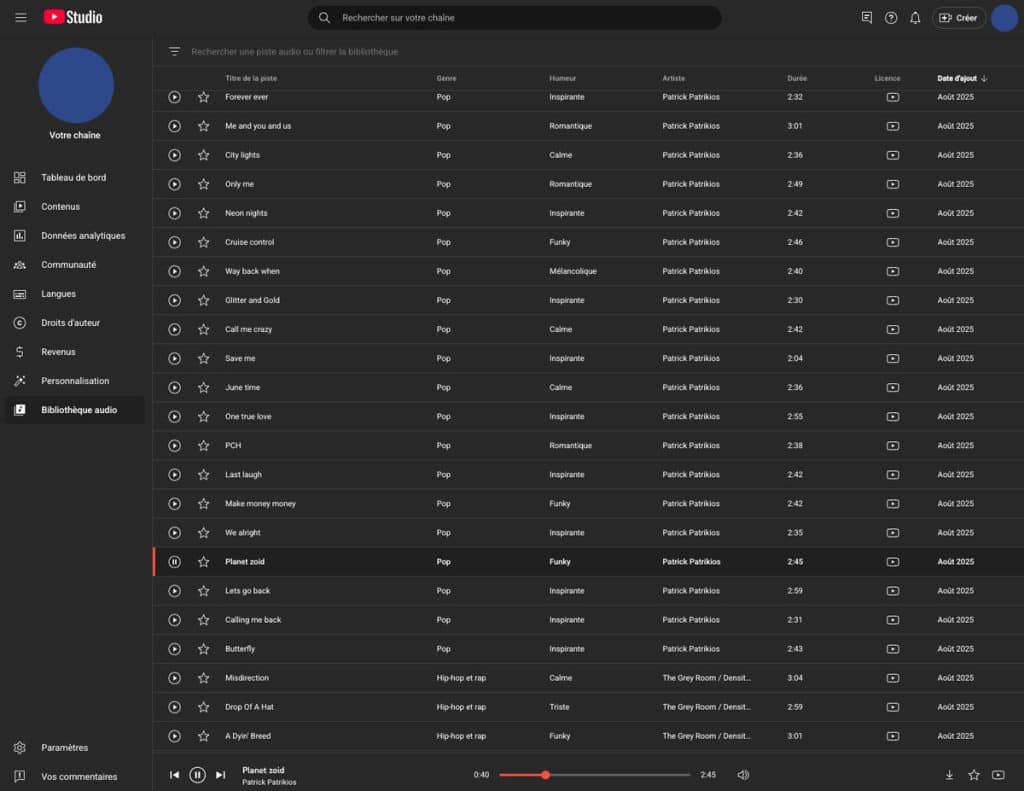
C’est sans doute une des questions qui revient le plus souvent. Si de nombreuses bibliothèques existent, gagnons du temps et concentrons-nous sur une valeur sûre : la bibliothèque audio de YouTube. Vous trouverez cette dernière directement intégrée à votre Creator Studio, et elle vous offre pléthore de titres librement utilisables. Attention cependant, certains nécessitent une mention en description.
Vous pourrez trier les musiques par genre, humeur, durée, nécessité d’attribution ou encore nom de l’artiste. Vous trouverez également un onglet “effets sonores” avec des bruitages et des sons d’ambiance.
Envie d’aller plus loin ?
Retrouvez l’interview de Mickaël Vincent sur sa stratégie TikTok et YouTube, disponible sur la chaîne YouTube d’Abondance !
L’article “Se lancer sur YouTube : comment répondre aux freins techniques ?” a été publié sur le site Abondance.


