La 3D est l’une des tendances de conception graphique les plus populaires du moment : si la création d’illustrations et d’icônes en 3D peut être délicate, de nombreuses ressources sont là pour nous y aider.
Vous pouvez par exemple utiliser des outils 3D, qui permettent de créer votre idée « from scratch » ou commencer à l’aide d’une bibliothèque d’illustrations ou d’icônes prêtes à l’emploi, modifiables à volonté.
Vous trouverez ci-dessous les ressources les plus intéressantes du moment.
1. Spline
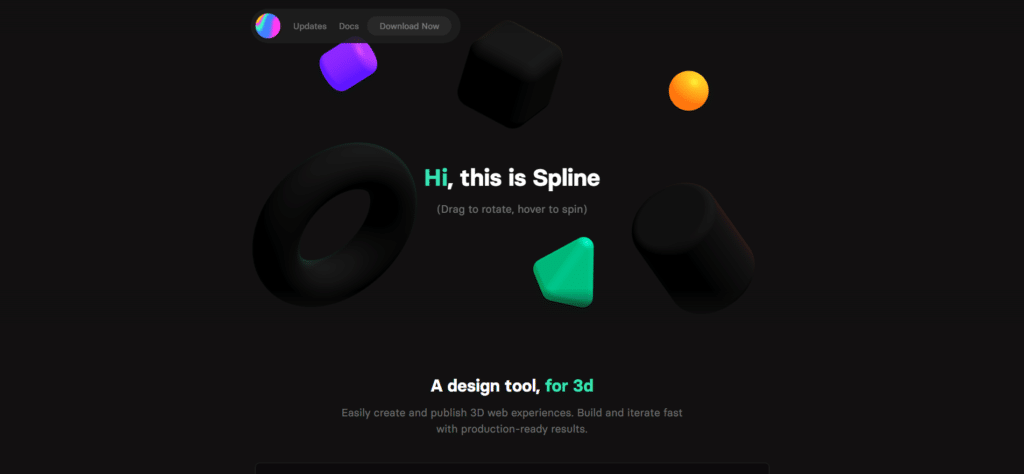
Spline est un outil de conception 3D permettant de créer et de publier facilement des objets web en 3D. Grâce à cet outil, vous allez créer des formes géométriques, modifier des textures, importer des modèles 3D et insérer du texte.
A l’intérieur de Spline, vous trouverez également une bibliothèque de templates qui peuvent être exportés en un seul clic.
La chaîne Youtube de Spline dispense quelques tutoriels et l’outil est multiplateformes : il est en effet disponible pour Windows, Mac OS et Linux.
Actuellement en version Alpha, Spline est téléchargeable gratuitement.
2. VECTARY
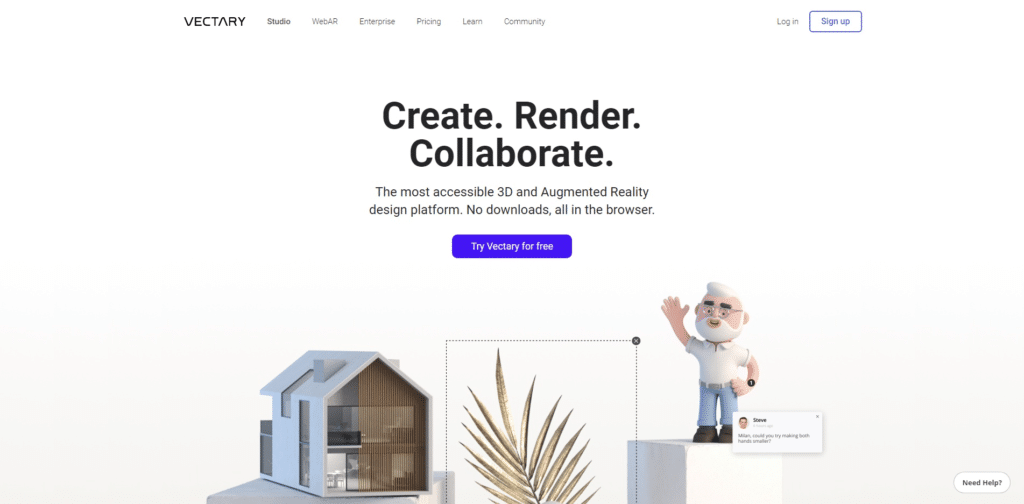
Voici maintenant une plateforme collaborative de conception 3D en ligne, qui répond au nom de Vectary : dans Vectary comme dans Spline, vous pouvez créer vos éléments 3D à partir de zéro ou en puisant dans une grande bibliothèque de scènes, templates et textures gratuits.
Grâce à un judicieux système de glisser-déposer, vous pouvez facilement concevoir vos scènes 3D, vos maquettes et insérer des éléments de typographie.
En outre, vous pouvez créer des rendus photoréalistes en quelques minutes seulement, le tout directement depuis votre navigateur.
Vous n’êtes pas enchantés par le fait de travailler dans un navigateur ? Aucun souci, car Vectary propose des plugins pour l’utiliser dans Figma, et dans Sketch.
3. Naker
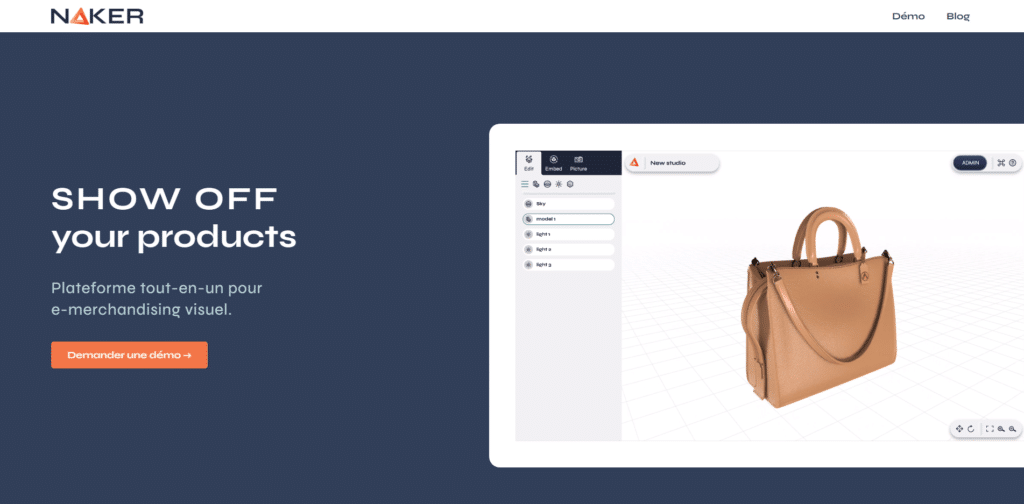
Naker est une suite d’outils no code pour créer du contenu 3D interactif, et no-code.
Derrière Naker se cache une suite logicielle et son outil de conception de sites web en 3D pour que chacun puisse laisser libre cours à sa créativité en créant des expériences numériques interactives et immersives, et responsives ; Naker permet même de faire de la Réalité virtuelle !
4. Patches
Environnement de programmation visuelle pour WebGL, WebVR et d’autres API HTML5, Patches permet la prévisualisation en direct, la communication réseau, la publication, et possède un catalogue de « patchs » qui peuvent être utilisés comme des blocs de construction, modulables à loisir.
Une logique complexe peut être imbriquée à l’aide de sous-graphes et ceux-ci peuvent être rendus directement sur une cible de rendu spécifique, ou simplement utilisés comme une nouvelle texture. Les boucles sont modélisées comme des graphes imbriqués, qui sont évalués une fois par itération de boucle.
5. TinkerCAD
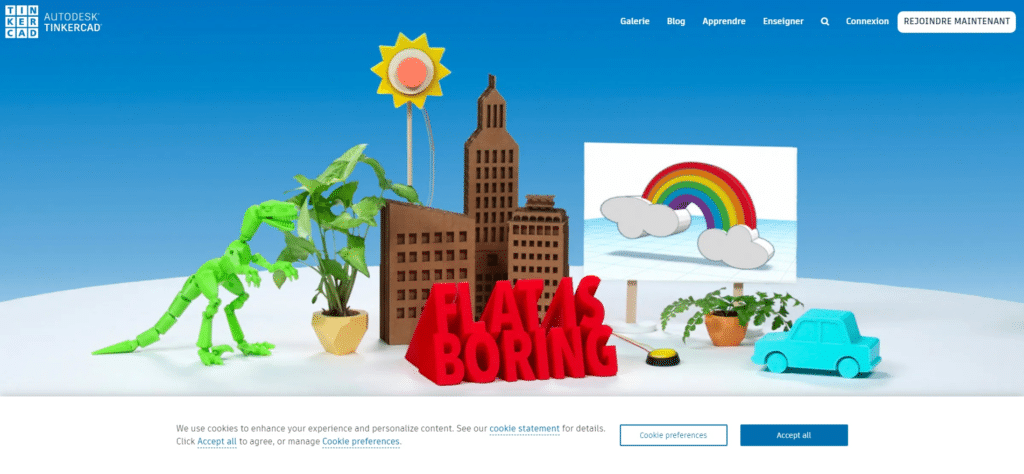
Développé par le géant Autodesk, Tinkercad est une solution de modélisation 3D en ligne.
Principalement dédiée aux débutants, aux enseignants et aux enfants, TinkerCad est basé sur la géométrie de construction de solides, ce qui signifie que l’utilisateur modélisera son objet en combinant des formes solides telles que des cubes, des cylindres, etc.
Les modèles 3D obtenus seront plus ou moins complexes, à l’image d’une construction en LEGO. Ils peuvent être exportés dans trois formats différents, STL, OBJ et SVG, ce qui vous permet d’imprimer vos modèles préférés.
Ce logiciel de modélisation est gratuit et fournit une bibliothèque de fichiers que les utilisateurs peuvent modifier pour obtenir plus facilement la forme souhaitée.
6. ClayGL
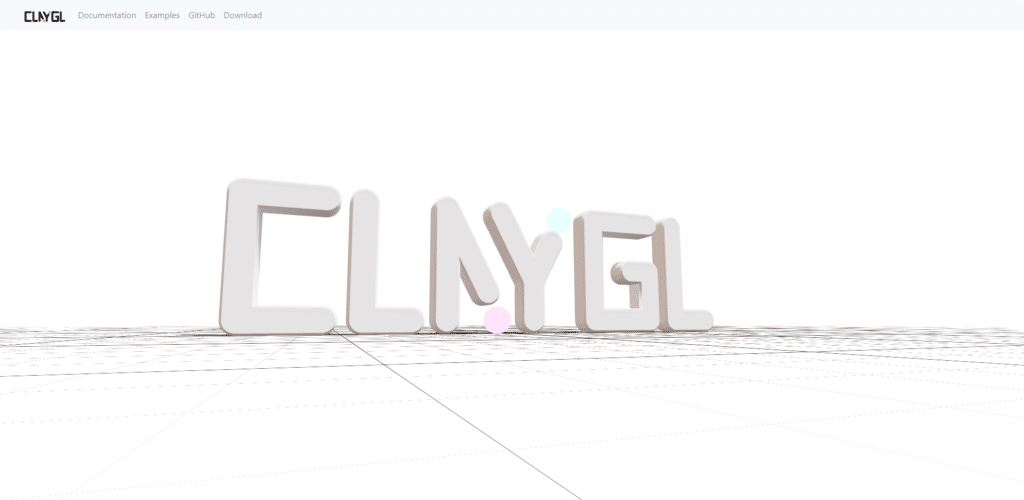
ClayGL est une bibliothèque graphique open-source qui permet de créer des applications 3D pour le Web, comme dessiner un plan de ville interactif en 3D à partir d’une carte géographique réelle.
L’outil est facile à utiliser et à sa courbe d’apprentissage est rapide. ClayGL n’en est pas moins efficace, et supporte la haute définition, une visionneuse web avancée ainsi qu’un zoom puissant, tout en restant léger.
Vous pouvez télécharger le logiciel et consulter la documentation ainsi que des exemples sur le site de ClayGL.
7. TripDiv
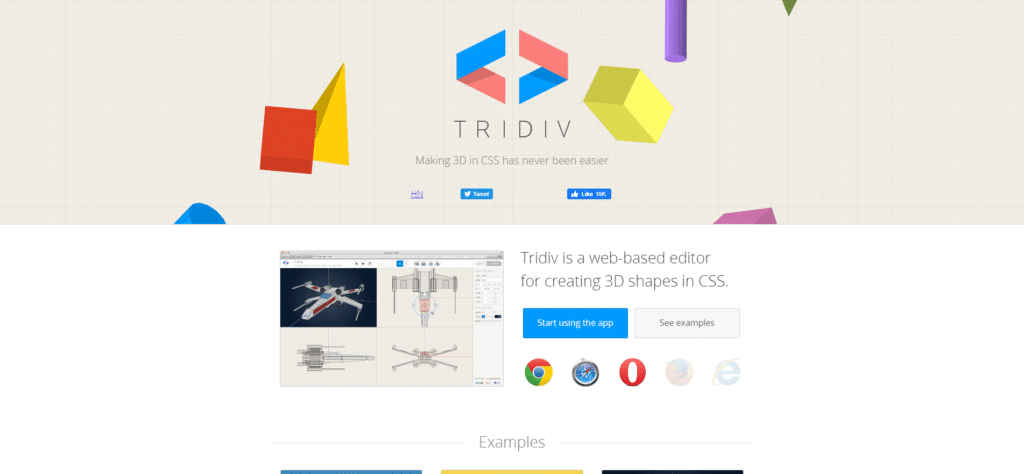
Julian Garnier a développé une application web pour construire et manipuler des formes 3D en CSS. L’interface est très belle, et propose un panneau qui vous montre votre création sous un angle vous permettant de voir son caractère 3D, en le faisant tourner comme bon vous semble. Trois autres panneaux vous proposent la création sous différents angles droits, vous pouvez donc la faire glisser dans les directions souhaitées.
Une fonctionnalité très appréciée de Tripdiv : dans son mode de prévisualisation, un bouton vous permet d’un simple clic de déplacer votre objet 3D vers CodePen. Vous pouvez l’utiliser avec Chrome, Safari et Opéra.
8. SketchUp
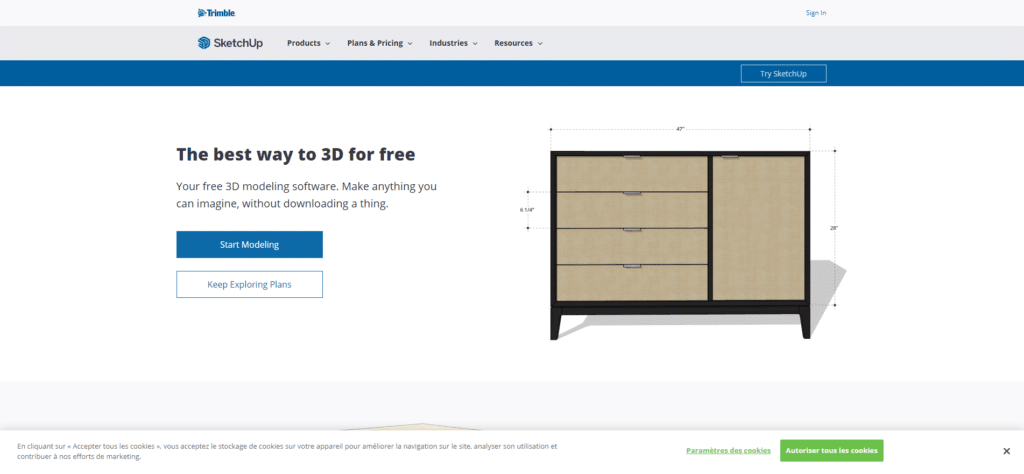
Le logiciel de modélisation 3D SketchUp est parfois connu sous son ancien nom, Sketch Up Maker. Il est gratuit et simple d’utilisation, il convient donc aux débutants. Le logiciel dispose d’une bibliothèque de modèles 3D prêts à l’emploi mais vous pouvez créer votre propre modèle.
L’exportation peut enregistrer les créations sous forme de fichiers STL ou dans le cloud.
Si vous voulez plus, vous devrez utiliser le logiciel payant SketchUp Pro.
Vous souhaitez créer des visuels 3D pour donner du relief à vos webdesigns ? Trouvez des modélisateurs 3D freelances sur Codeur.com !


