Les sous-titres sont devenus essentiels pour améliorer l’accessibilité et l’engagement des vidéos en ligne. Que ce soit pour le SEO, pour aider les personnes sourdes et malentendantes ou tout simplement pour rendre vos contenus plus attractifs, les sous-titres jouent un rôle important. Si vous cherchez un logiciel pour sous-titrer vos vidéos, voici cinq options incontournables, chacune adaptée à différents besoins et niveaux d’expérience.
1. Adobe Premiere Pro

Adobe Premiere Pro est l’un des logiciels de montage vidéo les plus complets et puissants du marché. Il permet d’ajouter des sous-titres de manière manuelle ou en important un fichier SRT.
Ce logiciel vous offre une grande flexibilité pour personnaliser la taille, la police, la couleur et la position des sous-titres. En plus, l’intégration avec d’autres outils Adobe, comme After Effects, vous permet d’aller encore plus loin dans l’édition de vos vidéos.
Prix : Abonnement à partir de 23,99 €/mois
2. VEED.io

VEED.io est une solution en ligne facile d’utilisation, idéale pour ceux qui ne veulent pas installer de logiciel. En quelques clics, vous pouvez ajouter des sous-titres manuellement ou générer des sous-titres automatiques grâce à l’outil de reconnaissance vocale intégré. Vous pouvez ensuite les ajuster et les personnaliser rapidement.
Prix : Gratuit avec des options payantes à partir de 12 $/mois
3. Aegisub
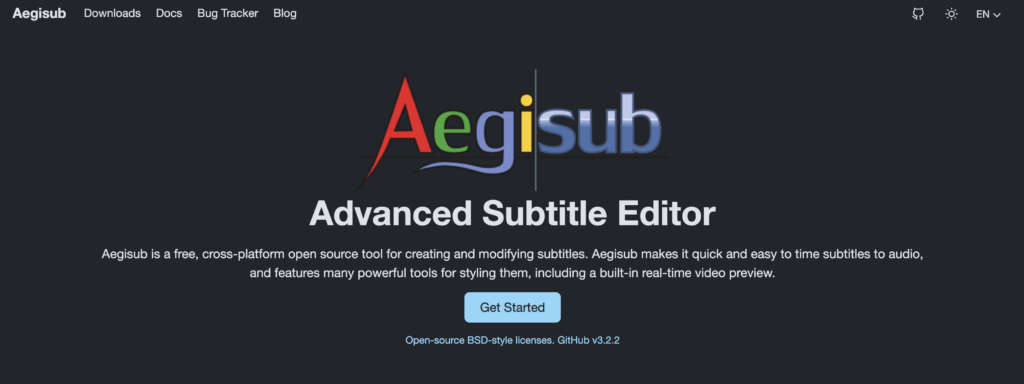
Aegisub est un logiciel open-source conçu spécialement pour créer des sous-titres. Bien que son interface puisse paraître complexe au premier abord, il s’avère être un outil puissant pour ceux qui veulent un contrôle total sur le minutage, le style, et l’animation des sous-titres.
Il est particulièrement apprécié dans le monde du fansubbing (sous-titrage amateur).
Prix : Gratuit
4. Subtitle Workshop
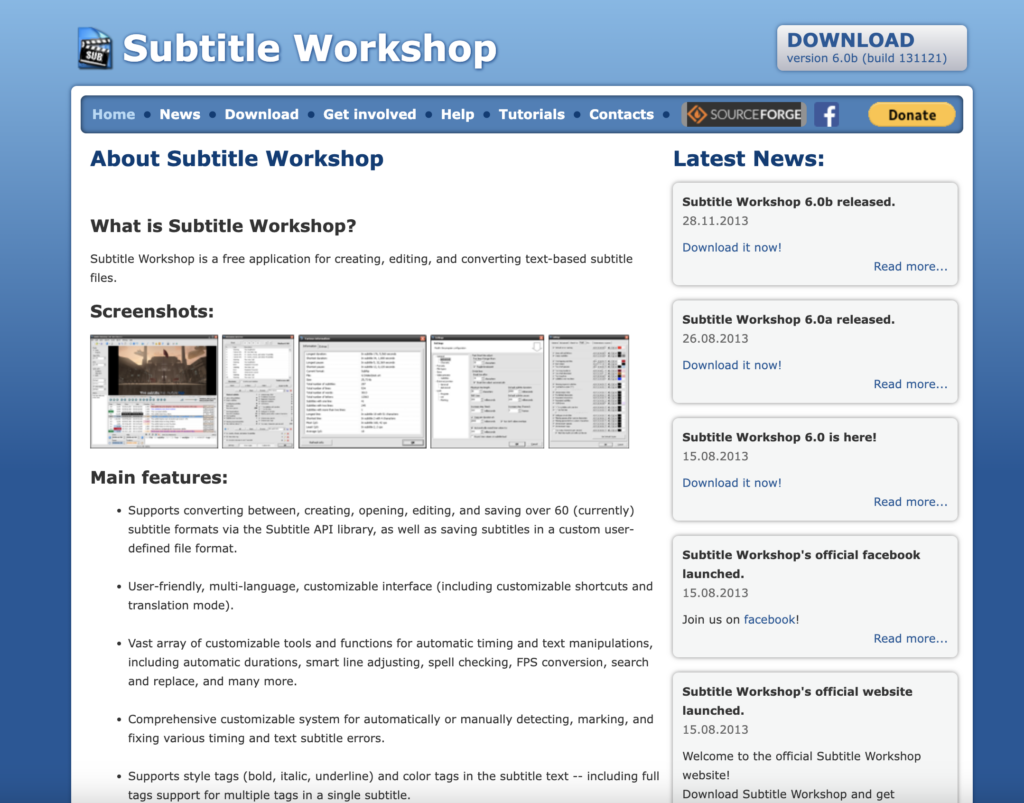
Subtitle Workshop est un autre logiciel gratuit qui offre des outils de sous-titrage simples mais efficaces. Il prend en charge une grande variété de formats de sous-titres, ce qui le rend très polyvalent.
Avec ses fonctionnalités de contrôle de la synchronisation et de prévisualisation, il est particulièrement utile pour ajuster les sous-titres à la perfection.
Prix : Gratuit
5. Kapwing
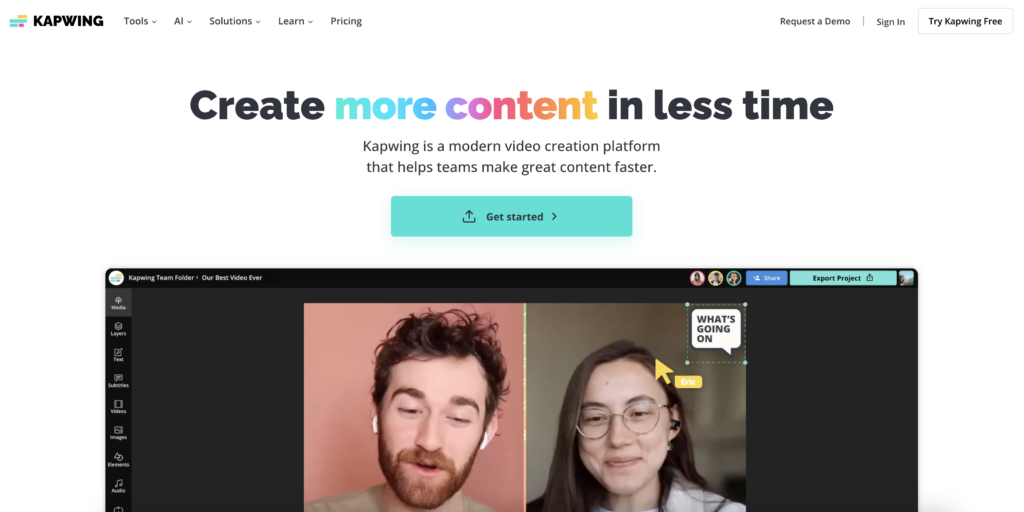
Kapwing est une autre solution en ligne qui permet de sous-titrer vos vidéos sans effort. Grâce à son interface simple et ses outils basés sur le cloud, vous pouvez générer des sous-titres automatiquement ou les ajouter manuellement.
Kapwing propose également des outils de montage vidéo de base, ce qui en fait un choix tout-en-un pour la création de contenu.
Prix : Gratuit avec des options payantes à partir de 17 $/mois
Conclusion
Le choix du bon logiciel de sous-titrage dépend de vos besoins spécifiques. Peu importe votre choix, l’ajout de sous-titres rendra vos vidéos plus accessibles, engageantes, et vous permettra d’élargir votre audience.


