Google Chrome est aujourd’hui le navigateur le plus populaire et de loin avec presque 60% de parts de marché en France depuis début 2022.
Mais en plus d’être rapide et performant, Chrome est doté d’un large catalogue d’extensions – tellement vaste que l’on a parfois du mal à s’y retrouver.
C’est pourquoi nous avons trié sur le volet 14 extensions Chrome très pratiques qui vous aideront à être plus productifs sur le web.
2 Extensions Chrome pour vous organiser
Todoist
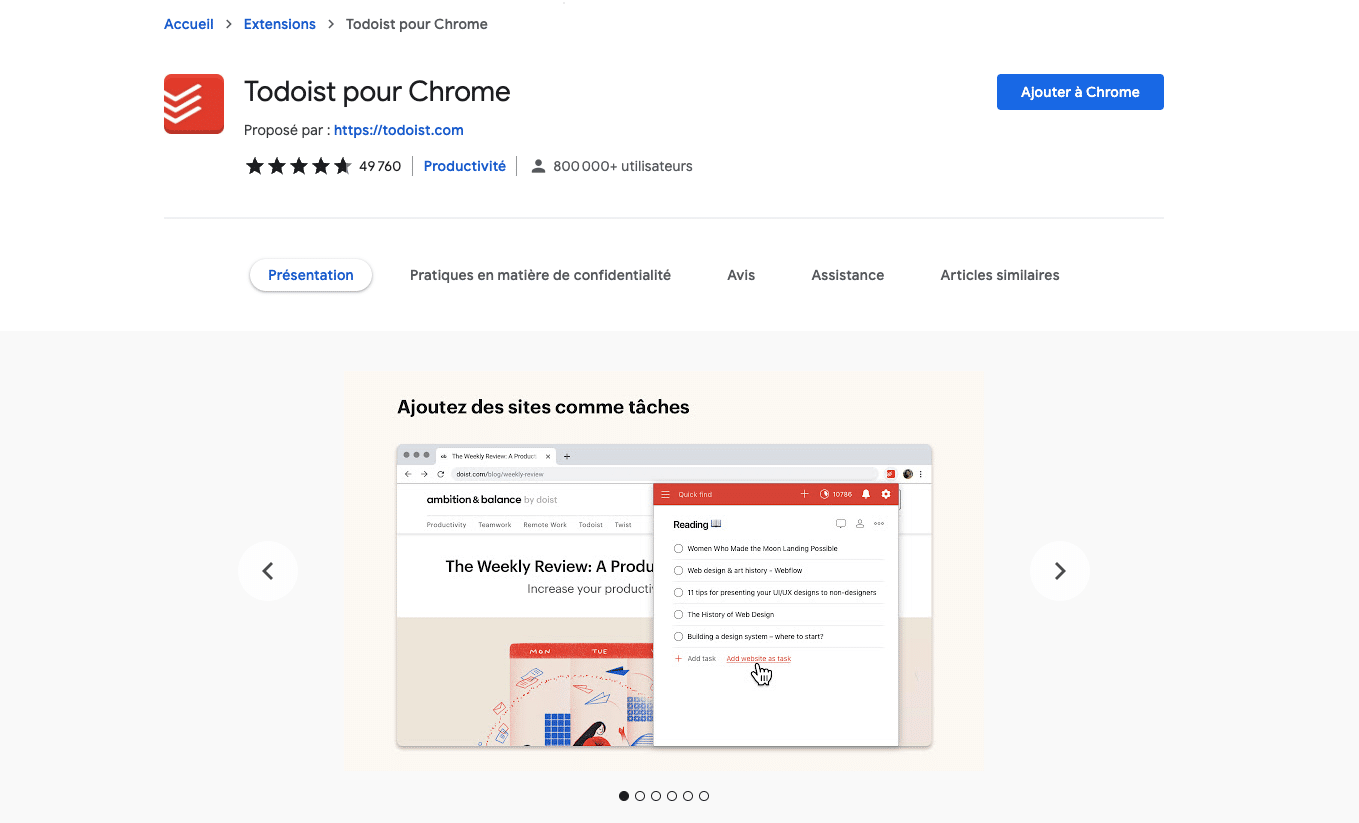
Pour s’organiser et gagner en productivité, rien de tel qu’un bon outil de to-do lists.
Todoist est l’une des meilleures solutions de ce type, et elle dispose d’une application Chrome très pratique. Vous devenez ultra efficace, vous savez que tout est organisé et planifié alors vous pouvez afin avancer sur ce qui compte pour votre business. Avec un visuel clair, vous ne perdez pas vos taches de la journée.
OneTab
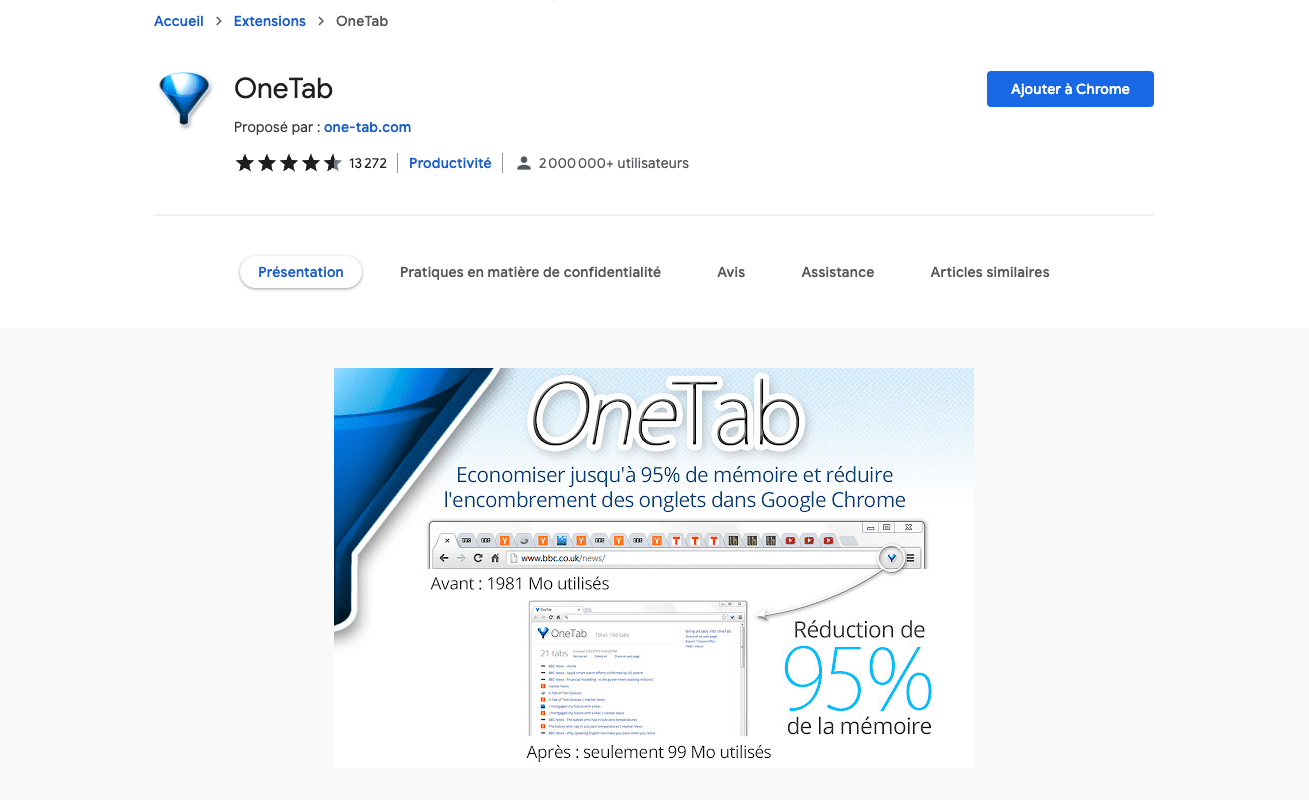
Vous êtes du style à ouvrir une vingtaine d’onglets à la fois dans votre navigateur ? Alors OneTab est incontournable.
Ce plugin vous permet de « stocker » vos onglets dans une liste en un clic, afin de vous y retrouver plus facilement et d’économiser beaucoup de mémoire.
2 Extensions Chrome pour gérer vos mails
Clearbit Connect
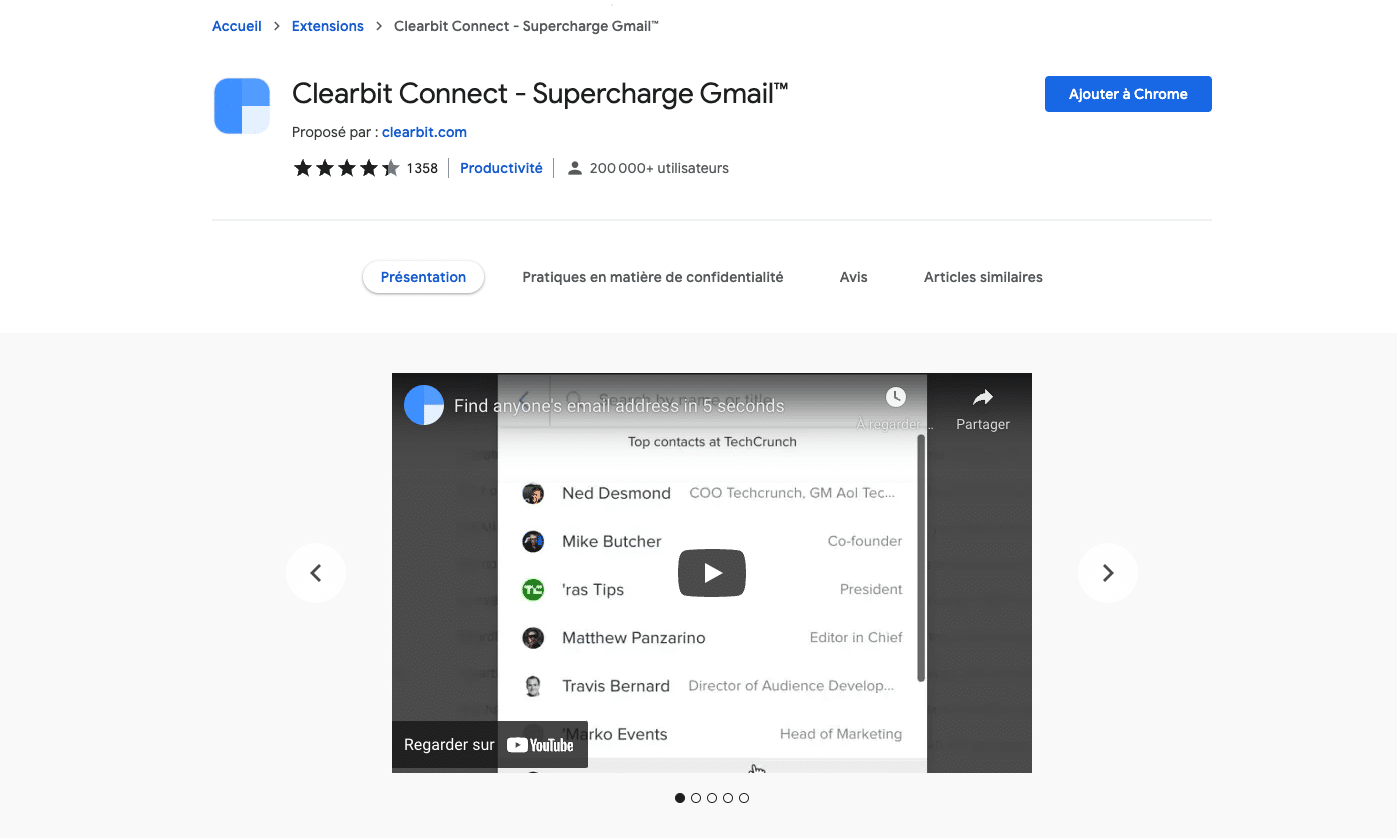
Si dans le cadre de votre travail, vous êtes très sollicité par email, Clearbit Connect devrait vous plaire.
Cet outil affiche automatiquement des informations sur quiconque vous envoie un mail (en se basant par exemple sur le nom d’entreprise présent dans son adresse) et vous permet de trouver facilement l’adresse de n’importe qui.
Streak CRM
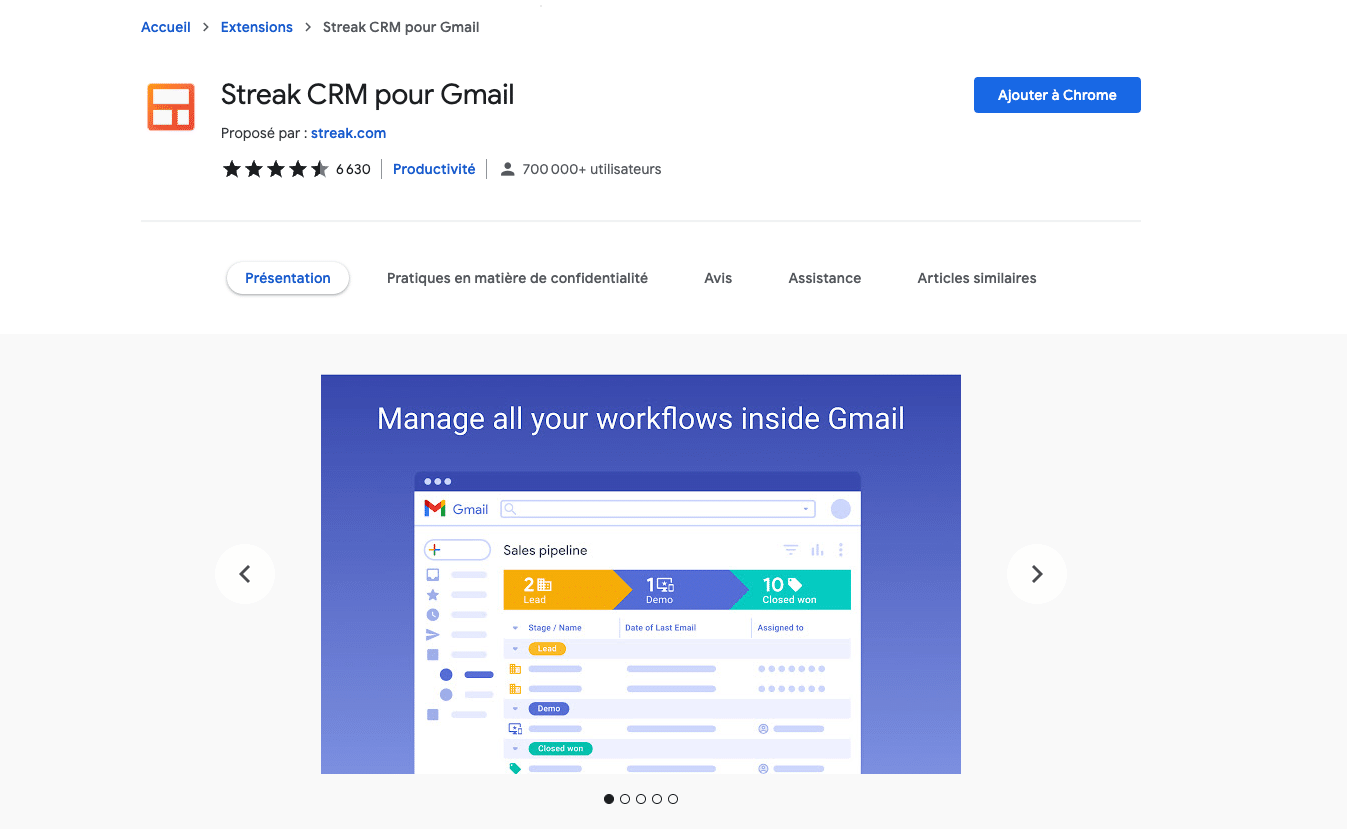
Si vous avez toujours rêvé d’un logiciel CRM intégré à Gmail, alors Streak est fait pour vous.
L’extension vous permet de gérer vos clients et de suivre vos ventes directement depuis votre boîte mail.
3 Extensions Chrome pour être plus efficace
StayFocusd
Vous êtes en train de travailler et la minute d’après vous scrollez sur la vie des profondeurs marines ? Ne perdez plus votre temps !
StayFocusd limite votre temps sur les sites que vous définissez comme étant nuisibles à votre productivité. Fini la procrastination grâce à un chronomètre.
Définissez votre temps maximal d’utilisation d’un site, lorsque la limite est atteinte alors le site est bloqué pour la journée. Du site entier, des sous-domaines ou des pages ou même des contenus précis, StayFocusd est flexible.
RescueTime
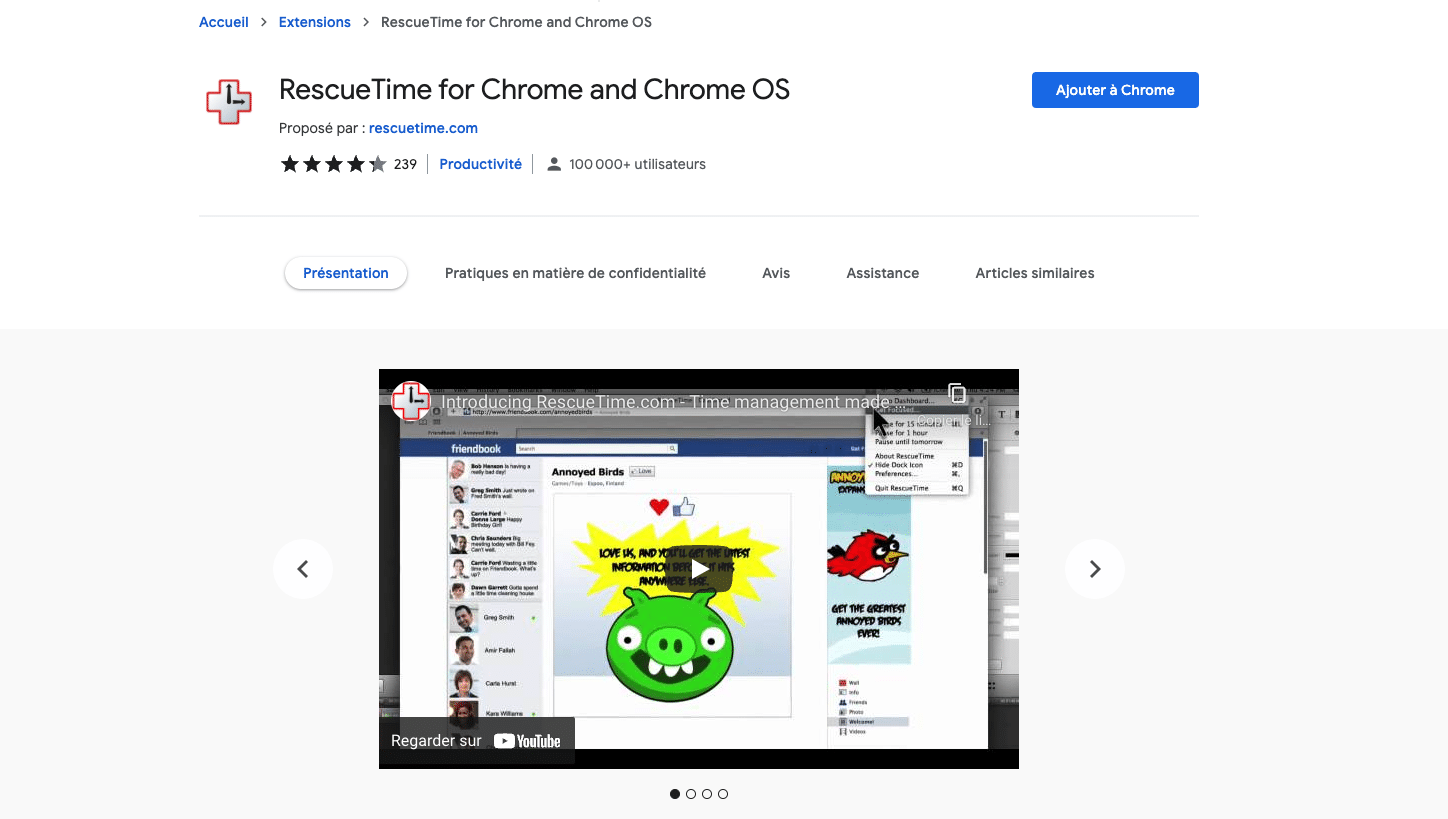
Prenez conscience du temps que vous passez sur Chrome.
RescueTime va stimuler votre productivité, il vous dévoile le temps exact passé sur chaque site. Il repère vos habitudes et vous aide à les améliorer. Ainsi, vous gagnez en efficacité.
À la fin de la journée, vous obtenez un rapport sur le temps de productivité de votre journée. Rassurez-vous, l’outil est également capable de détecter quand vous êtes absent !
Vous pouvez également mettre RescueTime en pause si vous passez des appels par exemple.
Evernote Web Clipper
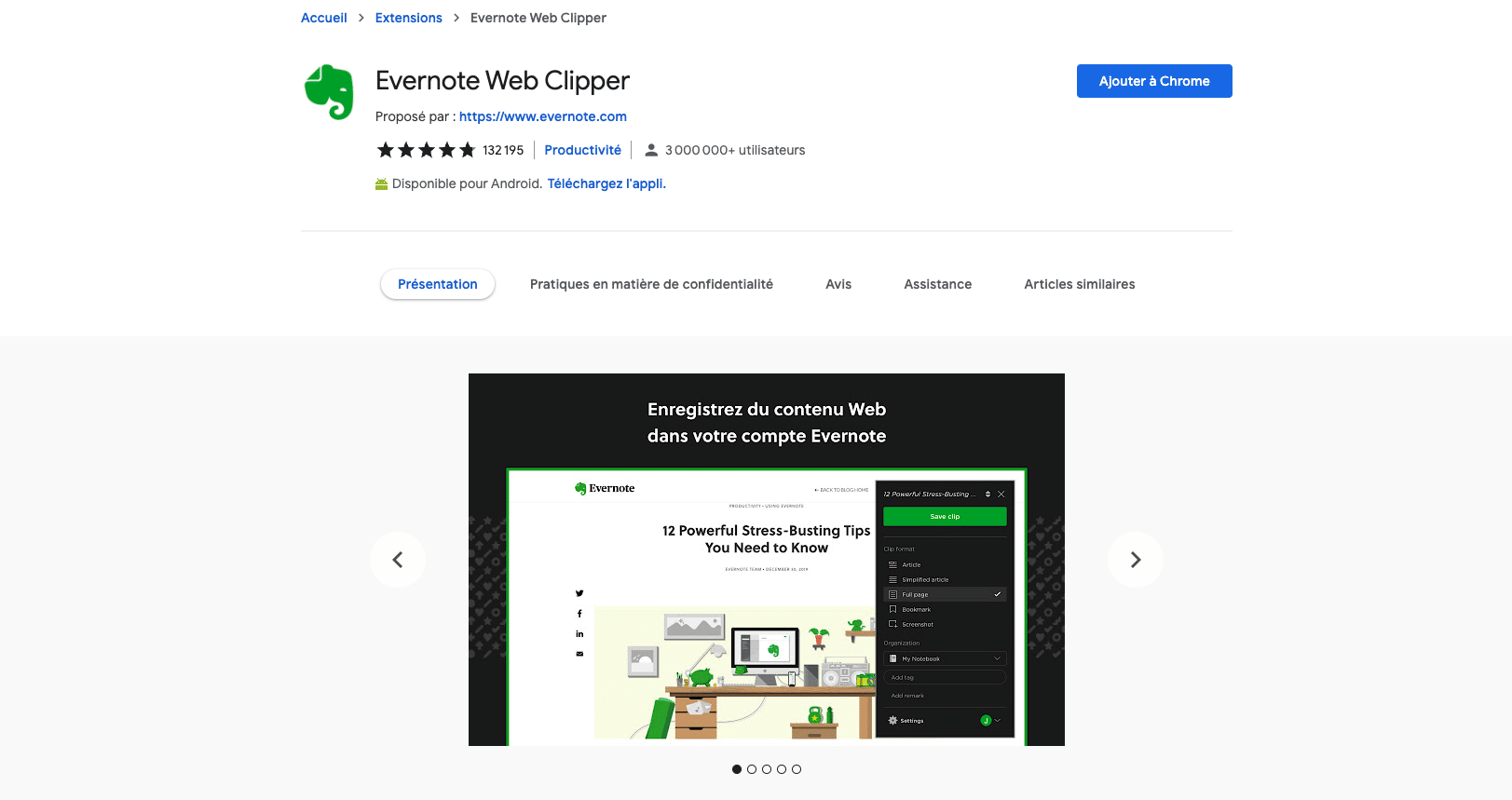
Si vous êtes un adepte du célèbre outil de prise de note Evernote, l’extension Web Clipper complètera à merveille son utilisation.
Elle vous permet d’enregistrer en un clic dans Evernote tout ce qui vous intéresse sur internet : articles, pages, images, etc.
4 Extensions Chrome pour vous simplifier la vie
LastPass
Vous perdez sans arrêt les (trop) nombreux mots de passe que vous utilisez sur le web ?
L’utilisation d’un gestionnaire de mots de passe comme LastPass vous changera la vie ! C’est basé sur un modèle freemium et qui enregistre de manière sécurisée les mots de passe. Il peut être synchronisé au niveau des smartphones et module d’extension pour navigateur web.
Simple eSignatures
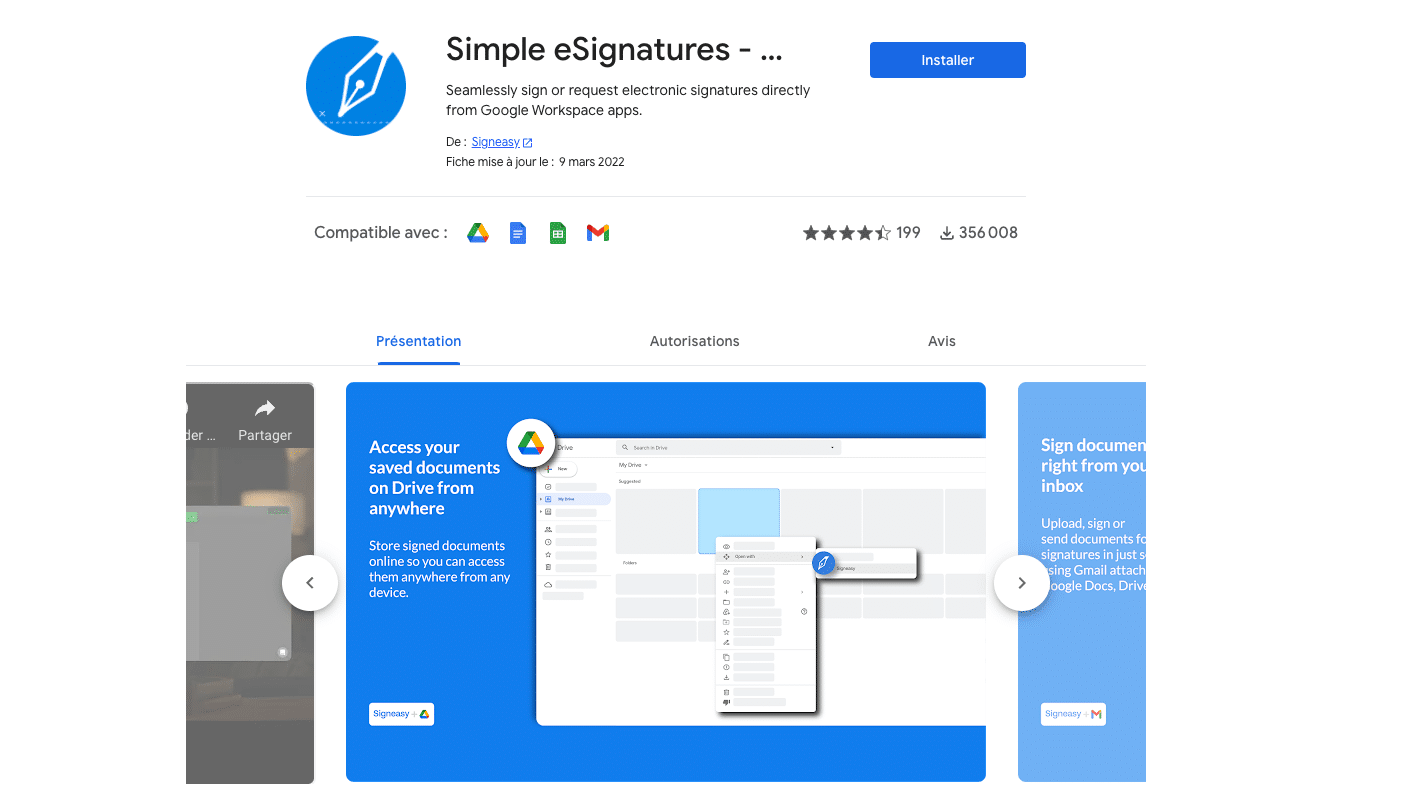
Simple eSignature est une extension très pratique qui vous permet d’ouvrir, de remplir et de signer des documents sans même sortir de Gmail.
Vous pouvez d’ailleurs retrouver Simple eSignature (anciennement SignEasy) dans notre sélection d’outils de signature électronique.
Mate Translate
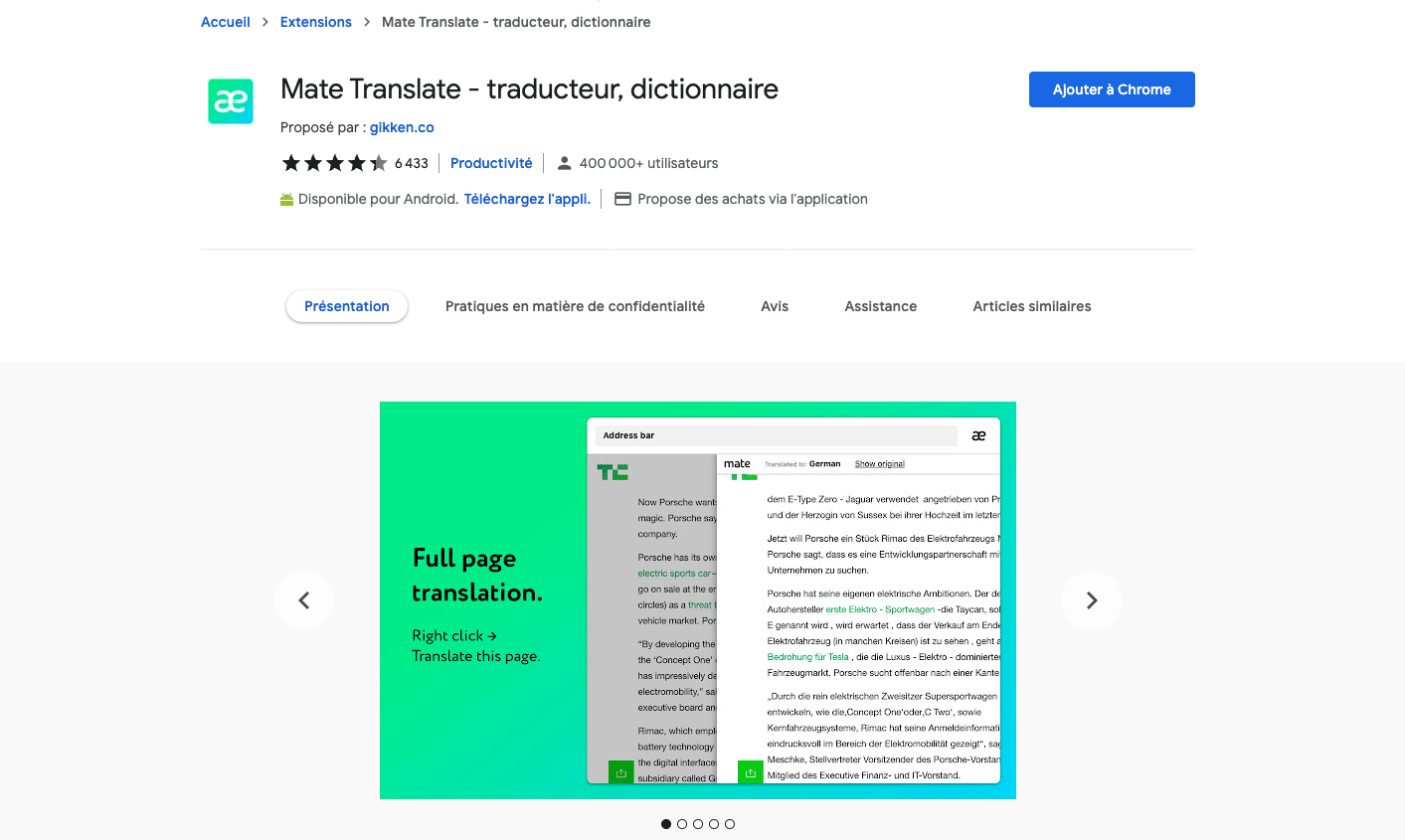
Il est fréquent de tomber sur des pages web en anglais (ou dans d’autres langues) lors de vos recherches sur le web.
Mate Translate est un outil très utile pour traduire rapidement un mot ou une expression que vous ne comprendriez pas lors de votre lecture.
Convertio

Il est fréquent d’être obligé de convertir un fichier dans un autre format (par exemple un document Word en PDF).
Convertio vous permet de faire tout cela (avec plus de 2500 conversions possibles) depuis votre navigateur Google Chrome.
3 Extensions Chrome pour le webmarketing
Tag Assistant Legacy (by Google)
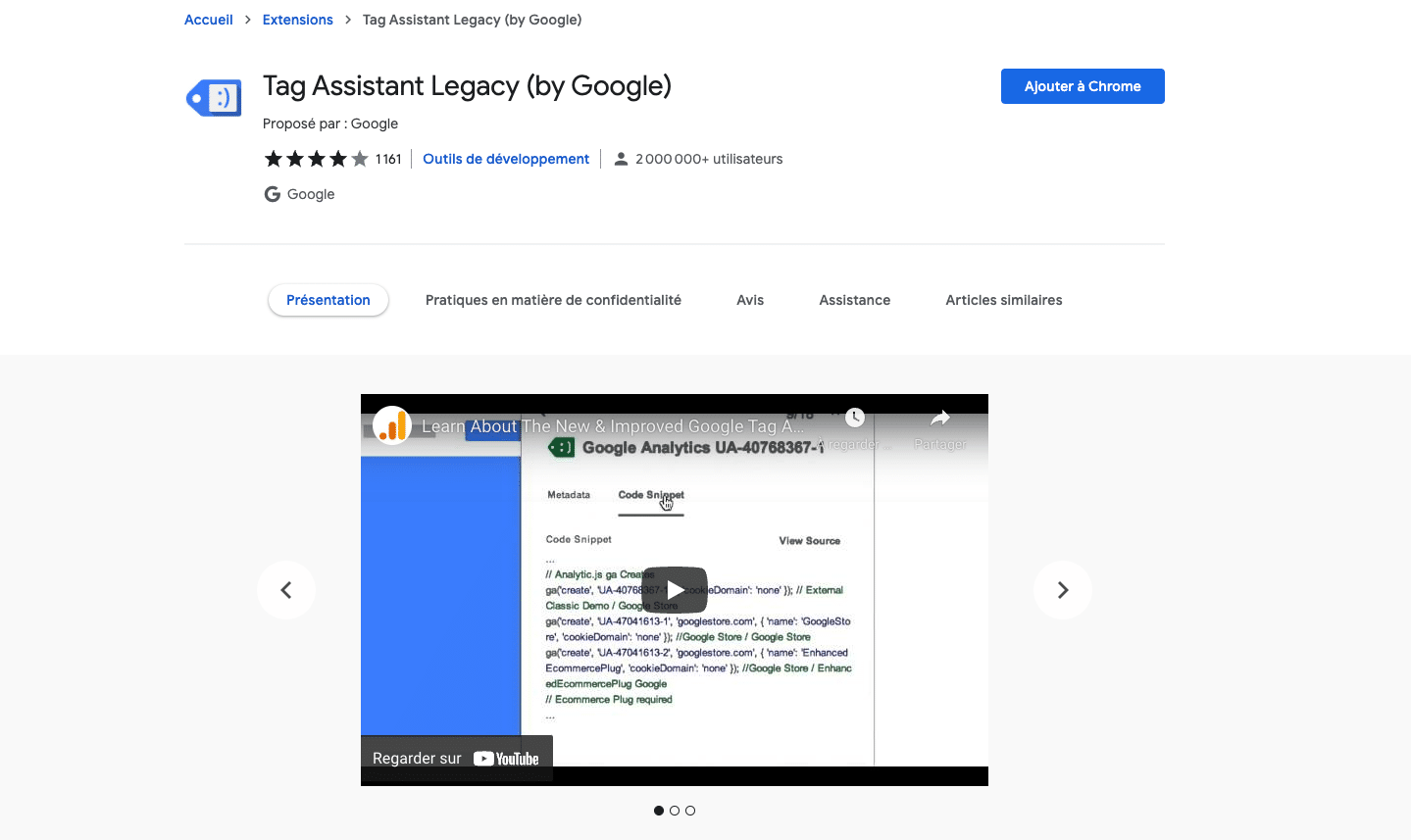
Tag Assistant Legacy est un plugin réalisé par Google qui vous permet en un clic de vérifier la liste des tags Google qui se chargent sur une page web.
C’est l’outil idéal pour tous les professionnels du webmarketing qui travaillent régulièrement avec Google Analytics, Google Ads et Google Tag Manager, pour vérifier que les scripts sont bien présents sur les pages des sites sur lesquels vous travaillez.
Keywords Everywhere

Keywords Everywhere est l’extensions idéale pour le SEO. Elle affiche les mots-clés associés à votre recherche et d’autres termes de recherches associés sur Google.
Parfait si vous souhaitez trouver des idées de mots clés en faisant des recherches sur Google sans passer par des outils externes.
L’extension fonctionne aussi avec YouTube.
Attention, cette extension pour Google Chrome est une extension freemium et il faudra payer pour avoir accès à toutes les fonctionnalités.
Buffer
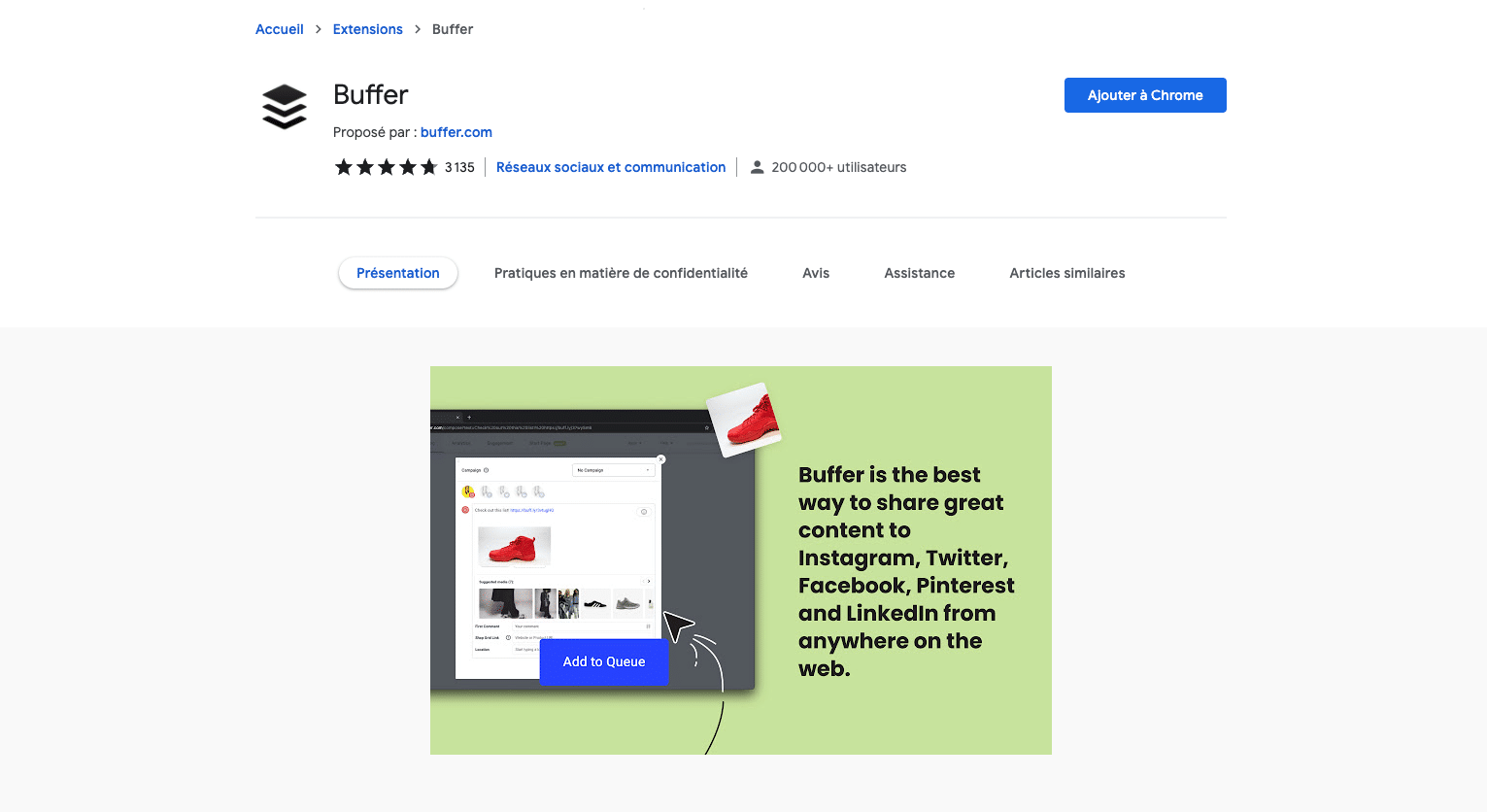
Buffer vous permet de partager sur vos réseaux sociaux du contenu depuis n’importe quel autre site web. L’extension vous permet de le faire directement dans votre navigateur sans avoir à passer par le site internet de Buffer.
Idéal pour partager des contenus rapidement sur Twitter lorsque vous faites de la veille ou vos autres réseaux sociaux.
Notre astuce pour avoir la meilleure extension Chrome
Votre extension Chrome idéale n’existe pas ? Apprenez à créer votre extension Google Chrome en suivant notre tuto !
Si vous êtes sous Mac, sachez qu’il existe là aussi de nombreuses applications pour optimiser votre productivité.


