Navigation rapide et intuitive, se tourner vers la création d’un site one page pour développer un produit ou un établissement offre de véritables avantages. Par ailleurs, de nombreux outils accessibles vous permettent de créer votre site one page sans coder.
Le contenu de votre site one page est primordial pour parvenir à convertir vos prospects, faites appel à un rédacteur web pour rédiger vos contenus rédactionnels.
Comment faire un site one page sans coder ? Au travers de cet article, découvrez les 6 outils accessibles pour développer un site sans coder. Nous vous livrons également nos astuces pour rédiger du contenu impactant pour faire connaître votre site web.
6 outils pour créer un site one page
1. Wix
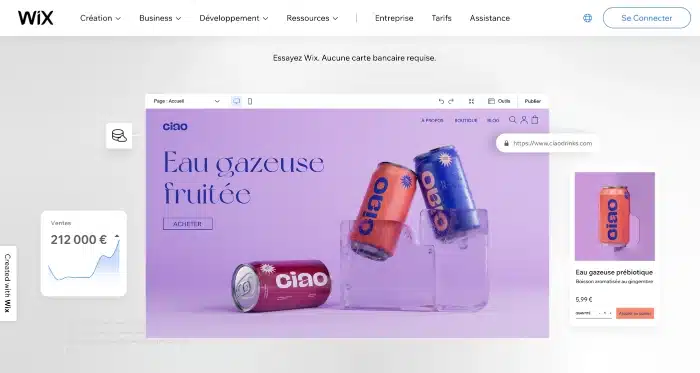
Le premier outil idéal à utiliser pour faire votre site one page n’est autre que Wix. Wix est un outil no-code facile à prendre en main, même lorsqu’on ne dispose pas de compétences web.
Au travers de ses fonctionnalités, il vous permettra de créer un site professionnel intuitif pour développer votre présence sur le web. Pour cela, il vous suffit de télécharger un template, de lui ajouter des fonctionnalités et de le personnaliser à l’image de votre entreprise.
Souscrire à un forfait site internet chez Wix vous coûtera entre 6€ et 58€ par mois en fonction de l’offre choisie. Par ailleurs, cet abonnement comprend le certificat SSL, la personnalisation de votre nom de domaine ainsi qu’un espace de stockage.
2. WordPress

WordPress est le CMS par excellence. Il est utilisé pour la création de sites one page, de sites e-commerce et de blogs par 43,3% de propriétaires de sites web dans le monde.
La popularité de WordPress s’explique notamment par sa gratuité et le fait qu’il soit open source. Actuellement, il est le leader sur le marché du no-code. Des millions de personnes dans le monde ont choisi WordPress pour créer leur site one page pour sa facilité d’utilisation.
Pour utiliser WordPress, pas besoin de connaissances en HTML ou en CSS. Cet outil offre une interface de gestion particulièrement intuitive. De plus, il est compatible avec de nombreux plugins comme Yoast SEO, WP Rocket, Elementor, Loco Translate et Imagify.
3. Jimdo
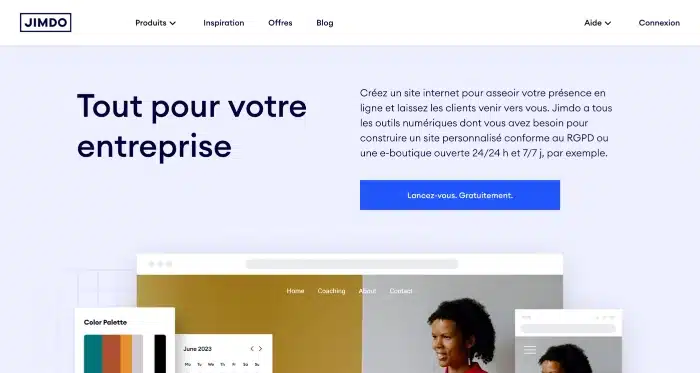
La plupart des propriétaires de sites apprécient Jimdo pour sa simplicité d’utilisation, le large choix de modèles proposés et son éventail de fonctionnalités. Son interface se démarque par sa convivialité et son intuitivité.
En souscrivant à l’une des offres de Jimdo, le prix de votre hébergement sera inclus. Pour être accompagné lors de la création de votre site vitrine, vous avez accès à des vidéos tutoriels ainsi qu’une documentation claire et très détaillée. Sachez que vous bénéficierez aussi d’un support client réactif en cas de problème.
Enfin, ne perdez plus de temps à effectuer les mises à jour de votre site car elles sont automatiques avec la solution Jimdo.
4. SquareSpace
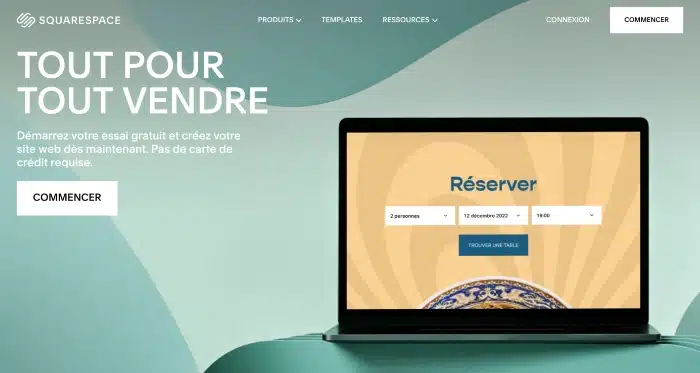
Si vous êtes à la recherche d’une bonne alternative à Wix, SquareSpace est sûrement fait pour vous ! SquareSpace a été conçu à destination des débutants en quête d’un outil simple et efficace pour créer un joli site vitrine.
Ce constructeur de thèmes se distingue par la qualité du design de ses thèmes. Dans ses designs, il prône le minimalisme avec une petite touche déstructurée pour créer des sites esthétiques et impactants. Il met notamment l’accent sur le branding pour vous aider à développer votre notoriété.
Utilisez la fonctionnalité “drag-and-drop” pour ajouter des blocs à votre site one page et modifiez-les à l’infini.
5. Webflow
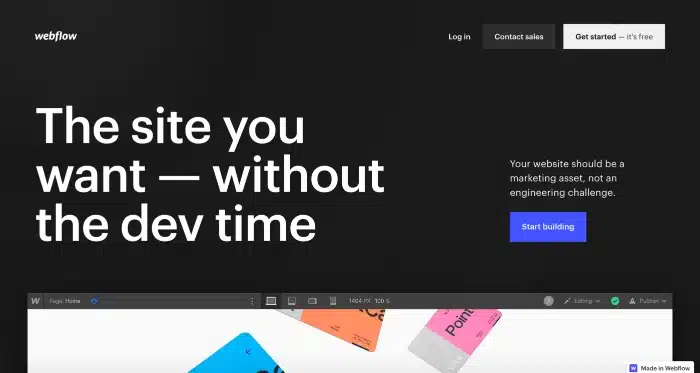
Les raisons d’utiliser l’outil Webflow pour faire un site one page sont nombreuses. En quelques années, il est devenu l’outil plébiscité par les PME et les startups.
L’utilisation de Webflow repose essentiellement sur la conception visuelle. Grâce à lui, vous pouvez faire un site one page à votre image sans connaissances informatiques en partant de zéro ou en utilisant un template.
À noter que si vous décidez d’utiliser Webflow, l’hébergement et la maintenance de votre site sont inclus. Tout est mis en œuvre pour que vous puissiez vous concentrer sur le design de votre site vitrine.
6. Dorik
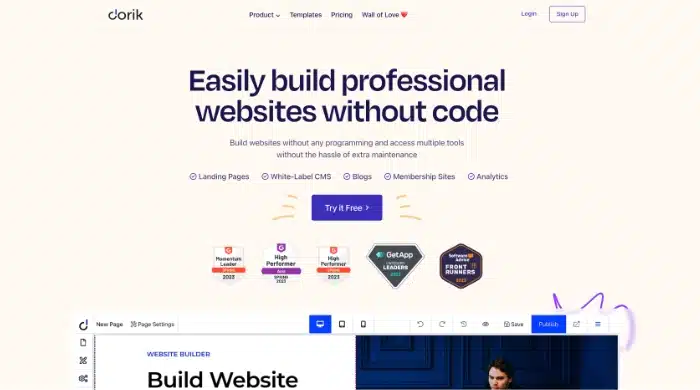
Outre les outils déjà cités plus haut, Dorik est une solution à ne pas négliger lorsqu’on souhaite réaliser un site one page sans coder.
Dorik vous permet d’utiliser des templates gratuits et design pour partir d’une base solide. Par la suite, utilisez les nombreux outils marketing mis à votre disposition pour donner vie à votre site.
Grâce à Dorik, vous aurez la possibilité de créer un site vitrine sensiblement design sans connaissances web. Par ailleurs, le prix de cette solution est particulièrement accessible, car elle propose une offre gratuite et illimitée dans le temps.
Comment bien rédiger le contenu de son site one page ?
Pour vous assurer de la qualité du contenu de votre site one page, sachez qu’il doit être conçu de la même manière qu’une landing page. Il est essentiel de bien structurer les éléments pour faciliter leur lisibilité par les internautes.
Plus votre contenu sera hiérarchisé et organisé, plus il sera aisé pour vos visiteurs de trouver les informations recherchées. Par exemple, votre contenu doit être divisé en différentes sections en fonction des thématiques abordées pour éviter les gros blocs de texte.
Veillez également à ce que votre contenu ne contienne ni coquilles ni fautes d’orthographe. Ces dernières pourraient apparaître comme un véritable manque de sérieux et impacter votre crédibilité.
Il est important de proposer du contenu à la fois pertinent, c’est-à-dire qui apporte une véritable information, et bien rédigé pour être impactant. Enfin, n’oubliez pas de travailler votre contenu d’un point de vue SEO pour booster votre visibilité. Optimisez vos titres, vos liens, vos images et vos mots-clés.
Pourquoi faire rédiger le texte de votre site par un professionnel ?
Si vous ne disposez pas d’excellentes qualités rédactionnelles, nous vous conseillons de faire appel à la plume d’un professionnel. Un rédacteur SEO en freelance est en mesure de rédiger pour vous du contenu orienté SEO pour présenter vos services, votre entreprise et votre histoire. Si besoin, il peut également rédiger des articles de blog, des livres blancs, mais également du contenu pour vos réseaux sociaux.
Il existe des plateformes web spécialisées comme Redacteur.com qui vous permettent de commander des textes qui seront rédigés par des rédacteurs professionnels. Lorsque vous passez votre commande, pensez à bien briefer le rédacteur choisi sur les enjeux de votre site one page ainsi que vos objectifs. Plus le professionnel aura d’informations au sujet de votre entreprise, plus il sera en mesure de répondre à votre demande.
Dans quels cas est-ce pertinent de faire un site one page ?
Faire un site one page est incontournable dans de nombreux cas de figure. Il est idéal pour un établissement physique qui souhaite bénéficier d’une carte de visite en ligne. Pour vous donner un ordre d’idées, une pizzeria est invitée à mettre en œuvre un site vitrine dans le but de travailler sur son référencement naturel et sa notoriété, mais également donner des informations sur sa carte.
Un salon de coiffure a tout intérêt à créer un site one page pour faciliter la prise de rendez-vous de ses clients, mettre en avant ses prestations et des photos de présentation de son équipe. Un site one page est aussi très utile pour présenter un mono produit ou un mono service. En effet, il n’est pas nécessaire de créer un site e-commerce dans ce cas précis.
Enfin, vous avez la possibilité de faire un site one page pour la mise en place d’une action marketing one shot. Imaginons que vous lanciez des pré-ventes en vue de l’organisation d’un festival d’été. Il vous suffit de créer un site simple et efficace sur lequel les internautes peuvent s’inscrire.
Notre astuce pour faire un site one page
Faire un site one page sans utiliser une seule ligne de code, c’est possible ! Des outils faciles à prendre en main et efficaces comme WordPress, Elementor, Webflow et Bravo Studio vous permettront de développer la notoriété de vos services ou produits. Ayez également en tête que la qualité rédactionnelle du contenu de votre site web est essentielle.
Rendez-vous sur une plateforme de rédaction pour trouver dès maintenant un rédacteur web en freelance capable de vous accompagner pour des missions de copywriting.
L’article Comment faire un site one page sans coder ? est apparu en premier sur Redacteur.com.


