Impossible aujourd’hui de faire l’impasse sur le numérique quand on veut donner de la visibilité à son activité. Les indépendants le savent mieux que quiconque : un site web est une vitrine indispensable pour se démarquer sur n’importe quel marché. Il existe cependant une multitude de créateurs de sites web et le choix pour les freelances n’est pas toujours aisé. Nous avons donc sélectionné les meilleures plateformes pour créer un site professionnel.
Certains outils dans cet article sont sponsorisés. Ils comportent la mention “Sponsorisé”. Découvrez comment sponsoriser votre outil.
Comparatif des meilleurs créateurs de sites web pour freelance
Les créateurs de sites internet permettent à chacun de lancer son site sans compétences techniques particulières. Ces plateformes en ligne réunissent des fonctionnalités grâce auxquelles un site vitrine ou un blog est à la portée de tous. Voici quelques exemples parmi les meilleures solutions existant pour les freelances.
Hostinger : freelances, devenez visibles sur internet avec Hostinger !
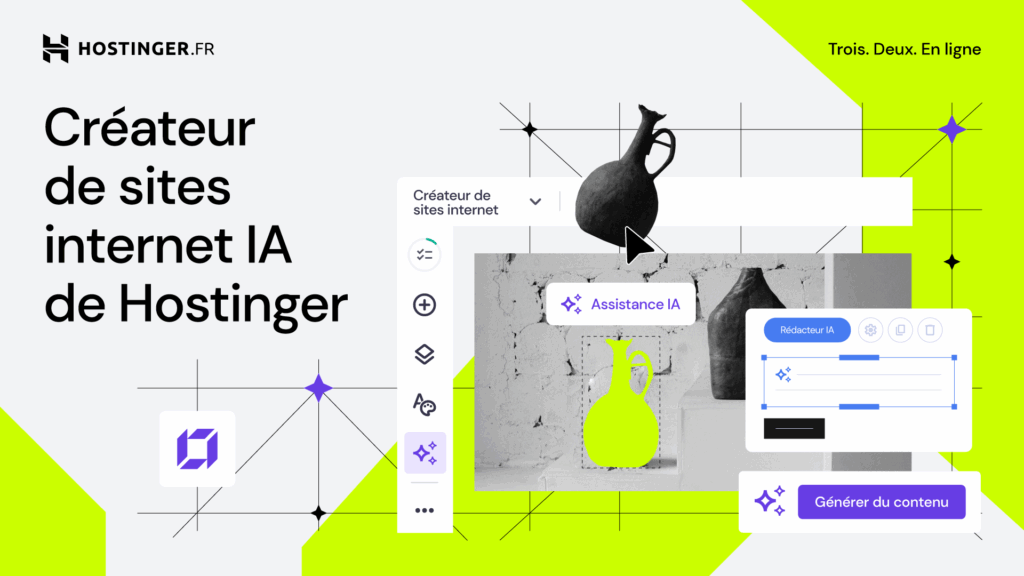
En tant que freelance, votre présence en ligne est votre outil le plus puissant. Le créateur de sites internet de Hostinger vous aide à concevoir un site professionnel qui représente votre marque et attire les bons clients, le tout en quelques minutes et même sans compétence technique.
Besoin d’un portfolio dynamique, d’un site professionnel ou d’un blog captivant ? Décrivez simplement ce que vous souhaitez et laissez l’IA vous créer un site personnalisé en moins d’une minute. Ou, choisissez parmi 150 templates de designers et personnalisez chaque détail à l’aide de l’éditeur par glisser-déposer intuitif.
Le créateur de sites internet de Hostinger vous offre de nombreuses possibilités pour réussir en ligne :
- Vendez vos services efficacement : optimisez votre portée avec des outils intégrés comme Google Analytics, Pixel Facebook et Hostinger Reach pour des campagnes d’emailing performantes.
- Boostez votre visibilité : permettez à vos clients de découvrir votre site grâce à l’intégration de Google Ads et améliorez votre classement dans les résultats de recherche avec l’assistant SEO IA.
- Simplifiez la création de contenu : utilisez les outils IA comme l’éditeur de texte IA et le générateur d’images IA.
Le plan Business est votre partenaire ultime. Il comprend des outils IA avancés, un hébergement web fiable, un nom de domaine gratuit et des boîtes mail professionnelles. Profitez également de fonctionnalités de sécurité essentielles, telles que des certificats SSL illimités gratuits et des sauvegardes, afin de vous concentrer sur votre passion en toute tranquillité.
Prêt(e) à vous lancer ? Utilisez le code CODEUR au moment du paiement et bénéficiez de 10 % de remise supplémentaire sur les plans annuels !
WordPress.com : une suite complète pour la création et la gestion de sites web
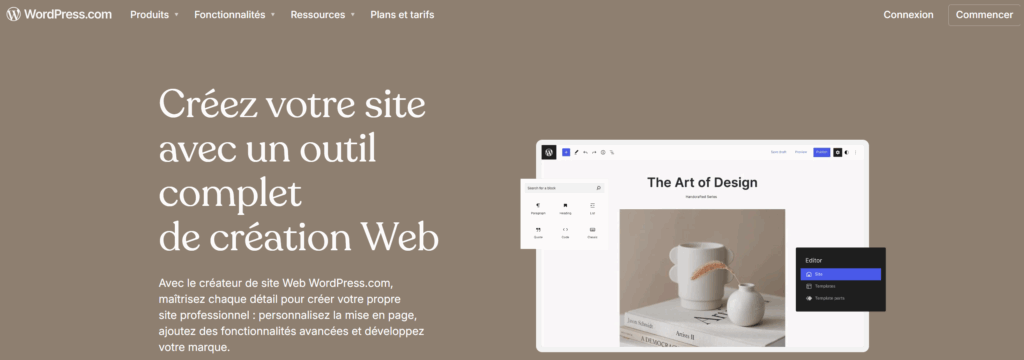
WordPress fait partie des logiciels plébiscités par les indépendants. C’est une référence mondiale dans la création de site web tant son offre est complète. Cela convient parfaitement à un freelance qui serait déjà à l’aise avec la gestion d’un site internet et souhaiterait accéder à toute une palette d’outils et d’extensions.
La banque de thèmes de WordPress est vaste et un grand nombre d’entre eux sont proposés gratuitement. Pour un freelance qui veut créer son site web rapidement, il est possible de s’appuyer sur un outil de création avec IA ou simplement d’utiliser le glisser-déposer pour réorganiser les blocs à son goût.
Le fonctionnement de WordPress passe aussi par des plugins que l’on peut ajouter selon son besoin. Cela permet de facilement évoluer et de s’adapter à tout type d’usage. Là aussi, certains sont gratuits (notamment pour l’optimisation SEO et la publicité sur les réseaux sociaux) et d’autres payants.
De 4 à 25€/mois, il existe plusieurs formules d’abonnements selon le type de site internet souhaité, incluant un espace de stockage plus ou moins grand et le nom de domaine gratuit pendant un an. WordPress propose aussi un abonnement à 45€ spécialement pensé pour les boutiques en ligne avec WooCommerce.
Squarespace : la création de site web accessible aux débutants
La plateforme de création de sites web Squarespace est également une solution pertinente pour les freelances. Elle est facile à prendre en main, son interface est intuitive et son éditeur en glisser-déposer ne demande aucune connaissance technique.
Moins flexible que des créateurs plus pointus, ce logiciel offre une marge de personnalisation plus réduite. Cela peut néanmoins convenir à un débutant ou un freelance qui souhaiterait lancer rapidement un site sans désirer trop d’originalité. Il peut déjà profiter d’un bon éventail de fonctionnalités et par exemple intégrer un blog, un portfolio ou une boutique en ligne à son site. On apprécie aussi la facilité avec laquelle rechercher un nom de domaine disponible.
Les thèmes proposés par Squarespace sont modernes dans leur graphisme. Ils sont parfaitement adaptés à la navigation sur mobile et permettent de soigner son identité visuelle. De plus, cette plateforme propose un kit de design avec IA et un outil de création de logo, en plus de fonctionnalités SEO intégrées.
La tarification de Squarespace commence à 11€/mois incluant la gratuité du nom de domaine la première année. Les formules d’abonnements plus coûteuses intègrent de plus en plus de fonctionnalités, notamment des outils d’analyse et des services de vente en ligne
Webflow : créateur de site web orienté design
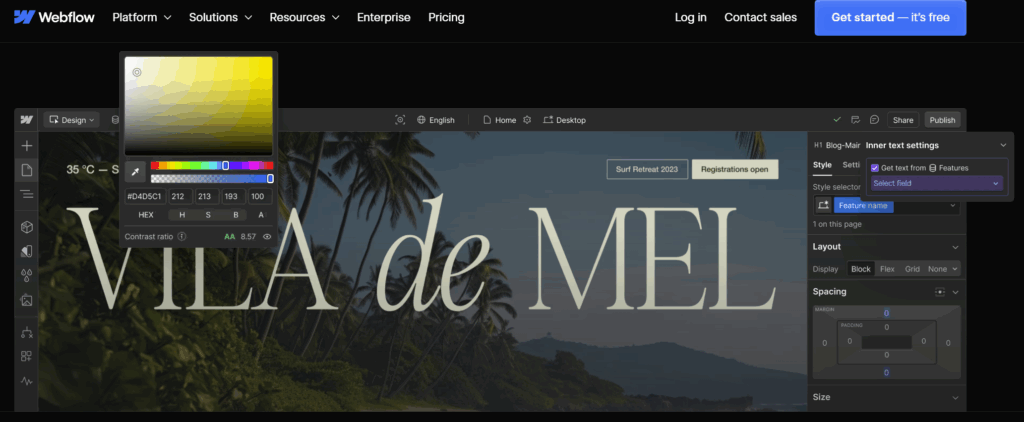
Webflow fait partie des créateurs de sites web tout à fait adaptés pour les freelances. Toutefois, cette plateforme est plus technique que Squarespace et Hostinger. Pour être correctement utilisée, elle requiert un minimum de connaissances en matière de programmation ou de design.
C’est en effet un outil qui met particulièrement en avant l’esthétique du site, en laissant une grande liberté dans la conception des pages. Le rendu est plus original, mais il faut pouvoir y dédier un certain temps avant d’arriver au site internet que l’on a en tête. Les performances obtenues sont toutefois à la hauteur, avec à la clé un contenu engageant, un site robuste et un bon SEO natif.
Le catalogue propose un bon nombre de templates gratuits et d’autres coûtant entre 79 et 129$. Par ailleurs, l’offre gratuite de Webflow permet de tester le service en créant un site de deux pages incluant un hosting minimal, avant de passer aux formules d’abonnements allant de 14 à 39$ par mois. Des options poussées d’optimisation et d’analyse sont également proposées et peuvent se révéler assez coûteuses.
Wix : créateur de site gratuit et facilement personnalisable
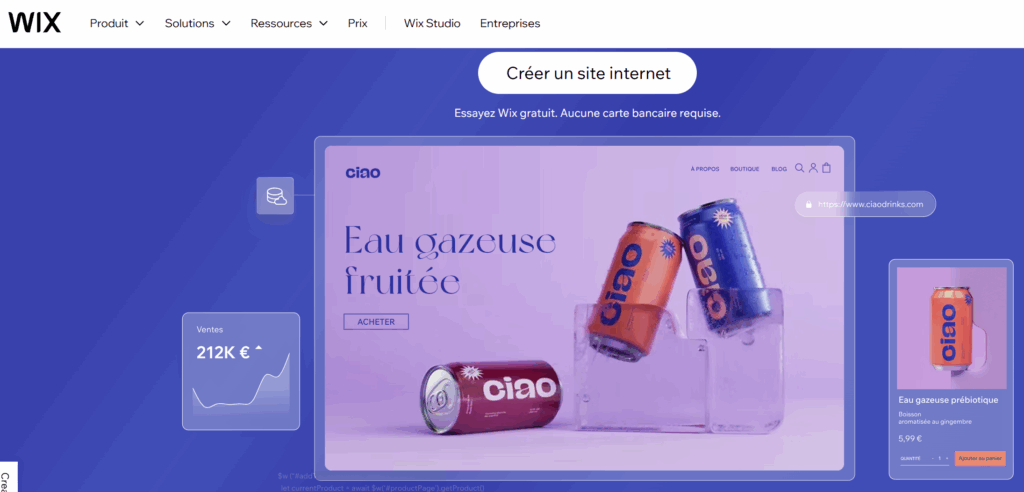
Très apprécié pour les possibilités qu’il offre en termes de design, Wix permet de créer tout type de site internet. Cela peut correspondre à des freelances de secteurs très divers puisque le catalogue de templates s’adapte tout aussi bien à la création d’un blog, d’un site e-commerce ou d’un site vitrine.
On trouve 900 modèles accessibles gratuitement, ce qui offre un nombre infini de possibilités. Ces templates sont personnalisables de façon intuitive, sans besoin de maîtriser la programmation informatique. De plus, les fonctions proposées par Wix garantissent une grande flexibilité. On peut en effet ajouter à son site un portfolio ou un système de réservation, par exemple.
Des outils d’IA aident à rédiger le contenu du site et les freelances peuvent aussi profiter d’un créateur de logo interne. Wix intègre également des outils de référencement et de marketing, par exemple pour promouvoir le site via des publicités Facebook et Instagram.
Il faut noter enfin que l’offre tout-en-un de Wix comprend à la fois le constructeur de site et l’hébergement web, avec une disponibilité garantie de 99,9%. Chargement rapide et haut niveau de sécurité font partie des promesses. Et en cas de besoin, l’assistance est joignable 24h/24 et 7j/7.
Framer : un créateur de site accessible pour un design moderne
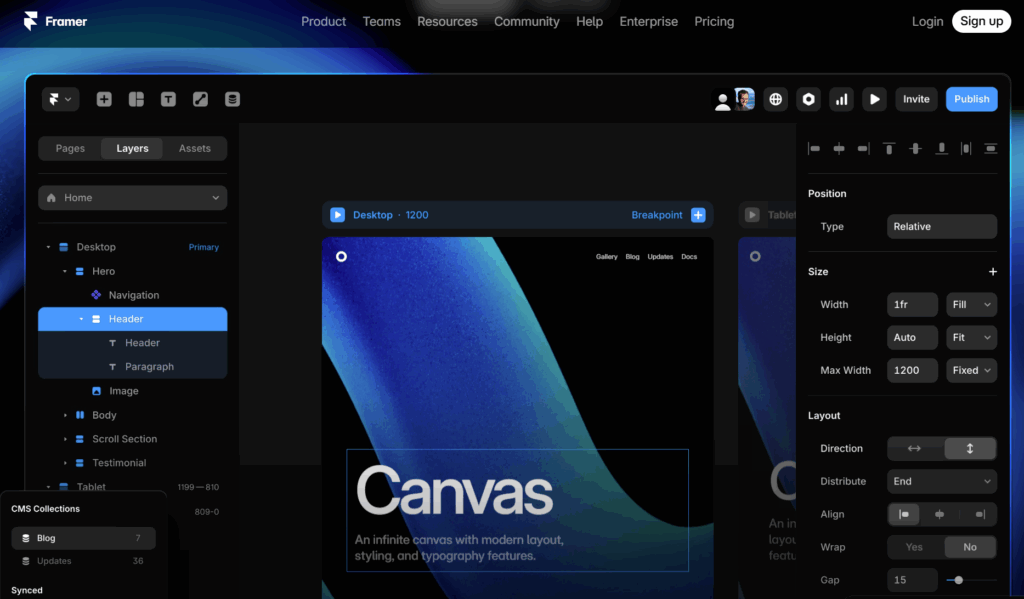
Le mot d’ordre de Framer est que tout ce qui est puissant ne doit pas être compliqué. C’est donc une solution de facilité qui est proposée pour créer des sites web, et cela peut très bien convenir aux freelances. Framer fonctionne comme une page blanche à remplir avec des champs définis, faciles à personnaliser selon le look que l’on veut donner à son site. Simple à prendre en main, il offre la promesse d’un site internet moderne, responsive et rapide à charger.
Avec Framer, on part d’un template à choisir dans le catalogue proposé, puis on l’enrichit par des plugins. Il peut s’agir, par exemple, d’effets graphiques ajoutés au site ou bien de fonctionnalités : un carrousel 3D, une radio digitale, une application météo… La marketplace réunit des solutions très variées, certaines gratuites et d’autres, plus poussées, qui sont payantes.
De 5 à 75€/mois, Framer propose différents niveaux d’abonnements qui incluent à la fois l’outil de création du site et l’hébergement. Une offre gratuite est également disponible, mais avec des fonctions limitées et sans la personnalisation du nom de domaine ; elle convient très bien pour essayer le système avant de l’adopter.
Quelles fonctionnalités rechercher pour le site web d’un freelance ?
Si vous êtes freelance et avez un projet à promouvoir sur internet, voici quelques conseils pour choisir le créateur de site web le plus adapté.
Privilégiez un site simple à créer
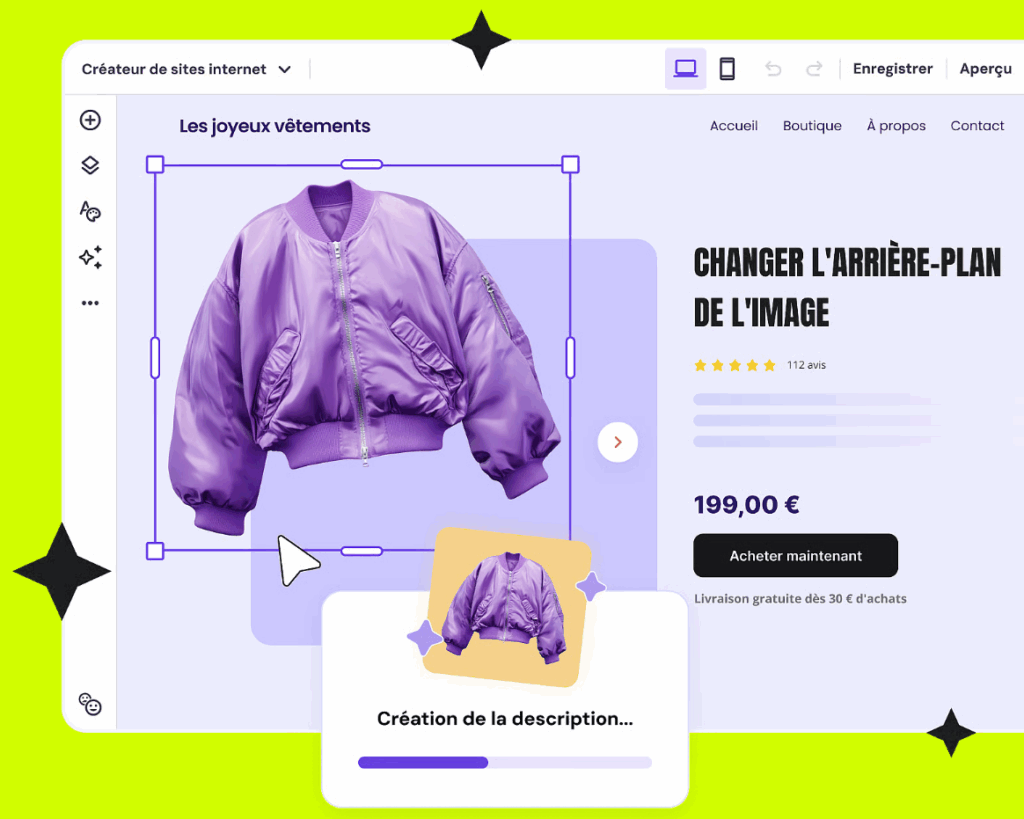
Sauf si vous avez les compétences d’un développeur web, la conception de votre site doit être simple, à votre portée. Il existe des créateurs de site web low code ou no code, c’est-à-dire qui permettent de concevoir un site en utilisant peu, voire pas du tout de langage de programmation. Tout passe par des interfaces intuitives en mode WZSIWYG : “What you see is what you get”, c’est-à-dire qu’on agit sur une interface qui montre directement le résultat des modifications.
Recherchez un créateur de site moderne
Il vous faut un site compatible avec les mobiles et tablettes, rapide à charger quel que soit le support. Il doit aussi être bien référencé, donc vérifiez bien que vous avez accès à des outils SEO intégrés pour enrichir vos pages. Ne passez pas non plus à côté de l’IA, qui peut apporter un vrai plus au contenu de votre site : certains créateurs de sites web proposent aujourd’hui des fonctionnalités enrichies par l’intelligence artificielle.
Envisagez la promotion de votre activité au sens large
Souhaitez-vous un simple site vitrine ou des fonctionnalités supplémentaires ? Sachez que les blogs sont très appréciés sur les sites internet, et pour cause : ils permettent de booster le référencement des sites et apportent aussi une image différente du professionnel. Peu contraignant techniquement, c’est une solution pour vous montrer sous un autre jour, raconter votre quotidien et présenter vos compétences. Les portfolios sont également très utiles dans certaines activités, afin de montrer tout l’éventail des projets réalisables.
Gardez bien votre objectif à l’esprit
Pourquoi créez-vous un site web ? Certainement pour donner de la visibilité à votre activité et développer votre clientèle. Il faut donc que vos prospects aient facilement accès aux informations qui les intéressent et trouvent comment entrer en contact avec vous. Un menu simple et qui met en avant ces informations est indispensable.
Optez pour la facilité du tout-en-un
Votre ambition est avant tout de lancer un site facilement, sans multiplier les outils ? Dans ce cas, prenez le temps d’étudier les offres des créateurs de sites web tout-en-un. Certains comme Hostinger ou Framer proposent en effet un plan d’hébergement intégré, incluant également un nom de domaine. C’est très utile pour lancer un projet de la façon la moins contraignante possible.
Comment créer son site quand on est freelance ?
Pour un indépendant, la création d’un site web se fait en suivant ces quelques étapes :
- Définir le projet : à quoi va servir le site et que doit-il contenir ?
- Souscrire un plan d’hébergement et réserver un nom de domaine personnalisé.
- Choisir le template qui convient à ce que doit contenir le site.
- Ajouter les pages qui correspondent à l’architecture voulue pour le site, au parcours qu’aura l’internaute.
- Créer l’esthétique du site : choisir la palette de couleurs, les polices et ajouter le logo de l’entreprise, les images et les vidéos.
- Écrire ou faire écrire les textes du site : menu, éléments de navigation et contenu des pages.
- Ajouter des options de contact : formulaire intégré, mail, liens vers les réseaux sociaux, numéro de téléphone, plan Google Maps, chat… À chaque freelance de choisir les moyens appropriés pour le contacter.
- Ajouter d’éventuelles autres fonctionnalités, comme une boutique en ligne, un blog, des landing pages ou un portfolio.
- Optimiser le référencement du site en soignant les éléments SEO.
- Connecter le nom de domaine et publier le site !
En choisissant l’un des meilleurs créateurs de sites web adapté aux besoins des freelances, vous pouvez être autonome. Cela demande néanmoins beaucoup de travail et il existe aussi d’autres solutions, comme celle de faire appel à un développeur spécialisé dans Hostinger, WordPress ou autre. À chacun de choisir en fonction de ses besoins et de ses capacités !


