Vous vous demandez comment améliorer la collaboration et la productivité de votre équipe ? Dans un environnement professionnel où chaque seconde compte, avoir un espace de travail numérique performant est nécessité.
Google Workspace est souvent le premier choix, mais saviez-vous qu’il existe d’autres plateformes tout aussi performantes et parfois plus abordables ? Vous pouvez vous faire accompagner d’un administrateur réseau freelance sur Codeur.com pour déployer votre outil de travail.
Dans cet article, découvrez 5 alternatives à Google Workspace qui offrent des fonctionnalités comparables, voire uniques, pour répondre aux besoins de productivité de votre entreprise.
1. Microsoft 365, l’alternative principale à Google Workspace
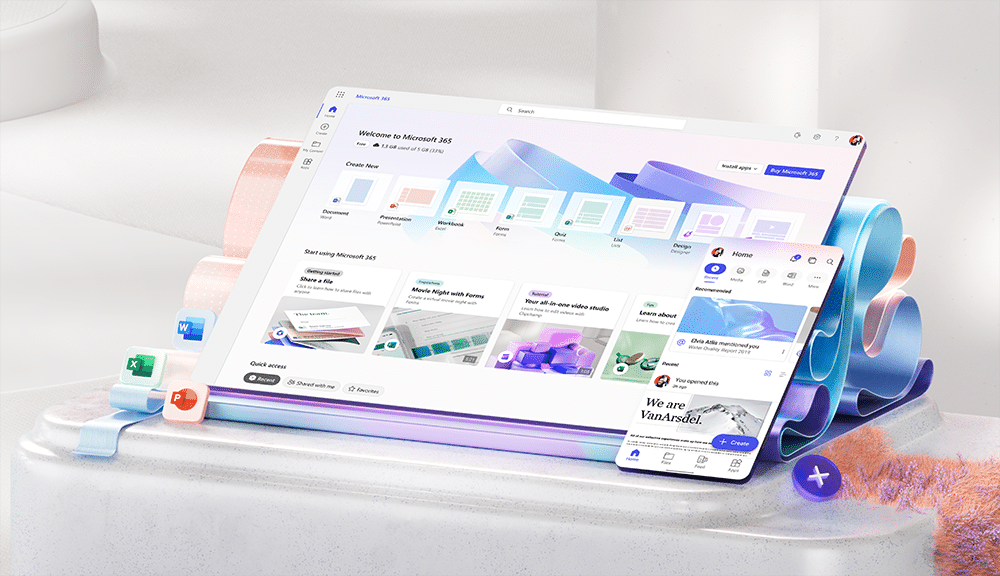
Microsoft 365 est la principale alternative à Google Workspace. La suite complète d’outils de productivité comprend les célèbres Word, Excel, PowerPoint et l’application de communication collaborative, Teams.
Les PME et grandes entreprises y trouvent une solution fiable et efficace pour travailler aussi bien avec leurs équipes internes que leurs partenaires externes.
Avantages de Microsoft 365 :
- Intégration avec Windows : ce qui en fait une solution idéale pour les entreprises déjà familières avec l’écosystème Microsoft et qui utilisent la messagerie Outlook pour leurs communications quotidiennes.
- Applications de bureau puissantes : en plus de ses applications de bureau classiques comme Word, Excel, et PowerPoint, Microsoft 365 propose des outils pour l’automatisation des tâches et la gestion avancée des flux de travail, tels que Power Automate, Power Apps et Power BI.
- Microsoft Teams : Teams est un outil de collaboration tout-en-un avec des fonctionnalités de vidéoconférence, messagerie instantanée et partage de fichiers, particulièrement adapté aux grandes entreprises. L’application est d’ailleurs utilisée par 280 millions de professionnels dans le monde.
- Sécurité renforcée : Microsoft 365 propose des mesures contre les menaces complexes et la gestion des identités, un point essentiel pour les entreprises traitant des données sensibles.
- Travail hors ligne : les applications de bureau permettent de travailler hors ligne, avec une synchronisation automatique lorsque vous vous reconnectez à Internet.
Inconvénients de Microsoft 365 :
- Interface complexe : l’interface utilisateur de Microsoft 365 peut être dense et difficile à maîtriser pour les nouveaux utilisateurs ou ceux qui préfèrent la simplicité.
- Courbe d’apprentissage : en raison de la richesse des fonctionnalités, la courbe d’apprentissage est plus raide comparée à Google Workspace, ce qui peut ralentir l’adoption par certaines équipes.
- Consommation de ressources : les applications de bureau de Microsoft 365 peuvent être plus lourdes sur les ressources système, en particulier sur des machines plus anciennes.
Prix : pour bénéficier de l’ensemble des fonctionnalités de Microsoft 365, optez pour l’offre Business Standard à 11,70€ HT par mois et utilisateur, ou la formule Business Premium à 20.60€ HT par mois et utilisateur.
2. Wimi, l’alternative française à Google Workspace
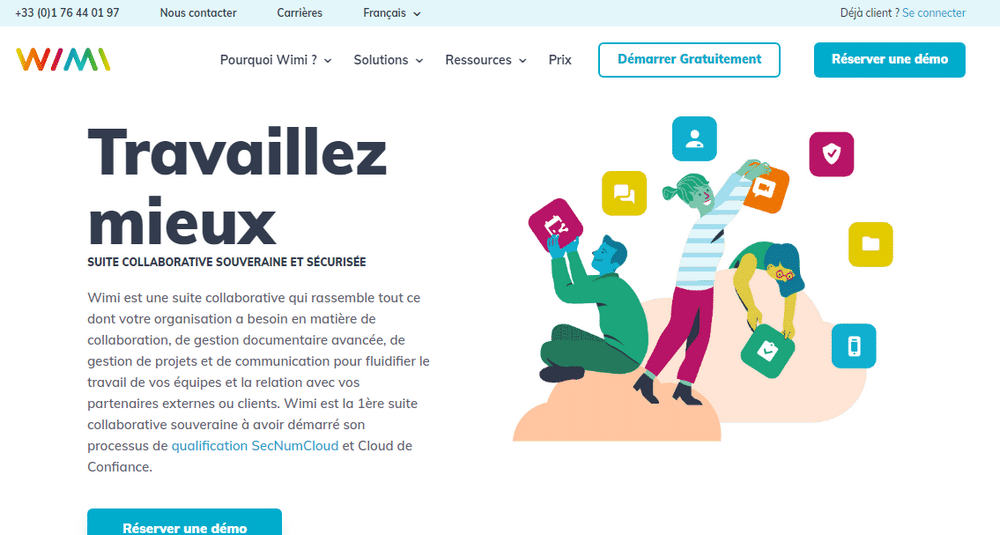
Solution française, Wimi centralise la collaboration au sein des entreprises grâce à un espace de travail commun pour gérer les projets, partager des documents et suivre l’évolution des tâches en temps réel. Des clients comme RTE, Vinci, France Rugby et l’Assemblée Nationale française lui font confiance.
Avantages de Wimi :
- Convivialité : les utilisateurs apprécient l’interface intuitive et facile à prendre en main, ce qui réduit la courbe d’apprentissage pour les équipes
- Support technique locale : Wimi est une solution française, ce qui facilite la communication avec le support technique. Vous pouvez même envisager des démonstrations en face à face avec leur équipe.
- Personnalisation graphique et gestion des tâches : Wimi permet une personnalisation avancée de l’interface et une gestion des tâches aisée, pour s’adapter aux flux de travail de vos équipes.
- Intégration avec d’autres outils : cette alternative à Google Workspace se synchronise avec vos comptes Google Drive, Dropbox, Skype, Gmail, Salesforce, Slack… et bien d’autres !
Inconvénients de Wimi :
- Fonctionnalités limitées : Wimi, bien que solide pour la gestion de projets et la collaboration, offre moins de fonctionnalités avancées dans les domaines de l’automatisation et la gestion des emails comparés à Google Workspace.
- Moins de popularité globale : avec une base d’utilisateurs plus restreinte que Google, Wimi pourrait ne pas offrir la même diversité d’intégrations tierces et de fonctionnalités que ses concurrents internationaux.
Prix : pour les TPE et PME, les tarifs démarrent à partir de 9€ HT par mois et par utilisateur.
3. Zoho Workplace, un espace de travail avec CRM intégré
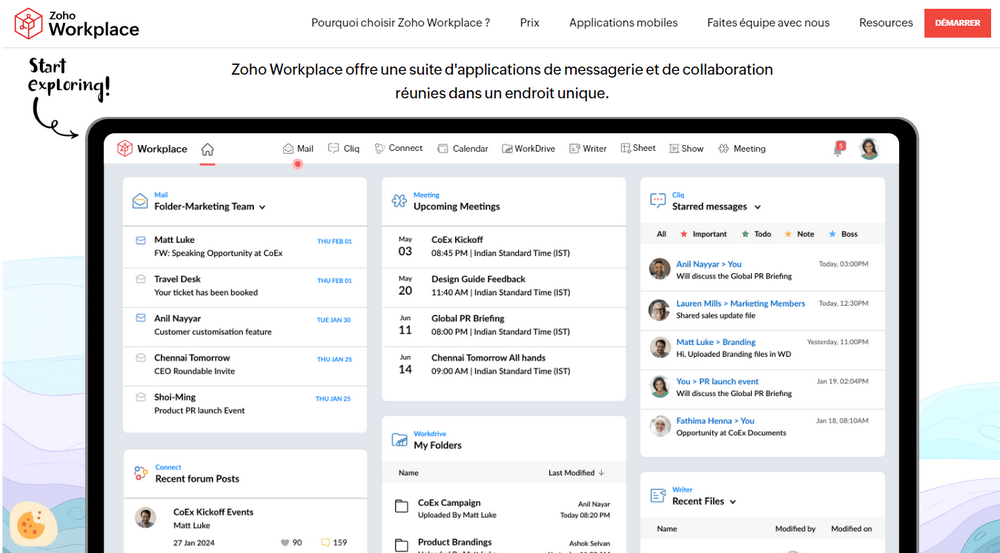
Capgemini et Netflix ont déjà craqué pour Zoho Workplace. Cette alternative flexible et abordable à Google Workspace, développée en parallèle de son fameux CRM, permet aux entreprises de centraliser leurs outils de productivité.
Avantages de Zoho Workplace :
- Coût abordable : les plans de Zoho Workplace débutent à 2.70 € par utilisateur et par mois. Même sa formule la plus avancée reste moins chère que les options comparables de Google.
- Flexibilité des licences : Zoho permet aux entreprises de combiner plusieurs plans pour différents utilisateurs au sein de la même organisation, ce qui permet aux entreprises de personnaliser l’espace de travail en fonction de leurs propres besoins.
- Intégration étroite avec les autres outils Zoho : les utilisateurs des autres solutions Zoho pourront plus facilement gérer tous les aspects de leurs activités professionnelles, de la gestion client à la comptabilité.
- Respect de la vie privée : Zoho se distingue par sa politique stricte en matière de confidentialité, s’engageant à ne jamais vendre les données des utilisateurs à des fins publicitaires, ce qui est un point fort pour les entreprises soucieuses de la protection des données.
Inconvénients de Zoho Workplace :
- Fonctionnalités moins avancées : certaines options importantes, comme la protection avancée contre la perte de données et les fonctionnalités d’archivage de Google Workspace, ne sont disponibles que dans les plans les plus élevés.
- Support technique moins réactif : le support de Zoho, bien que compétent, est souvent jugé moins réactif que celui de Google, notamment en ce qui concerne l’assistance en temps réel.
- Moins de popularité globale : même si la plateforme est efficace, elle n’a pas la même reconnaissance internationale que Google Workspace, ce qui peut limiter les intégrations et le soutien de la communauté utilisateur.
Prix : comme annoncé dans la section « avantages », la formule complète démarre à 2.70€ par mois et utilisateur. Pour bénéficier de plus de stockage, de sauvegardes complémentaires et d’un nombre illimité d’applications, comptez 5.40€ par mois et utilisateur.
4. Jamespot, une autre alternative française à Google Workspace
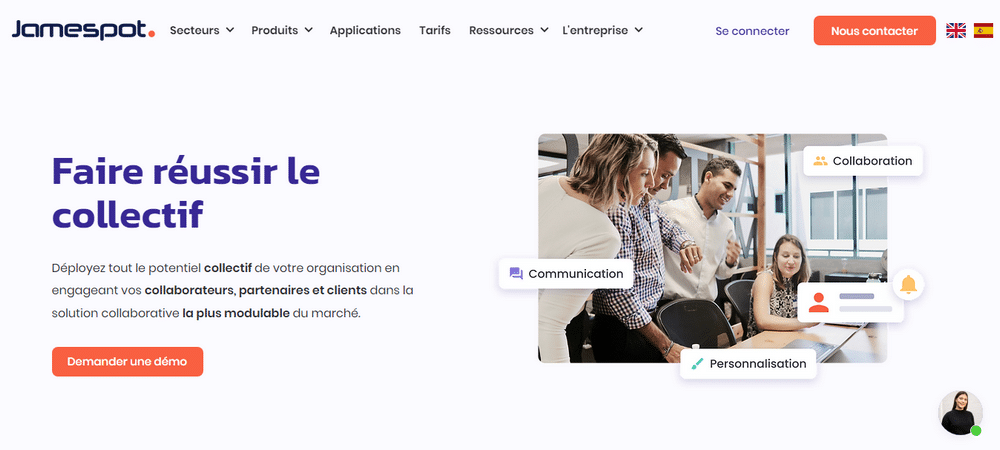
Jamespot se distingue par son approche de collaboration sociale. Un concept qui a séduit de prestigieuses entreprises et de grandes organisations comme la France Mutualiste, l’Assurance Maladie, Saint-Maclou, Babyliss ou encore Eden Park.
Avantages de Jamespot :
- Personnalisation avancée : Jamespot offre des options de personnalisation étendues pour adapter l’interface et les fonctionnalités aux besoins spécifiques de l’entreprise. De plus, l’espace de travail inclut des blogs, forums et sondages pour dynamiser la communication interne.
- Focalisation sur la collaboration sociale : la plateforme est conçue pour renforcer l’engagement des employés grâce à une approche de réseau social d’entreprise, ce qui le distingue des solutions plus orientées vers la productivité traditionnelle.
- Support local : En tant qu’alternative française, Jamespot propose un support technique en français, sans barrières linguistiques ou décalage horaire.
Inconvénients de Jamespot :
- Moins de fonctionnalités avancées : malgré sa grande ressemblance avec Microsoft 365, Jamespot peut manquer d’options avancées comme la gestion intégrée des emails et les outils d’automatisation poussés.
- Moins de reconnaissance internationale : Jamespot, bien qu’efficace pour les entreprises françaises, n’a pas la même envergure globale que Google Workspace, ce qui peut limiter la communication avec des partenaires internationaux.
- Évolutivité limitée : Les options d’intégration de Jamespot avec des applications tierces sont moins nombreuses que celles offertes par Google Workspace et surtout, elles ne sont pas toutes gratuites.
Prix : disponibles uniquement sur devis.
5. BlueMind, un Workspace français et open-source
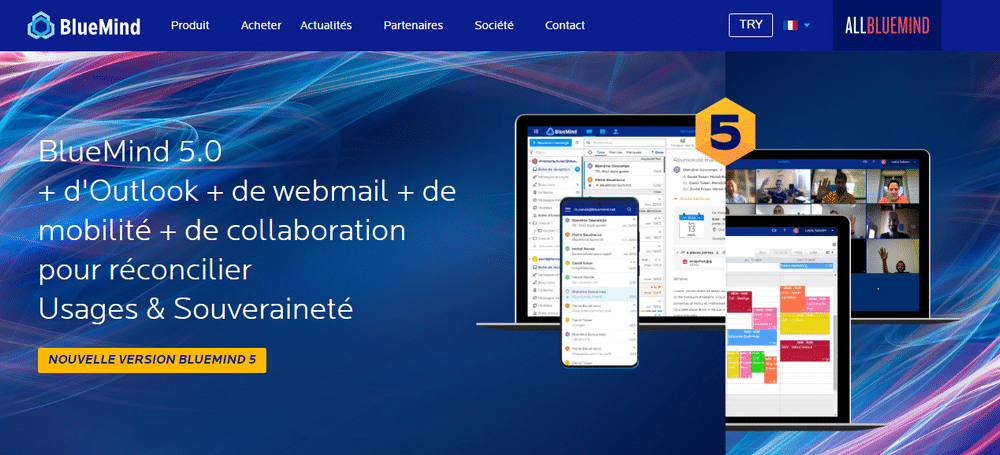
L’alternative française open-source à Google Workspace, BlueMind, s’adresse aux entreprises qui mettent l’accent sur la sécurité et la souveraineté de leurs données. La plateforme, adoptée par Airbus, Thalès, l’Institut Pasteur ou encore le Ministère de l’Intérieur met l’accent sur des fonctionnalités de messagerie collaborative.
Avantages de BlueMind :
- Contrôle des données : la solution open-source française offre un contrôle total sur la localisation et la gestion des données. Cela contraste avec Google Workspace, où l’hébergement s’effectue dans des data-centers situés en dehors de la France.
- Compatibilité étendue : la plateforme est particulièrement appréciée pour sa compatibilité avec des outils emailing existants comme Outlook et Thunderbird, ce qui facilite la transition pour les entreprises déjà ancrées dans ces écosystèmes.
- Support technique local : en tant que solution française, BlueMind offre un support technique en français, avec des horaires alignés sur ceux de votre entreprise.
Inconvénients de BlueMind :
- Fonctionnalités limitées : bien que BlueMind facilite grandement la gestion de la messagerie et de calendriers, il manque certaines des fonctionnalités plus avancées de Google Workspace. Par exemple, des outils collaboratifs en temps réel comme Google Docs et Sheets, ainsi que l’intégration de l’IA pour l’automatisation.
- Moins d’intégrations tierces : BlueMind propose moins d’intégrations avec des applications tierces comparé à Google Workspace, qui dispose d’un écosystème d’add-ons et d’applications très étendu. Cela peut limiter les capacités de personnalisation pour certaines entreprises.
- Courbe d’apprentissage : Bien que l’espace de travail soit conçu pour être intuitif, le statut de solution open-source peut impliquer une courbe d’apprentissage plus longue pour les utilisateurs non familiers avec des systèmes personnalisés ou des déploiements sur site.
Prix : disponibles uniquement sur devis.
Notre conseil pour choisir l’alternative à Google Workspace pour votre entreprise
Choisir la bonne alternative à Google Workspace dépend des besoins spécifiques de votre entreprise. Dans tous les cas, privilégiez une solution facile à intégrer avec vos outils existants, qui offre un bon support client et s’adapte à votre budget.
Prenez le temps de tester les versions gratuites ou d’essai pour évaluer la compatibilité avec votre équipe. Une fois votre choix fait, si vous avez besoin d’aide pour la mise en place ou la personnalisation de votre nouvel espace de travail, n’hésitez pas à poster vos besoins sur Codeur.com. Vous y trouverez des freelances qualifiés prêts à vous accompagner !


