Vous avez besoin d’envoyer un fichier lourd à vos contacts, mais ce dernier est trop volumineux pour être envoyé par e-mail ?
Pas de panique : il existe de nombreuses solutions pour envoyer de gros fichiers en ligne gratuitement.
Voici 12 outils gratuits pour envoyer des gros fichiers gratuitement que nous avons sélectionné pour Vous. Désormais, vous n’aurez que l’embarras du choix pour effectuer le transfert de vos fichiers trop lourds.
Certains outils dans cet article sont sponsorisés. Ils comportent la mention “Sponsorisé”. Découvrez comment sponsoriser votre outil.
SwissTransfer, pour envoyer gratuitement des fichiers jusqu’à 50 Go
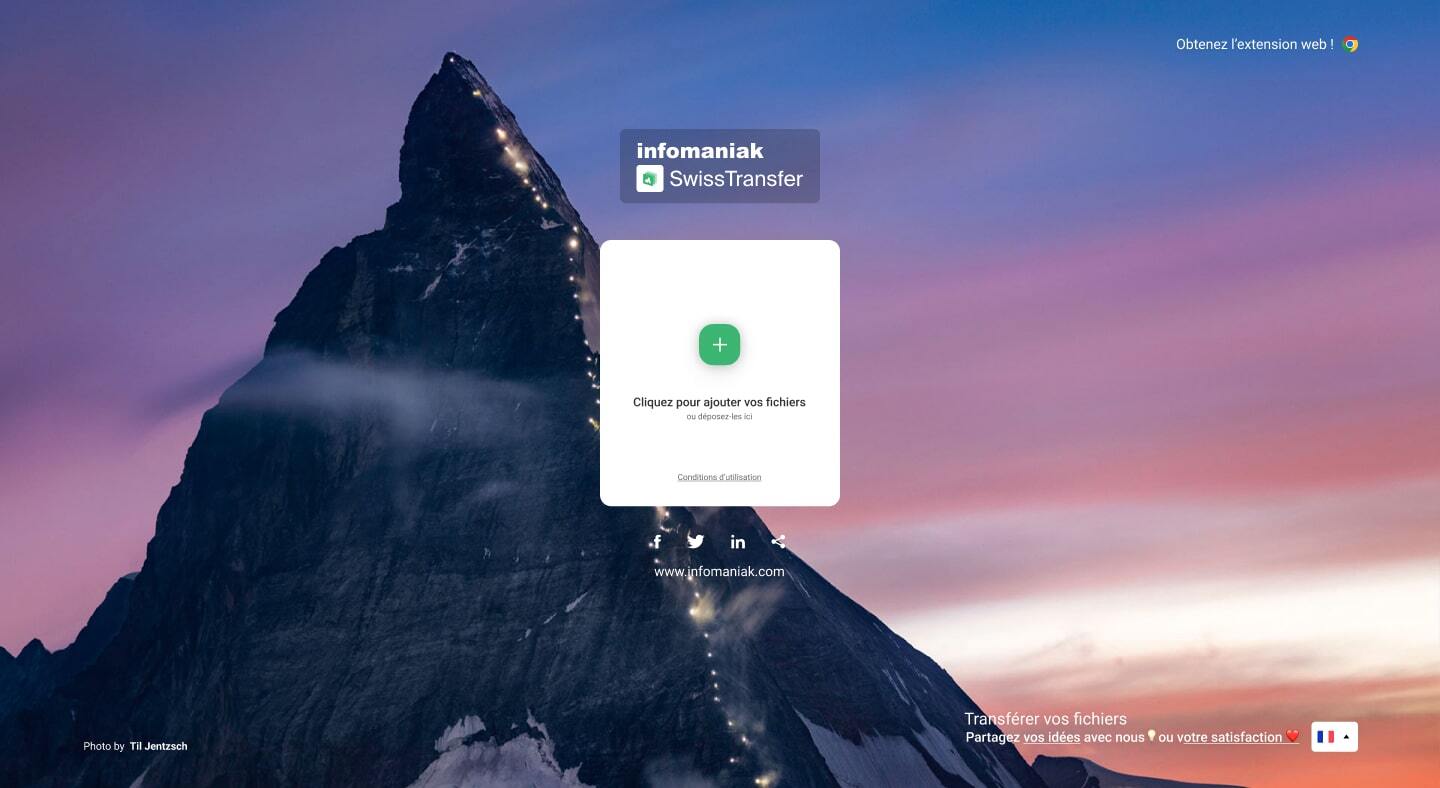
Lancé en février 2019 par l’hébergeur suisse Infomaniak, SwissTransfer est à ce jour la meilleure solution de transfert gratuite. Entièrement hébergé et développé en Suisse, SwissTransfer permet d’envoyer jusqu’à 50 Go de données et offre toutes les options dont vous pourriez avoir besoin : durée de validité personnalisable jusqu’à 30 jours, protection par mot de passe et envoi par e-mail ou par lien.
Simple, sécurisé et respectueux de la vie privée, SwissTransfer a tout pour plaire, et aucune inscription n’est requise.
TransferNow, la meilleure solution gratuite et sécurisée pour le transfert de fichiers volumineux rapide
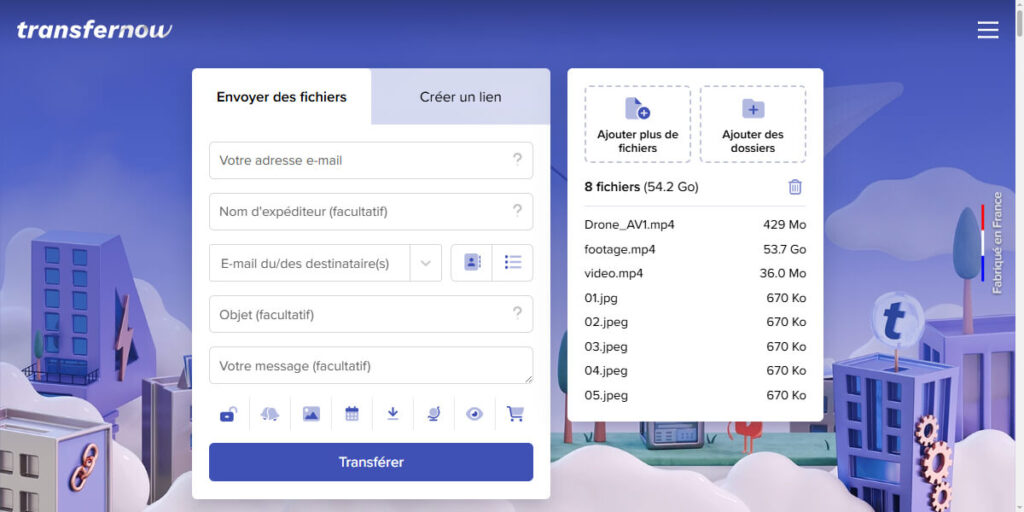
TransferNow est la solution française qui permet d’envoyer rapidement de gros fichiers (jusqu’à 5 Go gratuitement) sans inscription obligatoire, sans file d’attente et sans validation par code. En quelques clics, vos fichiers sont prêts à être envoyés par e-mail ou via un lien de partage. L’interface claire et ergonomique s’adapte aussi bien aux besoins personnels que professionnels.
Les utilisateurs professionnels bénéficient d’options enrichies avec différentes offres selon les besoins : envois sans limite de taille, personnalisation complète de l’interface avec logo, fonds d’écrans, couleurs, domaines personnalisés, historique des transferts, stockage étendu, gestion multi-utilisateurs, statistiques, journal de sécurité et accès à une API pour automatiser les flux.
TransferNow se distingue par sa fiabilité, sa sécurité (vos fichiers sont stockés en France) et son adaptabilité aux besoins des particuliers et indépendants, des collectivités et des entreprises de toute taille.
Smash, pour envoyer vos fichiers volumineux stockés en France

Smash est une très bonne solution pour envoyer des fichiers volumineux en ligne, puisqu’il est totalement gratuit et sans limites de taille. C’est clairement l’un de nos outils préférés, en plus, Smash est un outil français. Vos données sont, par conséquent, stockés en France !
Il profite d’une interface simple et intuitive, Smash propose la suppression du fichier uploadé au bout de 7 jours au maximum.
L’outil le plus rapide pour l’upload de vos fichiers, Smash met à disposition l’ajout d’un mot de passe afin de sécuriser au mieux l’envoie de vos fichiers.
Smash propose plusieurs de nombreuses offres avec des prix qui varient :
- Une offre Gratuite : pour envoyer des fichiers ponctuellement (fonctionne très bien pour la plupart des besoins, jusqu’à 2 Go par transfert)
- Une offre Pro à 4,90€ par mois (en payant 2 ans d’abonnement d’un coup, sinon 10€ pour l’abonnement mensuel) : pour envoyer des fichiers très volumineux (jusqu’à 250 Go)
- Une offre Team à 12,00€ par mois (en payant 2 ans d’abonnement d’un coup, sinon 25€ pour l’abonnement mensuel) : pour envoyer des fichiers ou dossiers jusqu’à 500 Go, un accès multi utilisateurs et des options de personnalisation
- Une offre Entreprise sur mesure : pour les chef d’entreprise ou les responsables de services qui ont des besoins récurrents d’envois de fichiers lourd
- Une offre développeur : pour faciliter l’upload et le download de fichiers via API
Les offres les plus évoluées proposent également un plugin Outlook pour faciliter l’envoie de fichiers lourds par e-mail.
C’est le coup de coeur de la rédaction !
WeTransfer, le site d’envoi de gros fichiers le plus connu

WeTransfer est l’un des services d’envoi de gros fichiers les plus connus.
WeTransfer vous permet d’envoyer des fichiers gratuitement, jusqu’a 10 destinataires à la fois et le tout avec une interface intuitif.
Pratique et simple d’utilisation, WeTransfer est toutefois limité à 2 Go par transfert, comme la plupart de ses concurrents. Quant aux fichiers, ils sont supprimés au bout d’une semaine (en version gratuite).
WeTransfer propose une tarification plus simple que Smash :
- Un plan Gratuit : limité à 2 gigas par envoi, jusqu’à 20 téléchargements par transfert
- Un plan Pro à 10€ par mois : pour envoyer jusqu’à 200 Go, avec 1 TB de stockage et un nombre illimité de téléchargements par transfert
- Un plan Premium à 19€ par mois : leur meilleure offre, sans limite de taille et avec un stockage de 5TB
C’est notre alternative favorite à Smash à la rédaction de Codeur.com !
pCloud, pour envoyer un e-mail volumineux à 10 personnes
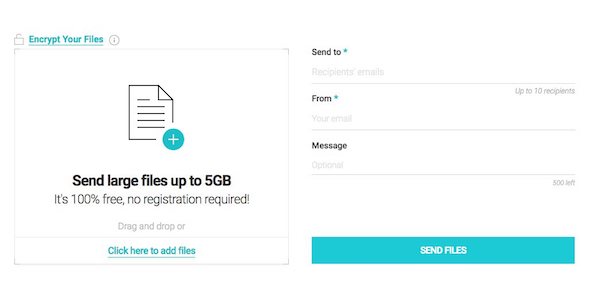
pCloud assure gratuitement l’envoi de fichiers volumineux jusqu’à 5 Go. En créant un compte sur la plateforme, il vous saura possible d’envoyer jusqu’a 10 Go.
Liés à l’envoi, tous vos partages sont sécurisés par un mot de passe. Leur autodestruction intervient, là encore, 7 jours après votre envoi.
De plus, pCloud permet d’envoyer un mail à 10 destinataires maximum ou vous mets à disposition un lien de téléchargement.
Filemail, pour transférer vos dossiers gratuitement
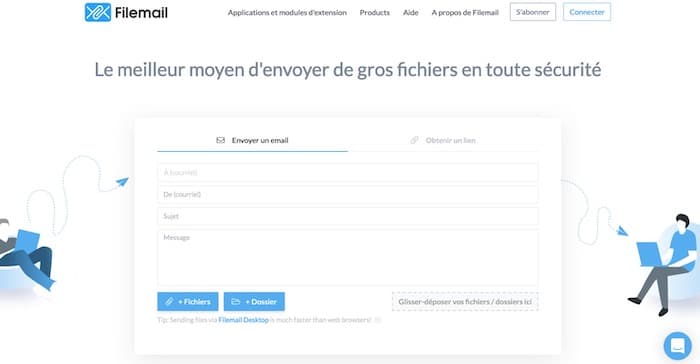
Filemail est un véritable poids lourd du transfert de fichiers : il accepte les pièces jointes allant jusqu’à 5 Go (et il est même possible d’envoyer un dossier entier).
La version gratuite de Filemail propose un délai de suppression de 7 jours, mais ne donne accès qu’à deux envois par jour.
Filemail dispose également d’une version payante. Celle-ci offre l’envoi de fichiers volumineux jusqu’à 250 Go et toutes les options de sécurité comme le mot de passe ou encore le suivi de l’envoi.
Lire aussi : 10 outils pour compresser ses images en ligne
Send Anywhere, le lien de téléchargement de fichier au format QR Code
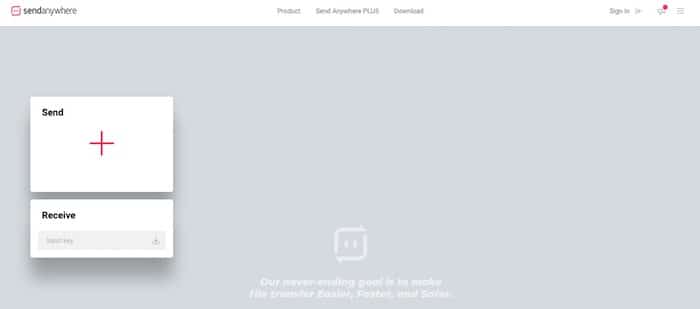
Send Anywhere permet l’envoi de fichiers volumineux d’une taille pouvant atteindre 10 Go (avec 7 jours de validité).
Petite originalité de l’outil : il est possible d’envoyer un lien sous la forme d’un QR Code pour faciliter le téléchargement sur mobile.
Si vous avez besoin de faire un très gros envoies de fichiers, Send Anywhere propose, via son forfait « Sendy Pro », l’envoi de vos fichiers jusqu’a 50 Go et 1 To de stockage cloud.
À lire aussi : 12 outils de compression de vos fichiers code (CSS, HTML et JS)
Grosfichiers, pour envoyer jusqu’à 30 e-mails avec des fichiers lourds
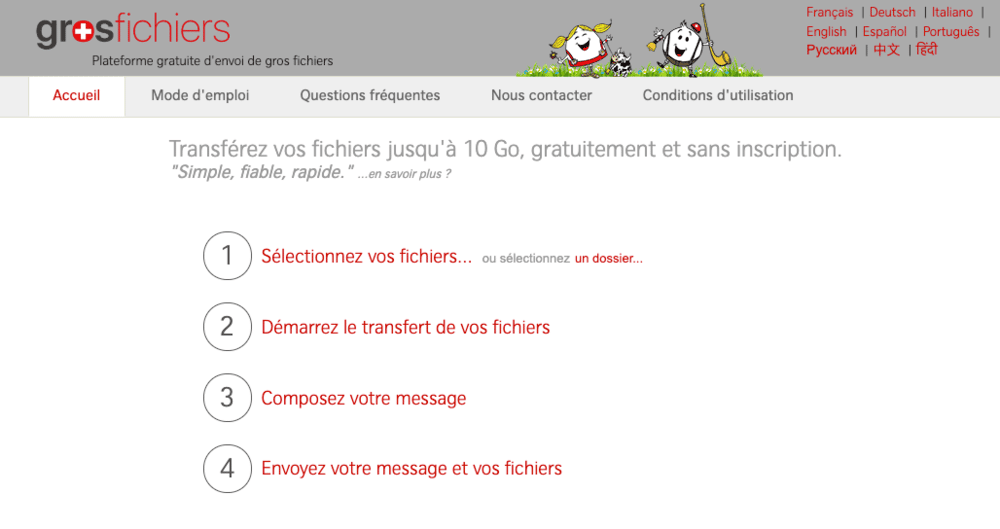
GrosFichiers permet, comme son nom l’indique, de transférer des fichiers volumineux (10 Go maximum) gratuitement, simplement et sans créer de compte utilisateur.
Vous pouvez personnaliser votre message et envoyer jusqu’à 30 e-mails à la fois et les fichiers disparaissent au bout de 14 jours.
FileTransfer.io, l’outil d’envoi de fichiers rapide
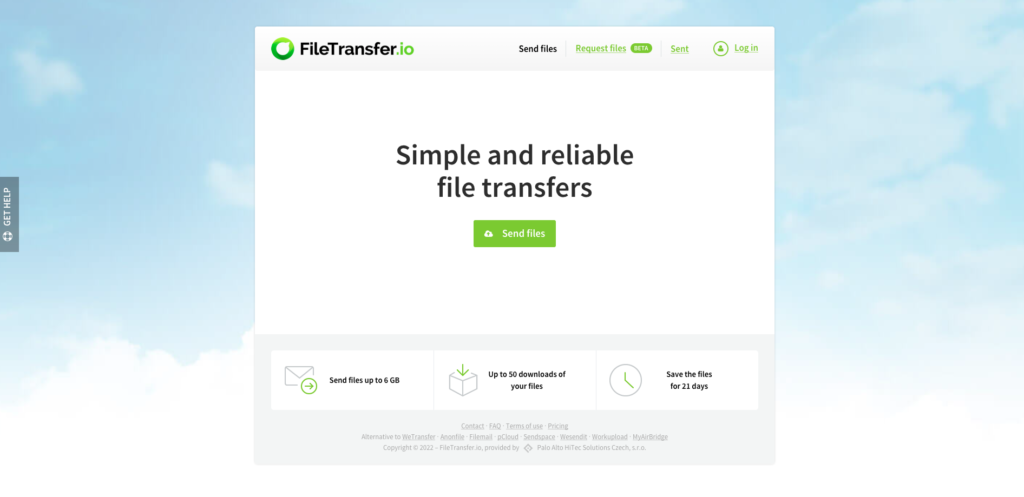
FileTransfer.io est un outil de partage de fichiers volumineux (6 Go maximum) gratuit et très rapide.
Avec des fichiers qui restent disponibles pendant 21 jours et la possibilité de télécharger jusqu’à 50 fois les fichiers envoyés, l’outil permet de simplifier l’envoi de fichiers rapidement et sécuriser.
La plateforme est gratuite. Toutefois, il existe également des options payantes pour accélérer le partage de document.
Sendbox, pour protéger votre fichier volumineux par un mot de passe

Avec Sendbox, envoyez facilement un fichier volumineux de 3 Go maximum.
Simple et facile d’utilisation, Sendbox vous garantie le transfert de vos fichiers volumineux rapidement.
Sendbox met un point d’orgue à la sécurité. Vous pouvez notamment définir un mot de passe pour que seul votre destinataire puisse l’ouvrir.
Il propose également des versions payantes afin d’améliorer et de compléter l’outil déjà bien fourni.
Tresorit Send, pour un envoi de fichiers sécurisé
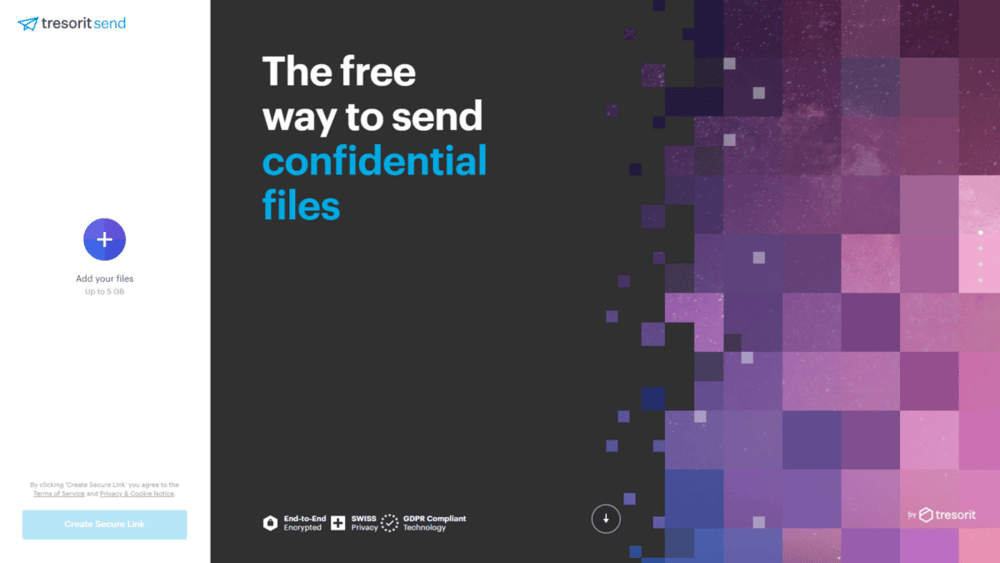
Grâce à Tresorit Send, bénéficiez de l’envoi de vos fichiers volumineux jusqu’à 5 Go.
Tresorit Send met à disposition un chiffrement de bout en bout et des options de sécurité très avancées.
Il propose également une offre payante afin d’accéder au cloud, d’envoyer de plus gros fichiers (jusqu’à 20 Go pour le forfait le plus cher) et avec des informations sur le suivi notamment non négligeables pour les grandes entreprises.
Wormhole, le partage simplifié et sécurisé
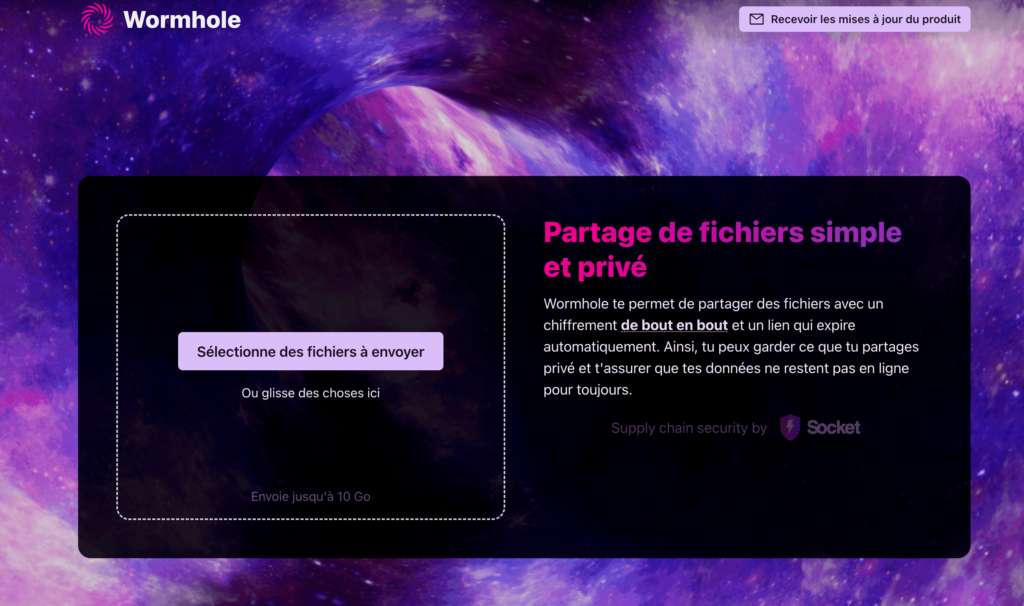
Né suite à l’arrêt de Firefox Send, Wormhole est le nouvel outil de Firefox et ne manque pas d’options.
Totalement gratuit, Wormhole permet de mettre en ligne des fichiers allant jusqu’à 10 Go. Ce met à disposition un chiffrement bout en bout très avancé et des fonctionnalités, même gratuites, très intéressantes comme la création de QR code pour le téléchargement des fichiers.
Comme pour chaque outil, celui-ci propose une version payante. Toutefois, étant un outil récemment ouvert, cette version est encore en développement.
Pourquoi faire appel à un service d’envoi de gros fichiers ?
Généralement, c’est parce que vous souhaitez transmettre un fichier qui est trop volumineux pour les messageries et être envoyé par mail. En effet, la plupart des messageries bloquent les pièces jointes trop volumineuses. Certaines n’autorisent que 10 Mo maximum.
La deuxième raison est le fait que vous cherchez un outil sécurisé pour envoyer de gros fichiers. Ces outils ont mis l’accent sur la sécurité grâce à de nombreuses options et grâce au chiffrement des données. L’ajout de mot de passe ou la mise en place de liens de téléchargement permettent de sécuriser vos envois.
Enfin, vous êtes peut-être à la recherche d’un outil vous permettant d’envoyer un fichier lourd à plusieurs dizaines de personnes à la fois, sans limite de temps de téléchargement. Certaines de ces options sont toutefois plutôt disponibles en souscrivant à des versions payantes proposant des avantages différents.
Comment choisir le bon service pour envoyer vos fichiers volumineux ?
Pour bien choisir votre outil, il faut déjà connaître vos besoins et vos attentes en terme d’envoi de fichiers en ligne. Avez-vous besoin d’envoyer des fichiers lourd par mail ? Dans ce cas Smash peut-être très pratique avec son plugin Outlook.
La majorité des outils présentés ci-dessus proposent le transfert de vos fichiers entre 2 et 10 Go, le tout sans inscription ni offres payantes. Pour la plupart, vous avez la possibilité d’ajouter un mot de passe pour sécuriser votre envoi.
Vous avez besoin d’envoyer des fichiers lourds régulièrement ?
Il est préférable d’utiliser une alternative à Google Drive pour partager des documents. Ce dernier n’est pas conçu pour l’envoi sécurisé de données comme un outil d’envoie de fichier en ligne.
Si vous avez des besoins réguliers, certains outils d’envoi de fichier en ligne proposent des offres entreprise. Mais la facture peut rapidement devenir salée si vous avez besoin d’ouvrir des accès à plusieurs membres de votre entreprise.
Un freelance peut certainement mettre en place un serveur de transfert ou un service interne à votre entreprise pour échanger des fichiers à un tarif attractif. N’hésitez pas à déposer un projet gratuitement sur Codeur.com pour trouver un freelance qui pourra vous mettre en place un système interne d’échange de fichiers volumineux !


