Le Largest Contentful Paint (LCP) est une métrique des Core Web Vitals : il mesure le temps nécessaire avant que l’élément le plus grand devienne visible dans le « viewport ». Tant que le LCP n’est pas chargé, vous ne verrez presque rien sur la page. En effet, l’élément LCP se situe toujours au-dessus de la ligne de flottaison, c’est-à-dire en haut de la page en cours de chargement.
Si, en règle générale, le LCP est une image ou un bloc de texte, il peut aussi s’agir d’une vidéo ou d’une animation. L’élément LCP peut également être différent selon qu’on demande une même page sur un smartphone ou sur desktop.
Comme vous vous en doutez, « l’élément le plus grand » est le plus important dans l’expérience utilisateur et pour la vitesse de chargement réelle ou perçue : si l’élément le plus grand de la page ne se charge pas rapidement, l’expérience utilisateur ne sera pas bonne. Combien de temps vous regardez une page presque blanche, en attendant que la page se charge ? Souvent vous allez même quitter le site !
Lors de la navigation sur un site, quelques secondes d’attente en moins peuvent faire une énorme différence, et c’est pourquoi Google a inclus le LCP dans l’une de ces métriques « Core Web Vitals », qui mesurent la qualité de votre expérience utilisateur.
LCP représente 25 % du score global de PageSpeed Insights : en améliorant ses performances, vous améliorerez probablement votre note, et avec celle-ci votre expérience utilisateur, et votre référencement.
En bref, LCP est l’une des mesures de performance les plus importantes à l’heure actuelle.
Quelles sont les causes de lenteur du « Largest Contentful Paint »?
Les outils de mesure tels que PageSpeed Insights ou Search Console (dans le rapport Core Web Vitals) vous indiqueront le temps nécessaire au chargement du LCP.
Les causes les plus courantes d’un mauvais LCP sont les suivantes :
1. Temps de réponse des serveurs lents
Un serveur lent aura un effet négatif sur toutes les mesures de vitesse de chargement de votre site Web, et pas seulement sur le LCP.
Même si toutes vos ressources sont optimisées, cela sera inutile tant que vous aurez un serveur peu performant.
2. JavaScript et CSS bloquent le rendu
Si vous ajoutez de nombreux plugins sur votre site Web, ou si vous avez choisi un thème très élaboré, vous devriez peut-être reconsidérer certains choix : l’ajout de JavaScript et de CSS (en particulier au-dessus de la ligne de flottaison) affecte fortement les temps de chargement.
Chaque fois qu’un navigateur rencontre un script synchrone ou une feuille de style externe, il retarde le rendu final d’une page Web.
3. Temps de chargement des ressources
Les images, les vidéos et les blocs de texte qui s’affichent au-dessus de la ligne de flottaison ont également un effet direct sur le temps de chargement.
Les éléments de grande taille, tels que le Hero Header (grand bandeau souvent imposant sur lequel figurent textes, boutons…), doivent être optimisés pour réduire les temps de chargement.
4. Rendu côté client
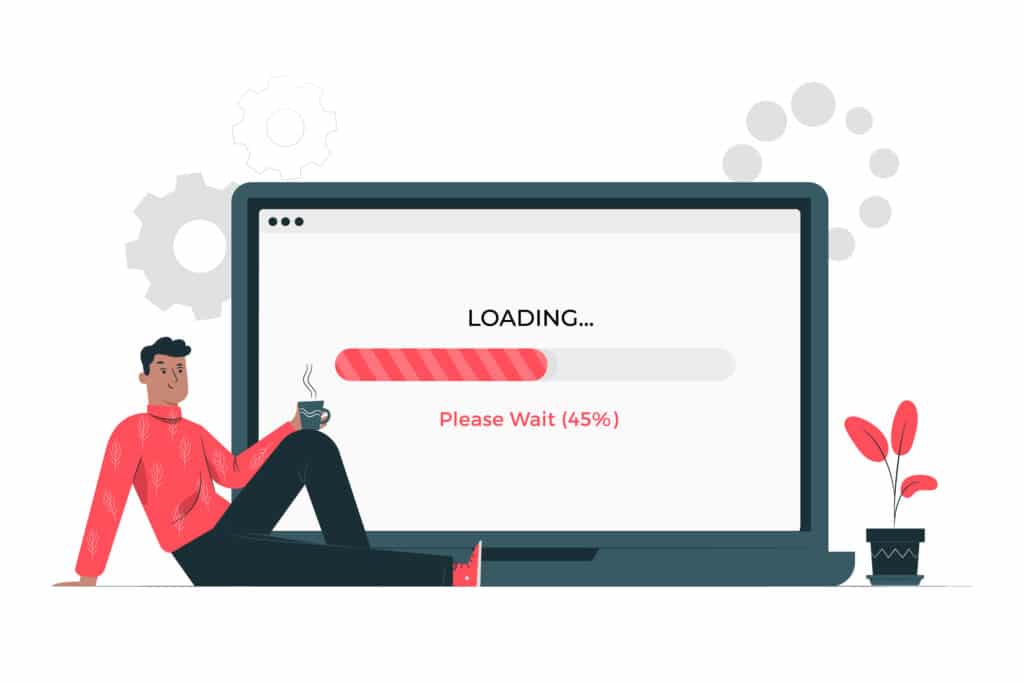
Le rendu côté client est populaire auprès de nombreux développeurs Web. Utilisant JavaScript, il permet de rendre les pages web directement dans le navigateur. Cependant, JavaScript a un impact sur le LCP, car le navigateur doit d’abord charger tout le JavaScript critique avant de terminer le rendu.
Comment améliorer le « Largest Contentful Paint »?
Voici quelques pistes pour améliorer le temps de chargement de votre LCP.
1. Migrer sur un meilleur serveur
Le LCP est une mesure du contenu. Il est donc logique que l’une des meilleures façons de l’améliorer soit de commencer par le temps qu’il faut pour récupérer le contenu sur votre serveur.
Si lorsque vous effectuez des analyses de performances, le temps de réponse de votre serveur est mauvais, changez-en !
2. Mettre en place un CDN
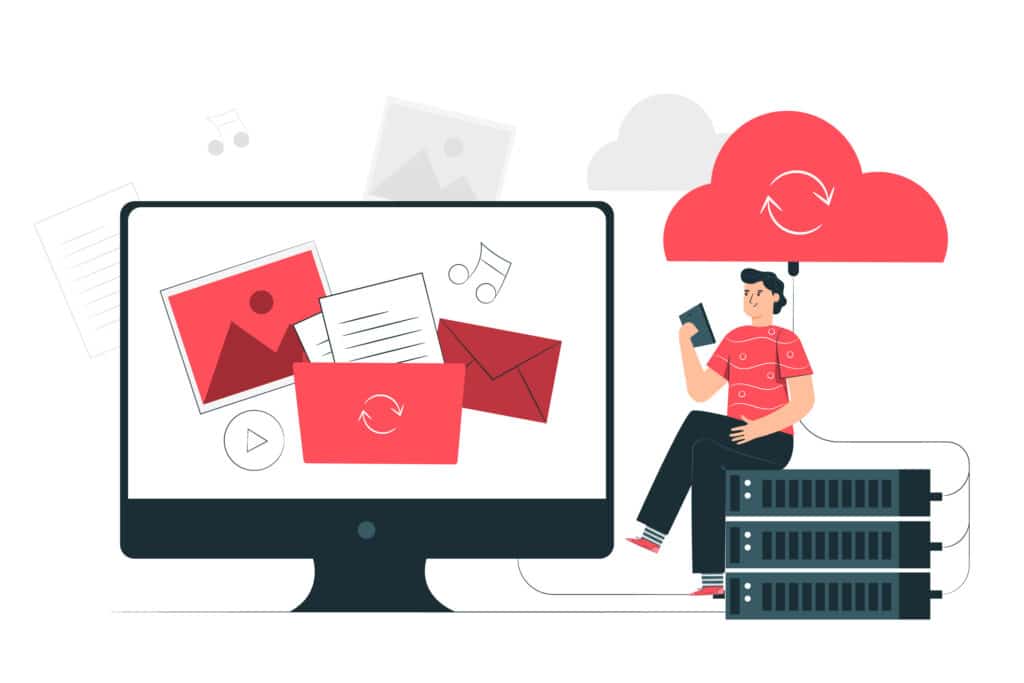
Un CDN est un réseau de diffusion de contenu qui stocke votre contenu sur des serveurs répartis dans le monde entier : plutôt que d’avoir votre contenu stocké en un seul endroit, lorsqu’un utilisateur demande une page, le contenu est servi à partir du serveur le plus proche de lui.
Ainsi, si votre élément LCP est un gros fichier image, votre visiteur de Madrid ne devra pas attendre que le fichier soit acheminé par câble depuis votre serveur de Strasbourg.
Moins de distance à parcourir = moins de temps à délivrer le contenu.
3. Mettre en place un système de cache
Si votre CDN utilise des serveurs périphériques, vous pouvez mettre votre contenu en cache afin qu’il ne doive pas être rechargé à chaque fois.
Si votre CDN ne dispose pas de tels serveurs, vous pouvez tout de même mettre votre contenu en cache, en gérant ce dernier directement auprès de votre hébergeur.
4. Servir le contenu HTML mis en cache via un service worker
Pour rendre cette opération encore plus rapide, vous pouvez utiliser un « service worker » qui servira d’abord le contenu mis en cache. Ainsi, si votre LCP est une image mise en cache, le service worker s’exécutera en arrière-plan du navigateur et pourra intercepter les requêtes du serveur.
Il est ainsi possible de mettre en cache le contenu de la page HTML et de ne mettre à jour le cache que lorsque le contenu a changé, ce qui permet de délivrer le Largest Contentful Paint encore plus rapidement qu’avec un simple CDN.
5. Rendre le contenu plus rapidement
Lorsqu’un navigateur rend votre contenu, il doit d’abord analyser le balisage HTML pour le transformer. Or, si ce dernier rencontre sur son chemin des feuilles de style externes ou des balises JavaScript synchrones, il interrompra cette tâche pour traiter ces ressources externes.
Les scripts et les feuilles de style sont des ressources qui bloquent le rendu et retardent par conséquent le LCP. Pour éviter que ces ressources ne bloquent le chargement de votre LCP, reportez tout JavaScript et CSS non critique.
En fait, vous pourriez aussi simplement supprimer tout CSS inutilisé sur cette page, ou le déplacer vers une autre feuille de style.
6. Optimiser, compresser et réduire tout le contenu que vous pouvez
L’objectif de LCP est de faire apparaître le contenu utile à l’écran aussi rapidement que possible. Le temps de chargement des éléments de la page a un effet direct sur le LCP.
Des fichiers plus petits permettent un chargement plus rapide. Chaque octet de gagné améliore le LCP, il faut donc faire la chasse au contenu trop lourd et alléger tout votre site, le plus possible.
Optimiser et compresser les images
L’amélioration du temps de chargement et de rendu des images accélère directement le LCP. Pour ce faire, convertissez les images dans des formats plus légers tels que JPEG ou WebP, ou bien compressez-les.
Tâchez de les servir aux dimensions exactes prévues dans votre code, par exemple avec la balise « srcset ». N’utilisez pas d’image qui ne soient pas réellement utiles.
Préchargez les ressources importantes
Même si vous chargez du contenu optimisé et compressé, certains éléments de ces ressources peuvent être enfouis dans un fichier qui prend beaucoup de temps à charger pour le navigateur.
Un fichier texte peut prendre des secondes supplémentaires à charger, juste parce que la police de caractères nécessaire se trouve dans une feuille de style externe.
Si vous avez des ressources qui doivent être priorisées, comme les éléments qui forment votre LCP, tâchez de les récupérer le plus tôt possible. Préchargez les ressources critiques qui forment le premier viewport, telles que les polices, les images au-dessus de la ligne de flottaison, et les chemins critiques CSS ou JavaScript.
Compresser les fichiers texte
Pour la compression de texte, il existe des algorithmes de compression qui réduiront le poids du HTML, du CSS, du JavaScript et des fichiers texte lorsqu’ils sont envoyés entre le serveur et le navigateur.
Réduisez le poids de vos JS et CSS
Le téléchargement de Javascript et des feuilles de style CSS empêche le contenu de votre site d’être visible ou interactif rapidement. Même si le JavaScript est asynchrone et ne bloque pas le rendu, il se « battra » pour obtenir de la bande passante pendant le téléchargement, ce qui réduit les performances mobiles.
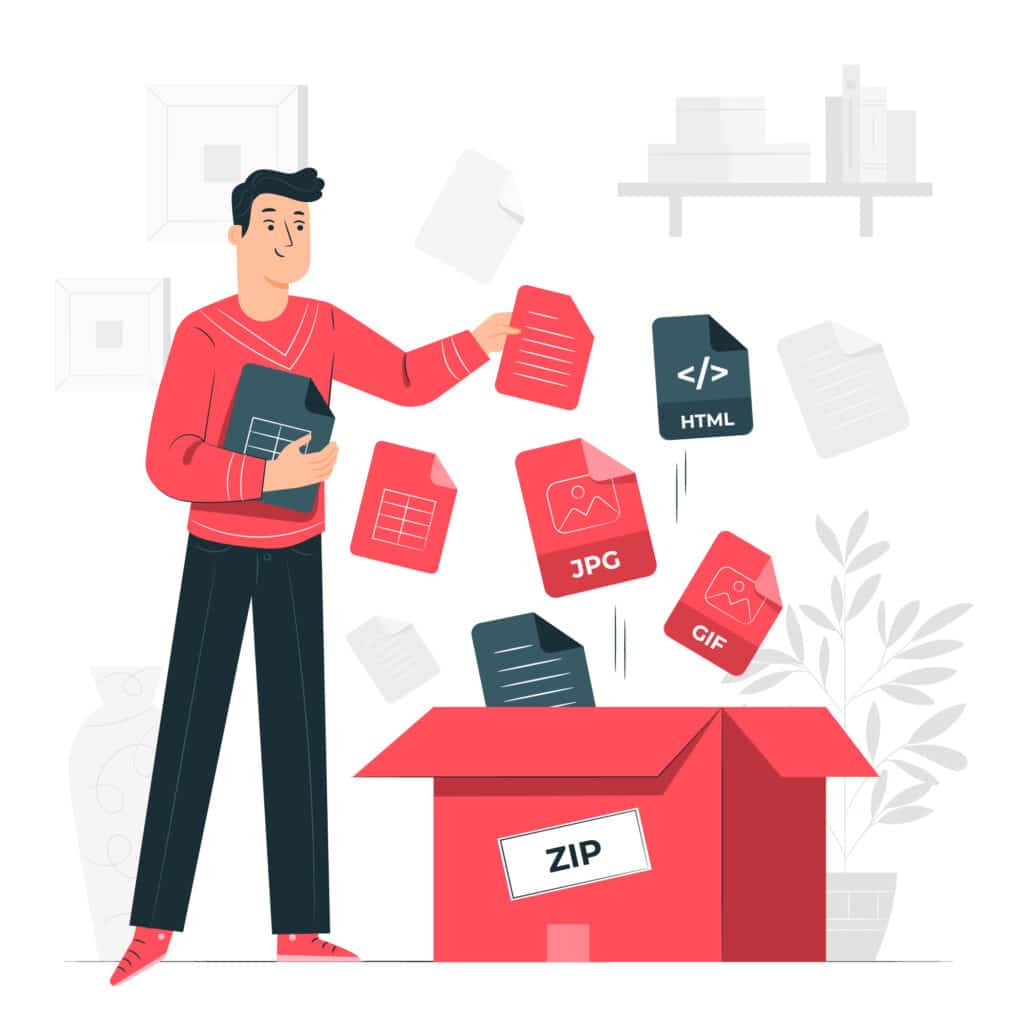
Maintenant que nous savons que Google note l’expérience à un contenu visible, stable et interactif, il est important de réduire autant que possible la taille de ces ressources. C’est le travail de « minification », qui consiste à éliminer tous les espaces et saut de ligne superflus de vos fichiers afin d’en réduire le poids.
Attention, cela veut aussi dire que vous devez faire la chasse aux scripts et feuilles de style inutilisés : un contenu « minifié » inutile est un contenu qui ne devrait pas devoir être chargé du tout, optimisé ou non !
Il existe de nombreux outils pour vous aider à compresser vos scripts Javascript et vos feuilles de style. Si vous utilisez WordPress, voici une liste de quelques-uns d’entre eux.
Vous pouvez également trouver un freelance qui se chargera de le faire manuellement.
Conclusion
Vous devriez maintenant comprendre pourquoi Largest Contentful Paint est essentiel pour les performances et l’expérience utilisateur, et comment vous pouvez améliorer le score de votre site internet.
En appliquant toutes ces techniques d’optimisation, vous améliorerez la note LCP de votre site, vos utilisateurs vous remercieront, et votre référencement sera amélioré !


