Le « no-code » est une méthode de programmation qui n’implique pas nécessairement l’écriture de code mais qui fonctionne plutôt avec des outils GUI (Graphic User Interface).
En d’autres termes, les outils no-code ne dépendent pas des connaissances et de la capacité de leurs utilisateurs à utiliser du code, mais font appel à des méthodes beaucoup plus simples, permettant à quiconque le souhaite de créer son site internet facilement.
Nous allons voir quelques-uns de ces outils dans cet article.
1. Dorik
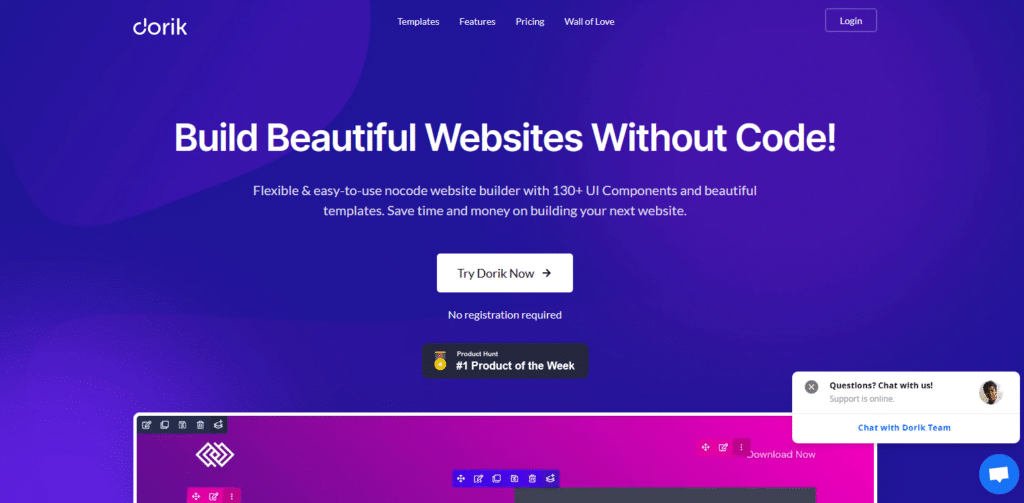
Dorik est une plateforme de création de sites Web pour les adeptes de No Code et les débutants en matière de création de site internet.
Dorik est livré avec quelques centaines de templates et de composants d’interface utilisateur, ce qui vous permet de créer un site Web attrayant et moderne sans avoir besoin de compétences avancées en matière de webdesign.
Avec Dorik, presque pas de courbe d’apprentissage : qu’il s’agisse d’une conception personnalisée en partant de zéro ou d’un site Web fait rapidement à l’aide d’un template, la bibliothèque de composants d’interface utilisateur de Dorik vous donne la liberté de créer exactement ce que vous voulez..
L’outil est livré avec des intégrations à vos outils préférés comme Zapier, Integromat, Memberstack, Google Analytics, Hotjar, MailChimp, EmailOctopus et plus encore.
2. Code2
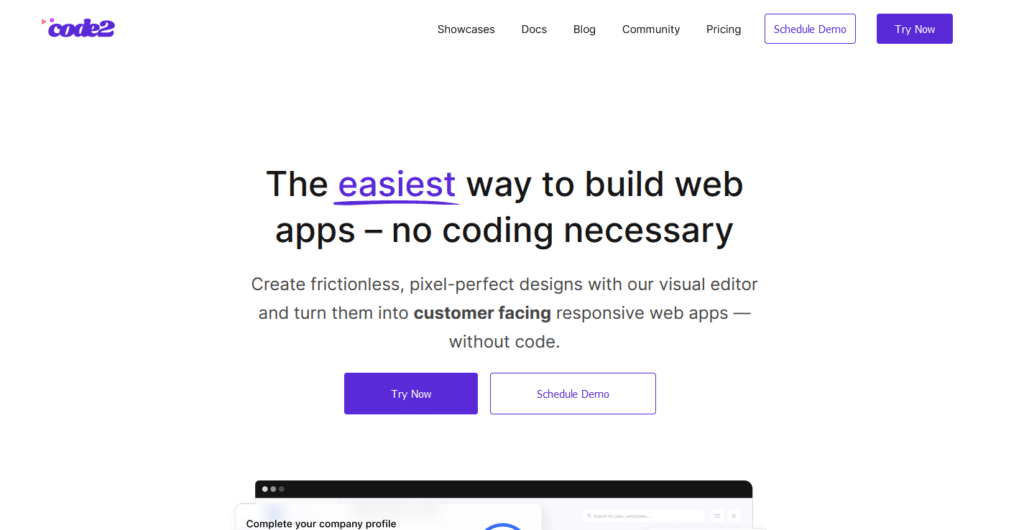
Récemment arrivée sur le marché, Code2.io est une plateforme no-code qui vous aide à créer des applications web responsives, sans codage.
L’éditeur visuel avancé et l’interface drag-and-drop de Code2 permettent de créer des sites Web avec aisance.
Configuration, hébergement, lancement et mise à l’échelle : Code2 s’occupe de tout pour vous. Il s’agit en fait d’une véritable plate-forme tout-en-un qui vous permet de créer et de lancer des applications Web orientées client sans avoir à vous soucier du déploiement, de l’hébergement ou des limites relatives au nombre d’utilisateurs ou au stockage de données.
C’est un excellent choix pour toute personne désireuse de développer son activité ou de monétiser son idée (qu’il s’agisse d’un fondateur de startup, d’un propriétaire d’entreprise, ou d’un indépendant), le tout sans avoir à mettre les mains dans le code.
Les futurs plans sont :
Lite : 14 $/mois (bientôt disponible)
Standard : 49 $/mois (bientôt disponible)
Pro : 149 $/mois (bientôt disponible)
3. Bubble
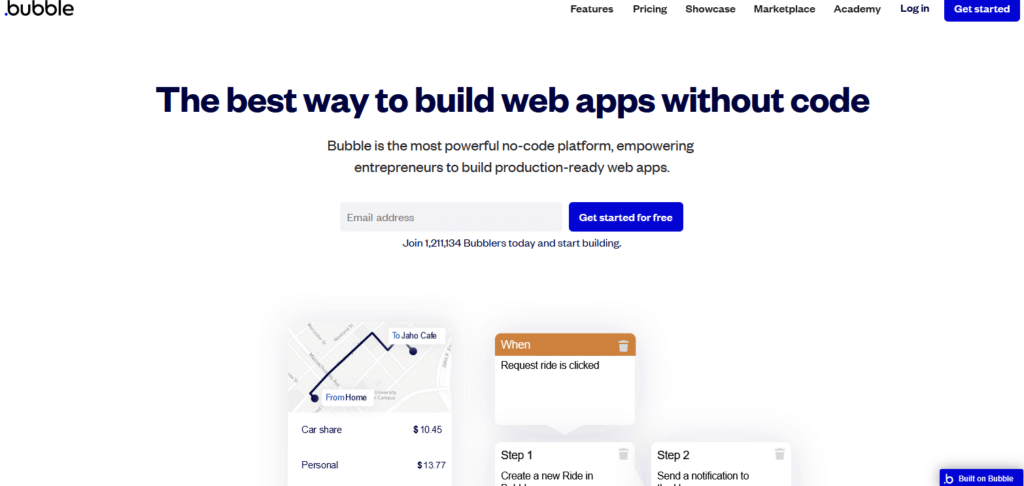
Si vous avez besoin de créer une application Web, Bubble.io est peut-être votre solution rêvée.
La plateforme vous donne la possibilité de créer un prototype d’application complet, de la construire et de la lancer en quelques heures, et de la faire évoluer en fonction de votre croissance. Doté d’un ensemble d’outils internes relativement puissants, bubble.io est à la fois fonctionnel et facile à utiliser.
Muni d’un marketplace contenant plugins ou thèmes, d’un forum communautaire et de capacités d’intégrations de plusieurs outils externes, Bubble.io revendique 1,2 millions d’utilisateurs.
Hobby : Gratuit
Personnel : 25 $ par mois (paiement annuel) ou 29 $ par mois (paiement mensuel)
Professionnel : 115 $ par mois (payé annuellement) ou 129 $ par mois (payé mensuellement)
Production : $475 par mois (payé annuellement) ou $529 par mois (payé mensuellement)
4. Squarespace
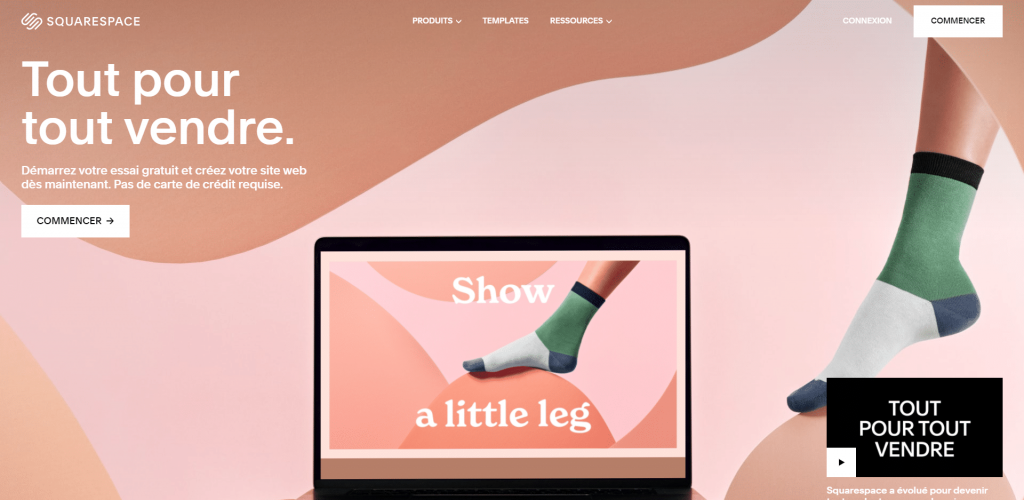
Fondé en 2004, SquareSpace est une solution « sans code » qui permet de construire et de modifier un site web sans avoir besoin de connaître le CSS ou HTML, tout en ayant la possibilité d’ajouter du code si nécessaire.
C’est est un constructeur de sites Web « software as a service » : contre un abonnement mensuel, tout ce dont vous avez besoin pour construire et entretenir votre site est fourni, de l’hébergement au nom de domaine en passant par un outil de marketing par e-mail, et même une solution e-commerce « maison », sans compter le système de gestion de contenu, fourni bien sûr avec une sélection importante de templates, plus de 130 à ce jour.
L’interface de SquareSpace est très facile à utiliser : son éditeur permet de modifier facilement les éléments de conception des thèmes comme la police de caractère, sa taille et sa couleur, etc.
La modification du contenu est tout aussi simple : il suffit de localiser le contenu que vous souhaitez modifier, de cliquer sur un bouton « modifier » et de l’ajuster en conséquence.
Vous pouvez utiliser le « drag-and-drop » pour déplacer des blocs de texte ou des images sur une page, ou y déposer du contenu provenant d’autres sections de votre site.
5. Webflow
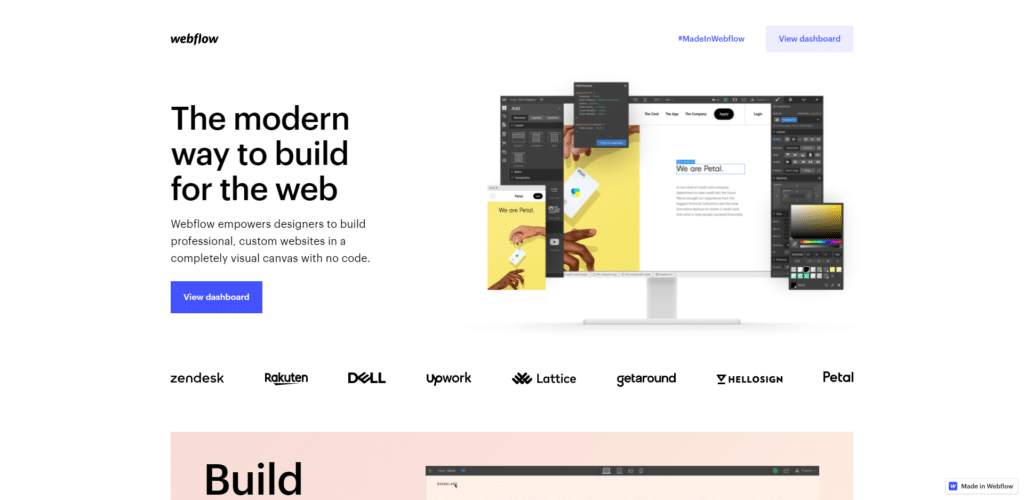
Webflow est une autre plateforme de création de sites Web qui vous permet de concevoir et de lancer des sites Web responsives sans avoir à coder.
La plupart des créateurs de sites Web no-code vous permettent de personnaliser votre site jusqu’à un certain point, mais avec Webflow, vous êtes aussi libre que si vous deviez coder votre site complètement : il est très personnalisable. Vous pouvez choisir de partir de zéro et de construire un site Web entièrement à votre image, et bien sûr si vous voulez aller plus vite, vous pouvez utiliser un template.
6. Carrd
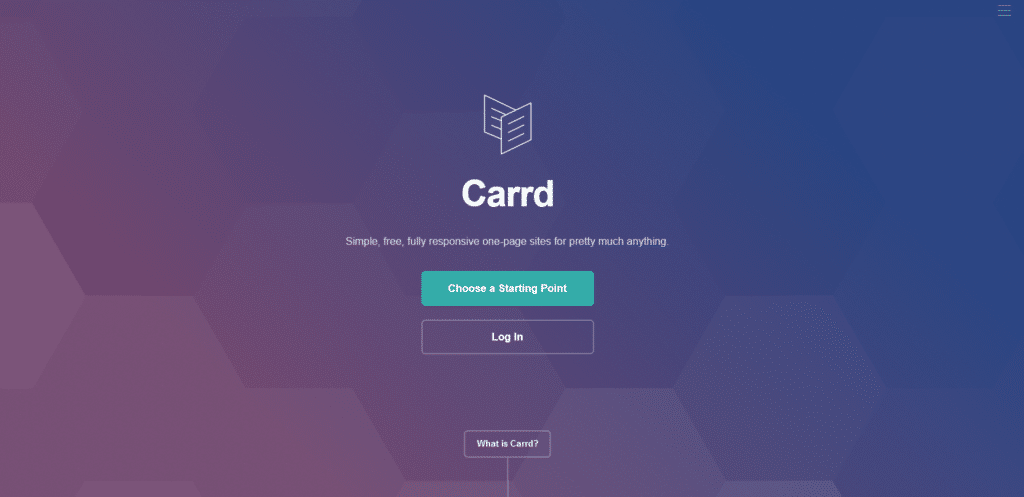
Imaginez Webflow mais plus rapide et plus accessible : voici Carrd, un outil no-code parfait pour créer des sites Web plus simples. Pourtant, ne vous y trompez pas, Carrd est tout aussi puissant que les autres outils, mais avec un objectif différent.
Il vous permettra d’avoir jusqu’à 3 sites Web tout en pouvant utiliser toutes les fonctionnalités de base gratuitement et si vous voulez passer pro, il ne vous coûtera qu’entre 9$ et 49$ par an. Oui, par an !
Car si Carrd propose 3 plans payants avec des options personnalisées pour chacun, c’est grâce à sa simplicité et à son prix très abordable que Carrd trouve sa place dans cette liste.
Pro Standard – à partir de 19 $ / an
Pro Plus – à partir de 49 $ / an
7. Weps
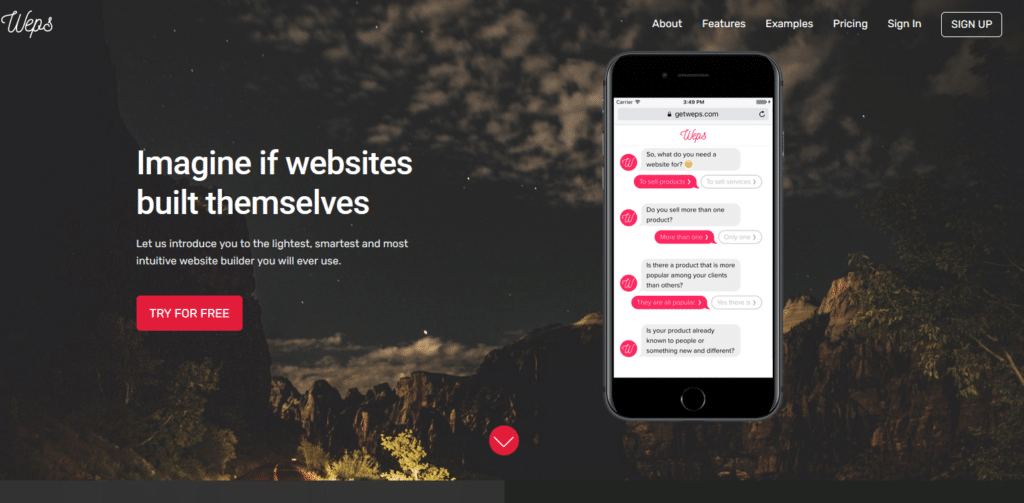
La proposition de Weps est très originale, puisque basée sur une conversation de quelques minutes avec… un chatbot. Ce dernier va vous poser des questions sur votre entreprise, telles que «vendez-vous des produits ou des services ?» ou encore «est-ce que vos produits sont déjà connus, ou bien est-ce quelque chose de totalement nouveau ?». Quelque minutes plus tard, vous avez un site internet. Cette approche jusqu’au-boutiste simplifie encore davantage la création de site internet et le concept « no-code ».
8. Thunkable
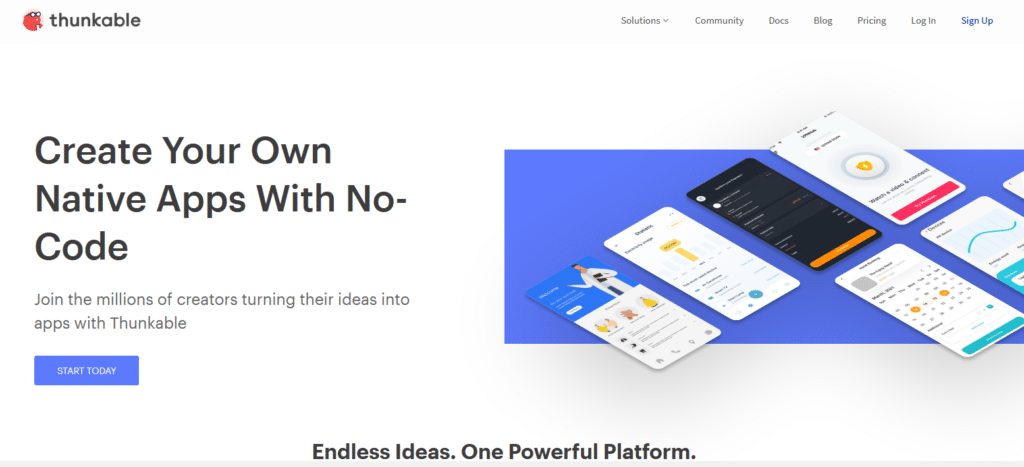
Doté de fonctionnalités puissantes et d’une interface facile à utiliser, Thunkable est idéal pour créer une maquette rapide et permet de faire fonctionner automatiquement votre application sur IOS et Android.
En plus de la facilité du glisser-déposer et de la mise en place des animations, il existe une option intéressante qui permet de remixer des exemples de projets existants ; Thunkable est là pour vous aider, même si vous n’êtes pas un designer.
9. Bravo Studio
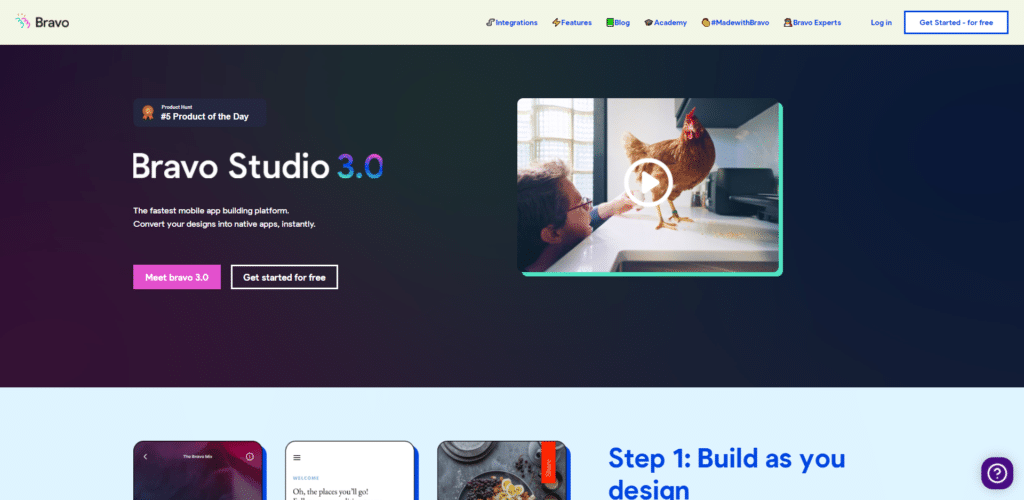
Bravo Studio n’est pas un créateur de site internet, mais d’application mobile. Son crédo : la conception d’abord, le code jamais.
Bravo Studio fonctionne comme ça : d’abord, vous dessinez votre application dans l’outil de design de votre choix. Ensuite, vous ajoutez des balises « bravo » qui, une fois votre design importé dans Bravo Studio, se transformeront en composants capables de déclencher une action.
L’outil vous permet de construire des applications complexes, avec intégrations d’API, import de données externes… Et se propose même de vous aider à tester l’application et de la publier.
10. Wix
Vous connaissez déjà Wix, mais c’est un incontournable des outils no code que nous ne pouvions passer sous silence !
Pour apprendre à créer votre site Wix, l’optimiser pour le SEO, le traduire, … rendez-vous sur nos tutoriels Wix !
11. WordPress
On ne vous le présente plus, WordPress a également toute sa place dans les outils no code de cette liste.
Là encore, vous pouvez compter sur nos tutoriels pour vous aider dans la création de votre site WordPress.
Conclusion
Ces 11 plateformes vous permettront de créer votre site internet sans connaissances techniques. Pas besoin de maîtriser l’HTML et le CSS avec ces sites quand vous utilisez leurs templates et plugins préconçus !
Toutefois, les plateformes no-code peuvent être limitées lorsque vous avez des besoins spécifiques et que vous souhaitez personnaliser entièrement votre site web. Dans ce cas, il est conseillé de faire appel à un développeur web freelance pour créer les fonctionnalités dont vous avez besoin.
Postez votre projet gratuitement sur Codeur.com et recevez des devis rapidement.


