Faire un montage exceptionnel de votre podcast transforme un simple enregistrement en une expérience captivante pour l’auditeur. Un audio soigné véhicule plus facilement votre message, participe à améliorer votre image de marque et fidélise votre communauté.
En affinant chaque détail de votre émission, avec des transitions fluides et des niveaux audio équilibrés, vous garantissez que chaque épisode capte l’intérêt de vos auditeurs dès les premières secondes. Alors, comment réaliser le montage de votre podcast comme un pro ? Suivez nos conseils !
La préparation pré-montage
La planification et la structuration de votre podcast sont les fondations sur lesquelles repose votre projet. Avant même de toucher un microphone, prenez le temps de rédiger un story-board ou un script détaillé, qui va accompagner l’enregistrement et le montage final. Ce scénario assure une narration cohérente et captivante, ainsi qu’un découpage minutieux de vos épisodes.
Cette phase préparatoire vous met sur la voie d’un podcast impeccablement exécuté, agréable à écouter.
Décrypter le jargon du montage audio
Les podcasteurs amateurs peuvent trouver le jargon technique intimidant au début. Surtout au moment de créer son premier podcast. Pourtant, comprendre ces termes est essentiel pour faire un montage de qualité. Voici le vocabulaire à maîtriser :
- La piste : couche individuelle de son, comme une voix ou une musique de fond.
- Le mixage : action qui consiste à ajuster et combiner les différentes pistes pour un son harmonieux.
- L’édition : étape qui implique de couper et d’organiser les segments audios pour structurer l’épisode de manière fluide et captivante.
- Le Mastering : étape finale de post-production qui de garantir la cohérence du son à travers l’épisode entier. Ce processus comprend souvent l’amélioration de la clarté sonore, l’équilibrage des fréquences et la maximisation du volume général sans distorsion.
- Fade-in/Fade-out : techniques utilisées pour lisser l’entrée ou la sortie des pistes audio. Un fade-in augmente graduellement le volume au début d’une piste ou d’un segment, tandis qu’un fade-out le diminue progressivement à la fin, pour créer une transition douce entre les parties de votre émission web.
- L’écho et la réverbération : effets parfois ajoutés pour enrichir le son. L’écho répète le son à des intervalles définis, donnant l’impression qu’il rebondit sur des surfaces éloignées. La réverbération simule l’effet d’espace et de profondeur, comme si l’enregistrement avait été réalisé dans une grande salle.
- La compression : technique qui réduit la gamme dynamique de l’audio, c’est-à-dire la différence entre les sons les plus forts et les plus faibles. Elle permet d’éviter que les bruits sourds ne soient trop accablants et que les sons faibles ne soient trop discrets.
Maîtriser ces termes et comprendre leur application rend l’étape de montage beaucoup moins intimidante.
Les techniques pour réussir le montage de votre podcast
Un bon son peut capturer l’attention de votre auditoire et fidéliser votre public. À l’inversement, un enregistrement de piètre qualité va ternir votre image. Voici plusieurs techniques pour faire le montage de votre podcast de manière professionnelle :
Atténuation des bruits de fond
Supprimez les bruits de fond élimine les interférences indésirables, créant ainsi un environnement sonore propre qui met en valeur la clarté de la parole. Vos auditeurs se concentrent mieux sur votre voix et sur votre idée originale de podcast.
Optimisation des fréquences audio
Ajustez les fréquences pour équilibrer le son de votre podcast. Par exemple, une légère augmentation autour de 100 Hz peut ajouter de la chaleur à la voix, tandis qu’une atténuation entre 3 kHz et 5 kHz peut minimiser la dureté et les bruits de sifflement.
Vous pouvez aussi augmenter le volume lors des passages murmurés ou diminuer le son lors des éclats de voix.
Utilisation de la compression audio
Cette technique aide à maintenir un niveau sonore constant en réduisant la dynamique des pics audio trop élevés. Elle est particulièrement utile pour équilibrer les variations de volume entre les différents intervenants.
En effet, pour les podcasts avec plusieurs invités, utilisez une compression multibande pour traiter séparément les différentes pistes de fréquence, ce qui assure un son uniforme et équilibré sans surcompression des dynamiques naturelles.
Ajout d’introductions et de transitions musicales
Utiliser de la musique ou des effets sonores ajoute une touche professionnelle à votre émission, tout en séparant les différents chapitres. Pour un rythme plus énergique, envisagez de créer des transitions personnalisées qui reflètent le thème de votre podcast ou d’utiliser des crossfades pour un changement de section en douceur.
Nettoyage des pauses et des hésitations
Éditez les pauses excessives, les “euh” et autres hésitations pour rendre votre discours plus fluide et plus professionnel. Certains outils, dont nous vous parlons dans la suite de l’article, peuvent automatiquement raccourcir les silences sans nécessiter un ajustement manuel fastidieux.
En appliquant ces concepts, vous pouvez significativement améliorer la qualité de votre podcast, afin de donner envie aux auditeurs d’écouter vos émissions suivantes.
Les 3 meilleurs logiciels pour le montage de votre podcast
Un podcast de grande qualité élargit votre audience, vous permet de gérer votre image de marque et vous assure davantage de revenus. Voici trois logiciels pour faire le montage de votre podcast, qui allient facilité d’utilisation et fonctionnalités avancées.
1) Podcastle, quand la simplicité rencontre la puissance
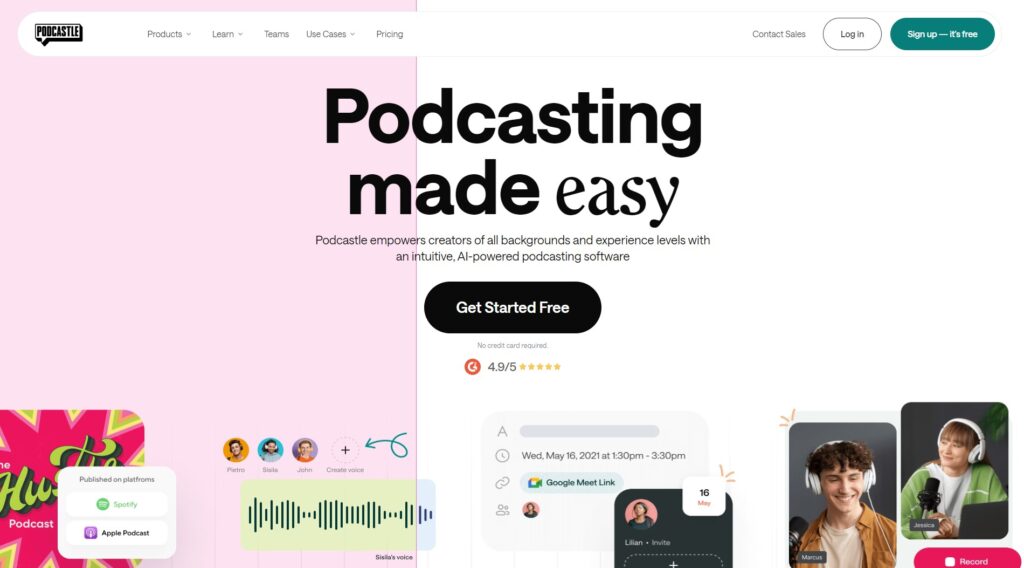
Même les débutants peuvent produire des podcasts de qualité studio grâce à Podcastle. Ce logiciel en ligne, ergonomique et intuitif, est idéal pour les podcasteurs de tous niveaux.
Avec ses fonctionnalités poussées par l’IA, Podcastle élimine les obstacles techniques, permettant à tous de créer des podcasts captivants avec un minimum d’effort. L’automatisation de la suppression de bruit et du nivellement de la voix simplifient le montage audio, tandis que la conversion de texte en parole enrichit vos options de contenu.
Vous pouvez accéder au logiciel depuis n’importe quel dispositif avec une connexion internet, ce qui le rend parfait pour ceux qui sont souvent en déplacement.
Côté prix, Podcastle propose plusieurs plans tarifaires, dont un gratuit, parfait pour les débutants. Les options premium démarrent à 11.99€ par mois, un tarif abordable pour tous.
2) Riverside, la qualité studio à portée de main
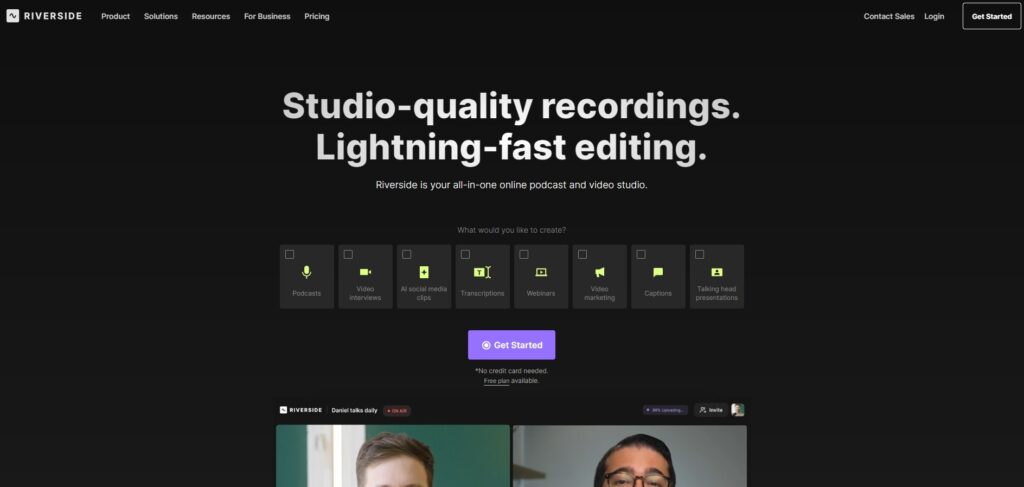
Riverside permet d’atteindre une qualité d’enregistrement qui rivalise avec les studios professionnels, directement depuis votre navigateur web. Ce logiciel est idéal pour les podcasteurs qui souhaitent un rendu d’une clarté exceptionnelle, qui ont aussi besoin d’enregistrer une vidéo de haute qualité (jusqu’à 4K) et de séparer les pistes audio des rush vidéo durant la post-production.
Autre gros point fort de l’outil : la diffusion en direct. Si vous souhaitez engager votre audience en temps réel, Riverside vous permet d’émettre vos émissions en direct sur Facebook, Twitch ou YouTube.
Par ailleurs, le logiciel est compatible avec tous les appareils mobiles, ainsi que les systèmes d’exploitation Mac et Windows.
Niveau tarif, Riverside propose un plan gratuit pour 2 heures d’enregistrement. Parfait pour tester l’outil ! Pour débloquer plus de fonctionnalités et un temps d’écoute plus long, comptez 15$ par mois.
3) Director Suite 365, un arsenal professionnel pour le montage de votre podcast
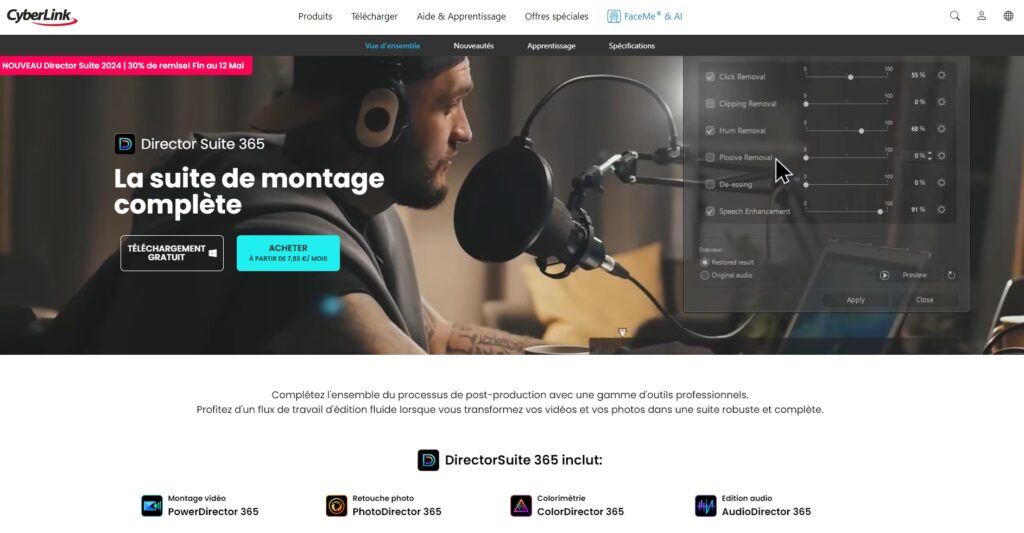
Vous souhaitez l’élite des logiciels de montage audio ? Director Suite 365 propose une batterie d’outils de montage audio et vidéo, pour les créateurs de contenu professionnels.
Principalement conçu pour Windows, ce logiciel répond à tous les besoins de production multimédia : gestion de multiples caméras, édition en 4K et 360 degrés, outils d’IA pour automatiser la création de podcast, applications intégrées comme PhotoDirector, AudioDirector ou encore ColorDirector…
Director Suite 365 offre un accès continu aux dernières mises à jour et supports, ce qui vous permet de bénéficier de toutes les dernières avancées technologiques pour faire le montage de votre podcast.
Vous pouvez tester le logiciel gratuitement. S’il vous convient, la licence est disponible à partir de 29.99€ par mois, ou 93.99€ par an.
Notre dernier conseil pour réussir le montage de votre podcast
Vous l’avez bien compris : un montage professionnel est indispensable pour captiver et fidéliser votre audience.
Pour obtenir un résultat digne de votre expertise, envisagez de collaborer avec un monteur freelance en postant gratuitement votre annonce sur Codeur.com. Ces experts peuvent transformer votre idée en une œuvre de grande qualité, prête à conquérir les oreilles du monde entier !


