Votre ordinateur déborde d’outils et de plateformes de travail ? Vous ne savez plus où donner de la tête et perdez votre temps sur des tâches fastidieuses ?
Imaginez un seul endroit où vous pourriez rassembler tous vos outils préférés, simplifiant ainsi votre organisation de travail, améliorant la communication et optimisant la productivité. Non, vous ne rêvez pas ! C’est précisément ce qu’offre la plateforme monday.com.
Bien plus qu’un simple outil, monday.com vous fait gagner du temps au travail en intégrant harmonieusement des outils incontournables et proposant d’autres fonctionnalités innovantes et puissantes.
1. Intégrer vos outils favoris au sein d’une seule plateforme
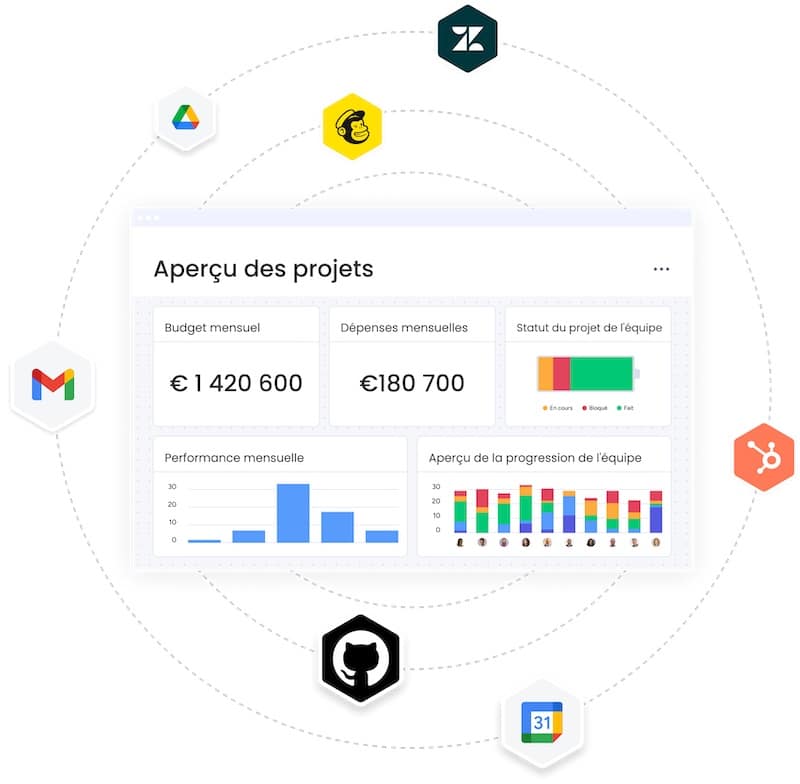
La gestion de projets et de tâches au travail exige souvent l’utilisation de plusieurs outils et plateformes. Pour accéder aux informations et aux données essentielles à votre activité, vous devez jongler entre chaque application et cela peut vite devenir une corvée.
La solution avec monday.com est de vous fournir un seul et unique espace de travail en intégrant vos outils favoris que vous utilisez au quotidien. Ainsi, votre flux de travail est simplifié et vous devenez plus efficace dans votre activité professionnelle.
La liste des outils que vous pouvez intégrer avec monday.com regroupe des applications dans les domaines :
- de la communication,
- du support client,
- du marketing,
- de l’e-commerce,
- du développement de logiciel,
- de la finance
- ou encore du CRM.
Voici quelques exemples d’intégration d’outils.
Excel
Importez toutes vos données depuis Excel en quelques étapes seulement. Vous pouvez ainsi transformer rapidement vos feuilles de calcul en un tableau monday.com pour une gestion plus efficace.
Github
Gérez vos projets de développement web et suivez les progrès de vos collaborateurs en intégrant Github à la plateforme monday.com.
Zoom
Planifiez et gérez vos réunions Zoom directement depuis la plateforme. Cela facilite la coordination des horaires, la communication et la gestion des réunions.
2. Regrouper les événements de votre agenda dans un lieu unique
La gestion de votre emploi du temps, les réunions importantes et les délais à respecter peuvent devenir un véritable casse-tête pour bien organiser ses journées de travail.
L’intégration de Google Calendar à la plateforme monday.com facilite cette tâche et permet de garder le contrôle total de votre agenda.
En effet, vous pouvez synchroniser toutes vos activités et projets avec votre calendrier externe. Ainsi, vous pouvez tout voir au même endroit et vous ne manquerez aucune échéance.
Les rappels automatiques vous aident à rester à jour et à ne rien oublier.
3. Utiliser les modèles prédéfinis
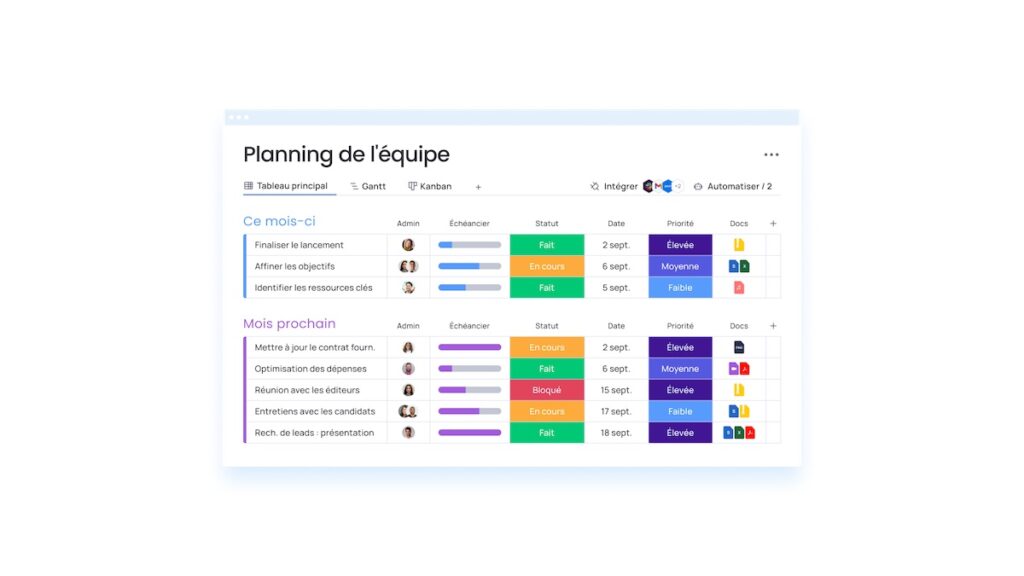
Vous avez un nouveau projet marketing ? Plus besoin de créer vous-même vos tableaux, utilisez plutôt les modèles prédéfinis de la plateforme monday.com.
En effet, la création de tableaux et de structures peut être fastidieuse et chronophage. Les modèles prédéfinis de monday.com sont conçus pour vous faire gagner du temps au travail, que vous ayez besoin :
- d’un calendrier éditorial,
- d’un agenda des réseaux sociaux,
- d’un outil de gestion de la production vidéo,
- d’une bibliothèque de ressources,
- ou bien d’autres outils spécifiques !
Ils sont intuitifs et personnalisables en fonction de vos besoins.
Ces modèles prédéfinis permettent de coordonner les différentes actions et donnent une vision d’ensemble du projet de travail en cours.
4. Automatiser les tâches récurrentes pour gagner du temps au travail
Avez-vous déjà eu l’impression de perdre votre temps au travail avec des tâches récurrentes ? Avec monday.com, vous pouvez automatiser certaines activités sans avoir besoin de coder quoi que ce soit. La plateforme le fait pour vous !
En automatisant certaines tâches, vous vous concentrez sur votre principale activité. En laissant monday.com effectuer ces actions répétitives et peu productives, vous pouvez vous concentrer sur des activités plus créatives et innovantes. Ainsi, vous réduisez vos risques d’erreur et devenez plus efficace au travail.
L’automatisation est la clé pour accroître la productivité dans la gestion de projet.
5. Communiquer depuis un seul espace de travail
Pour mener à bien un projet, la communication est essentielle entre les collaborateurs. Cependant, chercher des informations dans de longs fils de discussions d’e-mails entre différents départements et outils est une réelle perte de temps et de productivité.
Avec monday.com, vous pouvez centraliser vos e-mails et même intégrer Slack pour une communication transparente au sein de votre équipe.
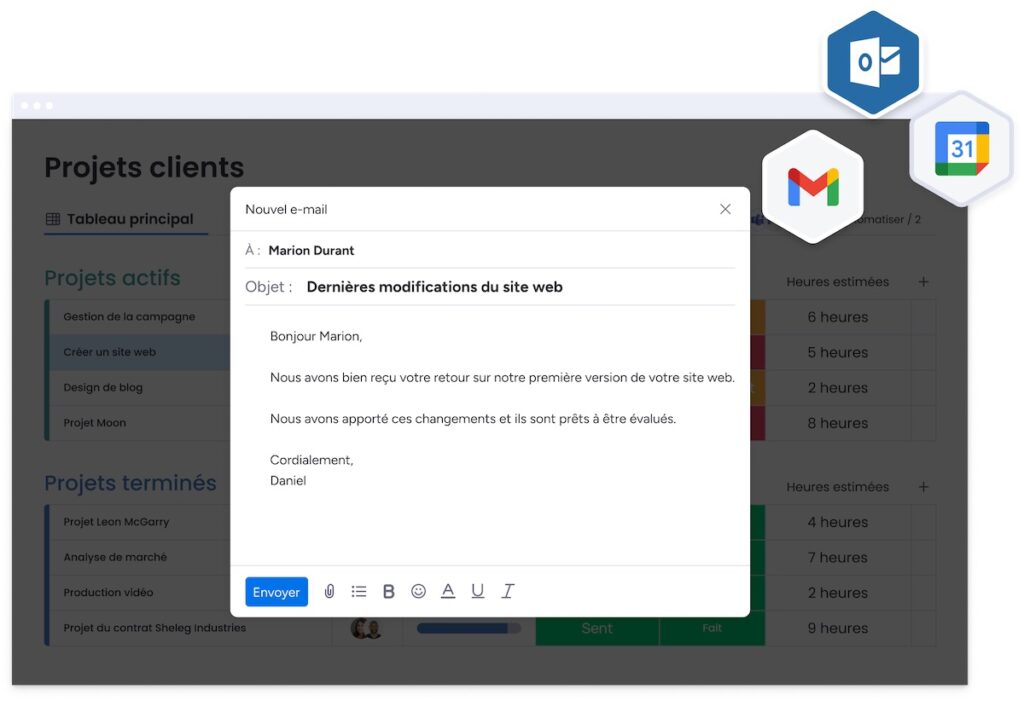
Vous pouvez également intégrer votre boîte mail Outlook et Gmail. En connectant votre boîte de réception Outlook ou Gmail à la plateforme, vous pouvez transformer vos e-mails en éléments d’action. Cette fonctionnalité est indispensable car elle vous permet d’envoyer et de recevoir des e-mails directement depuis votre compte monday.com. Elle vous simplifie ainsi la communication et la collaboration dans vos projets.
À retenir pour gagner du temps au travail
La plateforme monday.com est une petite révolution professionnelle qui offre une solution complète pour la gestion de projets.
En intégrant vos outils préférés, centralisant vos données, automatisant les tâches récurrentes, et facilitant la communication, la plateforme vous fait gagner du temps au travail et ce n’est pas négligeable. Vous devenez ainsi plus productif dans votre domaine d’activité.
N’attendez plus et inscrivez-vous dès maintenant et gratuitement sur la plateforme monday.com !
À lire aussi : Gestion multi-projets : 6 stratégies pour éviter le stress


