Aujourd’hui, nous partageons la majorité de nos documents sur le web – que ce soit par email ou encore sur des plateformes de transfert de fichiers.
Malgré tout, les documents papier sont encore légion et, que l’on soit au bureau ou en déplacement, il est indispensable de pouvoir les numériser n’importe quand.
Heureusement, il existe de très bonnes applications gratuites pour scanner des documents à l’aide de l’appareil photo de votre smartphone (sur iOS, Android et même Windows Phone). Voici une petite sélection.
Pourquoi scanner des documents avec son téléphone ?

Parce qu’il n’y a pas plus simple et rapide que de scanner ses documents ou ses photos avec son smartphone, nous vous avons préparé une liste d’applications que vous pouvez télécharger sur Android ou IOS. Mais avant cela, passons en revue les avantages et les fonctionnalités des applications de scanners. C’est parti !
Omniprésence des documents papier
Ces dernières années, malgré une large tendance portée sur la numérisation de beaucoup de services, le document papier est encore légion dans de nombreux cas d’usage. Qu’il s’agisse d’un contrat de travail, de tickets de caisse pour envoyer des notes de frais ou encore d’un bail, ces documents importants de notre vie de tous les jours sont, la plupart du temps, des formats papier.
Désormais, le développement d’applications scanner adaptées aux mobiles change la donne. On peut scanner tout type de document quand bon nous semble grâce à nos mobiles. Ce qui est génial, c’est qu’on peut aussi centraliser l’ensemble de nos documents sur nos smartphones pour éviter de les perdre.
Si on doit envoyer un document en urgence, on peut le partager en toute simplicité par mail ou sms via notre téléphone. Plus besoin de se trouver à un endroit précis en la présence d’une imprimante-scanner, comme c’était le cas avant et c’est un gain de temps précieux.
La simplicité de scanner des documents avec son téléphone
La période où on avait absolument d’une imprimante-scanner pour scanner et envoyer des documents est révolue, et heureusement d’ailleurs.
Vous vous souvenez comment scanner un simple document pouvait parfois nous prendre 10 bonnes minutes ? Parce qu’il fallait allumer le scanner, prédéfinir les dimensions du document scanné sur l’ordinateur, ajuster la luminosité si besoin avant de scanner… Une manoeuvre parfois compliquée pour obtenir en prime des fichiers bien trop lourds.
Aujourd’hui, on peut scanner des documents ou des photos lorsqu’on possède un smartphone à n’importe quel endroit, n’importe quel moment. La simplicité que nous offrent les applications de scanner pour smartphone n’a pas de prix.
Avoir à disposition l’ensemble de nos précieux documents sur téléphone c’est aussi pouvoir conserver nos données et sécuriser nos informations.
L’intérêt des applis scanner pour scanner des documents
Le développement d’applications mobiles optimales, faites pour scanner des documents avec de nombreuses fonctionnalités utiles, s’est largement démocratisé ces dernières années.
Quand vous prenez une photo d’un document, dans le but de le scanner avec une appli scanner, l’application vous permettra de recadrer votre photo. Dans certains cas, elle le fera même à votre place automatiquement en détectant les bords de votre document ou de votre photo.
La retouche photo est également une fonctionnalité très utile. L’application fera en sorte que votre photo ressemble le plus possible à un document scanné. En plus de cela, elle augmente le contraste entre le blanc et le noir pour que l’écriture du document ressorte mieux et soit plus lisible.
Certaines applications scanner vous permettent même de changer la colorimétrie du papier de votre document ou de votre photo. C’est à vous de choisir la teinte que vous préférez.
Le gros avantage de pouvoir scanner un document avec son téléphone mobile, c’est aussi l’allégement des documents. Puisqu’ils sont nettement plus légers, ils sont forcément plus faciles à partager que des photos. De plus, vous pouvez convertir vos documents en plusieurs formats (PDF, JPEG, PNG).
Enfin, on peut également dire que la performance des applis scanners est possible grâce à la qualité des appareils photos de nos mobiles.
Scanner un document : comment s’y prendre correctement ?
Pour que le scan de votre document soit réussi, il vous faut prendre en compte quelques astuces utiles :
- Posez votre document ou votre photo sur une surface plane (par exemple un bureau) ;
- Optez pour un fond uni et plutôt foncé pour créer un contraste avec votre document ;
- Veillez à ce qu’il n’y ait pas d’ombre qui puisse cacher les informations du document (notamment la votre) ;
- Faites en sorte que le papier ne soit pas froissé ou plié ;
Comment fonctionne une application scanner ?
Que ce soit sur Android ou sur iPhone, voici les étapes pour scanner un document avec une application scanner :
- Ouvrez l’application scanner ;
- Laissez votre téléphone détecter les bords de votre document ;
- Prenez en photo votre document ;
- Modifiez la colorimétrie du document si besoin ;
- Enregistrez-le directement sur votre téléphone au format PDF (ou tout autre format proposé par l’application) et commencez à le partager ;
Des applications pour scanner un document
CamScanner (Android, iOS, Windows Phone)
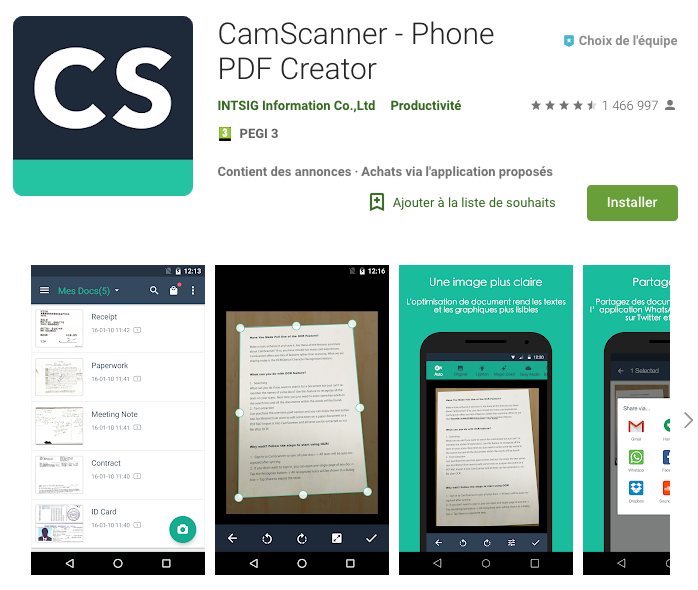
CamScanner est une application complète pour scanner, stocker et éditer tous types de documents avec une efficacité remarquable.
Sa version gratuite est amplement suffisante pour tous vos besoins de numérisation, même si certaines fonctionnalités sont limitées, comme la reconnaissance optique de caractères pour extraire et exporter du texte à partir d’une image.
- Télécharger CamScanner sur iOS
- Télécharger CamScanner sur Android
- Télécharger CamScanner sur Windows Phone
Evernote Scannable (iOS)
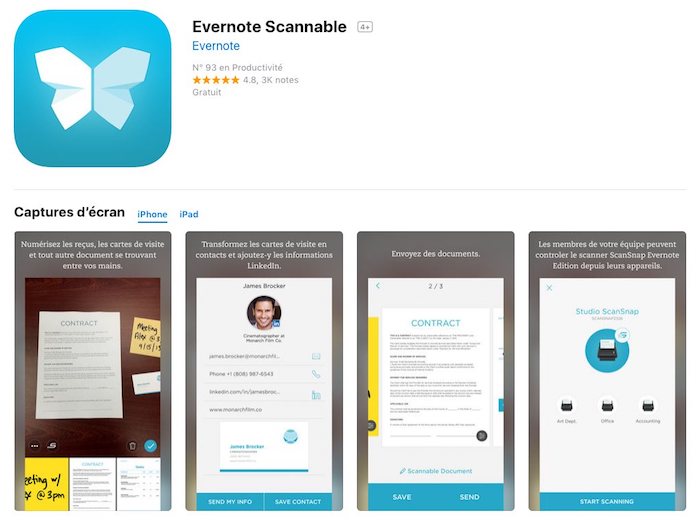
Créé par l’équipe d’Evernote, le célèbre outil de prise de notes, Scannable est une des meilleurs applications pour scanner sur iPhone.
Elle numérise tous vos documents papier en haute qualité et vous permet de les enregistrer ou de les partager en un clin d’œil.
Scanbot (Android & iOS)
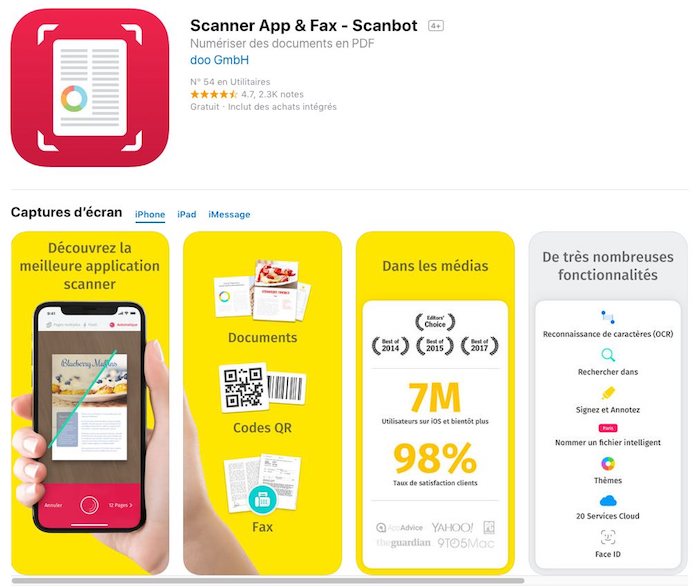
Scanbot est un vrai couteau suisse qui permet de scanner tous types de document avec précision et de les éditer (signature, annotation…) en un tour de main.
Son principal défaut est qu’il ne permet pas de distinguer différents types de documents (cartes de visites, photos, etc.)
Adobe Scan (Android & iOS)
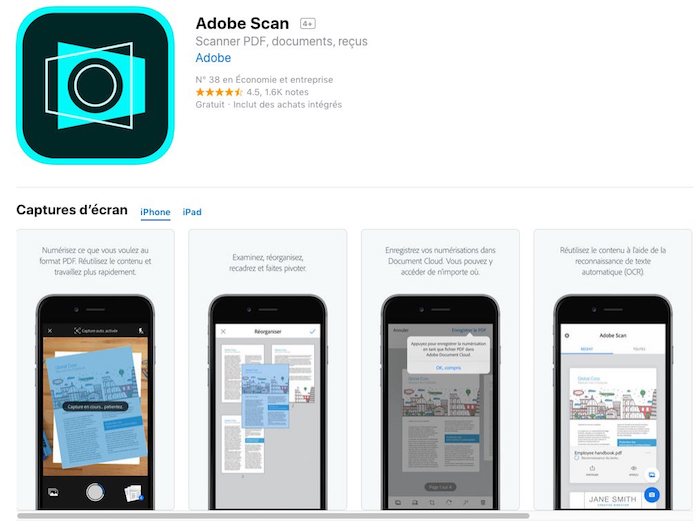
Les créateurs de Photoshop et de la célèbre suite Adobe sont aussi de la partie avec Adobe Scan, une appli intuitive et rapide qui détecte vos documents et vous permet de les recadrer et de les organiser rapidement.
Certaines fonctions nécessitent cependant l’utilisation du service payant Document Cloud.
Office Lens (Android, iOS & Windows Phone)
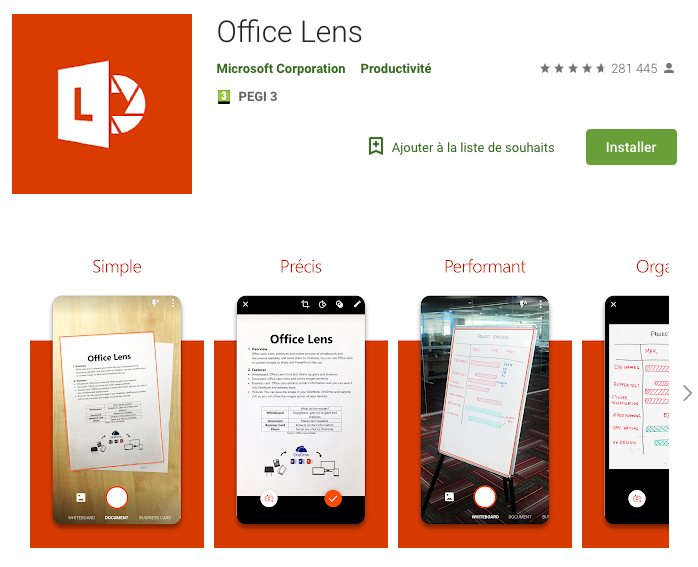
Si vous êtes un inconditionnel de Microsoft, sachez que l’entreprise propose elle aussi un scanner de documents sur mobile – disponible sur iPhone, Android et bien sûr Windows Phone.
Elle a l’avantage de proposer plusieurs types de supports à numériser – carte de visite, tableau blanc, photo, document – et d’optimiser ses fonctionnalités en fonction du mode choisi.
- Télécharger Office Lens sur iOS
- Télécharger Office Lens sur Android
- Télécharger Office Lens sur Windows Phone
Des applications pour scanner une photo
Genius Scan (Android & iOS)
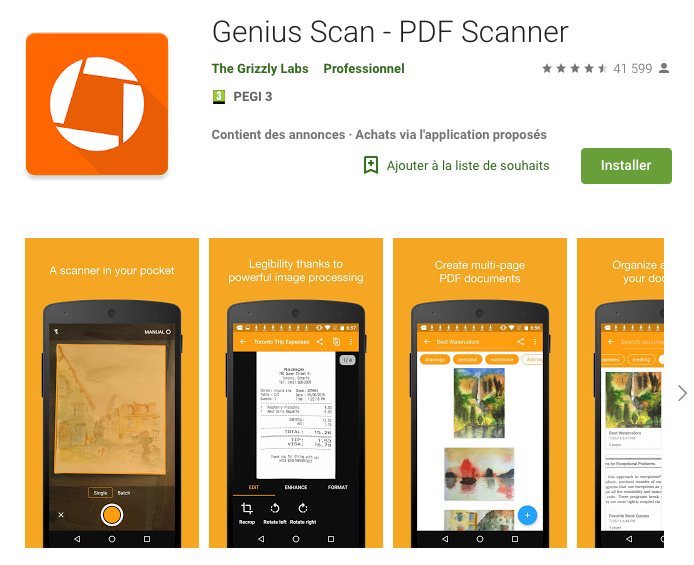
Genius Scan est un outil solide et polyvalent pour numériser des images et des documents papiers en tous genres.
Il vous permet aussi de créer facilement des docs PDF multi-pages à partir des éléments scannés, et de classer et organiser vos contenus.
PhotoScan (Android & iOS)
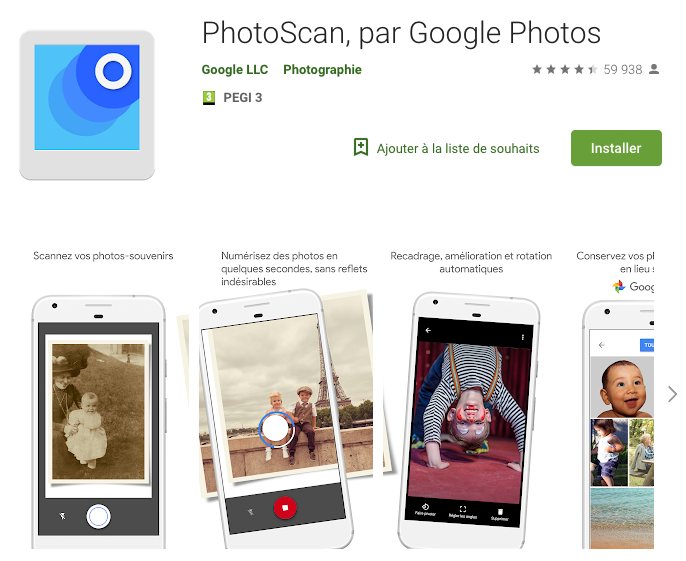
Cet app de numérisation gratuite conçue par Google trouvera toute son utilité pour le scannage de photographies : elle élimine efficacement les reflets et les halos lumineux qui gâchent souvent la numérisation d’images.
Elle est toutefois moins adaptée à la reproduction de documents textuels.
Nos astuces pour trouver l’application de scanner adaptée à vos besoins
Vous l’aurez compris, les applications scanner sont de précieux outils pour partager des documents et des photos en toute simplicité. Où que vous soyez, votre téléphone est à portée de main pour scanner n’importe quel document.
Pour aller plus loin dans votre recherche d’une application scanner, n’hésitez pas à regarder le détail des fonctionnalités de chaque application. Lisez également les avis des autres utilisateurs qui vous guideront dans le choix d’une appli adaptée à votre utilisation.
Sachez que si vous posséder un iPhone, vous n’avez pas forcément l’utilité de télécharger une application mobile. En effet, dans l’application Notes, Apple a récemment développé une nouvelle fonctionnalité qui vous permet de scanner tout type de document. Dans Notes créez une nouvelle note, cliquez sur le pictogramme « photo » puis, sur scanner un document. Le tour est joué !


