Le web « gratuit » est l’une des caractéristiques de notre génération, mais il comporte un inconvénient notable : la publicité. Un bloqueur de pub gratuit empêche tout type de publicité tout en assurant votre confidentialité.
Les bloqueurs de publicités sont l’un des meilleurs moyens de sécuriser votre vie privée en ligne, de réduire l’encombrement des sites Web et d’éviter les publicités infectées par des logiciels espions. Certains bloqueurs de pub proposent des versions payantes avec des fonctionnalités supplémentaires.
Mais les meilleures outils pour bloquer les publicités sont gratuits. Nous vous proposons une liste de bloqueurs de pubs très efficaces pour Chrome, Firefox, Microsoft Edge, Opera, Safari, sans oublier Android et iOS.
Les outils de cet article ont été sélectionnés par notre équipe et ne sont pas sponsorisés. Découvrez comment sponsoriser votre outil.
Stand Fair AdBlocker : le meilleur bloqueur de publicité gratuit
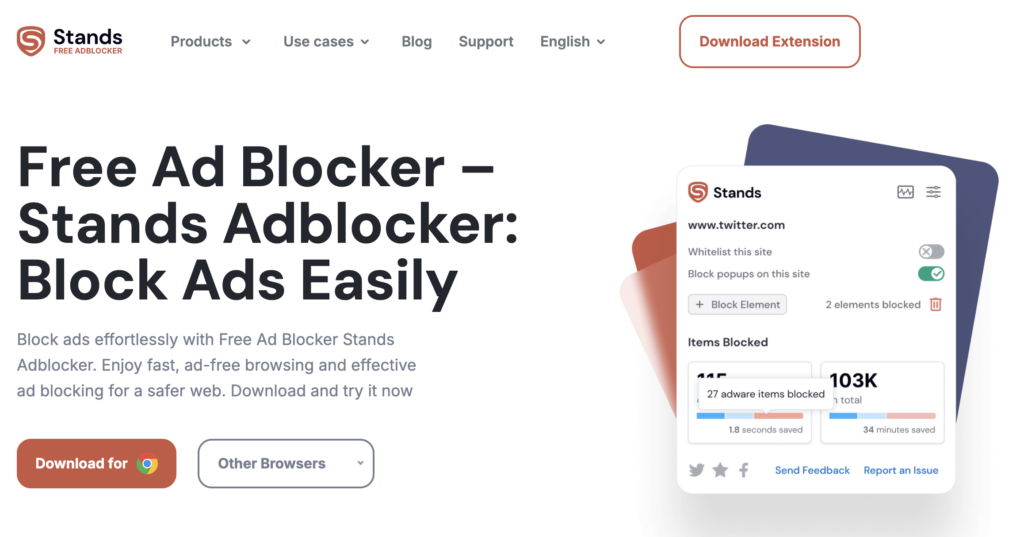
- Navigateurs compatibles : Chrome, Android, Edge, Firefox, Brave, Vivaldi, Opera
- Fonctionnalités : bloque les publicités, augmente la vitesse de chargement des pages, réduit la latence
- Prix : gratuit
Stands AdBlocker est un plugin à faible impact qui fait exactement ce qu’il est censé faire. Vous pouvez bloquer tous les types de publicités. La société éditrice croit en la publicité équitable et encourage les utilisateurs à mettre en liste blanche certaines annonces peu intrusives de différents sites.
En clair, cet adblocker est destiné à tous ceux qui souhaitent s’affranchir de publicités trop agressives, tout en n’étant pas opposé à quelques messages publicitaires discrets.
Adblock Plus : bloqueur de pub gratuit le plus connu
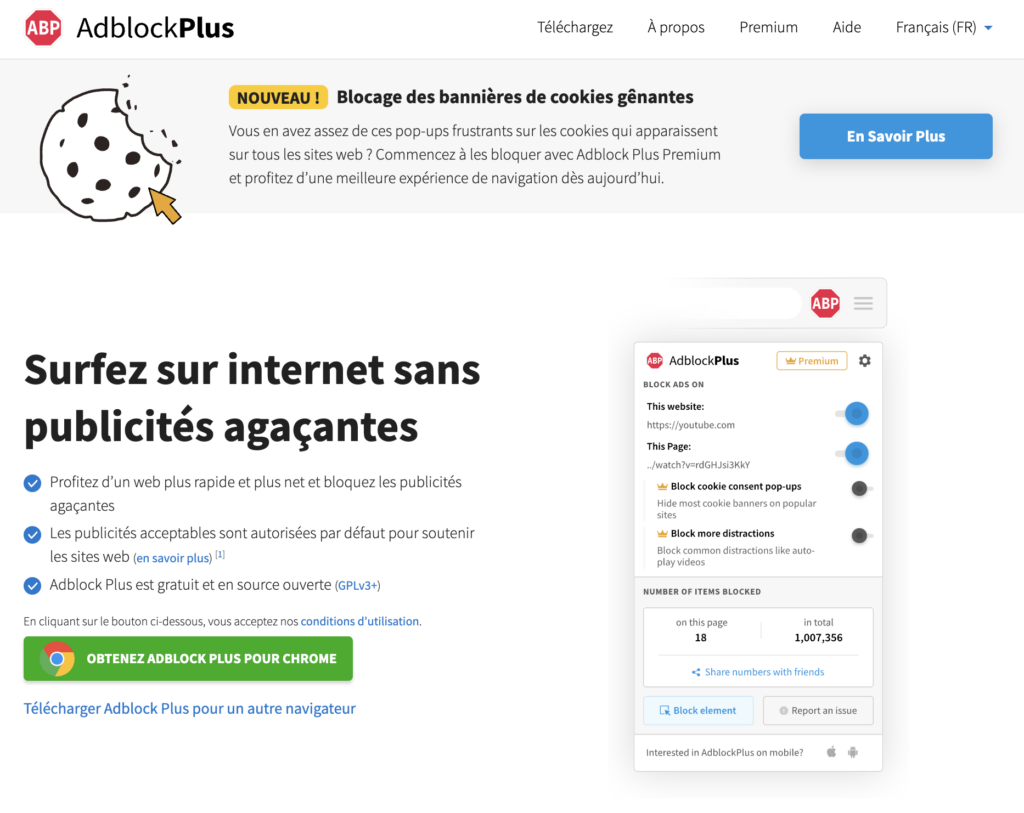
- Navigateurs compatibles : Chrome, Firefox, Safari, Opera, Edge, Android
- Fonctionnalités : bloque les publicités intrusives, bloque les bannières cookies gênantes, laisse les publicités non intrusives pour soutenir les sites internet, navigation plus rapide, sécurise vos données
- Prix : gratuit (et open source)
Avec plus de 10 millions de téléchargements sur le seul navigateur Chrome, Adblock Plus est le logiciel de blocage de publicité le plus populaire. Un projet gratuit et open source.
Adblock Plus est le code source principal de nombreux autres logiciels gratuits de blocage des publicités.
Par défaut, Adblock Plus n’est pas conçu pour bloquer toutes les publicités, seulement celles qui sont considérées comme intrusives ou potentiellement malveillantes.
Cela signifie que vous tomberez quand même sur certaines publicités à moins que vous ne modifiiez les paramètres. Si vous souhaitez bloquer toutes les publicités (y compris les publicités vidéo à lecture automatique), vous devrez aller dans les options et désélectionner “Autoriser certaines publicités non intrusives” en bas de l’écran.
Adguard AdBlocker : le meilleur bloqueur de publicités pour Firefox
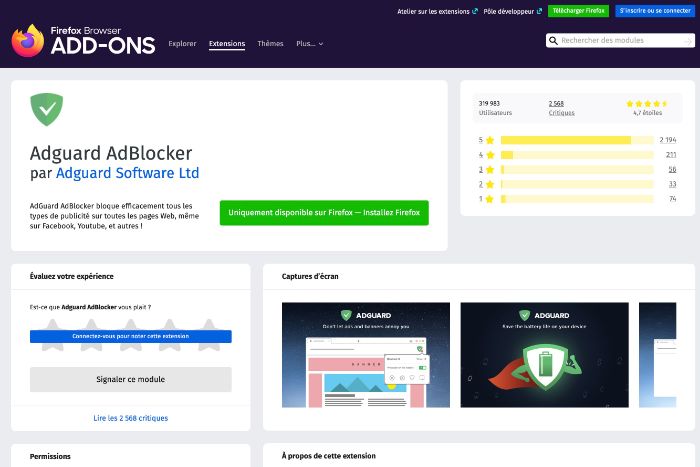
- Navigateurs compatibles : Firefox
- Fonctionnalités : bloque les publicités
- Prix : gratuit
Si vous avez utilisé AdBlock Plus pour bloquer la publicité, Adguard AdBlocker est peut-être pour vous. L’interface utilisateur est légèrement différente, mais la fonctionnalité de blocage des publicités est aussi efficace.
Un très bon point pour ce plugin : le développeur dit avoir supprimé le code de tracking du code original d’AdBlock Plus afin d’assurer plus de confidentialité. Il est disponible sur chrome et firefox.
Adlock : un bloqueur de pub en ligne payant
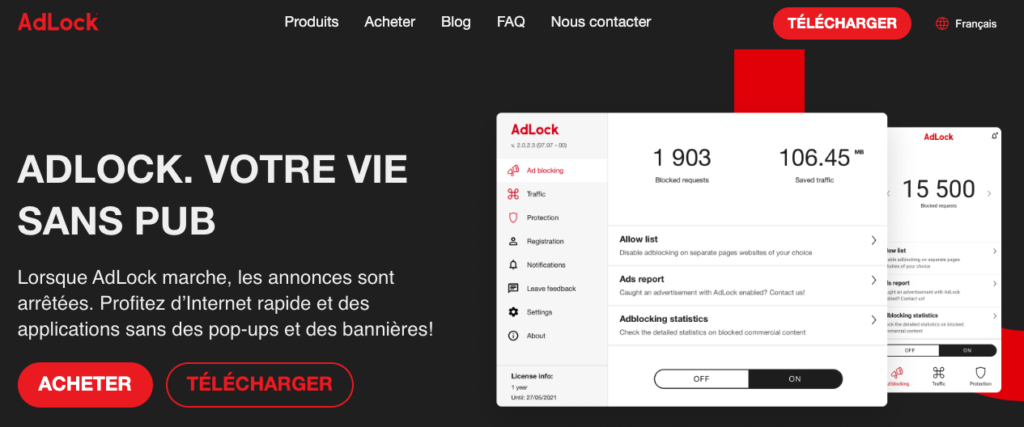
- Navigateurs compatibles : tous les navigateurs pour Windows, macOS, Android, iOS
- Fonctionnalités : bloque les publicités (bannières, pop-ups, vidéo)
- Prix : payant
Loin d’être un simple plugin de navigateur, AdLock offre également des outils Windows et Android qui aident à bloquer les publicités dans toutes vos applications. En tant que plugin gratuit sur Chrome, AdLock se révèle un outil extrêmement puissant et agressif.
Par défaut, l’outil est conçu pour bloquer tous les types de publicités que vous pourriez rencontrer. Vous pouvez facilement mettre un site en liste blanche en cliquant sur « Paramètres -> Liste blanche ». Vous pourrez également y ajouter quelques paramètres de filtrage supplémentaires si vous le souhaitez. Disponible également en version payante, mais sans essai gratuit pour tester cette dernière, mieux vaut s’en tenir aux versions gratuites pour Chrome, Windows et Android pour le moment.
NoScript : un bloqueur de pub open source
- Navigateurs compatibles : Firefox, Tor, Chrome, Edge, Brave, Vivaldi
- Fonctionnalités : bloque les scripts
- Prix : gratuit
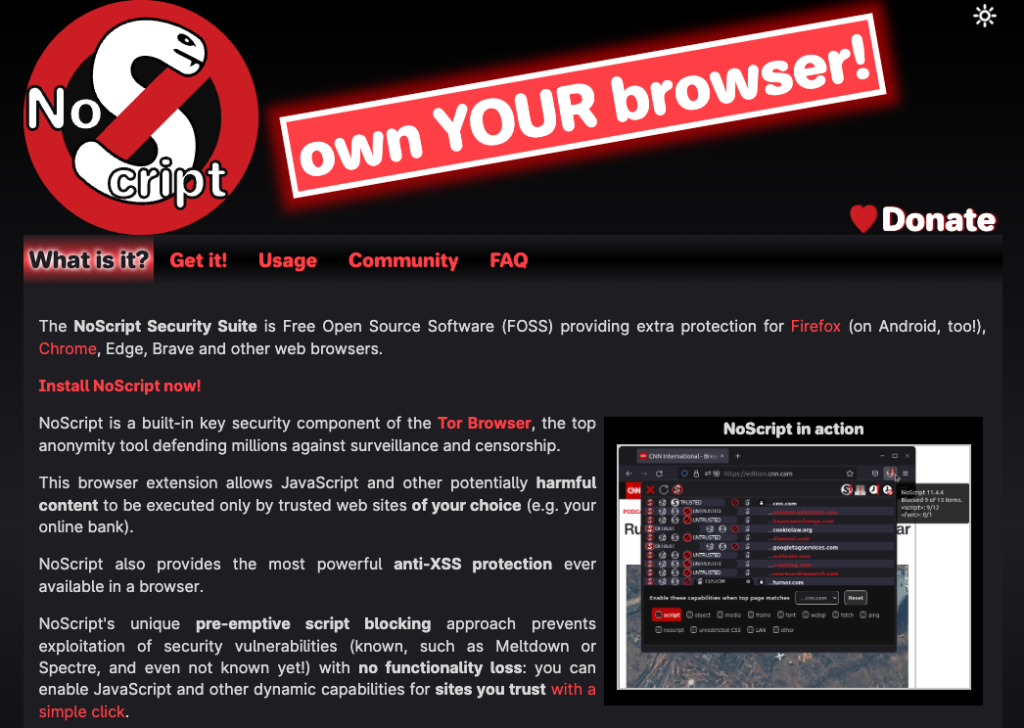
Ce bloqueur de publicités pour Firefox et Chrome n’est pas tant un bloqueur de publicités, mais un bloqueur de scripts. NoScript empêche tous les types de scripts de se charger sur vos pages Web : Javascript, Java, Flash, etc. Vous pouvez autoriser certains types de scripts, mais le service est un peu lourd par défaut.
Le résultat est que vous bloquerez la plupart des publicités que vous rencontrerez. Cela inclut les publicités agressives que la plupart des autres options de la liste ont souvent du mal à bloquer. Cependant, NoScript ne bloque pas du tout les publicités sur les vidéos, ni la plupart des publicités vidéo à lecture automatique. Il est donc très efficace pour bloquer un type de publicité, mais peu efficace pour en bloquer d’autres.
Poper Blocker : un bloqueur de publicité et de popup

- Navigateurs compatibles : Chrome, Firefox, Edge
- Fonctionnalités : bloque les publicités
- Prix : gratuit
Poper Blocker est disponible pour les navigateurs Chrome, Firefox et Edge. Ce plugin a été salué comme le meilleur bloqueur de pop-up du marché par plusieurs sites high-tech, ce qui est une affirmation juste.
Les versions Chrome et Firefox de ce plugin fonctionnent bien pour bloquer non seulement les pop-ups, mais aussi les overlays de sites qui sont courantes. Ce plugin permet de faire un clic droit sur les overlays pour les supprimer, tandis que les autres pop-ups sont automatiquement supprimés.
Navigateur Opera : bloqueur de pub intégré

Si vous recherchez une expérience de blocage des publicités intégrée sans recourir à un plugin, le navigateur Opera est une excellente solution. Opera est l’un des navigateurs les plus rapides et les mieux construits et a été l’un des premiers navigateurs Web à intégrer un bloqueur de publicité.
Après l’avoir activé dans les paramètres, il bloque presque toutes les publicités que vous rencontrez.
Pour les sites que vous souhaitez supporter, la gestion de la liste blanche est très simple également.
Cette liste n’est pas exhaustive et il existe de nombreuses autres solutions pour bloquer les publicités, mais avec cette liste, vous devriez pouvoir naviguer plus sereinement sans être constamment ennuyé par des publicités trop intrusives.


