À la recherche d’alternatives gratuites à Canva pour vos projets graphiques ?
Créateurs de contenu, petites entreprises ou community managers, découvrez cinq plateformes performantes, qui offrent des fonctionnalités avancées pour créer des visuels et animations de haute qualité !
1. VistaCreate (anciennement Crello)
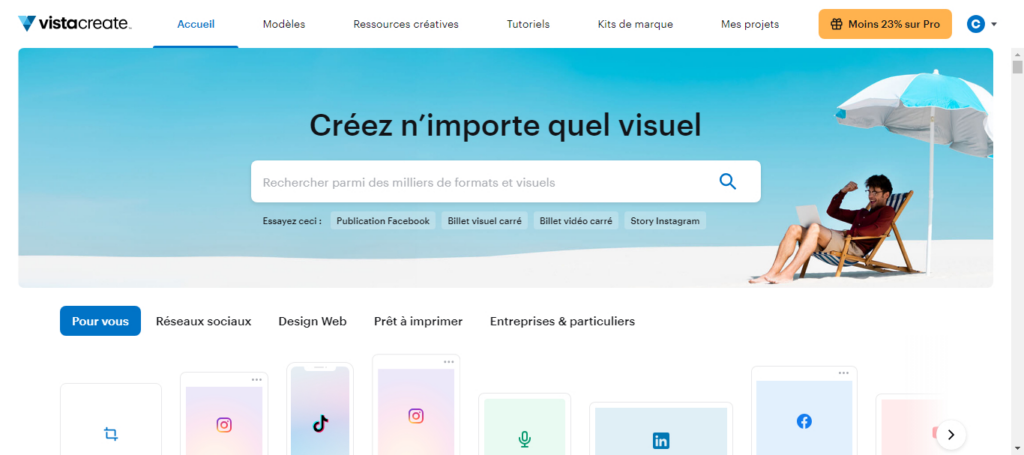
Anciennement connu sous le nom de Crello, l’outil VistaCreate dispose de multiples options pour l’édition de photos, la conception d’objets, l’édition vidéo et audio, ainsi que l’animation de logos.
Avantages : Tout comme Canva, VistaCreate se distingue par sa facilité d’utilisation. Même les novices en design peuvent créer du contenu professionnel grâce à des milliers de modèles prédéfinis et à une immense bibliothèque de médias libres de droits.
Il est possible de télécharger les visuels dans de nombreux formats : pdf, jpg, png, mp4… mais aussi de les partager directement dans des groupes Facebook, en Reels Instagram ou sur Pinterest.
Public cible : VistaCreate est idéal pour les petites et moyennes entreprises qui ont besoin de concevoir rapidement des contenus marketing attrayants sans expertise technique approfondie. C’est aussi une bonne option pour les travailleurs indépendants et les agences qui cherchent à produire du contenu visuel engageant pour les réseaux sociaux, des articles de blog ou des pages web.
Tarifs : L’outil propose un plan gratuit offrant un accès à plus de 50 000 templates et à 1 million d’objets créatifs.
Le plan Pro coûte 10 € par mois. Il inclut des ressources, des kits de marque et un stockage illimité. Cette formule s’adresse aux utilisateurs professionnels qui travaillent sur de nombreux formats et qui souhaitent collaborer avec d’autres utilisateurs.
2. Adobe Express (anciennement Adobe Spark)
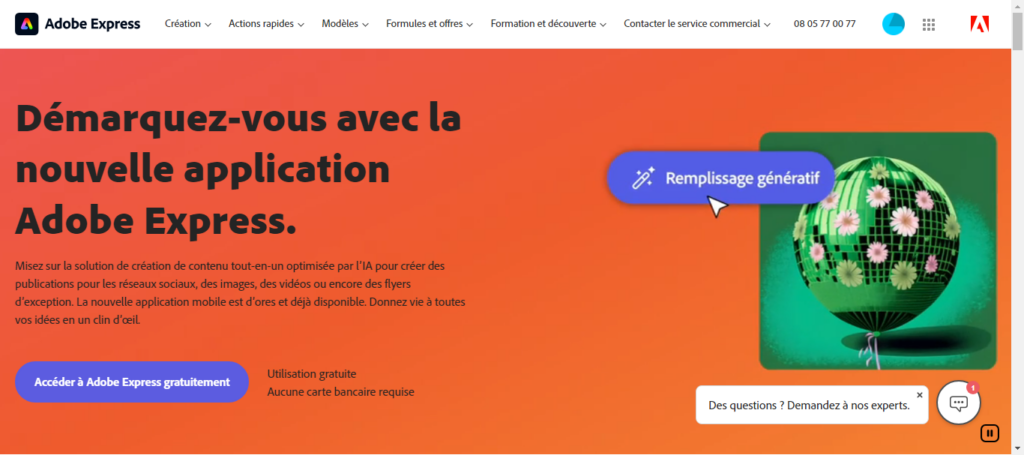
Autre alternative gratuite à Canva, Adobe Express sort du lot grâce à une plateforme conviviale, liées à deux autres de ses produits phares : Adobe Firefly et Adobe Stock.
Avantages : Grâce à la puissance de l’intelligence artificielle de Firefly, vous pouvez générer des visuels uniques à partir d’une description. Un atout pour les petits projets de design et les professionnels qui souhaitent une illustration unique.
Cependant, Adobe Express propose également des milliers de modèles prédéfinis et personnalisables pour vos publications sur les réseaux sociaux, vos brochures, vos documents, vos pages web ou vos articles de blog. Avec la possibilité de puiser dans sa bibliothèque d’images, Adobe Stock, vous pouvez élaborer, en quelques clics, du contenu marketing de qualité.
Public cible : Cette plateforme est idéale pour les petites entreprises, les marketeurs, les blogueurs et les utilisateurs souhaitant s’appuyer sur l’IA pour créer des visuels simples, mais originaux. Elle s’adresse aussi aux professionnels qui utilisent déjà les autres produits Adobe et qui sont familiers avec cet écosystème.
Tarifs : Adobe Express propose un plan gratuit assez complet pour tester l’outil. Si vous êtes convaincu, vous pourrez passer à la formule premium à 11,99€ par mois ou à l’abonnement équipe, qui coûte 6,49 € par mois et par licence.
3. PicMonkey
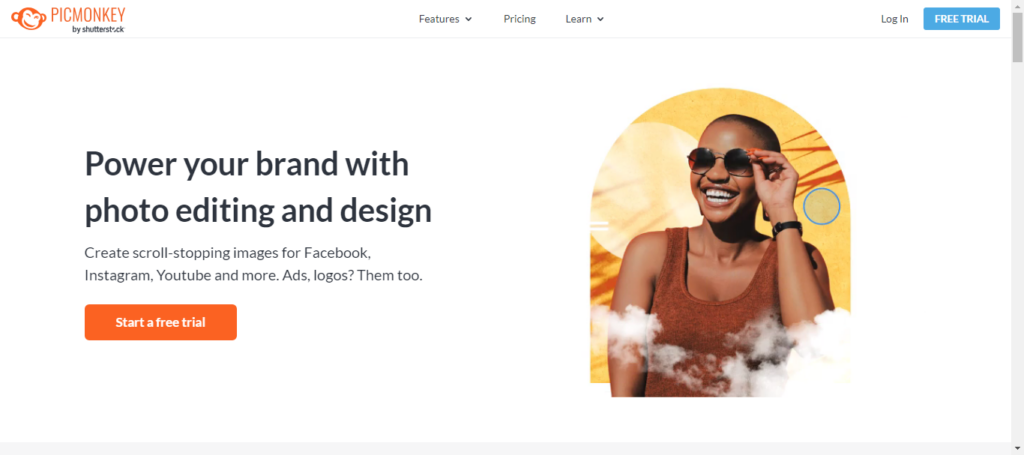
Outil appartenant à la banque d’images Shutterstock, PicMonkey est un logiciel de retouche photo et de conception graphique relativement simple à utiliser.
Avantages : Cette alternative à Canva permet une grande variété d’actions de retouche photo, comme l’ajustement des images avec des filtres, des superpositions de texte, la suppression de fond en un clic, ainsi que des outils de collaboration en temps réel pour les équipes.
PicMonkey se distingue également par sa richesse en modèles et ressources de conception : plus de 9 000 éléments graphiques, une centaine de polices de caractère, des milliers de templates et l’accès aux photos Shutterstock.
Public cible : Ce logiciel convient aux freelances et entreprises qui cherchent à améliorer leur contenu visuel sans effort significatif. Il est particulièrement utile pour les professionnels qui veulent décliner leur charte graphique sur YouTube, Pinterest, Facebook, Instagram, cartes de visites, flyers, présentations…
Tarifs : PicMonkey offre trois niveaux d’abonnement. L’abonnement Basique à 10.99€ par mois dispose d’un stockage limité et permet d’exporter les visuels en jpg ou png, uniquement. La version Pro, à 16,99 € par mois, inclut un stockage illimité et des fonctionnalités avancées telles que la possibilité de créer des kits de marque et la suppression de fond en un clic, tandis que la version Business à 29€ par mois ajoute des outils de collaboration d’équipe.
4. Snappa
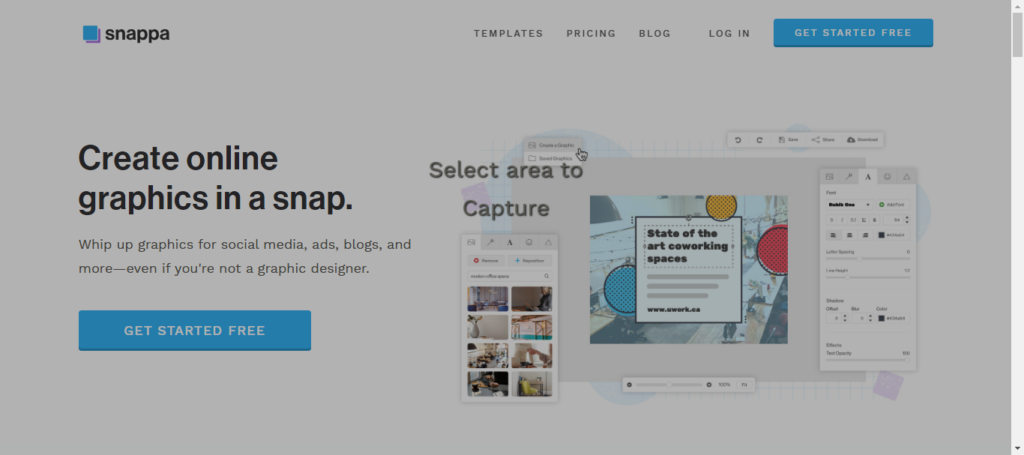
Outil de design en ligne, Snappa se concentre sur la création rapide de visuels pour les réseaux sociaux.
Avantages : Très intuitif, l’outil dispose d’une vaste bibliothèque de plus de 6 000 templates, 5 millions de photos, 100 000 vecteurs et 200 polices de caractères pour créer rapidement des posts pour Facebook, Instagram, X, Pinterest, Twitch, YouTube. Snappa comprend aussi des modèles pour les publicités social media, les en-têtes d’email ou de blog.
Les utilisateurs peuvent partager directement leurs créations sur les réseaux sociaux, afin de gagner du temps au quotidien.
Public cible : Cette alternative gratuite à Canva est idéale pour les spécialistes du marketing, les community managers, les influenceurs et les petites entreprises qui ont besoin de visuels engageants, sans connaissance graphique.
Tarifs : Snappa offre un plan gratuit limité à trois téléchargements par mois. Les plans payants, Pro et Team, sont respectivement à $10 et $20 par mois lorsqu’ils sont facturés annuellement. Ces abonnements comprennent des téléchargements illimités et des fonctionnalités intuitives, telles que la suppression de l’arrière-plan et l’ajout de polices personnalisées. Le plan Team permet également la collaboration jusqu’à cinq utilisateurs, facilitant le travail d’équipe sur des projets de conception.
5. Appy Pie Design
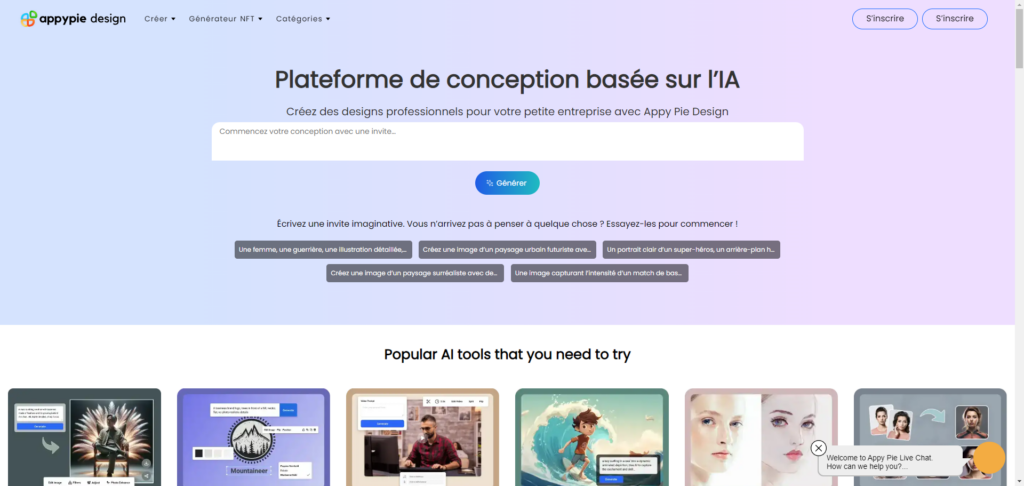
Appy Pie Design est une plateforme innovante qui simplifie la création graphique grâce à l’intelligence artificielle.
Avantages : Via un prompt textuel, cette alternative à Canva aide les utilisateurs à élaborer des stories ou publications pour Facebook et Instagram, des publicités pour les réseaux sociaux, des cartes de visite, des infographies, des logos, des animations ou encore des vidéos professionnelles. Vous avez même la possibilité de créer et vendre des NFT.
Public cible : La facilité d’utilisation et l’accès à une variété de modèles à personnaliser à l’aide de l’IA rendent Appy Pie Design idéal pour les petites entreprises, freelances et influenceurs qui ont des besoins simples en termes de design.
Tarifs : Les informations sur les prix ne sont pas directement mentionnées. Vous pouvez tester l’outil gratuitement, puis contactez le service client pour obtenir des détails personnalisés sur les plans et les options disponibles.
Notre astuce pour choisir son alternative à Canva
Ces 5 alternatives gratuites à Canva incluent chacune des outils uniques pour la création graphique. Pour choisir le logiciel qui convient à votre entreprise, considérez vos besoins spécifiques en matière de design, la facilité d’utilisation et les fonctionnalités requises, comme l’édition de PDF ou la collaboration en équipe.
Si ces outils ne suffisent pas à répondre à vos attentes professionnelles, envisagez de faire appel à un freelance sur Codeur.com. Vous obtiendrez des visuels ou vidéos 100% conformes à vos attentes et à votre charte graphique.


