Le low-code est une approche du développement qui ne demande que peu (voire pas du tout) de codage pour créer des applications ou sites internet.
Les plateformes de développement low-code utilise des interfaces visuelles dotées d’une logique simple et de fonctions de glisser-déposer, au lieu de langages de codage. Ces outils intuitifs permettent aux utilisateurs n’ayant aucune connaissance en codage de créer des applications à des fins diverses.
Ces plateformes sont devenues populaires et sont une alternative rapide au développement traditionnel de logiciels. Les développeurs professionnels peuvent utiliser une plateforme low-code pour créer des apps de complexité variable afin de répondre aux demandes de développement des entreprise.
Low-code VS No-code
Les termes « low-code » et « no-code » sont souvent mentionnés ensemble car ils sont similaires. Les plates-formes low-code et no-code utilisent il est vrai toutes deux des interfaces visuelles pour permettre aux utilisateurs de développer leurs propres solutions commerciales sans connaissances approfondies en matière de codage.
La principale différence entre les plates-formes low-code et no-code, comme le laissent entendre leurs noms, est que les plates-formes low-code peuvent toujours inclure du codage dans certains cas, alors que les plates-formes no code ne nécessitent absolument aucun codage.
Cela signifie donc que la technologie no-code est conçue spécifiquement pour les développeurs non-professionnels, tandis que la technologie low code s’adresse à la fois aux développeurs débutants et aux développeurs professionnels.
Étant donné que les plateformes low-code peuvent toujours nécessiter un peu de codage, elles sont capables de créer des applications plus évoluées, plus vastes et plus complexes que les plateformes sans code. Grâce à une meilleure flexibilité et un meilleur contrôle du cycle de développement, les entreprises ont le plus souvent recours aux des plateformes qui combinent à la fois la notion de « sans code » et « avec code ».
Dans cet article nous allons voir quelques-unes des plateformes low code les plus populaires.
1. Microsoft Power Apps
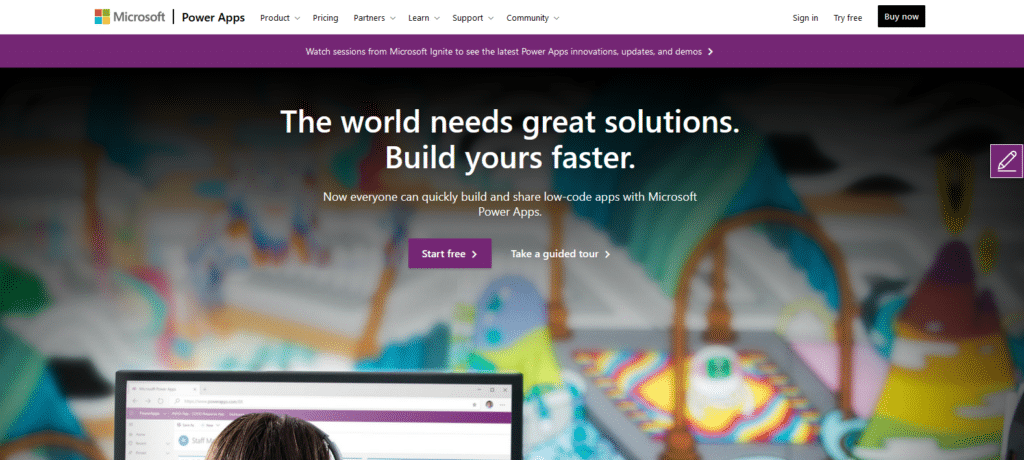
Le logiciel Microsoft Power Apps est puissant, abordable et facile à utiliser. En fait, si vous êtes déjà à l’aise avec Microsoft Excel, vous trouverez cet outil un peu « familier ». En plus, il est doté de l’une des meilleures interfaces utilisateur du marché. On peut même dire que c’est même là le véritable atout de ce logiciel de développement : son interface utilisateur. Il possède en effet l’une des interfaces les plus propres et les plus faciles à utiliser. Car souvent, de nombreux outils présentent des pages assez chargées, qui peuvent même parfois être carrément déroutantes, et faire de la navigation une corvée.
Avec Microsoft Power Apps, vous pouvez créer une application sans recourir au code assez facilement. L’outil fournit une variété de templates et d’exemples pour vous guider, et apprendre les bases d’utilisation. Dans le cas ou votre objectif final est similaire à celui de l’un des modèles présentés, il est même possible de l’utiliser comme point de départ.
Bien sûr, en tant que développeur chevronné, de nombreuses options plus complexes sont disponibles. Microsoft Power Apps est donc un excellent choix que vous soyez débutant ou développeur professionnel. Vous avez peut-être déjà accès à cet outil, car il est inclus dans certains plans « Microsoft 365 ».
2. Zoho Creator
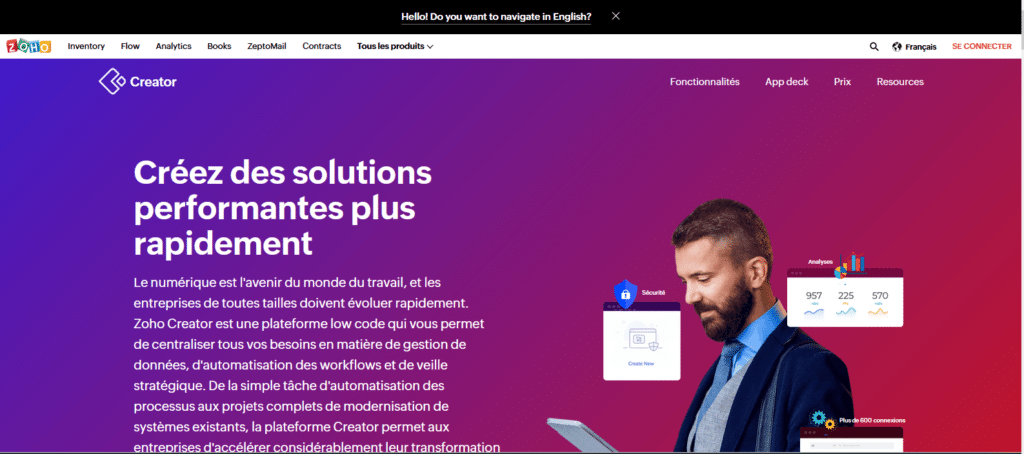
Parmi tout un répertoire assez varié d’outils de développement, Zoho met à disposition « Zoho Creator », qui est sa plateforme de développement low code. Nous allons voir plus bas que contrairement à beaucoup d’autres choix dans ce domaine, Zoho Creator est abordable même pour les petites entreprises. C’est peut-être la raison pour laquelle, avec plus de 7 millions d’utilisateurs dans le monde, il s’agit de l’une des options les plus populaires.
Il faut tout de même de souligner que vous devrez effectuer un minimum de codage pour obtenir un résultat acceptable, mais le processus lui-même est intuitif. Vous pouvez facilement automatiser les opérations commerciales les plus courantes en utilisant la logique métier.
L’un des plus grands atouts de Zoho Creator est la pléthore de templates proposée aux utilisateurs. Ceux-ci constituent un excellent point de départ pour automatiser les opérations les plus courantes telles que la logistique, la gestion des commandes, la gestion des stocks, la gestion des distributeurs, et bien plus encore.
3. Salesforce
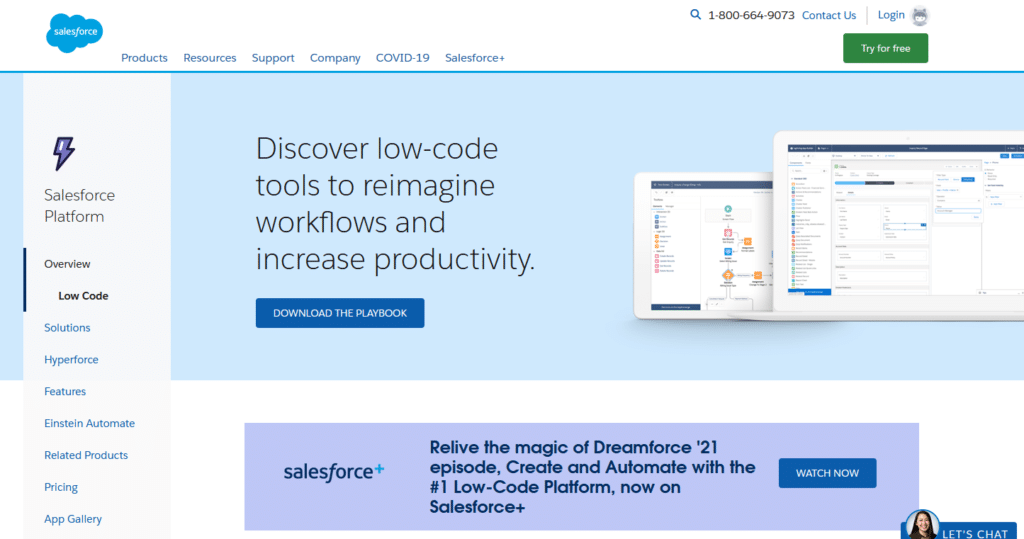
Autre acteur majeur dans le développement de logiciels, Salesforce dispose également d’une solution low-code. Similaire à Zoho Creator, cet outil se concentre sur l’automatisation des opérations commerciales quotidiennes, avec un minimum de code.
Chaque application que vous créez peut s’adapter automatiquement à l’augmentation du nombre d’utilisateurs, de sorte que vous ne serez jamais dépassé par Salesforce.
Salesforce offre sans doute possible le plus grand nombre de fonctionnalités parmi toutes les plateformes de développement low code. Parmi ces fonctions, vous retrouverez les points forts de Salesforce comme l’automatisation de plusieurs systèmes connectés, la protection des informations sensibles, une interface glisser-déposer, et l’intégration de composants externes pour accroître les fonctionnalités.
Vous recherchez une solution qui vous permette de surveiller votre activité en déplacement ? Vous êtes peut-être au bon endroit, car chaque application peut être convertie en appli mobile.
En tant que produit Salesforce, il est évidemment intégré à la suite d’outils et donc compatible avec d’autres outils comme leur logiciel CRM. Il s’agit donc du choix qui doit s’imposer si vous êtes déjà client.
4. Mendix
Mendix est l’une des plateformes de développement low-code les plus populaires, et vous permet de créer des applications sans aucun codage.
Mendix permet un développement rapide des applications grâce à son ensemble complet d’outils pour développer, tester, déployer et itérer.
Mendix fonctionne comme un outil de développement visuel et permet de réutiliser des composants pour accélérer encore le processus global de développement d’applications.
L’outil vous permet de concevoir d’excellentes interfaces utilisateur et UX en intégrant des fonctionnalités hors ligne et des fonctions mobiles natives. D’ailleurs des intégrations App Store étendues ainsi que des modèles prédéfinis sont disponibles, .
Enfin, sa popularité tient peut-être au fait que Mendix permet de créer des applications très complexes, avec des connecteurs prédéfinis pour l’apprentissage automatique, les services cognitifs, l’Internet des objets, etc.
Puisque la plateforme est d’architecture « cloud-native », vous avez la possibilité de déployer vos applications sur site ou via n’importe quel cloud en un seul clic.
5. Appian
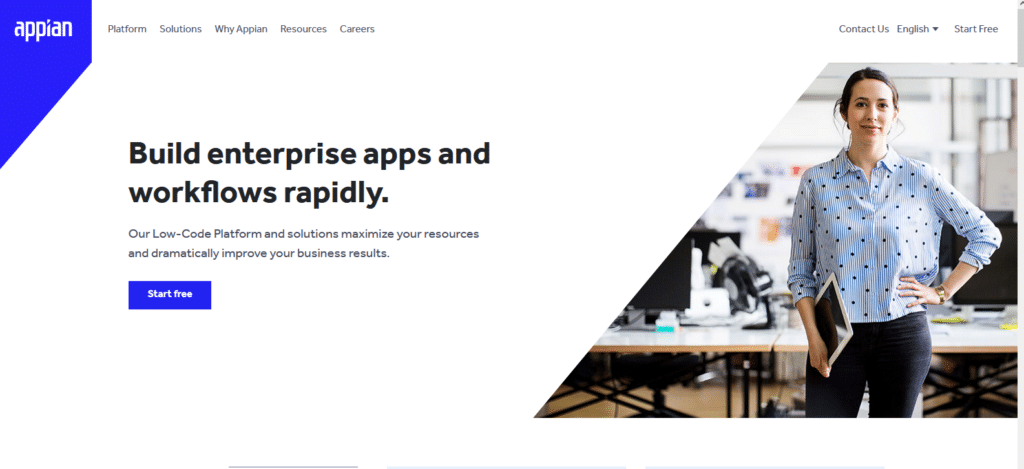
Appian fait figure d’ancêtre : il existe depuis 1999 ! Cependant, sa grande expérience dans le secteur du développement low code au fil des ans se fait réellement sentir. Cette plateforme, très facile à utiliser, offre des services aussi bien aux débutants qu’aux experts.
Si vous souhaitez le tester, vous pouvez même créer une application en utilisant l’outil gratuit, même si ce dernier est très limité par rapport aux plans payants.
L’un des points forts d’Appian réside dans ses outils de collaboration : des équipes de développement entières peuvent travailler simultanément sur des parties individuelles de l’application, ce qui en fait le choix idéal pour les grandes entreprises ayant des équipes de développeurs dédiées à cela.
Si vous êtes seul, ce n’est pas un drame : vous pouvez créer une application quand même. Non seulement vous n’aurez pas besoin d’écrire de code, mais même la quantité de silos de données a été considérablement réduite.
L’interface utilisateur mérite également d’être mentionnée : elle s’avère très élégante et vous pouvez même utiliser un seul flux de travail pour gérer l’IA, les données et les systèmes existants.
Conclusion
De nombreuses plates-formes low-code pullulent et offrent différentes capacités ou approches du processus de développement logiciel. Si certaines d’entre elles offrent une courbe d’apprentissage courte, d’autres sont plus longues car elles se concentrent davantage sur des capacités d’intégration avancées. D’autres mettent l’accent sur le développement collaboratif, et d’autres permettent de meilleures personnalisations….
C’est pourquoi il est essentiel d’analyser les besoins de votre entreprise et de définir un parcours de développement avec l’outil que vous choisissez. Vous devez également tenir compte de la quantité de travail en développement que vous souhaitez déléguer à vos développeurs.
Si vous souhaitez faire appel à un développeur pour vous aider à sur votre application, qu’elle soit créée avec un outil « low code » ou non, demandez gratuitement des devis aux freelances de Codeur.com.


