Online shopping has become the norm and placing an order on an e-commerce site is as natural as going to a store to do your shopping.
For an established merchant or for those starting out in online sales, create an e-commerce website it is the first step to reach customers across France and around the world.
While it is preferable to be supported by a freelance e-commerce developer to set up your online store, there are also tools to create a free e-commerce website.
Some tools in this article are sponsored. They are marked "Sponsored." Find out how to sponsor your tool.
Hostinger Online Store Builder : a fast AI solution

The Hostinger Website Builder is perfect for beginners and small businesses looking to quickly launch their online store. It offers an intuitive interface and allows you to create an e-commerce site in minutes without coding. You can choose from more than 100 responsive templates or let the AI generate a customized site with images and text tailored to your needs.
The tool also includes an AI logo generator and an AI copywriter to ease content creation. Product and order management is simplified, and it is possible to sell up to 500 products with no transaction fees. Hostinger supports more than 20 payment options and offers integrated SEO tools to improve the site's visibility.
Available from €2.95/month, it includes a free domain name and 24/7 customer support.
The 10 best solutions to create a free e-commerce site
Future e-merchants have plenty of choices among solutions to create an e-commerce site for free. Even if the price of an e-commerce site carried out by a freelancer is lower than that of an agency, some prefer to use a free online solution.
From WordPress to Shopify, via Wix or osCommerce, each online commerce platform has its advantages and disadvantages, whether the chosen solution is free or paid.
We therefore offer a brief overview of the 10 most used e-commerce solutions, including both SaaS website builders and CMSs. Note that our article contains sponsored results.
Wix eCommerce : create your online store for free
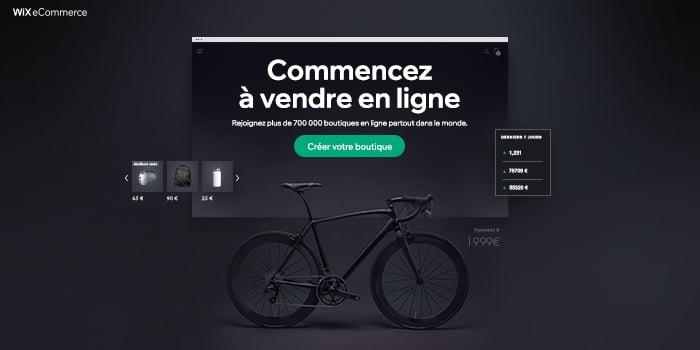
Wix eCommerce is the ideal solution for create an e-commerce website and grow your business in online selling. Hundreds of templates are available and customizable according to your needs, allowing you to create a unique shopping experience by adapting every aspect of the site (showcase, product presentation, cart…).
Wix allows you to go even further in customization thanks to comprehensive integrations developed to connect all the tools, software and fulfillment services needed.
Several sales channels such as Facebook, Instagram, Google Shopping or eBay are integrated into the platform to reach as many customers as possible. Products can also be sold worldwide and all activity is managed from a comprehensive, easy-to-use dashboard.
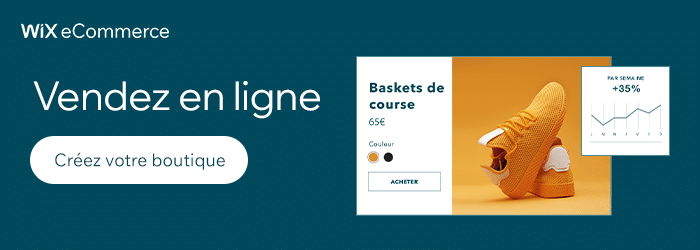
This intuitive platform therefore allows you to create a professional e-commerce site at lower cost and without commissions on sales.
PrestaShop: create a free e-commerce site
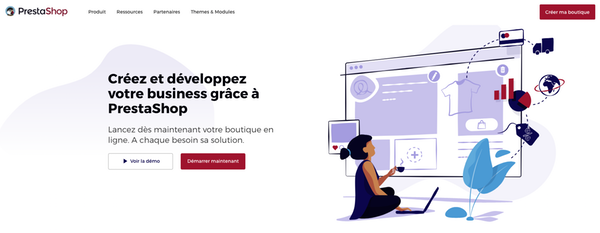
With more than 270,000 online stores, Prestashop installs easily and has a plethora of themes to customize your online store. This CMS allows you to create your e-commerce site for free, but requires digging into the code to customize the site. Note that you'll also need to pay for hosting for the site.
Many extensions they also allow you to add features to your PrestaShop store to sell better online. However, most are paid, which can quickly increase the bill.
PrestaShop requires technical knowledge if you want to deeply modify the site or its appearance. In that case, hire a freelance PrestaShop developer to help you create or modify your site.
Advantages:
- Simplicity and fast publishing
- The product pages you can create are clear and detailed
- Stock management and pricing are easy to use
- You can organize your products by category (like WooCommerce)
- Many themes are available
Disadvantages:
- It's a potentially costly solution (many plugins are paid)
- Some knowledge is required to use PrestaShop
Magento: create a free online store
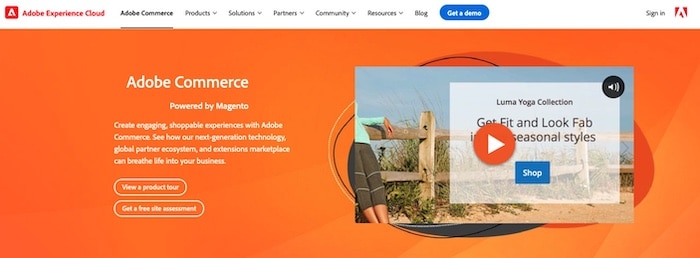
Launched in 2008, this open-source tool allows you to create a fully customized online store. It's the most powerful CMS available. Magento, now renamed Adobe Commerce is a professional, customizable solution that adapts very well to large projects.
The CMS offers several native applications to help you manage your online store from A to Z: inventory management, marketing tools, SEO, email campaigns, etc.
You also have a choice among many templates, organized by theme, allowing you to get started quickly.
Advantages:
- Creation of professional websites
- Fully customizable
- Suitable for large projects with a very high number of products
- Multiple site configuration possible
- Quick multi-currency support
- Advanced marketing solutions
- Makes it possible to rank well on Google
Disadvantages:
- Requires a lot of hosting power
- Magento is not easy to set up and requires a certain level of skill.
On Codeur.com, many Magento developers can help you set up, redesign, or optimize your e-commerce site!
OpenCart: create a small online store for free
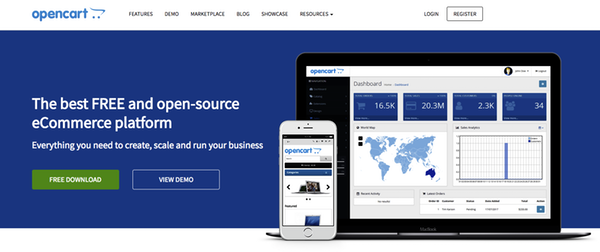
Opencart is an open-source e-commerce solution free turnkey solution. It is recommended for small merchants and startups for its quick installation and very low setup cost.
However, the number of features and the customization of the e-shop remain limited compared to competitors.
The advantage of this open-source solution is the ability to create and customize it by modifying the tool as you wish. But for that, you'll need development skills or hire a freelance OpenCart developer.
WordPress: create a free e-commerce site with WooCommerce
WordPress is the star CMS for creating your websiteThe WooCommerce plugin lets you turn your WordPress site into an e-commerce site in a few clicks. Many themes are available, designed specifically to showcase the products in your online store.
The WooCommerce plugin is an effective solution, whatever the size of your e-commerce business. Create an e-commerce site with the WooCommerce plugin is completely free. You only need to pay for hosting and the domain name. For less than 50 euros per year, you have an online store that is easy to customize.
The advantage of WooCommerce is its ease of setup. Fast and efficient, installation takes just a few minutes. Configuring payment methods is also simplified with plugins like Stripe or PayPal.
After a few adjustments, your store is ready to be published.
WARNINGHowever, some WordPress themes are incompatible with WooCommerce. This forces you to buy extensions that can be quite expensive. On the other hand, if you run a large sales site, you'll struggle to use the free version of WooCommerce.
Using WordPress gives you access to other features, often free, that can help increase your revenue.
However, to fully use this solution's resources, it's best to master HTML and CSS so you can customize details. If you want to customize your WooCommerce site, hire a freelance WooCommerce developer on Codeur.com!
osCommerce: create a free e-commerce site for budding developers
This free, open-source solution can be installed on any dedicated server, provided you know the procedure well.
To that end, osCommerce is rather aimed at entrepreneurs who can code or who have at least basic knowledge. That said, you can always hire a provider to help!
ZenCart: an open-source solution to create a free e-commerce site
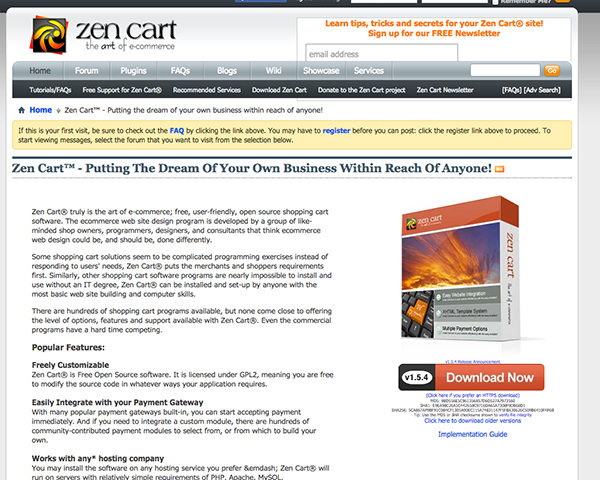
Free open-source software, the e-commerce solution ZenCart includes many native features.
It allows you to create a fully featured online store, providing what you need to boost your business: newsletter, gift vouchers, referral system, multiple payment methods, delivery options, etc.
ePro Shopping: create your free e-commerce site
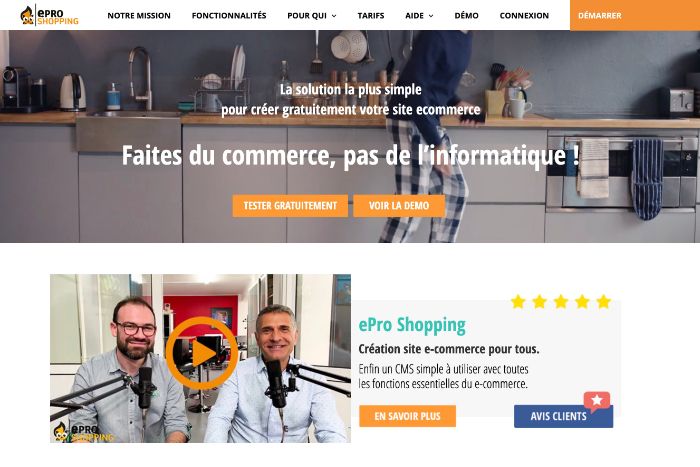
100% French-made, ePro Shopping is second to none e-commerce solutions. This all-in-one solution stands out for its many features, ease of use, and the quality of its technical support.
With ePro Shopping you have everything you need to easily create your online store with a professional look, and it's free.
Drupal Commerce: ideal for social commerce online, for free
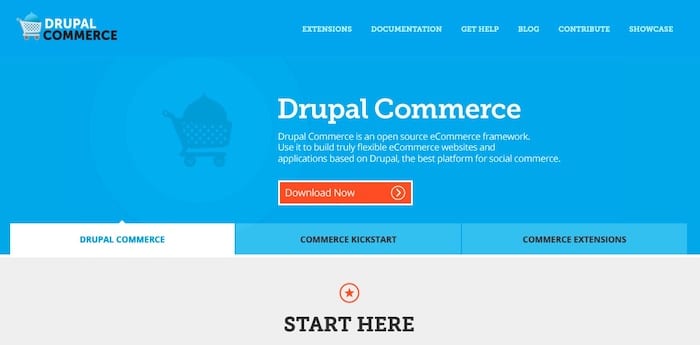
Drupal Commerce is another open-source solution to create your e-commerce site. Very versatile, Drupal Commerce will certainly appeal to you thanks to the many extensions and themes it offers.
VirtueMart: Joomla's free e-commerce extension!

VirtueMart is thethe open-source e-commerce extension for the free CMS Joomla!Complete and easy to install, VirtueMart will help you expand your products internationally thanks to its built-in SEO optimizations.

7 paid platforms to create an e-commerce site
WiziShop, French e-commerce platform for your online store
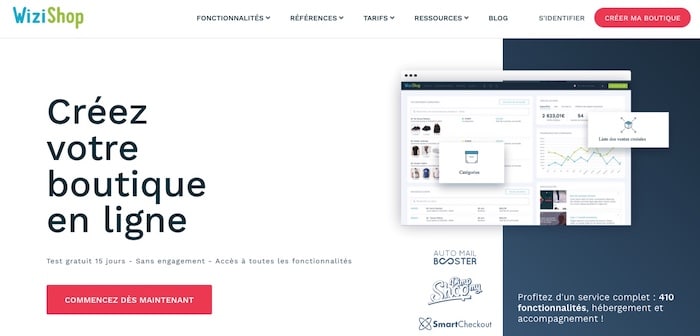
Wizishop is an online sales solution which stands out for its easy installation and does not require any special knowledge.
This platform offers all the basic features needed for your e-commerce: order management, sending newsletters, search engine optimizationmobile version, etc.
Regarding cost, registration is free, but you will have to pay a percentage of your revenue.
Also read: E-commerce: 10 actions to implement to increase your revenue
Shopify, the solution for your trendy e-commerce site
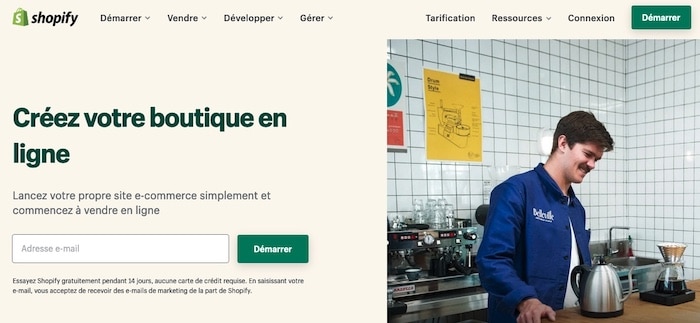
Shopify is a SaaS platform that allows you to create an e-commerce site in 48 hours, either from an existing theme or by building a 100% custom design with your own branding.
Regarding the price, you will need to pay a monthly subscription that starts at $29/month for small businesses. You will also have to pay commissions on sales.
If you need help setting up new payment methods or customizing your site, many Shopify freelance experts are available on Codeur.com! Post your project for free to get quotes to create or modify your store.
Also read: Shopify vs WooCommerce: the comparison
Oxatis, a complete solution to easily create your e-commerce site
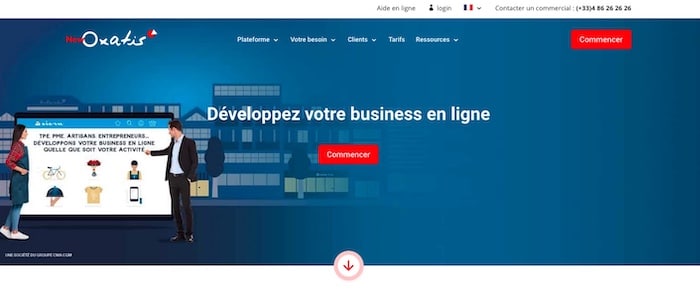
Created in 2001, Oxatis is a complete e-commerce solution since hosting for your shop can be included.
Accessible for all types of businesses, it also offers more than 400 features.
Clicboutic, to bring your PrestaShop projects to life

ClicBoutic is a e-commerce site creation software which is based on PrestaShop.
Easy to use, this solution offers many features with a clean interface: enough to create a high-performing sales site that will secure loyalty from your new customers.
Its monthly subscription starts at €19/month (limited version) and goes up to €129/month for the most powerful online stores.
Bigcommerce, to create your e-commerce site quickly
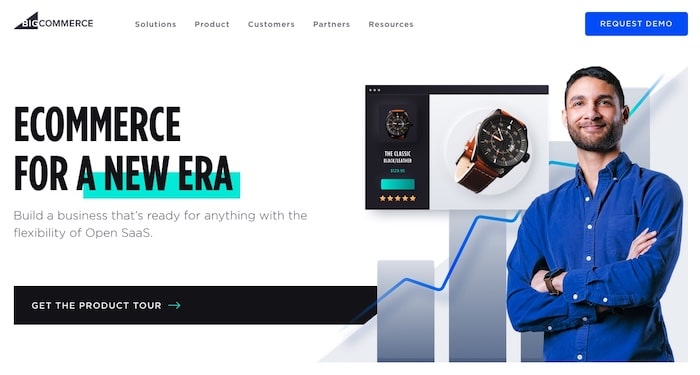
This e-commerce platform runs on the Cloud and lets you quickly create an online store for any type of business.
BigCommerce offers many features that allow you to manage both the back office and the front end and to track visitor conversions.
Weezbe, another French e-commerce platform for your online store
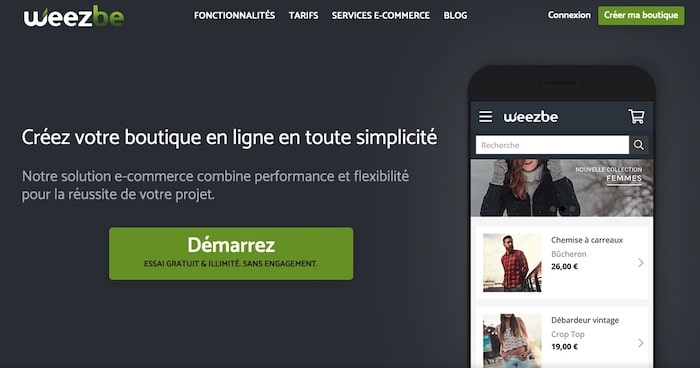
Another well-known tool for creating an online store, Weezbe offers a long list of features for a high-performing, secure site. For example, you can create and send email campaigns.
Weezbe's pricing varies depending on your pre-tax turnover. Expect at least €19 excluding VAT per month.
e-monsite, French website builder for small businesses and SMEs
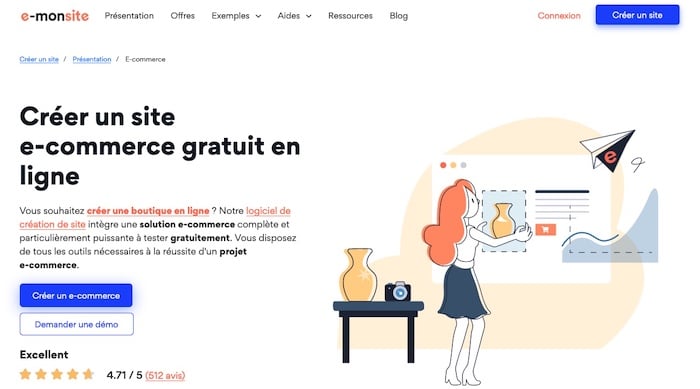
Created in 2004, e-monsite is a "Made in France" solution that was initially seen as a complex tool to master. However, the features offered are interesting and sometimes on par with major CMSs, not to mention that there are many possibilities for optimizing SEO and creating a high-performing e-commerce site.
E-monsite will therefore certainly appeal to people with slightly more advanced skills in creating e-commerce sites.
Steps to create an e-commerce site
1. Competitor analysis
Of course you have already defined your business sector; you now need to conduct a market study of it.
- Identify the competitors,
- their marketing positioning,
- their communication style,
- determine their market share.

From there, you can choose your communication angle in order to stand out from them: do you have competitive advantages? Are there products you sell that they don't?
If not, imagine a striking, different communication that will give you the originality you need to get started. Also define your target customers: gender, age range, consumption habits…
2. Preparing the specifications
Once you know where you’re heading, you’ll need to make the project of creating your online store concrete.
- What features do you need?
- How should your site work?
- What is thesite structure and the number of pages you want?
In this specification document you can also summarize your market research to give the provider an idea of the competitive environment surrounding your project so they can advise you.
Download for free a template of specifications to create your e-commerce site.
3. Choosing the solution to build your e-commerce site
Depending on the criteria set out in the specifications, such as the target customers (business-to-business or retail customers), but also your budget or even the time available, several options are open to you for creating your website. You can choose, for example:
- A genuine online shop accessible to everyone that allows customers to buy and pay directly online
- Register on one or more marketplaces, such as Amazon, Cdiscount, Rakuten, to sell your products there.
- An extranet for existing customers, that is, a secure-access site with the ability to showcase your products and take orders.
4. Importing the product catalogue
Probably the most important when creating your online store: the products! Contact your suppliers and ask them for the product data you will sell: for example, weight and dimensions can be used to calculate the shipping costs you should charge on your e-commerce site. The barcode (or a unique reference per product) is also necessary.
You will also need to have product photos quality ones, for example by providing context for your products.
If you are the manufacturer of your own products, it is your responsibility to collect this data, which will be used to create the product pages for your online store.
The content of these product sheets serves a dual purpose: it both drives sales and helps your online store rank in search engines. Product sheets empty of content will neither convert nor rank.
By having a perfectly completed file, the import process into your e-commerce solution will become a real breeze.
Well-written product sheets can help you better index your products on the web. To ensure product sheets are optimized for SEO, have them written by professional web copywriters from Codeur.com.
5. Selecting payment methods
The payment methods must be defined in advance so they can be configured and set up on the site. Setting up a payment method can take time, so be sure to account for this delay in your schedule.
Depending on the target customer base, one payment method may be more appropriate than another. Don’t limit yourself to just one: internet users like to have choices. You can choose at least three payment methods from the following list:
- credit card
- check
- bank transfer
- virtual wallets like PayPal or Stripe (which accept credit cards)
- direct debit
Important: Make sure to properly integrate and configure your payment solution to avoid any security vulnerabilities. To ensure your payment system works correctly, entrust its integration to a professional developer. Find many freelancers available quickly on Codeur.com.
6. Choosing delivery methods
The delivery method is crucial, as are its rates. Many cart abandonments are due to an unsuitable delivery method (or cost).
Shipping costs that are too high drive customers away! In online retail, customers are used to comparing offers, and the delivery price is the primary criterion for many: even if your products are cheaper than your competitors’, if your shipping cost is too high, users are likely to look elsewhere.
Which delivery methods will you offer for your items?
- Home delivery?
- Delivery to a pickup point?
- Chronopost or Colissimo?
- Private carrier like UPS or DPD?
You should make your decision taking into account the type of product sold and your competitors’ delivery methods and rates.
7. Writing the e-commerce site content
As with product sheets, the content of the pages on your online store is a key element: it informs and reassures visitors and improves organic search. For example, the “ About us ” page will reassure the customer about the company, its values, practices, and experience.
The page detailing delivery methods will inform the customer about lead times and rates.
If additional content pages are necessary, or if you want to attach a blog to your online shop, prepare that content in advance: your “static” pages should be live on day one! As for the blog, it’s a good idea to publish a few posts as well so that visitors discovering your site understand what to expect from future content. Once the shop is launched you won’t necessarily have the time to add content regularly, so prepare as many articles as possible!
Again, you can outsource the creation of your content to freelance writers. Trained to produce SEO-optimized content, these professional copywriters can deliver quality texts within short deadlines.
Which solution should you choose to create your store?
There are three main types of e-commerce solutions:
- Using an existing sales platform, a marketplace that allows you to open a professional account.
- Using an e-commerce solution " turnkey ", also called "SaaS" ("software as a service"), with a provider like Shopify, Wizishop…
- Creating your own custom site, built entirely by a professional developer. This professional can also create your site using open-source solutions (such as WordPress and WooCommerce). Both of these solutions require you to host the site yourself.
What information must legally appear on your site?
Finally, here are the elements that must appear on your website:
- Company name, legal form, address of the establishment or registered office
- The amount of share capital for a company (or your name, first name and residence if you are a sole proprietor)
- An email address and a phone number
- Your registration number in the Trade and Companies Register
- The intra‑community VAT number or a statement exempting you from it (for a micro‑enterprise)
- The contact details of the site's hosting provider
- Your general terms and conditions of sale (GTC)
- The simplified declaration number obtained from the CNIL
- Any specific notices (registration number in the trades directory for a craft activity, various rules for regulated professions, etc.)
Is it a good idea to create a free e-commerce site?
Yes, create a free e-commerce website is a very good idea, and this for several reasons.
First and foremost, it gives you the opportunity to position your business on the SERP. By choosing the right keywords, you activate your SEO. If you need to make changes later, you will still have made some progress. On the web, timing matters, because the competition organizes and moves quickly!
The second reason is that your site operates continuously. Whatever the hour or the day, you can make sales. That’s harder with a brick-and-mortar shop.
Another important point: today, if you don’t exist on the Internet — except in a few cases where a niche effect can play a major role — you risk lacking visibility and not making it.
By choosing a free platform, you remain the owner of your data, of the design you chose, of your shop name, and, if you wish, you can change hosting provider.
Why use a CMS dedicated to e-commerce?
A Content Management System is a tool that enables website creation by providing ready-made templates to adapt. In fact, it makes it possible to build a site without particular technical knowledge.
The advantages of this type of tool are:
- The cost, since they are usually free and allow you to create a site very quickly
- It's simple to use
- Their popularity. This usually means you can find answers to many common problems
- The responsive aspect. CMSs have done the work of adapting to different screen sizes for you
- Search engine optimization is easy thanks to various plugins
- You save time, as CMSs use templates (themes) that allow quick integration of your content
- You don't need a lot of knowledge to manage a website with a CMS
- Many features are available through free or paid plugins
The disadvantages of CMSs:
- It is not fully customizable, so your site will never be truly unique
- You may find yourself getting lost in how it works, since CMSs offer many features you will likely never need, which complicate their use.
- Setting up the CMS may seem complicated at first and sometimes requires some technical knowledge.
Key takeaways for creating your free e-commerce site
Creating an e-commerce site is not that difficult, but can prove time-consuming, especially when creating content or handling administrative procedures to start a business (if that's your case). To succeed in the world of e-commerce you therefore need time and some work.
Keep in mind that most of the work will come after launching your online store, and that running an e-commerce site also requires knowledge you will gain through experience!
Our tip for creating your e-commerce site
Freelancers can help you grow your sales throughout your e-commerce site's lifetime: custom development, improved web design and UX, implementation of web marketing strategies, SEO copywriting…
Quickly find the professional who can meet your needs by posting your project for free on Codeur.com.
Depending on your resources, needs, and technical skills, choose the solution best suited to create your e-commerce site.


