Les mèmes sont devenus un moyen incontournable pour communiquer de manière humoristique sur les réseaux sociaux. Ils prennent souvent la forme d’images ou de GIFs accompagnés de textes courts, illustrant des situations du quotidien avec humour.
Vous cherchez un générateur de mème pour créer un mème en quelques clics sans avoir besoin de compétences en graphisme ? Voici une sélection des meilleurs outils gratuits pour donner vie à vos idées.
Les outils de cet article ont été sélectionnés par notre équipe et ne sont pas sponsorisés. Découvrez comment sponsoriser votre outil.
Meme Generator
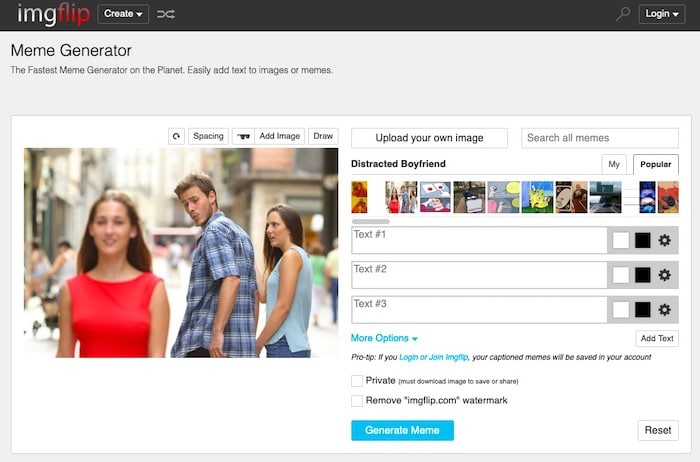
L’un des outils les plus populaires pour créer des mèmes, et peut-être le premier du genre : MemeGenerator.
C’est un générateur de mèmes en ligne que vous pouvez utiliser lorsque vous voulez ajouter des légendes à vos images. Vous pouvez consulter les images les plus populaires pour créer vos mèmes.
Il suffit de cliquer sur une image, ou vous pouvez choisir vous rendre dans le menu « create » pour commencer un mème avec votre propre image.
DIYLOL
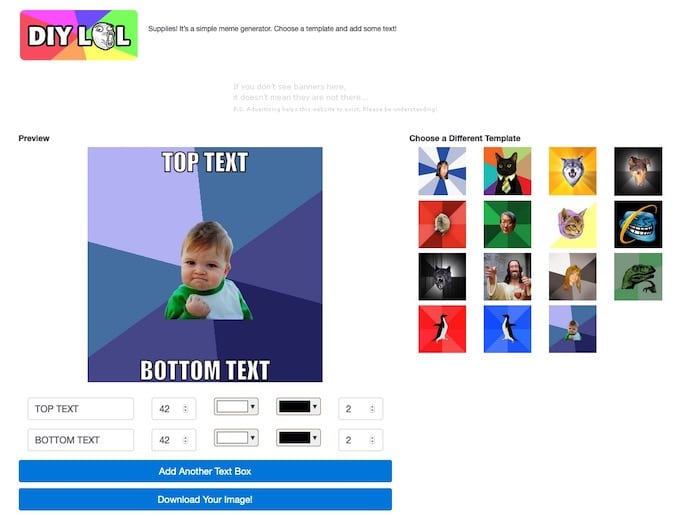
Vous voulez créer un mème à partir d’images qui sont déjà des mèmes populaires ? Vous pouvez le faire avec DIYLOL.
Il suffit de choisir une image préexistante et d’ajouter votre texte haut et bas : vous pouvez ajuster la couleur et la taille de la police pour votre texte, de manière très simple. Vous pourrez enfin télécharger l’image et la partager avec le monde.
Canva
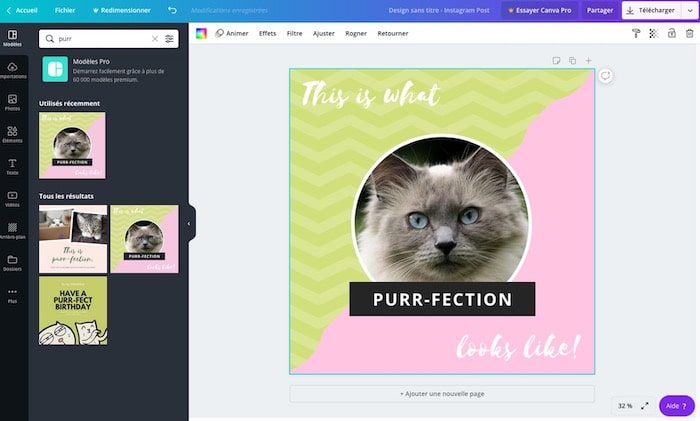
Canva se démarque des autres sites en allant beaucoup plus loin et vous propose des modèles créés par des professionnels que vous pouvez utiliser pour vos mèmes. Plus d’un million de photos « stock » sont à votre disposition. Il s’agit d’une sélection beaucoup plus vaste que celle des autres sites.
Bien sûr, vous pouvez également télécharger votre propre image, ajouter du texte et créer ensuite le mème. Il s’agit d’un outil très complet, utilisé principalement par les Community Managers et autres professionnels de la communication.
Adobe Express
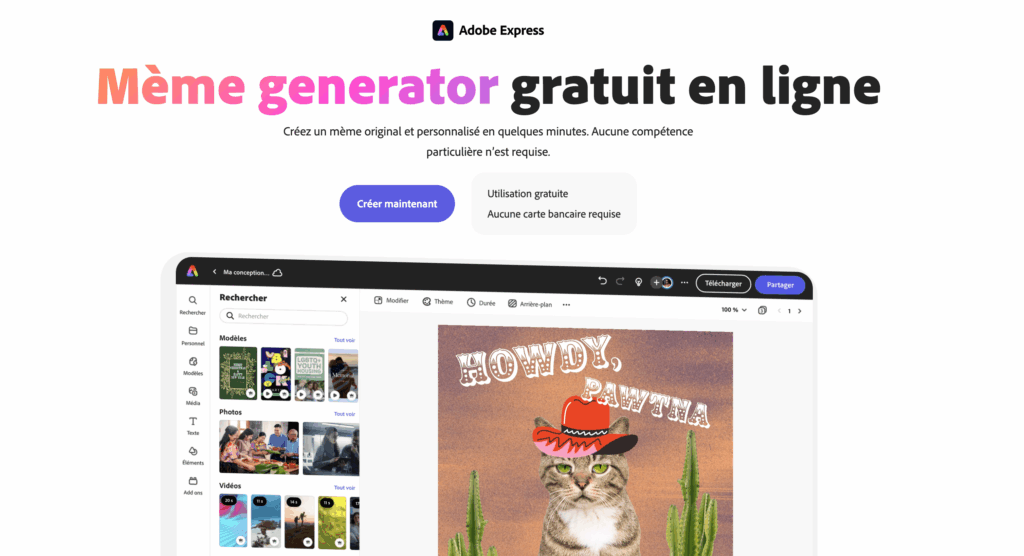
Avec Adobe Express, vous avez également la possibilité de créer un meme.
Il suffit de commencer par donner un titre à votre mème, qui deviendra le texte principal affiché. Ensuite, vous pouvez personnaliser l’arrière-plan, modifier l’apparence de votre texte et réaliser une multitude de retouches esthétiques. Adobe Express propose de nombreux templates.
iLoveIMG
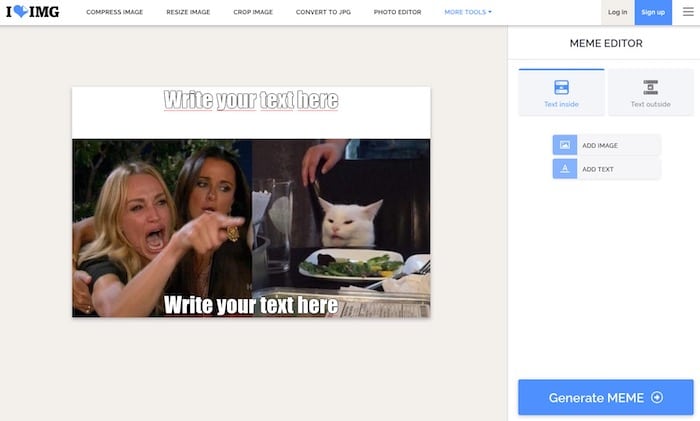
iLoveIMG est l’un des sites les plus faciles à utiliser si vous souhaitez créer un mème.
La page d’accueil vous permet de télécharger une image ou de sélectionner un modèle de mème pour commencer. Des zones de texte sont déjà présentes. Un menu vous permet de styler votre texte. Si vous souhaitez ajouter des lignes de texte supplémentaires, vous pouvez également le faire.
Il est même possible d’ajouter une image par-dessus une autre image pour combiner plusieurs mèmes.
Make a meme
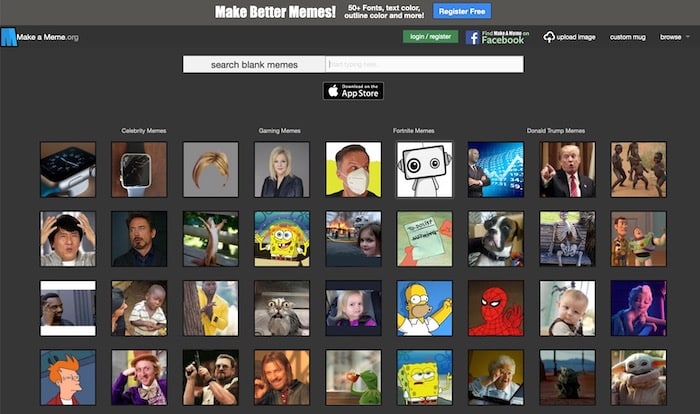
Make a Meme vous accueille immédiatement avec les images des mèmes les plus. Vous pouvez cliquer sur un de ces images, et vous obtenez une interface simple qui vous demande le texte du haut, le texte du bas et votre titre personnalisé. Cliquez sur « make a meme » et votre image est prête.
Vous pouvez même uploader votre propre image et y ajouter du texte de la même manière. Vous avez également la possibilité de prévisualiser vos mèmes avant de les créer, et de changer la police ou sa couleur, moyennant l’ouverture d’un compte.
Quick Meme
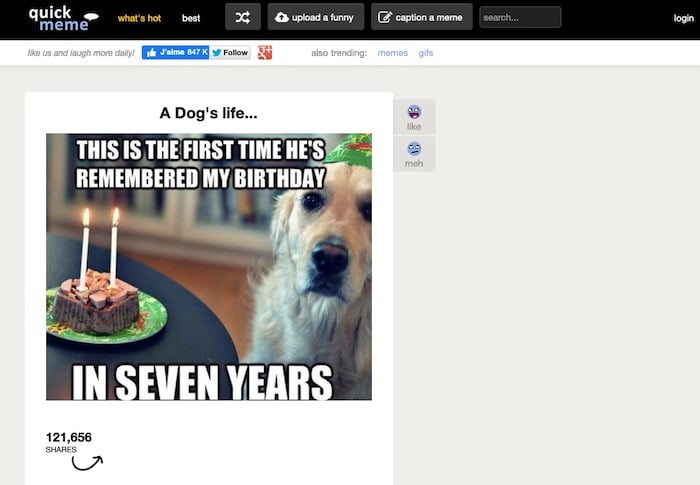
Quickmeme est un outil en ligne de création de mèmes pour tous ceux qui veulent une expérience simple et sans fioritures. Vous pouvez consulter les mèmes en vedette, qui vous montrent les plus populaires du moment.
Pour créer un mème, il vous suffit d’aller sur « upload a funny » pour repartir de zéro. Si vous souhaitez sélectionner une photo déjà virale et ajouter votre propre texte, vous pouvez le faire en utilisant l’option « caption a meme ».
À lire aussi : 11 générateurs d’images pour vos webdesigns
Image Resizer

Créez des mèmes en toute simplicité grâce à un générateur offrant une bibliothèque de plus de 10 000 modèles. Personnalisez le texte, les icônes et les styles, puis téléchargez ou partagez vos créations sans filigrane. Un outil gratuit et accessible à tous.


