Dans le cadre d’une stratégie marketing, choisir le bon style graphique pour une vidéo est essentiel. Parmi les options disponibles, la vidéo animée, du cartoon au motion design en passant par la vidéo scribing, se distingue par son impact et sa flexibilité. Voici une sélection des 4 meilleurs outils gratuits pour créer des vidéos animées professionnelles.
Les outils de cet article ont été sélectionnés par notre équipe et ne sont pas sponsorisés. Découvrez comment sponsoriser votre outil.
Animaker
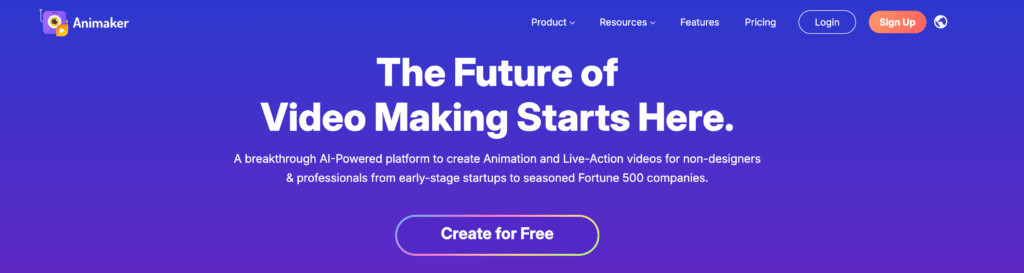
Animaker se veut être la solution la plus simple pour créer des vidéos animées et il est vrai que son utilisation n’est vraiment pas compliquée.
Il suffit de vous inscrire gratuitement pour avoir accès à des centaines de vidéos pré-conçues sur différentes thématiques. Que vous vouliez réaliser une vidéo publicitaire ou une infographie animée, vous trouverez votre bonheur.
Au niveau du montage, vous pouvez ajouter des personnages et des accessoires, de la musique, insérer des effets spéciaux, importer vos propres vidéos et bien entendu ajouter des transitions. Pour les projets où la vidéo doit durer plusieurs minutes, vous pouvez créer plusieurs scènes afin de réaliser votre montage plus facilement.
Avec Animaker, vous pourrez exporter votre vidéo directement sur Youtube ou Facebook, ou la télécharger directement sur votre ordinateur.
- Prix : l’outil est gratuit mais les possibilités très limitées, vous devrez certainement vous tourner vers un abonnement à partir de 15$ / mois. Notez qu’il existe une solution spécialement conçue pour les entreprises.
À lire aussi : 10 logiciels de montage vidéo gratuits et complets
PowToon
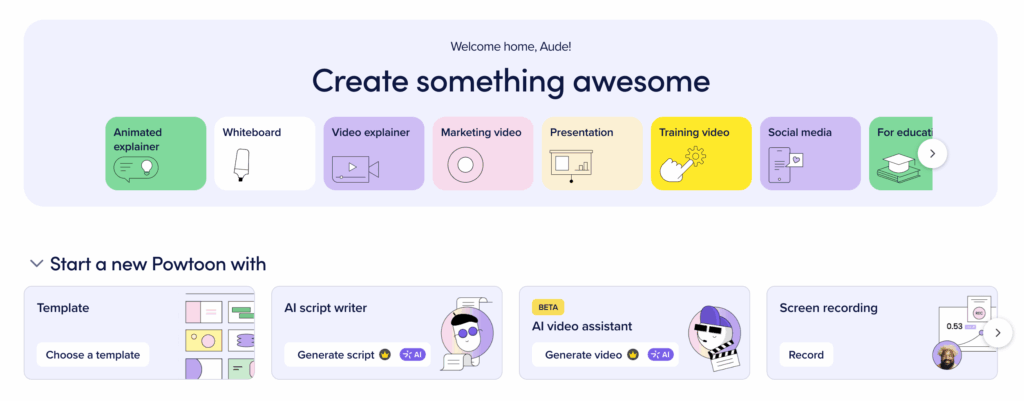
PowToon c’est la promesse d’une vidéo créée en 20 minutes du fait de la simplicité d’utilisation de cet outil et des templates aux thématiques variées à votre disposition.
L’ajout de textes, de call-to-action, d’illustrations, de formes ou encore de musiques se fait via une interface de montage facilement compréhensible. Des scènes déjà pré-conçues peuvent être ajoutées et personnalisées ce qui vous fera gagner du temps dans la création de votre vidéo animée. La banque d’images et d’illustrations regroupent des styles graphiques variés (emoji, pixel illustration, dessins à la main, etc). Vous l’aurez compris, il y en a pour tous les goûts et tous les besoins.
Avec PowToon, vous pouvez mêler animation et vidéos “corporate” pour un rendu très professionnel.
L’intégration de votre vidéo est possible sur de nombreux sites (Youtube, Facebook, Viméo, Slideshare, etc), mais également sous différents formats. Au-delà du traditionnel MP4, vous pouvez exporter en PDF ou PPT, chaque slide étant pourvue d’animations.
- Prix : une version gratuite est disponible, mais pour plus de fonctionnalités vous devrez souscrire à un abonnement à partir de 15$ / mois.
À lire aussi : 6 conseils pour créer des vidéos irrésistibles
Vyond
Peut-être avez-vous connu cet outil sous le nom de GoAnimate ? Aujourd’hui appelé Vyond, cette solution vous permet d’éditer des vidéos animées très simplement grâce à un large choix de templates.
Plusieurs styles de vidéos sont proposés. Une fois votre style sélectionné, vous arriverez sur la zone de montage, là encore très intuitive.
La puissance de cet outil réside dans l’animation des éléments. Pour un personnage par exemple, vous pouvez lui assigner :
- Une action
- Une expression
- Un dialogue

Bien évidemment d’autres fonctionnalités sont proposées et la librairie est très fournie. Les possibilités sont donc nombreuses : personnages, graphiques, musiques, textes. Tous ces éléments prennent place dans des templates parfois déjà conçus et peuvent être personnalisés.
- Prix : après une version d’essai gratuite de 14 jours, vous devrez choisir entre trois types d’abonnement : entreprise, business ou personnel. Comptez minimum 58$ / mois.
À lire aussi : 8 logiciels pour créer votre motion design
Rawshorts
Rawshorts est un outil de création de vidéo animée utilisant l’intelligence artificielle. Une vidéo peut être automatiquement générée à partir d’un processus très simple :
- Vous soumettez un texte ou l’URL de votre article de blog
- Vous sélectionnez un template (ou plutôt style graphique)
- Vous ajoutez / modifiez / supprimez, bref vous personnalisez la séquence vidéo générée
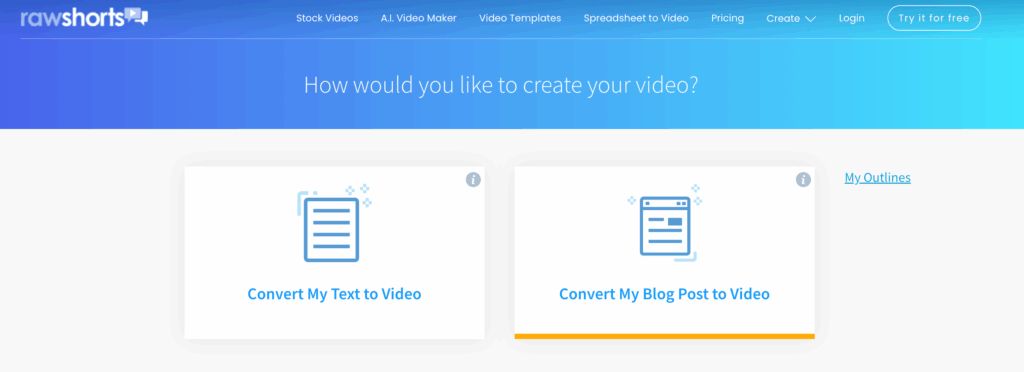
L’éditeur visuel est très complet : synthèse vocale, templates de textes, backgrounds animés, graphiques, librairie d’images et d’illustrations et musiques, tout est là pour vous aider à créer une vidéo animée professionnelle.
Autre particularité de Rawshorts, vous pouvez créer des vidéos spécialement pour les réseaux sociaux tels qu’Instagram et Facebook grâce au format personnalisé. L’exportation est donc possible sur ces plateformes tout comme le téléchargement sous différentes qualités.
- Prix : l’outil dispose d’une version gratuite mais pour profiter de toutes les fonctionnalités poussées vous devrez prendre un abonnement à partir de 20$ / mois.
Choisissez l’outil adapté à vos besoins de vidéo animée
Ces outils gratuits permettent de créer des vidéos animées adaptées à divers besoins marketing. Pour des résultats encore plus personnalisés, envisagez de collaborer avec un freelance.


