Vous recherchez un logiciel de montage vidéo gratuit et complet pour donner vie à vos idées ?
Qu’il s’agisse de marketing vidéo, de montage de vidéos YouTube ou tout simplement d’un loisir créatif, il est possible d’éditer des films de qualité gratuitement.
Voici une sélection de 11 logiciels de montage vidéo gratuits. Que vous utilisiez Windows, Mac, Linux, ou votre smartphone, vous trouverez tout ce dont avez besoin dans cette liste.
Les outils de cet article ont été sélectionnés par notre équipe et ne sont pas sponsorisés. Découvrez comment sponsoriser votre outil.
DaVinci Resolve
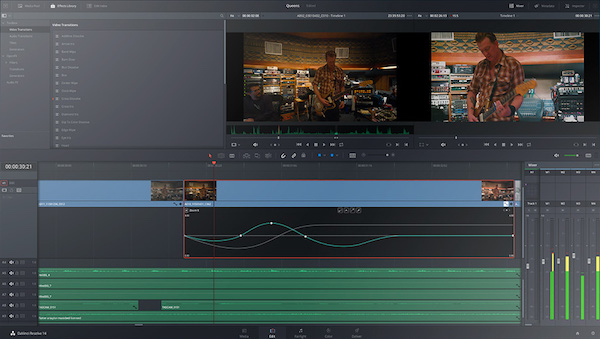
Cette solution de qualité professionnelle intègre plusieurs outils en un permettant de réaliser à la fois le montage, l’étalonnage et la post-production audio.
Bien qu’il existe une version payante plus complète, la formule gratuite est déjà très riche.
Capcut
Capcut est le logiciel de montage vidéo de la maison mère de TikTok. Utilisé par des centaines de millions de créateurs de contenu en herbe, il est l’un des logiciels de montage vidéo en ligne les plus utilisés au monde.
Capcut est disponible gratuitement, même si une version payante vient compléter son offre avec des fonctionnalités supplémentaires.
Si vous cherchez un logiciel gratuit pour éditer des vidéos pour les réseaux sociaux depuis votre smartphone ou votre ordinateur, essayez Capcut sans hésiter.
À lire aussi : 8 logiciels pour créer votre motion design
Quik
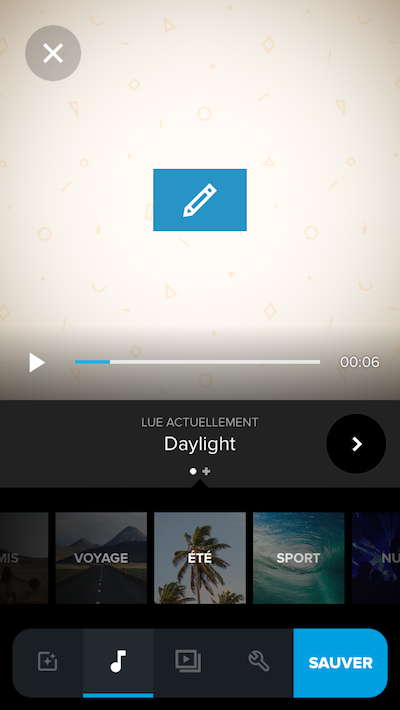
Créé par le fabricant de caméras GoPro, Quik est une application d’édition vidéo d’une grande simplicité, disponible sur iOS et Android.
Chargez rapidement des vidéos enregistrées sur votre smartphone pour les modifier et les monter à votre guise, en toute simplicité. Il permet aussi de faire de la retouche photo basique et de créer des diaporamas à partir d’images.
Videoleap
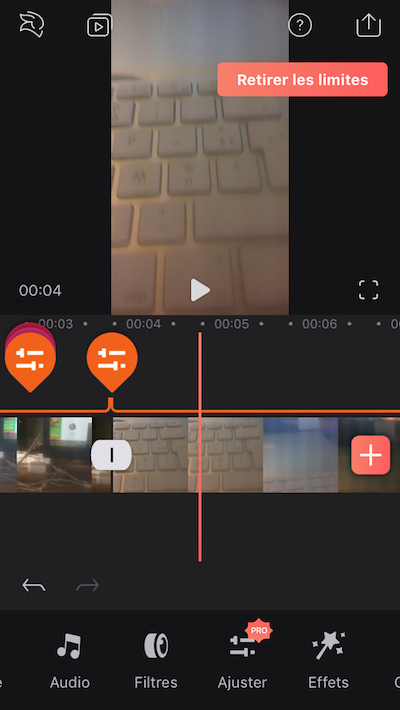
Videoleap est une autre application mobile de montage photo gratuite très ergonomique et complète.
À la différence de Quik, elle dispose d’une version payante plus fournie (certaines fonctionnalités sont donc bloquées avec la formule free).
iMovie
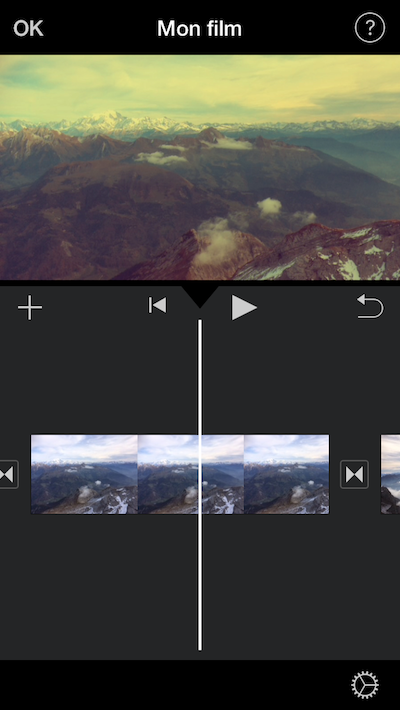
Les utilisateurs de Mac, iPhone ou iPad peuvent se tourner vers iMovie. Bien que moins complet que Final Cut Pro X, le logiciel payant d’Apple, il dispose des fonctionnalités principales attendues d’un tel outil.
L’une de ses qualités notables est son aspect multi-supports : il permet par exemple de commencer un montage sur un smartphone et de le poursuivre sur un Mac.
Avidemux
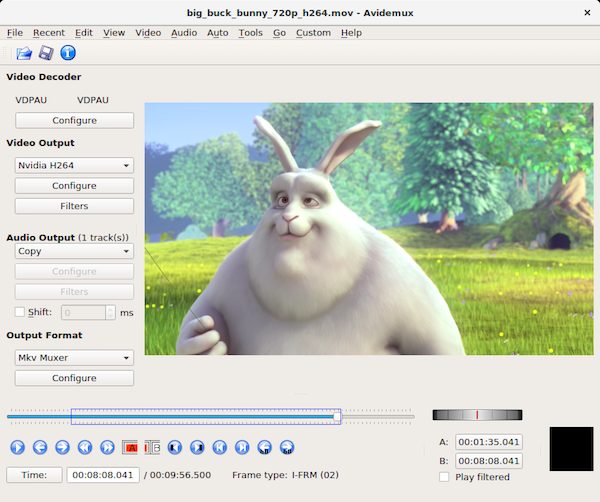
Avidemux est un logiciel d’édition vidéo totalement gratuit qui, s’il ne paie pas de mine, s’avère complet et accessible.
Il supporte la plupart des formats de fichiers vidéo de AVI à MP4 en passant par ASF.
Besoin de musique pour accompagner votre vidéo ? Découvrez notre sélection de sites de musique libre de droit & gratuite.
Openshot
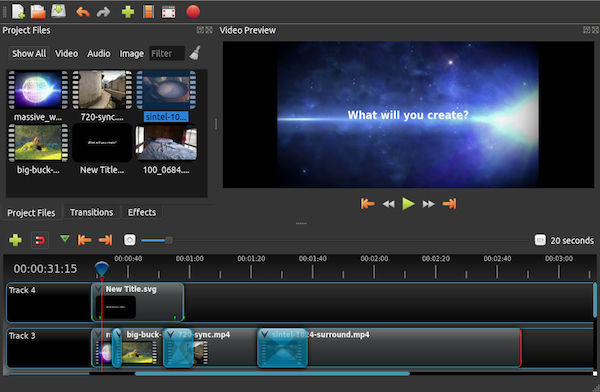
Apparu sur Linux et maintenant disponible pour Windows et Mac, Openshot est l’un des meilleurs logiciels gratuits pour monter des vidéos.
Cette solution open source bénéficie d’une interface simple tout en proposant des fonctionnalités très riches.
HitFilm Express
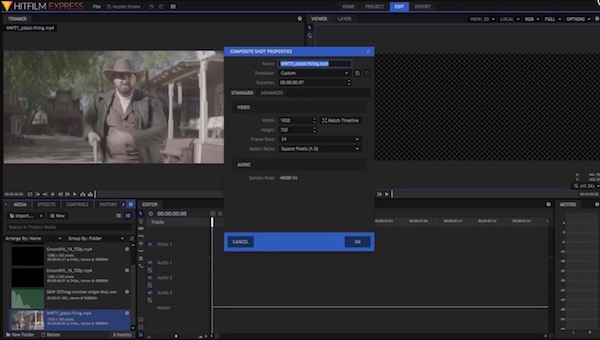
HitFilm Express est une solution gratuite et très complète qui permettra de faire du montage vidéo, mais aussi de réaliser des effets spéciaux en tous genre.
Il s’agit donc d’un logiciel poussé, bien que doté d’une interface plutôt épurée, permettant de créer des films de qualité professionnelle avec leur lot d’effets visuels.
Media Composer | First
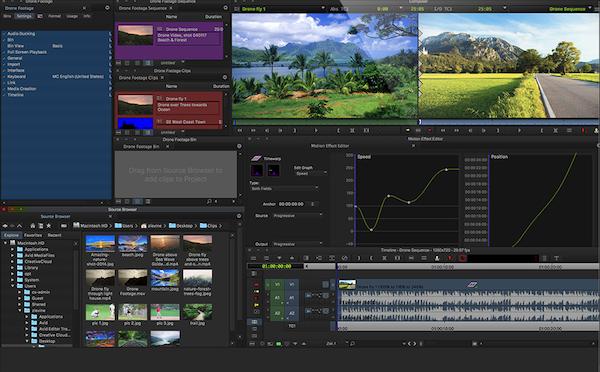
Media Composer est un outil de montage vidéo professionnel réputé dans le monde du cinéma et de la télévision.
Mais il dispose également d’une version gratuite, accessible à tous (même aux débutants). S’il est bien moins complet que son homologue payant, Media Composer | First reste un très bon choix.
Shotcut
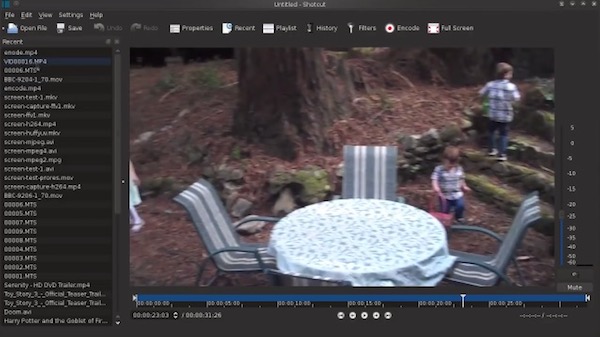
Shotcut est un logiciel de montage vidéo pour Windows, Mac et Linux, accessible aux débutants comme aux vidéastes plus confirmés.
Flexible, il permet de créer un montage vidéo de plusieurs manières différentes, pour s’adapter à tous les niveaux.
VSDC Video Editor Free
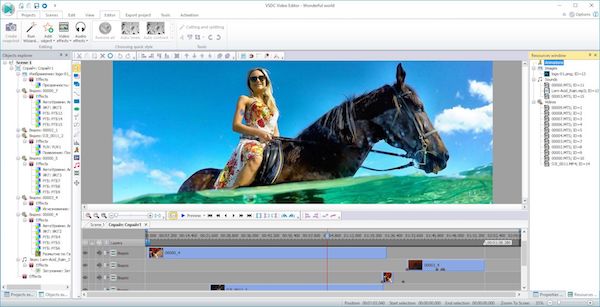
VSDC propose un logiciel de montage vidéo gratuit plutôt accessible et riche en explications.
Offrant une multitude de possibilités, il faudra passer outre son interface un peu vieillie pour en profiter pleinement.
Besoin de vidéos professionnelles pour votre montage ? Découvrez notre sélection des meilleurs sites de vidéos libres de droit.
Notre astuce pour choisir un logiciel de montage vidéo
Ces outils gratuits vous permettront de laisser parler votre créativité et de réaliser vos montages vidéos comme vous l’entendez. Sélectionnez celui dont les fonctionnalités correspondent à votre projet. Par exemple, Da Vinci Resolve est excellent pour réaliser l’étalonnage des vidéos en plus du montage.
Néanmoins, selon vos compétences en édition vidéo et vos besoins, ces logiciels gratuits peuvent s’avérer limités ou moins ergonomiques. Vous pourriez donc vouloir vous tourner vers solutions supérieures (et payantes) comme Adobe Premiere, Final Cut Pro X, Magix Vidéo Deluxe, Wondershare Filmora ou encore Pinnacle Studio.
Vous pouvez aussi confier votre montage vidéo à un freelance pour un résultat professionnel. Déposez un projet gratuitement pour obtenir des devis. C’est sans engagement !


