Comment augmenter la visibilité de chaque post linkedin publié quand on est freelance ? L’ingrédient secret réside dans l’accroche que vous allez écrire : si elle capte l’attention du lecteur, votre post sera davantage consulté et donc visible. À l’inverse, si la première ligne ne fait pas son petit effet, votre post Linkedin se perd dans les méandres du fil d’actu. Voici nos conseils pour optimiser vos posts avec des exemples concrets d’accroches à utiliser.
Pourquoi poster sur LinkedIn quand on est freelance ?
Quand on est freelance, LinkedIn n’est pas juste un réseau social professionnel : c’est un véritable levier d’acquisition et de notoriété. Chaque publication est une opportunité d’être vu par des prospects, partenaires et recruteurs qui ne vous connaissent pas encore. Contrairement à un portfolio figé ou un site web statique, LinkedIn est vivant : vos publications apparaissent dans le fil d’actualité et peuvent être repartagées, commentées et vues par des centaines, voire des milliers de personnes. Partagez vos réussites et vos idées régulièrement pour maximiser l’impact de chaque publication et améliorer la vue globale.
Publier régulièrement permet non seulement de gagner en visibilité, mais aussi de construire votre image d’expert : en partageant vos analyses, vos retours d’expérience et vos résultats, vous démontrez votre savoir-faire et votre professionnalisme. C’est aussi un moyen puissant de créer du lien : vous suscitez des conversations, vous humanisez votre activité et vous faites en sorte que, le jour où un client potentiel a besoin de vos services, votre nom lui vient naturellement en tête. N’hésitez pas à intégrer des images ou des graphiques pour illustrer vos sujets et vos résultats.
Comment faire un post LinkedIn attractif ?
Rédiger un bon post LinkedIn est tout un art ! Il ne s’agit pas seulement d’écrire, mais de captiver. Un post attractif commence par une accroche percutante : une question qui interpelle, une statistique surprenante, une anecdote qui pique la curiosité.
Ensuite, le corps du texte doit être clair, structuré et apporter une valeur concrète à votre audience (conseil pratique, analyse, retour d’expérience). N’hésitez pas à aérer votre contenu avec des phrases courtes, des listes à puces ou des images et vidéos pour rendre la lecture fluide et dynamique.
Il est conseillé de toujours faire un appel à l’action : inviter les internautes à réagir, commenter ou partagez leur expérience. Plus un post LinkedIn suscite d’interactions, plus l’algorithme de la plateforme le fera remonter dans le fil d’actualité. Vous pouvez également cliquer sur des outils de création pour améliorer la rédaction et l’apparence de chaque publication.
L’accroche LinkedIn, la clé du succès de votre post
Sur LinkedIn, les premières lignes de votre post sont décisives : elles déterminent si votre audience va scroller… ou cliquer sur “voir plus”. L’accroche est donc votre arme secrète pour retenir l’attention. L’objectif est simple : faire en sorte que votre cible se sente directement concernée. Elle doit intriguer, interpeller et donner envie d’en savoir plus. Mais alors comment s’y prendre ? On vous donne plusieurs exemples ci-dessous. Pour chaque sujet, pensez à illustrer votre texte avec une image ou une vidéo pour maximiser la vue et les interactions.
1. La question ouverte
Ce type de question ouvre des discussions et incite aux commentaires. Idéal pour générer plus d’engagement sur vos posts et vos articles. Partagez vos idées pour enrichir la discussion.
Exemple : “Freelances, comment gérez-vous vos tarifs quand un client demande un service supplémentaire ?”
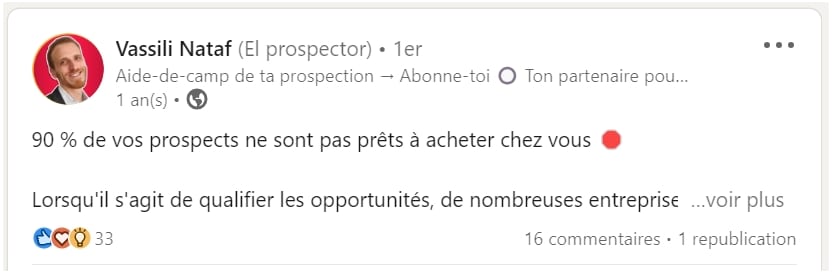
2. La statistique surprenante
Les chiffres attirent la curiosité, surtout lorsqu’ils sont inattendus. Ces résultats peuvent être utilisés pour illustrer votre secteur et vos analyses.
3. La citation inspirante
Les citations motivantes génèrent de l’engagement et favorisent le partagez sur votre page ou vos carrousels. Ajouter une image pertinente à côté de votre citation renforce son impact.
Exemple : “Le succès n’est pas final, l’échec n’est pas fatal : c’est le courage de continuer qui compte.’ – Winston Churchill”
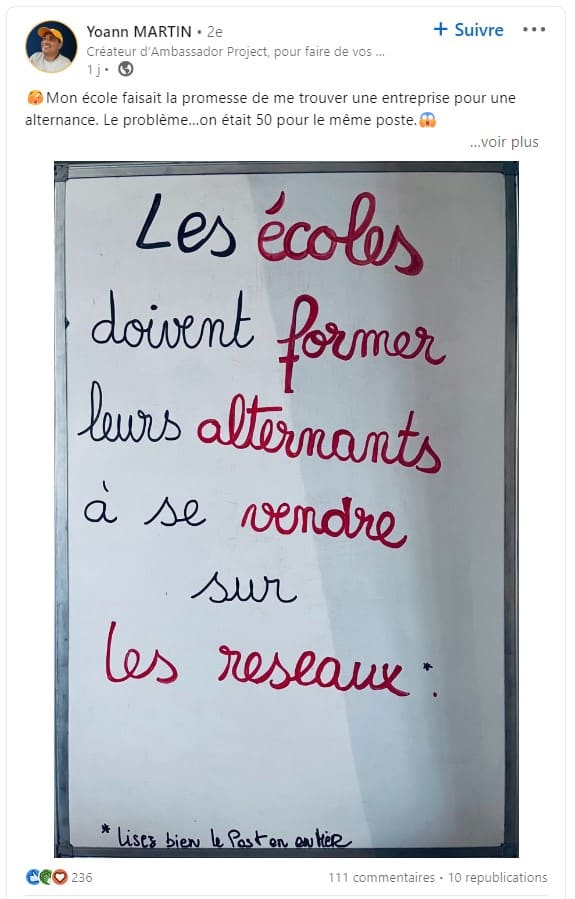
4. L’anecdote personnelle
Raconter une expérience personnelle crée de l’authenticité et attire vos abonnés. N’hésitez pas à partagez ces anecdotes avec des images pour illustrer vos sujets.
5. L’appel à l’aide
Demander un conseil stimule les interactions avec vos membres et autres utilisateurs. Utilisez un outil pour centraliser les réponses et faciliter la gestion des commentaires.
Exemple : “Freelances, avez-vous déjà utilisé un outil qui a vraiment changé votre productivité ? Lequel ?”
6. Un conseil utile
Les conseils pratiques sont très partagés, car ils offrent une valeur directe aux lecteurs. Certains de vos contacts pourront même compléter vos astuces avec leurs propres bonnes pratiques et ainsi enrichir votre post.
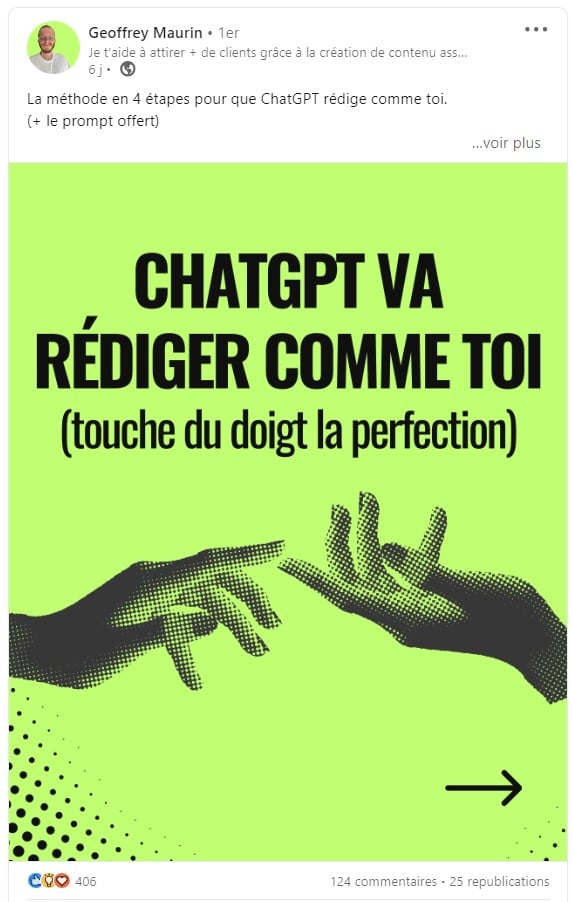
7. Les tendances du moment
Partager les dernières tendances montre votre expertise et attire vos abonnés. Suivre l’actualité du secteur permet de trouver des idées pertinentes.
Exemple : “L’IA transforme le freelancing : êtes-vous prêt à adapter vos services ?”
8. Une accroche LinkedIn drôle
L’humour capte l’attention et humanise vos contenus sur LinkedIn. Ajouter une image ou une vidéo amusante attire davantage de vue et de partagez.
Exemple : “Quand ton client te dit ‘C’est urgent’, mais que ton planning dit ‘Impossible’  ”
”
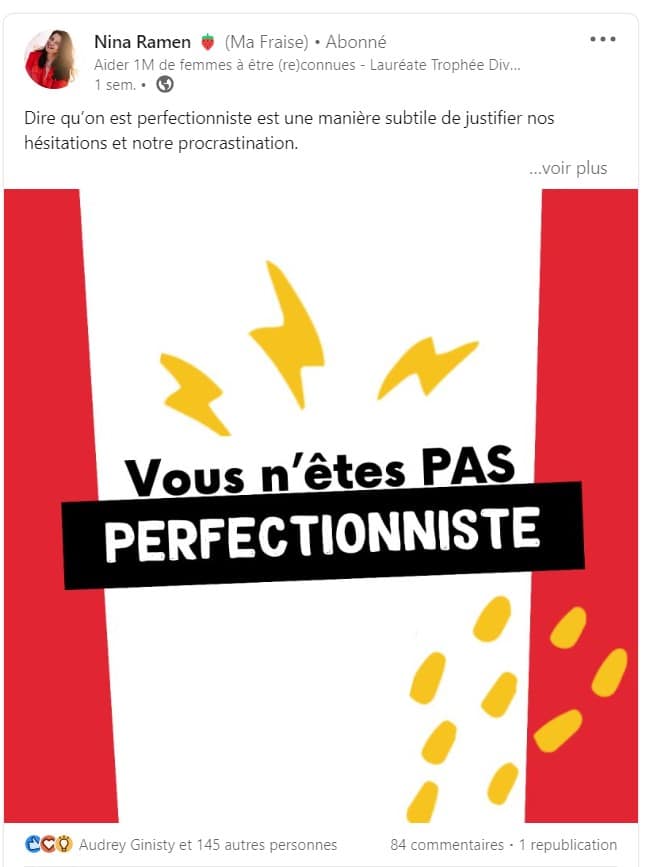
9. La controverse (modérée)
Provoquer un débat incite les membres à réagir, tant que le ton reste professionnel. Ne vous contentez pas d’énoncer une anti-idée, mais développez votre propos pour encourager les réponses sérieuses.
10. Les défis du secteur
Soulevez une problématique liée à votre activité pour susciter des échanges sur vos sujets et idées.
Exemple : “Comment survivre à la surcharge de projets quand on travaille seul ?”
11. L’invitation à collaborer
Chercher des partenaires ou collaborateurs montre que votre activité se développe et génère des opportunités de networking. Ici, cette idée d’accroche s’adresse tout particulièrement aux porteurs de projet.
Exemple : “Je cherche un designer UX freelance pour collaborer sur un projet innovant. Intéressé ?”
12. La perspective unique
Partager un point de vue original attire l’attention sur votre page et vos contenus.
Exemple : “Pourquoi je commence toujours mes projets freelance par un audit client complet.”
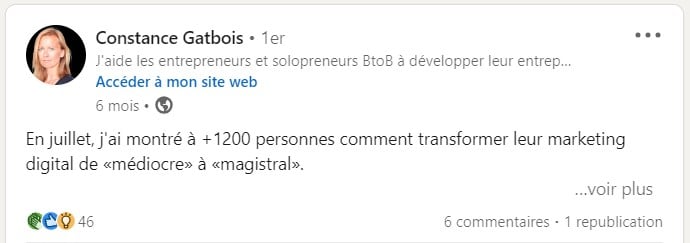
13. Les résultats impressionnants
En plus d’être efficace pour votre e-réputation, le partage de vos derniers résultats incite votre réseau à s’intéresser à votre technique ! Ils vont donc s’arrêter sur votre publication pour cliquer sur l’article, consulter votre carrousel ou poser directement la question en commentaire.
14. Les prédictions
Si vous avez de l’expertise, vos prédictions captent l’intérêt et génèrent des échanges.
Exemple : “En 2026, les freelances spécialisés en IA seront les plus recherchés : êtes-vous prêt ?”
15. L’expérience client
Les témoignages de clients satisfaits augmentent la crédibilité et l’intérêt pour votre offre. Ils encouragent vos contacts à consulter un lien ou à laisser une réaction sur la publication LinkedIn.
16. La question rhétorique
Les questions rhétoriques captivent le lecteur : il veut connaître votre réponse avant, d’éventuellement, partager sa propre analyse.
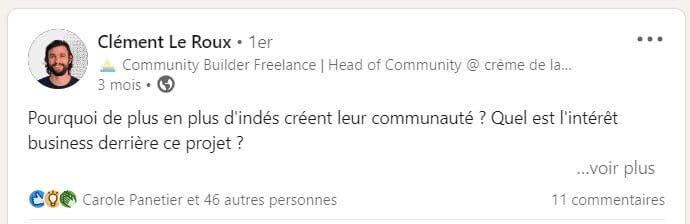
17. L’innovation
Vous souhaitez promouvoir un nouveau produit ou service ? N’y allez pas par quatre chemins et, dès l’accroche, présentez ce que votre innovation offre à vos clients. Le but est de piquer la curiosité de votre réseau pour obtenir de l’engagement : clic sur un lien, réaction sur le post, commentaire pour obtenir plus d’informations…
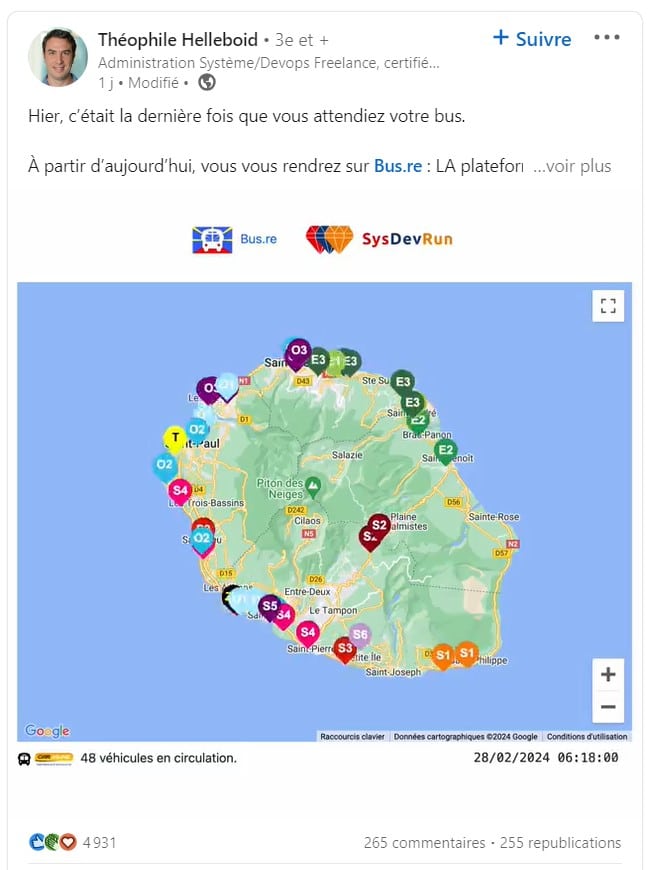
18. Les échecs et apprentissages
Partager vos erreurs et leçons humanise votre page et vos contenus.
Exemple : “J’ai perdu un client important à cause de ce détail… et voici ce que j’en ai appris.”
19. Un lien vers un article
LinkedIn n’affiche que les deux premières lignes de votre publication. Si vous voulez attirer du trafic sur un lien, placez-le dans l’accroche directement !
Exemple : “J’ai réussi à reconquérir un client perdu ! “
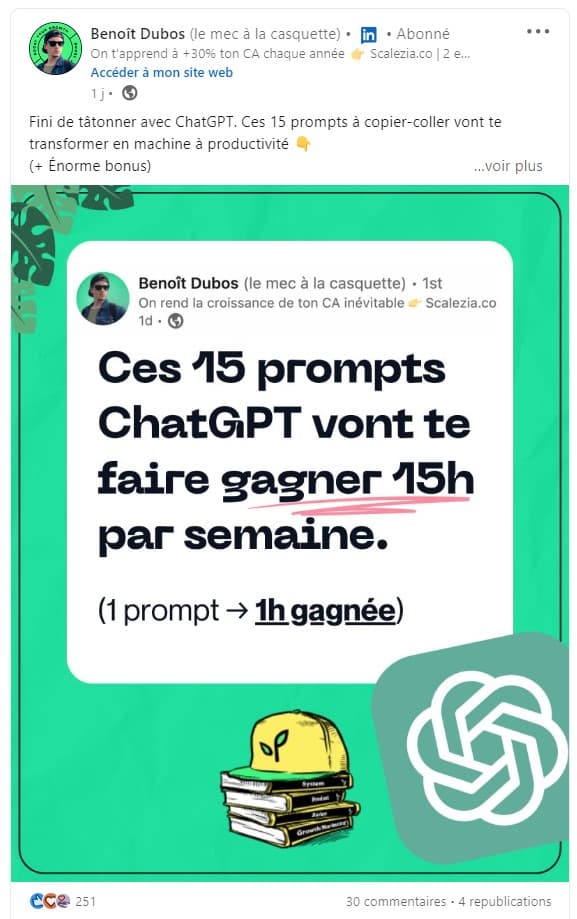
20. Une promesse de productivité
Le rôle de LinkedIn est d’aider les entrepreneurs à améliorer, en autres, leur productivité. Si vous voulez gérer votre image d’expert et générer de nouveaux leads, offrez-leur un contenu qui va les aider à doper leur business.
21. Le développement personnel
LinkedIn, bien qu’étant un réseau professionnel, permet aussi de partager des aspects personnels tels que des conseils pour mieux gérer le sommeil, le sport, la nutrition ou la spiritualité. Ces tranches de vie qui influencent le travail et la productivité . Ces partages humanisent votre profil et suscitent l’intérêt de vos contacts, désireux d’en apprendre davantage sur vous, idéal si vous êtes freelance.
Exemple : “Comment 10min/j ont transformé ma façon de travailler en freelance.”
22. L’invitation à un événement
Inviter vos abonnés à participer favorise l’interaction et le networking.
Exemple : “Rejoignez-moi au webinaire gratuit sur les stratégies pour freelances : inscription ici.”
23. L’appel à l’action
Et si vous commenciez directement par le call-to-action ? Une accroche qui va forcément favoriser l’engagement et peut-être générer des opportunités.
Exemple : Je lis et réponds à chaque retour : c’est le moment d’échanger et de créer des solutions collectives.
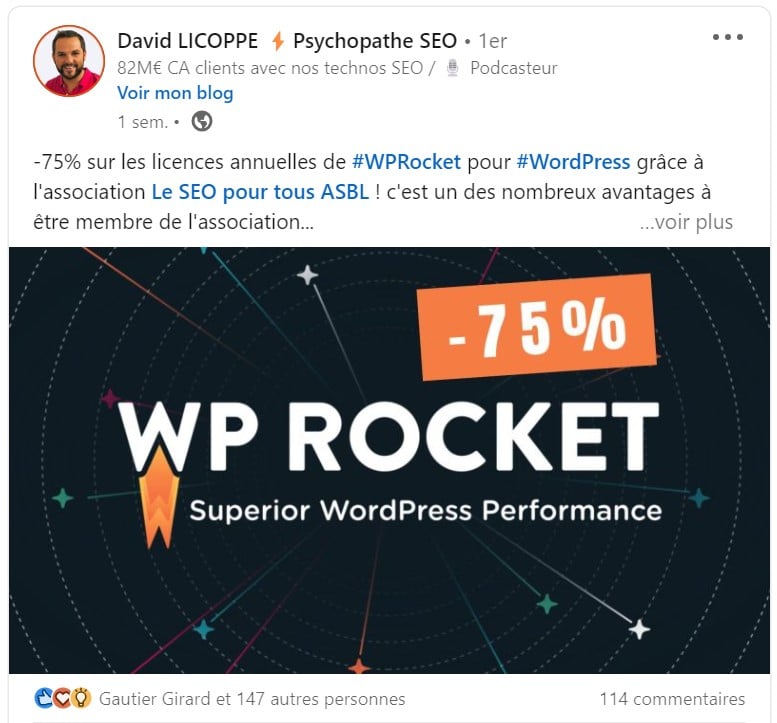
24. L’offre spéciale
Tout le monde aime les promotions ou les offres exclusives ! Démarrez une publication LinkedIn avec un bonus va accrocher votre audience immédiatement.
25. La demande de feedback
Formuler une demande en accroche suscite des réactions et implique vos abonnés et membres.
Exemple : “Que pensez-vous de ce nouvel outil dont tout le monde parle pour gérer son auto-entreprise ?”
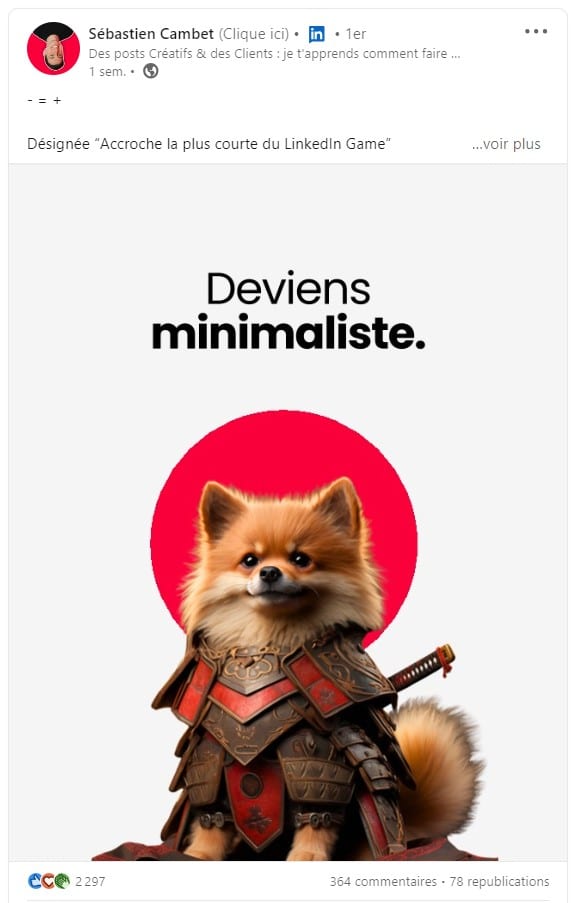
26. L’accroche LinkedIn minimaliste
Plutôt que chercher à faire de grandes phrases, pourquoi ne pas démarrer avec une série d’émojis ou de caractères qui font passer un message ? Cette manière intrigante de démarrer un post Linkedin va forcément pousser vos followers à s’arrêter sur votre contenu.
27. La valorisation votre personne derrière un projet freelance
Mettre en avant vos collaborateurs, créer de la connexion et humaniser vos contenus.
Exemple : “Derrière chaque mission freelance, il y a un visage et une passion. Voici la mienne.”
28. Un challenge relevé ou accepté
Partager vos objectifs suscite participation et soutien sur votre page LinkedIn.
Exemple : “Objectif : 10 nouveaux clients freelance ce trimestre. Challenge accepted !”
29. Une invitation à réfléchir
Partager des réflexions personnelles invite à l’échange et au débat constructif sur vos sujets et idées.
Exemple : “Et si nous repensons complètement la manière de facturer les missions freelance ?”
30. Le « pour ou contre »
Opposer deux camps stimule l’engagement et encourage les échanges, tant que le débat reste professionnel.
Exemple : “Pour ou contre facturer à l’heure en freelance ? Vos avis m’intéressent !
Les autres éléments à optimiser pour un bon post LinkedIn
Si l’accroche est cruciale pour capter l’attention, elle ne fait pas tout. Pour qu’un post LinkedIn soit efficace et engageant, plusieurs autres éléments méritent votre attention. Le format, les images, les vidéos, les liens et même la manière dont vous rédigez votre texte influencent directement la portée et les interactions. Voici les principaux points à travailler pour maximiser l’impact de vos contenus et de chaque publication.
Choisir le bon format pour vos posts
Le format de vos publications joue un rôle essentiel. Entre carrousel, vidéo, image ou texte simple, chaque type de format a ses avantages selon votre objectif et votre audience. Un carrousel permet de présenter plusieurs points de manière structurée, tandis qu’une vidéo attire naturellement le regard et encourage le partagez. La rédaction du texte doit aussi s’adapter au format, pour que vos points principaux ressortent clairement dès la première ligne.
Travailler les images et le visuel
Les images et les logos contribuent fortement à l’attractivité de vos posts. Une image bien choisie ou un logoidentifiable renforce la mémorisation de votre marque et donne envie de lire le texte. Les images doivent être de bonne qualité, cohérentes avec le format de votre publication et mettre en valeur les points clés de votre rédaction. Un carrousel enrichi d’images pertinentes permet également d’augmenter le nombre de commentaires et de partagez.
Intégrer liens, mentions et CTA
Ajouter des liens pertinents, des mentions de membres ou d’entreprises et un appel à l’action dans votre messagestimule l’engagement. Que ce soit dans une vidéo, un carrousel ou une image, chaque élément doit guider vos lecteurs vers les points que vous souhaitez mettre en avant. Une bonne rédaction du texte accompagnant les liens ou mentions permet de maximiser les commentaires et les interactions.
Structurer et hiérarchiser vos contenus
La rédaction de votre message doit être claire et hiérarchisée. Utilisez des sections distinctes, des points clés en liste ou des paragraphes aérés pour que vos abonnés puissent rapidement comprendre vos idées et sujets. Dans un carrousel ou une vidéo, chaque section doit correspondre à un point précis. Les images et les logos peuvent servir à illustrer et renforcer ces points, rendant votre publication plus impactante et favorisant les commentaires.
Soigner l’organisation et la structure de vos contenus
Une bonne organisation de vos posts et contenus permet à vos abonnés de suivre facilement vos idées et vos sujets. Avant de publier, planifiez la structure de votre page : commencez par un message clair, puis développez vos pointsprincipaux et terminez par un appel à l’action. Vous pouvez également ajouter des vidéos ou des images pour illustrer vos idées, ce qui améliore la vue globale de votre publication et incite les lecteurs à interagir.
Utiliser les bons outils pour enrichir vos publications
Les bons outils vous aident à créer des contenus plus impactants sur votre page LinkedIn. Par exemple, vous pouvez ajouter des vidéos, des images, des carrousels ou même des liens interactifs pour rendre chaque post plus attractif. Ces éléments augmentent la vue de vos posts, valorisent vos idées et améliorent l’engagement. Bien utiliser un outil de création vous permet aussi d’optimiser la rédaction et la mise en forme de votre texte avant de publier.


