Utiliser un plugin de migration WordPress peut vous éviter bien des ennuis et vous simplifier drastiquement la tâche.
Pour migrer un site WordPress sans effectuer la manœuvre manuellement, des plugins spécifiques permettent d’automatiser la plupart des tâches de la migration.
Nous avons sélectionné pour vous 5 plugins WordPress permettant d’effectuer simplement une migration, qu’il s’agisse de :
- Changer de nom de domaine ;
- Changer de serveur ;
- Mettre en ligne un site hébergé en local ;
- Changer l’emplacement du site (d’un sous-dossier à la racine, par exemple).
Duplicator : le meilleur plugin de migration WordPress
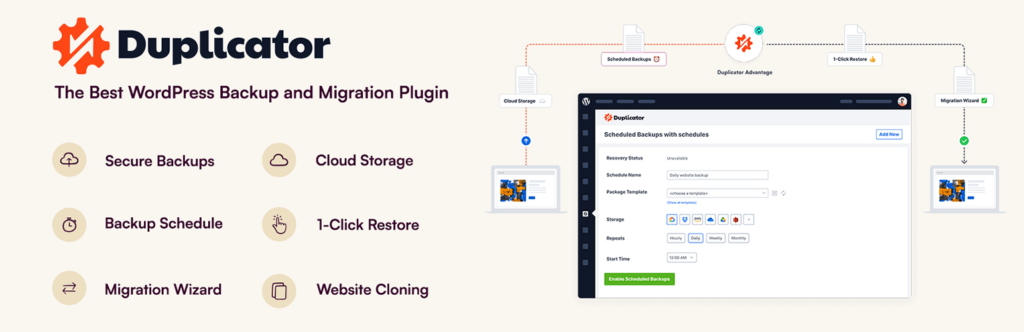
Duplicator est une extension de référence pour migrer un site WordPress, avec plus d’un million de téléchargements et une note moyenne de 5 étoiles.
Ce plugin vous permet de créer très facilement un “package” contenant tous les éléments de votre site actuel (vous pouvez d’ailleurs vous en servir pour effectuer une sauvegarde votre site).
Vous pourrez alors télécharger deux fichiers qu’il vous faudra ensuite transférer via FTP vers votre “nouveau” site, avant de suivre la procédure d’installation.
Duplicator requiert donc quelques connaissances techniques, mais son efficacité n’est plus à prouver, et sa version gratuite est amplement suffisante pour les sites de petite ou moyenne taille.
Solid Backups
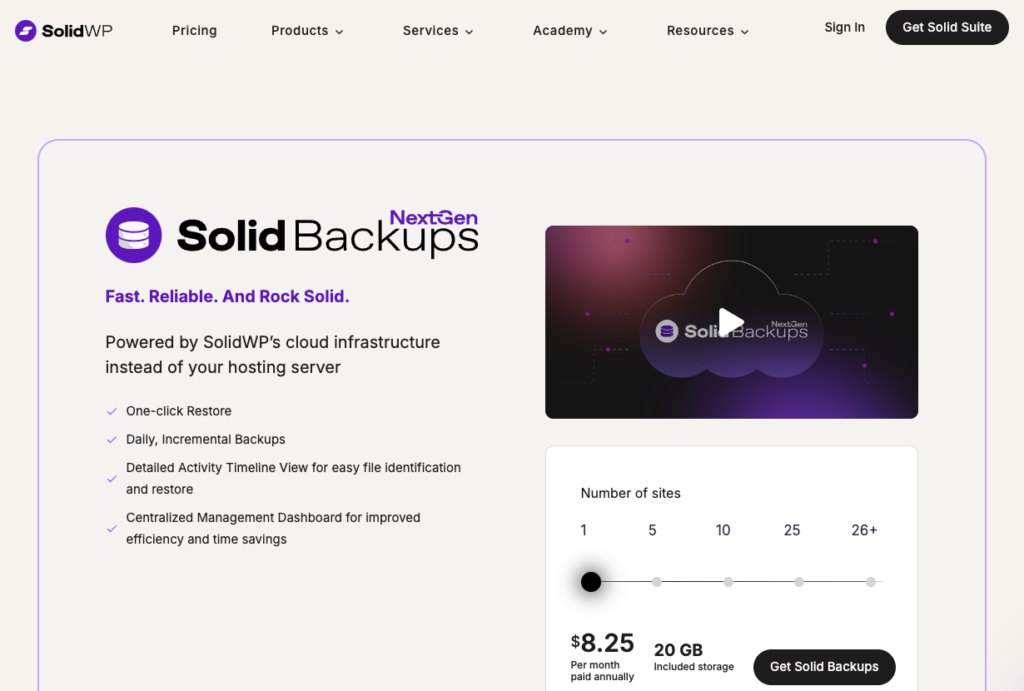
Solid Backups est une solution de backup pour votre site WordPress très populaire. L’outil permet en premier lieu de sauvegarder et de protéger votre site.
L’outil vous permet évidemment de réaliser des migrations facilement et dispose d’une documentation pour vous accompagner.
Toutefois, Solid Backups coûte au minimum 8,25 $ par mois pour un seul site et 20GB de stockage.
All-in-One WP Migration : un plugin de migration tout en un
All-in-One WP Migration est une alternative très populaire à Duplicator, avec plus de 5 millions d’installations et de très bonnes évaluations.
En plus d’être compatible avec tous les hébergeurs, ce plugin peut se targuer de ne nécessiter aucune connaissance technique. Il vous suffit de l’installer sur le site à migrer ET sur le nouveau site. L’export et l’import du fichier se font très simplement en glisser-déposer.
Ce plugin est gratuit pour un import de 512 MB maximum – ce qui conviendra aux petits sites web. Pour aller au-delà, il faudra acquérir la verison premium pour 69 $.
Updraft Plus : plugin de backup et migration WP
UpDraft Plus est un autre plugin renommé – il a lui aussi passé la barre du million d’installations – dont le rôle premier est de réaliser des backups et des restaurations de site.
Sa version premium inclut cependant un outil de migration très simple et efficace – le transfert se fait intégralement depuis votre tableau de bord WP.
Pour en profiter, vous pouvez installer Updraft Premium ou vous procurer directement l’add-on Migrator (30 $).
Jetpack VaultPress backup
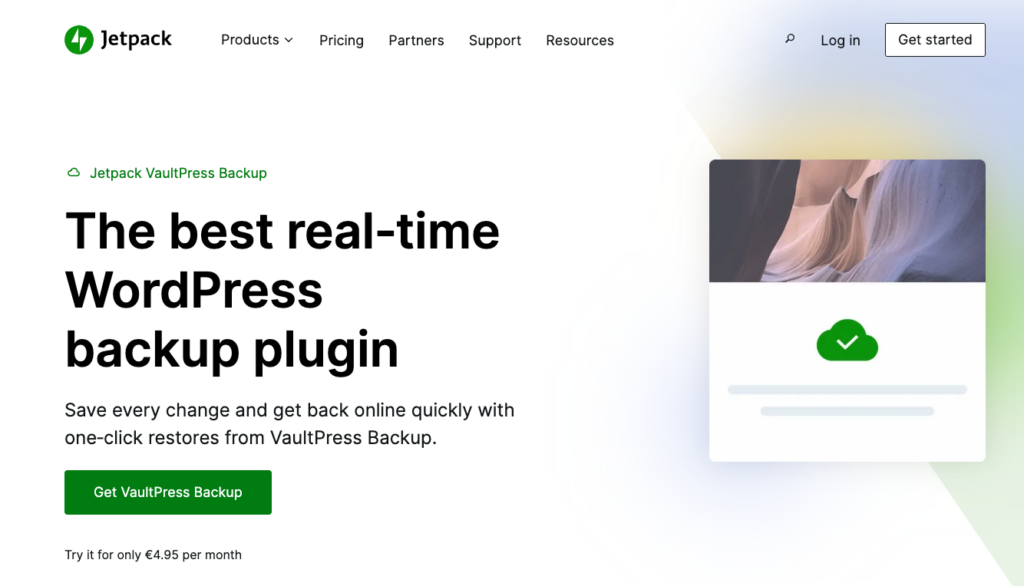
Jetpack VaultPress est une solution complète et réputée pour assurer la sécurité globale d’un site.
Il comprend une fonctionnalité permettant de migrer un site WordPress en quelques clics : il suffit de renseigner les informations FTP de votre nouveau site ainsi que son nom de domaine (s’il est différent). VaultPress s’occupe du reste.
Jetpack VaultPress est un service par abonnement dont les tarifs démarrent à 4,95 € par mois.
Faire appel à un développeur spécialisé
Réaliser une migration de site WordPress n’est pas sans risque. Perte de données, perte de votre référencement naturel, inaccessibilité du site… Utilisez un plugin de migration de site WordPress uniquement si vous savez ce que vous faites.
Dans le cadre de la migration d’un site e-commerce, les risques pour votre entreprise sont encore plus élevés.
En cas de doute, afin de migrer votre site WordPress en toute sérénité, faites appel à un spécialiste WordPress en migration de site sur Codeur.com.


