Que vous gériez une entreprise ou non, vous avez déjà connu la galère des fichiers PDF non modifiables ! Vous savez, lorsqu’il faut remplir un contrat ou signer un document avant de le renvoyer…
Heureusement, il existe un moyen de transformer un fichier non modifiable en document éditable : les logiciels OCR (Optical Character Recognition). Ces derniers arrivent identifier les caractères à l’intérieur d’une image, pour les transformer en texte éditable. Vous gagnez en temps, en ressources humaines et en productivité.
Alors, si vous faites face à un document non modifiable, voici 13 logiciels OCR qui voleront à votre secours !
1. OmniPage par Kofax
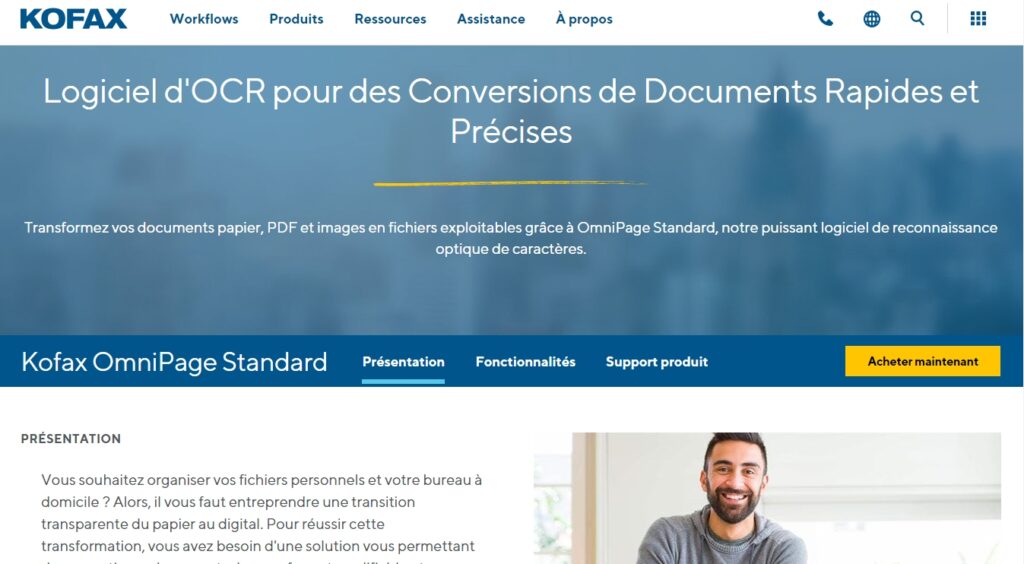
Omnipage vous aide à transformer du papier, des PDF et des images en fichiers numériques. Vous pouvez les convertir en format PDF, Word, Excel, PowerPoint, HTML ou encore ePub.
L’outil propose également une application mobile qui vous permet de capturer des images avec votre smartphone pour les convertir en document texte.
Son atout phare : l’automatisation ! Avec OmniPage, vous pouvez mettre en place des workflows pour exécuter vos tâches de reconnaissance optique récurrentes. Il vous permet également de planifier le traitement par lots d’un grand nombre de fichiers à partir d’emails ou de dossiers.
OmniPage prend en charge plus de 120 langues et s’intègre avec Amazon Kindle. Vous pouvez donc envoyer les documents convertis directement vers le lecteur d’ebooks.
2. ABBYY Finereader
Solution qui intègre une technologie OCR basée sur l’IA, ABBYY FineReader facilite la conversion et la modification des fichiers PDF. En quelques secondes, vous pouvez numériser et récupérer des documents, mais aussi les protéger et les partager dans le même flux de travail.
Son point fort réside dans sa longue expérience : après 28 ans d’existence sur le marché, l’outil s’est fortement développé et prend en charge, à l’heure actuelle, 198 langues !
Afin de faciliter le travail collaboratif, ABBYY permet d’annoter n’importe quelle partie du fichier PDF grâce à une zone de texte. Vous pouvez également commenter les annotations ou répondre aux commentaires. Il est même possible de recueillir plus d’une signature numérique sur le document.
Une autre fonctionnalité bien pratique : la suppression des textes ajoutés par l’OCR, des métadonnées ou des liens. Ce qui vous évite de partager accidentellement des données confidentielles dans un fichier PDF.
3. Simple OCR
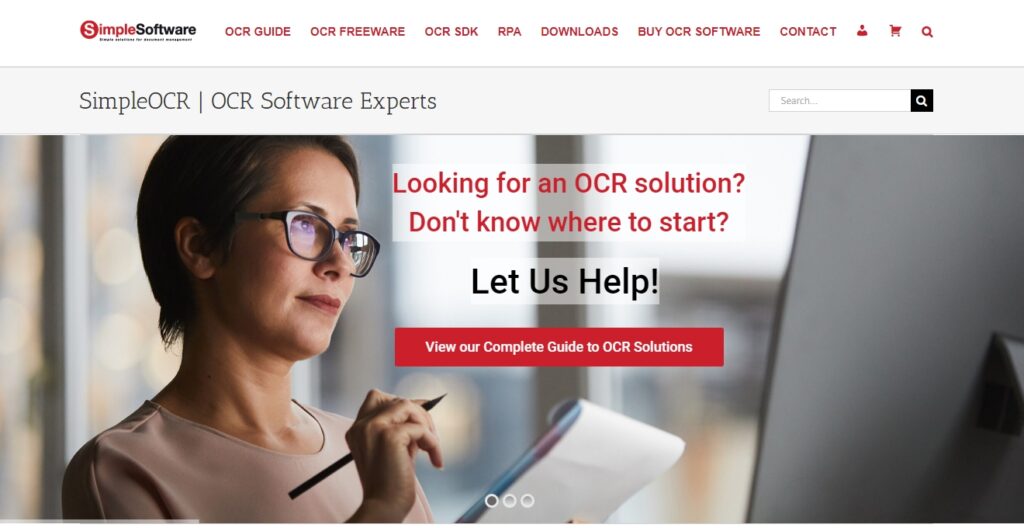
Vous recherchez un logiciel OCR pour un usage personnel ? SimpleOCR est ce qu’il vous faut ! Avec son dictionnaire capable de reconnaître plus de 120 000 mots, il peut facilement transformer vos fichiers verrouillés en document texte, afin d’en faciliter l’édition.
Si besoin vous pouvez même ajouter de nouveaux mots grâce à l’éditeur de texte.
Sa fonction « despeckle » permet d’augmenter la précision des textes flous, pour en faciliter la reconnaissance. Il prend également en charge plusieurs éléments de mise en forme comme l’italique, le soulignement et le gras. Ainsi, vous pouvez conserver le format original des documents.
Vous ne souhaitez qu’isoler une partie du texte ? C’est possible ! SimpleOCR offre la possibilité de cibler une zone particulière d’une image et d’en extraire les écrits.
Grâce au vérificateur d’orthographe intégré, vous pouvez corriger les erreurs dans le document que vous convertissez. Les fichiers convertis sont ensuite enregistrés aux formats DOC ou TXT.
Son atout : un OCR SDK libre de droits est disponible pour permettre aux développeurs d’intégrer l’outil dans des applications personnalisées.
4. Readiris
Avec Readiris, vous convertissez vos fichiers en PDF, DOC, JPEG, RTF, PNG, JPEG ou PPT. Mais l’outil se distingue de ses concurrents en offrant la possibilité de convertir les documents en fichiers audio : .mp3 et .wav.
Il vous permet d’extraire, éditer, annoter, protéger et signer vos fichiers. Vous préférez l’oral à l’écrit ? Readiris intègre la reconnaissance vocale, ce qui vous permet de dicter les corrections et commentaires dans vos documents.
Parmi les autres fonctionnalités phares de ce logiciel OCR, citons : la conversion de documents par lots, la lecture et l’encodage de codes-barres, la division et la fusion de vos PDF.
Enfin, vous pouvez modifier le texte contenu dans des images et ceci, dans plus de 130 langues.
5. Online OCR
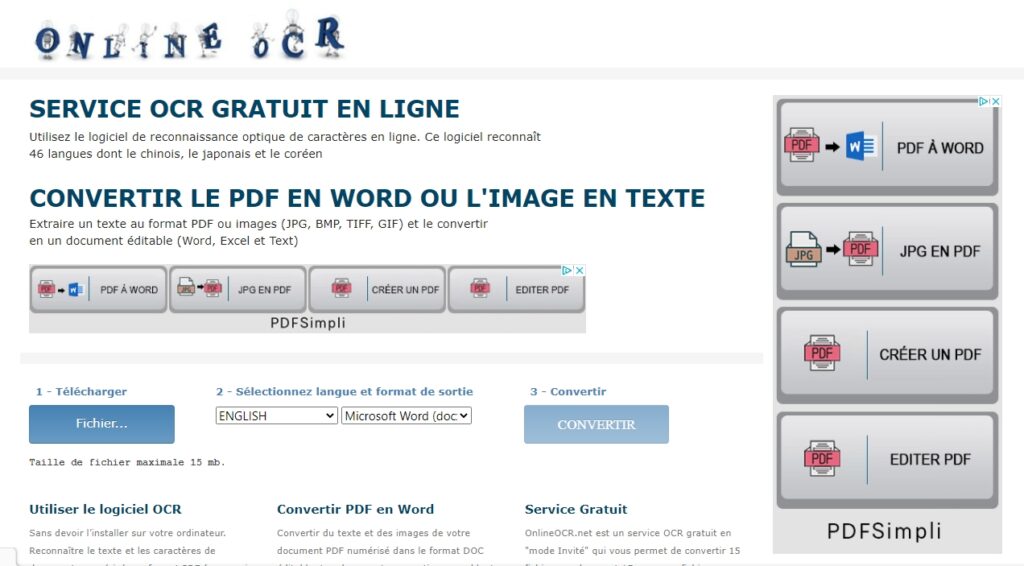
Avec Online OCR, pas besoin de télécharger de logiciel. Depuis le site, vous pouvez convertir des fichiers PDF et images en textes modifiables. L’outil peut également traiter les fichiers BNP et ZIP. Pratique et simple à utiliser !
Les textes sont convertis aux formats Word, Excel ou RTF. Le site identifie les caractères de plus de 46 langues et peut traiter plus de 15 images par heure.
La particularité d’Online OCR ? Les fichiers convertis peuvent être facilement intégrés à votre site web.
6. New OCR
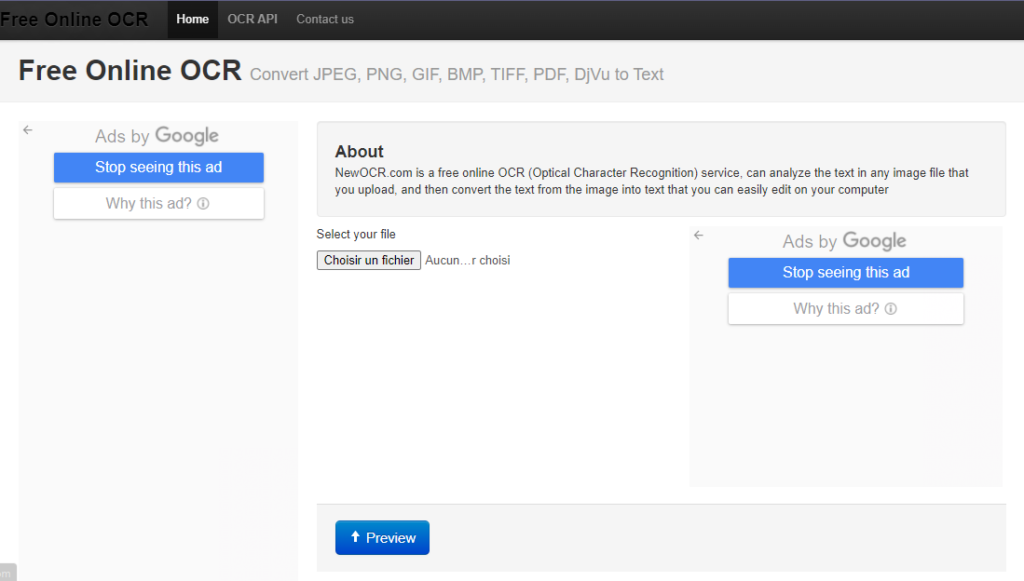
New OCR prend en charge les formats de fichiers comme JPEG, PNG, BMP, TIFF, GIF, PDF, DjVu et bien d’autres.
Contrairement à d’autres logiciels gratuits, il n’existe aucune limite sur le nombre de fichiers à traiter. Il peut reconnaître 106 langues, polices, équations mathématiques et des lexiques anciens comme le vieux français, le breton, l’occitan ou le grec. Top si vous avez des textes qui sortent du lot à éditer…
Même en format paysage ou avec des images mal scannées ou photographiées, New OCR peut analyser la mise en page et reconnaître le texte réparti en plusieurs colonnes.
Après avoir converti votre fichier, vous pouvez choisir de le copier dans le presse-papiers, le télécharger, le modifier directement dans Google Docs ou le traduire avec Google ou Bing Traduction. Vous pouvez aussi partager, en un clic, les documents sur Facebook ou Twitter.
7. Tesseract
Publié sous licence Apache, le logiciel OCR Tesseract supporte différents formats de sortie : texte brut, HTML, PDF, TSV. Disponible en plus de 100 langues, il détecte et traite également des documents sans espace ou avec des lignes courbées.
Grâce à l’analyse linguistique, Tesseract détermine les mots les plus probables à partir des caractères. Il peut aussi reconnaître et rectifier les petites majuscules et les espaces flous. Cela vous permet d’identifier et réduire les inexactitudes dans les fichiers numérisés.
La particularité de Tesseract ? Vous pouvez entraîner le logiciel à détecter d’autres écritures et langues !
8. Amazon Textract
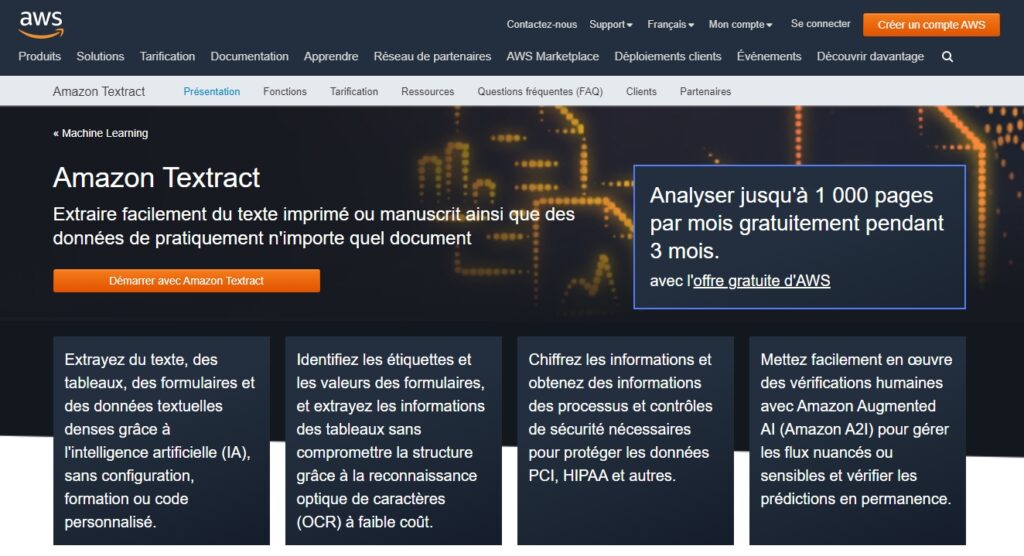
Le logiciel OCR Textract, made in Amazon, dispose d’une fonction spéciale qui le distingue des autres outils. Appelée SCATTER (Selective Context Attentional Scene Text Recognizer), elle exploite la technologie du machine learning pour reconnaître du texte contenu dans des arrière-plans complexes d’images numérisées.
Amazon Textract peut détecter les différents symboles monétaires, les caractères, les lignes et les colonnes de grands tableaux, et lire les données de divers formulaires en haute résolution.
Basé dans le cloud, le logiciel peut même reconnaître l’écriture manuscrite.
9. LightPDF
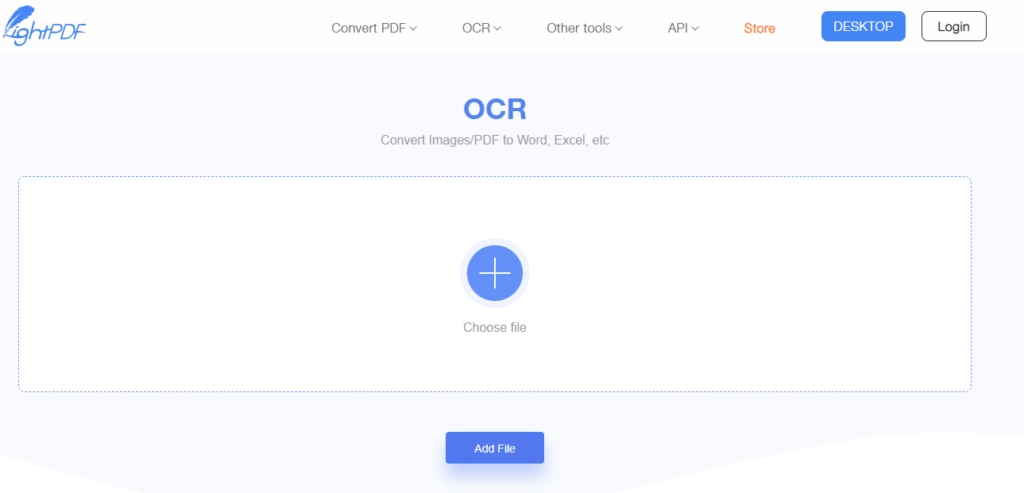
Pratique pour convertir des fichiers JPG, PNG et PDF en texte, LightPDF ne nécessite aucune inscription ni aucun téléchargement de logiciel. Il vous suffit de glisser votre fichier directement dans l’interface du site Web, puis de sélectionner la langue à reconnaître, avant de cliquer sur « Convertir ». Vous obtenez instantanément le fichier converti.
Niveau sécurité, sachez que tous les fichiers gérés par le service sont automatiquement supprimés.
10. Rossum
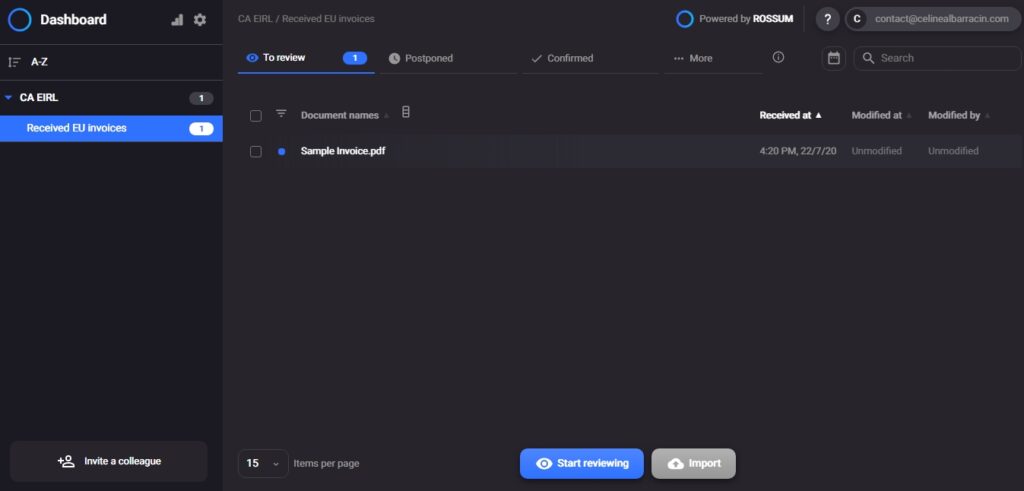
Pepsico, Siemens, Bosch, Veolia… De très grandes entreprises font confiance à Rossum !
Ce logiciel OCR est spécialisé dans la numérisation et le traitement des factures, entre vous et vos partenaires. Basé sur l’IA, l’outil scanne les documents à la recherche d’informations clés. Il les exporte ensuite dans votre ERP, CRM ou tout autre application utilisée en interne.
C’est un outil parfait pour les entreprises traitant un grand nombre de factures, délivrées en format papier, et dont les besoins de numérisation sont importants.
11. Nanonets

Encore un logiciel OCR basé sur l’IA ! Nanonets automatise la capture de données pour un traitement intelligent des documents comme les factures, les reçus et les pièces d’identité. De plus, l’outil se base sur le machine learning pour extraire les informations pertinentes.
Avec Nanonets, vous pouvez numériser facilement des documents, extraire des champs de données et les intégrer à vos applications quotidiennes via des API. En effet, ce logiciel OCR vous offre la possibilité de créer des flux de travail automatisés, notamment avec Zapier. Son objectif : vous faire gagner en productivité dans votre gestion administrative.
12. Docsumo
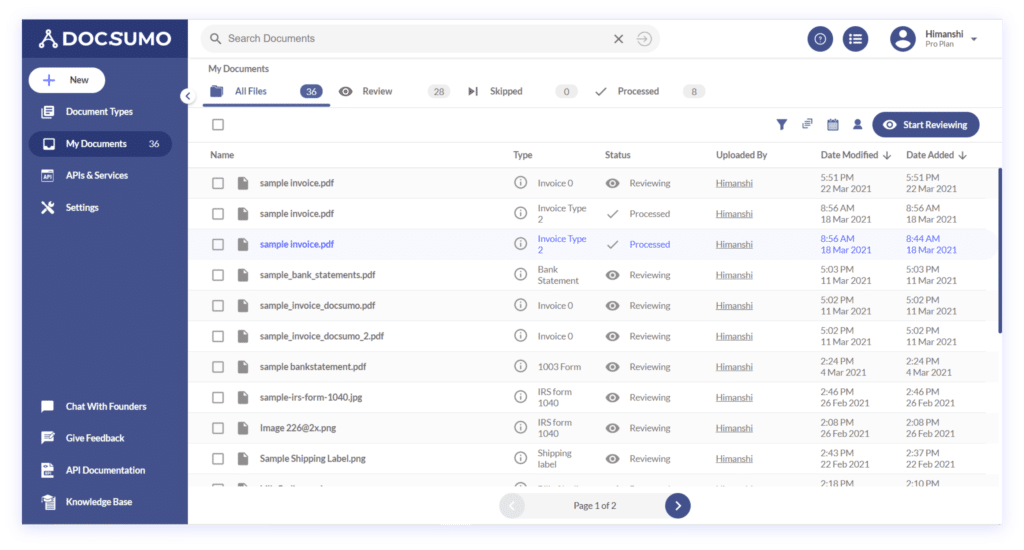
Comme Nanonets, Docsumo utilise une combinaison de l’IA et de l’apprentissage automatique pour extraire et traiter les données contenues dans un fichier. Elles sont ensuite converties en divers formats. Vous pouvez aussi définir des règles pour la validation des données à transcrire.
L’outil classe automatiquement vos documents dans des catégories que vous paramétrez. Il s’intègre également avec les outils internes de votre entreprise, tels que Salesforce, Google Drive, Zapier, Dropbox ou Webhooks.
Le plus de Documo ? Une fonction de détection de la fraude en temps réel pour identifier les documents représentant une menace pour vos activités.
13. Docparser
Outil OCR basé dans le cloud, Docparser peut extraire les données par zone, dans un document ou un tableau. Parfait pour reconnaître les numéros de téléphone, adresses email, prix et autres informations spécifiques contenues dans une facture ou un fichier comptable.
Vous pouvez tirer profit de sa technologie de lecture de codes-barres et de QR codes pour stocker ou transmettre des documents via d’autres applications.
Avec cette liste, vous trouverez forcément le logiciel OCR adapté à vos besoins !
Besoin d’un freelance ? Trouvez un professionnel du web rapidement en postant votre annonce gratuite sur Codeur.com !


