Si vous êtes déjà familier avec le vocabulaire de l’UX design, vous savez certainement ce qu’est un wireframe et son utilité. Les outils de wireframe permettent de créer la maquette du design de votre site internet. Ce procédé est extrêmement utile pour bâtir le squelette de votre futur site et donner de précieuses indications au webdesigner qui devra s’en occuper.
Pour élaborer ces maquettes et bien délimiter chaque zone de vos pages, il existe plusieurs outils wireframe avec différentes fonctionnalités pour vous aider. En voici 17 à utiliser sans modération pour créer vos maquettes et faciliter les échanges avec votre prestataire.
Outils pour créer des Wireframes en ligne
Mockflow
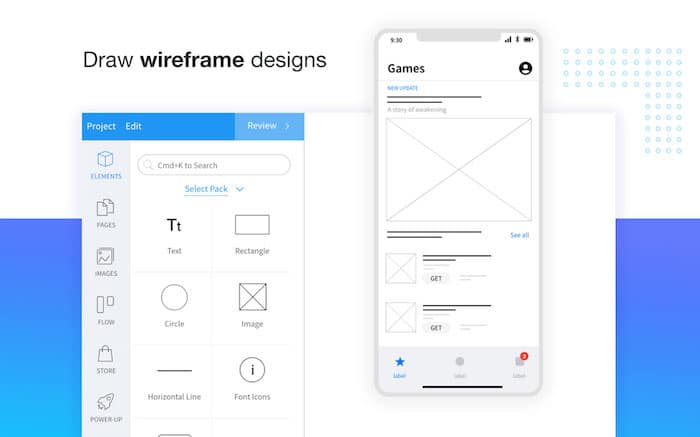
L’outil Mockflow vous aide à créer des wireframes professionnels pour votre site internet, mais aussi pour vos profils sur les réseaux sociaux ou n’importe quelle autre création. Votre graphiste saura parfaitement quelle direction prendre.
UXpin
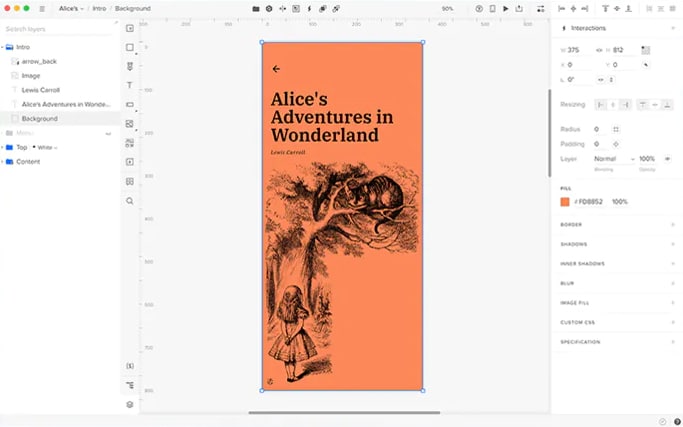
Construit par des concepteurs UX pour des concepteurs UX, UXpin se prend en main très facilement et vous permet d’établir votre maquette en quelques clics.
Framebox
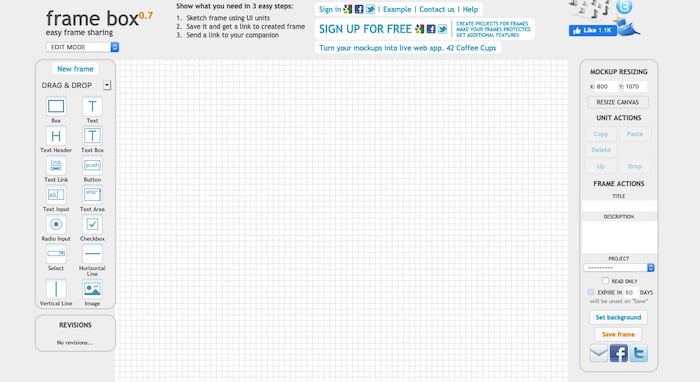
L’outil Framebox vous permet de créer votre wireframe dès votre arrivée sur le site. L’interface est ultra épurée et vous n’avez pas besoin de créer de compte. Pratique !
Wireframe.cc
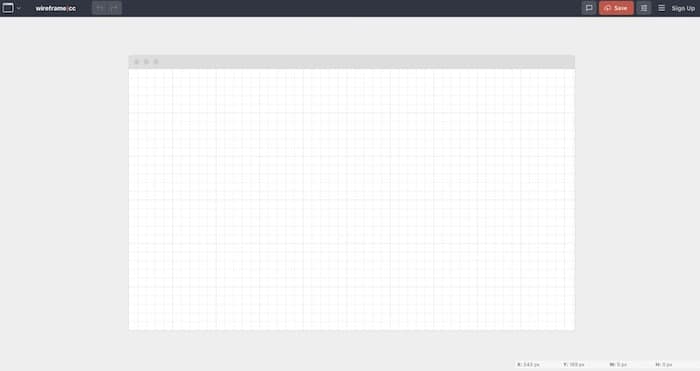
Dans une interface simplifiée, Wireframe.cc vous permet de dessiner sans plus attendre votre maquette. Il intègre différents formats pour vous aider à visualiser ce que votre site peut donner sur tablette et smartphone.
iPlotz
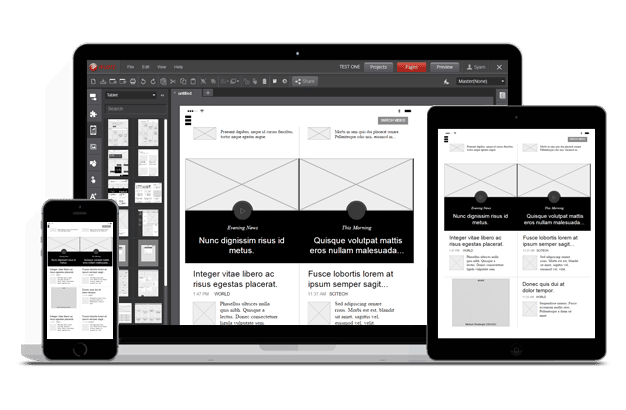
La version gratuite d’iPlotz vous permet de créer jusqu’à 5 wireframes. Vous avez également la possibilité d’ajouter des membres à vos projets pour collaborer à plusieurs sur une même maquette.
Gliffy
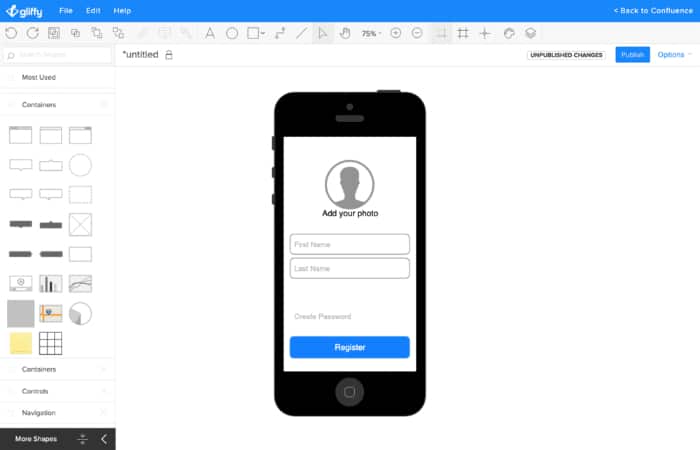
Gliffy est un outil en ligne vous aidant à créer divers diagrammes. Vous pouvez également l’utiliser pour dessiner des maquettes de votre projet web.
Pidoco
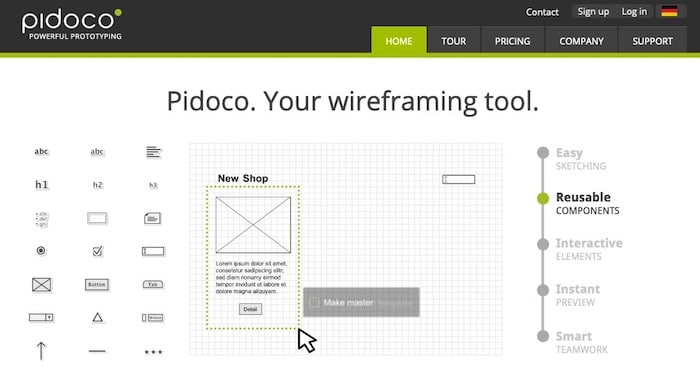
Utilisé dans 50 pays, Pidoco vous propose de mettre votre structure à plat. Si besoin, vous pouvez créer un projet à plusieurs, pour que chacun apporte sa pierre au wireframe.
Moqups
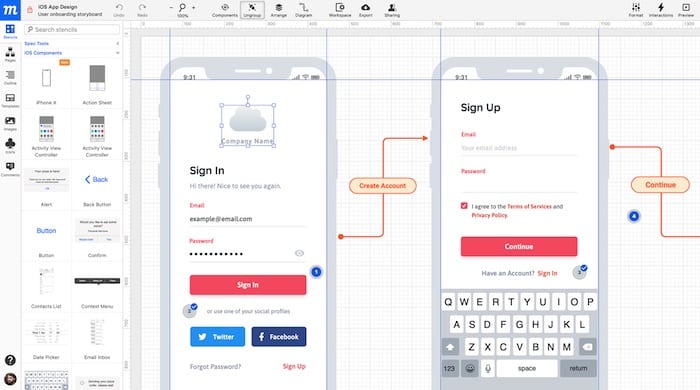
L’outil en ligne Moqups repose sur le principe du glisser/déposer. De plus, il intègre un système de couleur vous aidant à mieux distinguer les zones de votre site. Son interface très simple est également facile à utiliser.
Wirefy
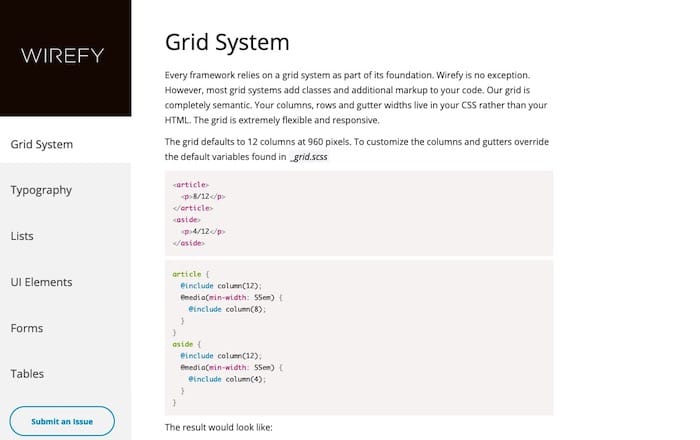
Pour utiliser Wirefy, il est nécessaire de maîtriser le langage HTML et CSS. En effet, cet outil permet de coder directement votre site, pour en faire davantage un prototype qu’une maquette.
Whimsical
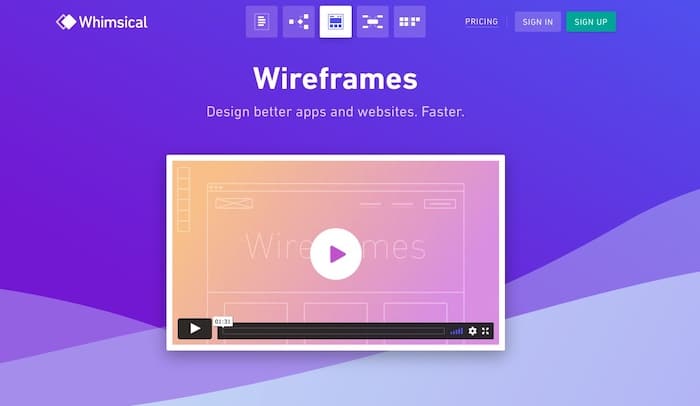
Whimsical est un outil de collaboration en ligne qui intègre une fonctionnalité de création de wireframes. Avec son interface moderne et de nombreux templates, ce site permet de créer vos wireframes facilement et rapidement pour les partager avec vos collaborateurs et travailler ensemble en temps réel.
Les logiciels de Wireframe
Pencil
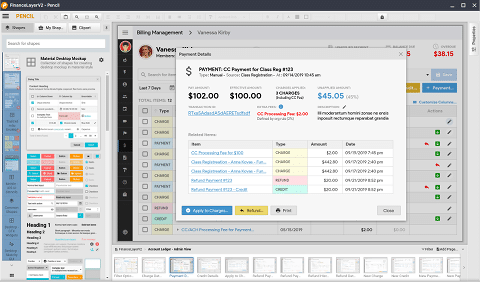
Pencil est un logiciel multi-plateformes open-source et donc gratuit. Incontournable pour créer des wireframes avec un budget limité !
Balsamiq
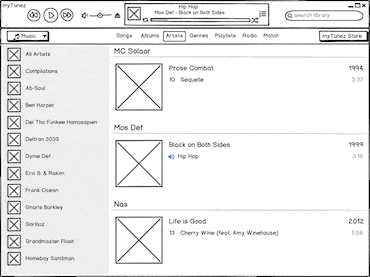
Balsamiq est un logiciel à télécharger qui permet de collaborer sur une maquette. C’est donc l’outil idéal pour les entrepreneurs qui lancent leur projet avec des associés. Il est complet et simple d’utilisation.
Axure RP9
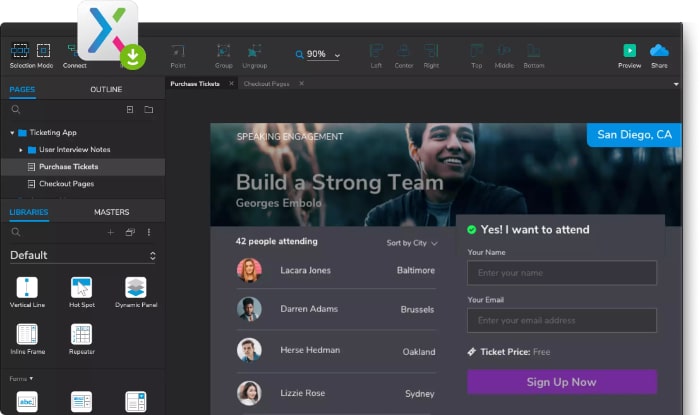
Axure RP9 est un logiciel compatible Windows et Mac qui permet de construire des maquettes avancées de différents projets : site internet, brochure, application mobile… Il existe une version collaborative idéale pour les petites entreprises ou les personnes faisant appel à des prestataires indépendants.
Adobe XD

Adobe XD est l’outil des designers. Ce logiciel collaboratif permet de créer les designs de sites internet, applications, jeux, etc., pour favoriser l’expérience utilisateur au maximum.
Photoshop
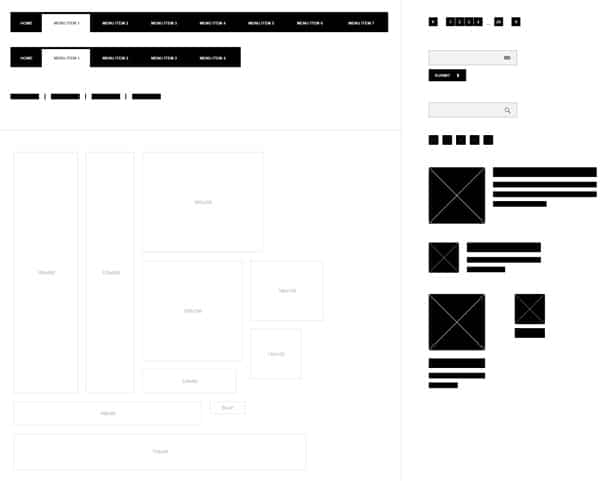
Si vous n’avez pas la suite Abobe complète ou plutôt que de chercher un outil dédié, vous pouvez très bien utiliser Photoshop. Si vous cherchez des ressources pour créer vos wireframes sur Photoshop, Wireframe kit et une superbe liste de ressources vous aideront à commencer.
Sketch
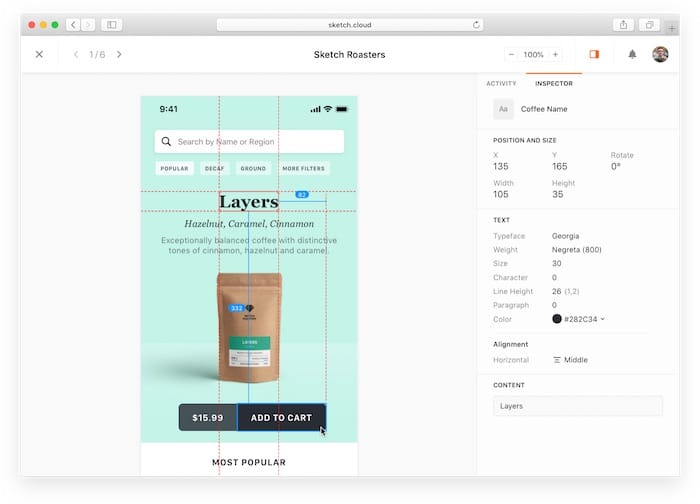
Véritable mix entre Photoshop et Illustrator, Sketch est un outil idéal pour le webdesign. Il permet de créer des wireframes réalistes. Pour vous aider, vous pouvez consulter notre article référençant des ressources Sketch ou le site Sketchappsources.
Fireworks
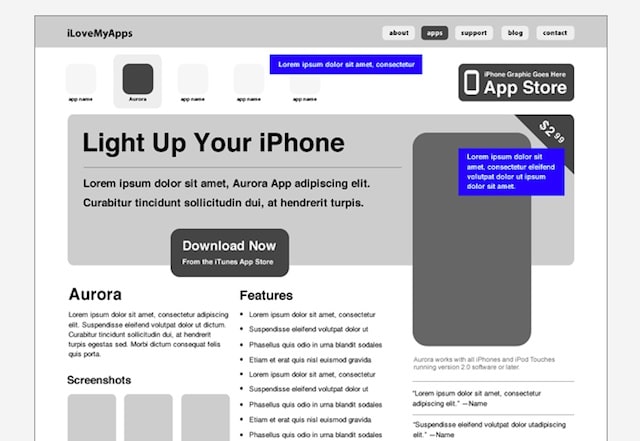
Fireworks peut aussi être utilisé pour bâtir des wireframes réalistes. Si vous ne savez pas comment faire, suivez le guide !
Les clés pour un wireframe de site web réussi
Maintenant que vous avez trouvé l’outil de wireframing adapté à vos besoins, la question suivante est de savoir comment procéder pour créer un wireframe réussi. Et c’est justement le but de ce point !
On ne fait pas durer le suspense, voici 8 clés pour réussir le wireframe de votre site web.
1. Limiter l’utilisation des couleurs
L’objectif d’un wireframe est de montrer les différents éléments du site web. Alors, avant d’intégrer des couleurs, demandez-vous si elles vous aident à atteindre ce but.
Dans certains cas, c’est possible. Mais en général, l’ajout de couleurs risque de distraire votre client ou votre équipe. Ces derniers peuvent prendre le wireframe coloré pour le design final de son site et se focaliser sur ce point. Alors que ce n’est pas l’objectif !
L’idéal est d’utiliser des teintes spécifiques pour mettre en évidence des composants importants, comme les call-to-action, notifications, messages d’erreur, notes, etc. La charte graphique sera intégrée plus tard, quand le design global sera validé.

2. Utiliser du contenu réel
Les webdesigners utilisent régulièrement le fameux « lorem ipsum » pour remplir les wireframes.
Pourtant, le contenu a un impact sur le design. En utilisant du « faux » texte, vous risquez d’avoir à procéder à des ajustements sur l’interface utilisateur. À l’inverse, intégrer le véritable contenu du site vous aide à piloter vos décisions. Sans compter que cela ajoute de la valeur à vos créations. C’est d’autant plus important si vous devez montrer le wireframe à un client…
3. Opter pour une mise en page en grille
Les éléments de la mise en page doivent être ajustables, interchangeables et facilement modulables. L’utilisation d’une grille est un moyen idéal de créer rapidement un fil conducteur et de l’adapter en douceur au wireframe.
Elle peut vous aider à disposer les différents éléments de manière très visuelle. Ce qui facilitera la compréhension (et la réalisation) de votre équipe !
4. Mettre en évidence les boutons
Les utilisateurs ont l’habitude de cliquer sur des boutons durant leur navigation sur un site web. Notamment pour effectuer des actions importantes comme télécharger un contenu, envoyer un message, passer une commande ou confirmer un paiement.
Ces boutons jouent un rôle prépondérant dans la conversion des visiteurs. Vous pouvez être sûr que votre client, ou votre responsable, seront attentifs aux call-to-actions. Pensez à les représenter de manière très visible, en utilisant de la couleur par exemple (comme vu au point 1).
Par ailleurs, veillez à la cohérence entre tous les appels à l’action : ils doivent avoir le même design, la même taille et la même couleur.
5. Utiliser les annotations
Il arrive que certains éléments ne peuvent être illustrés visuellement, comme la logique qui se cache derrière certains onglets ou encarts. Du coup, cela peut déclencher des questions de la part des développeurs ou des clients.
Dans ce cas, ajoutez des annotations à l’écran pour expliquer les éléments complexes de votre wireframe. De cette façon, votre équipe comprendra vos solutions et vous n’aurez pas besoin de passer trop de temps à tout expliquer. Ces notes limiteront également les potentielles erreurs au moment de produire le site web.
6. Cartographier les flux d’utilisateur
Le flux d’utilisateurs désigne le parcours de visite des internautes au cours d’une session. Ce parcours comprend le point d’entrée sur votre site, tous les points d’interaction (comme les pages visitées et les boutons sur lesquels ils ont cliqué jusqu’à la transaction finale), et l’endroit où ils ont quitté le site web.
Il doit être cartographié, afin de ne pas manquer les éléments importants, au risque de créer des points de friction et d’entraîner une baisse des conversions.
Déterminez les besoins des utilisateurs en vous posant les questions suivantes :
- Quel est l’objectif des visiteurs du site web ?
- Quelles sont les fonctionnalités qu’ils recherchent ?
- Quelles questions initiales peuvent-ils se poser ?
- De quelles informations peuvent-ils avoir besoin pour naviguer ?

7. Convertir le wireframe en prototype
Certains sites ont des interactions simples et courantes, d’autres proposent des interfaces assez avancées.
Parfois, les wireframes ne suffisent pas à illustrer les design complexes et peu communs. Ainsi, au lieu d’écrire de longues notes et de passer des heures sur des explications, vous pouvez transformer vos wireframes en prototypes interactifs. Ce qui nous amène au dernier point…
8. Utiliser un outil de création de wireframe
Pencil, Whimsical, Mockflow, Gliffy, Balsamiq… Vous l’avez vu plus haut, les solutions pour créer des wireframes réussis ne manquent pas !
L’avantage est de pouvoir créer des plans fidèles à la réalité, faciles à lire et compréhensibles. Certains ont des fonctionnalités plus avancées vous permettant de collaborer facilement ou d’animer vos wireframes pour un rendu plus professionnel.
Conclusion
Avant de lancer la production de votre site internet, une maquette est indispensable pour construire le tunnel de conversion des internautes. Vérifiez l’ergonomie et soyez certains de n’oublier aucune zone importante.
Ces outils vous permettront de créer des wireframes pour visualiser le résultat final et guider le webdesigner que vous aurez sélectionné sur Codeur.com.
Désormais, vous disposez de tous les principaux éléments pour créer un wireframe de site web réussi et transmettre les bonnes informations à votre équipe !


