Que vous soyez une marque cherchant à optimiser votre présence en ligne ou un utilisateur passionné de scrapbooking digital, comprendre les différentes tailles d’images sur Pinterest peut faire la différence entre se fondre dans le décor ou se démarquer de la foule.
Du choix de la taille idéale de votre image de profil à la création d’épingles visuellement impressionnantes, cet article a pour objectif de vous guider à travers les différentes dimensions recommandées par Pinterest.
Nous explorerons ensemble comment choisir et adapter vos images pour qu’elles correspondent parfaitement à chaque type de Pin, pour une présence visuelle qui sort du lot !
Les dimensions d’images pour Pinterest
L’image de profil et de couverture Pinterest
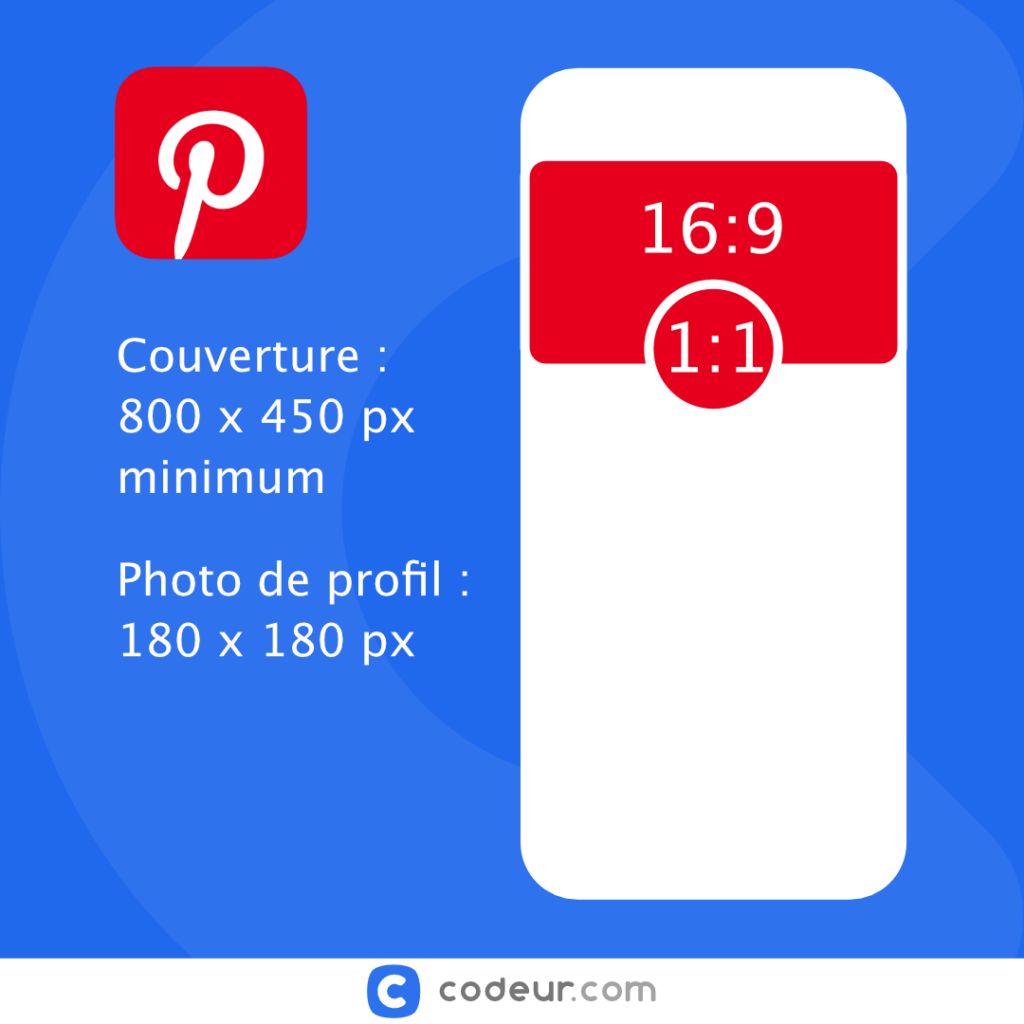
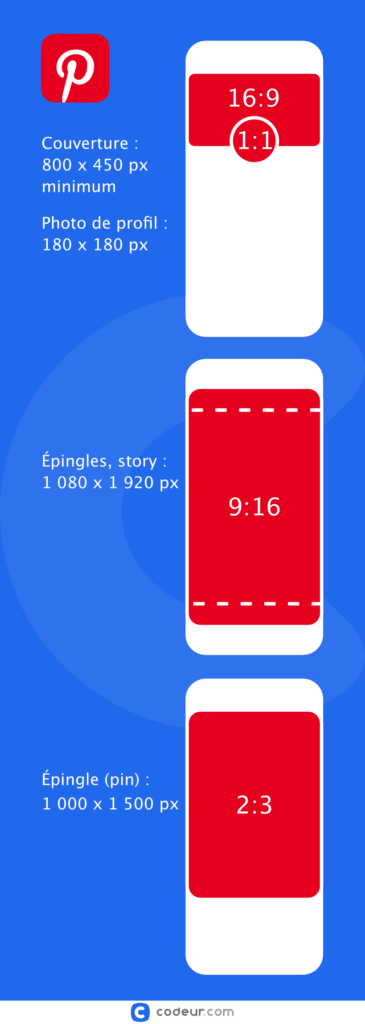
Pour offrir un aperçu solide de votre marque, il est crucial d’avoir une photo de profil claire et de haute qualité. Avec une taille recommandée de 180 x 180 pixels, votre photo de profil devrait présenter clairement votre marque ou votre logo.
Pour votre photo de couverture, mettez en avant votre créativité avec une taille minimale de 800 x 450 pixels. Cette grande surface peut accueillir une multitude de designs, de la présentation de produits à l’introduction des membres de l’équipe.
La photo d’épingle Pinterest
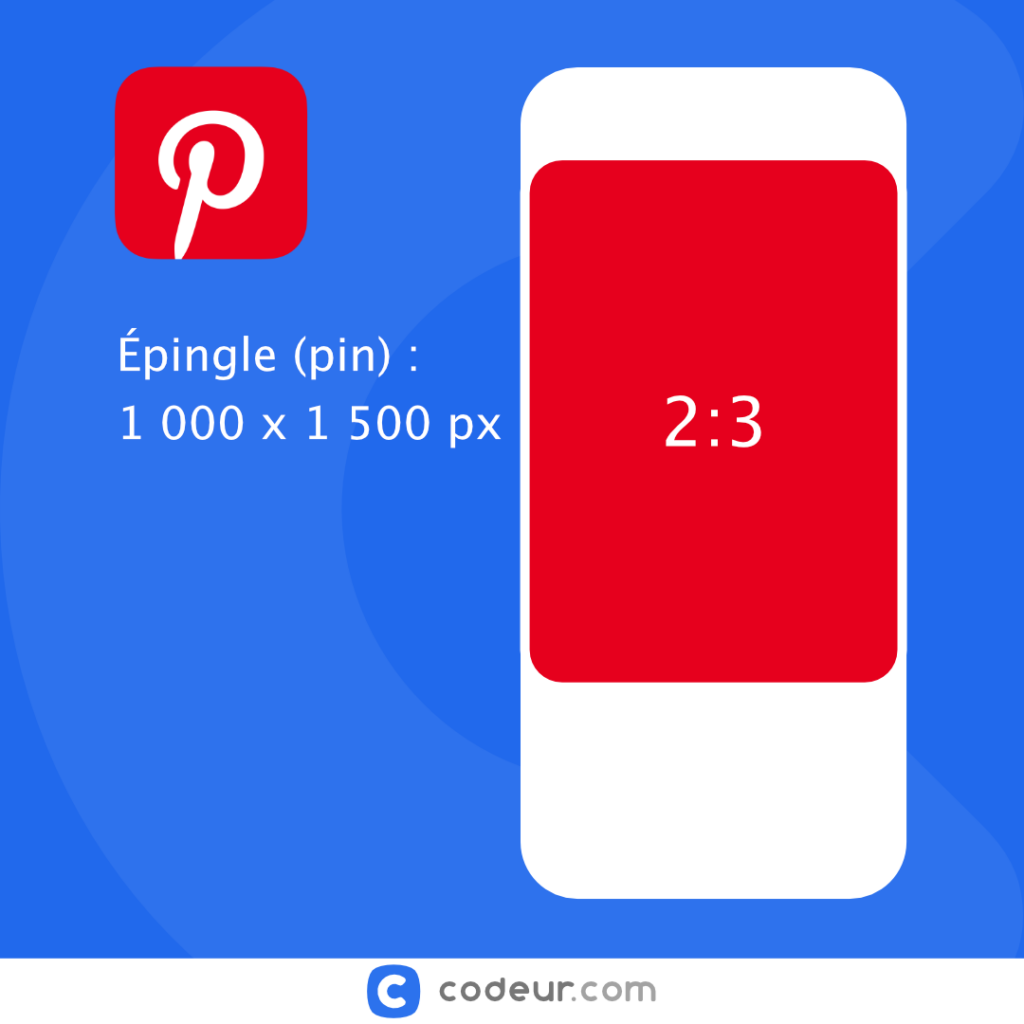
Ces images sont primordiales, car elles servent à capter l’attention du public sur Pinterest. Les photos d’épingles ayant un ratio de 2:3 offrent un équilibre parfait et sont faciles à visualiser. Une dimension recommandée de 1000 x 1500 pixels assure que votre contenu paraît toujours propre et net.
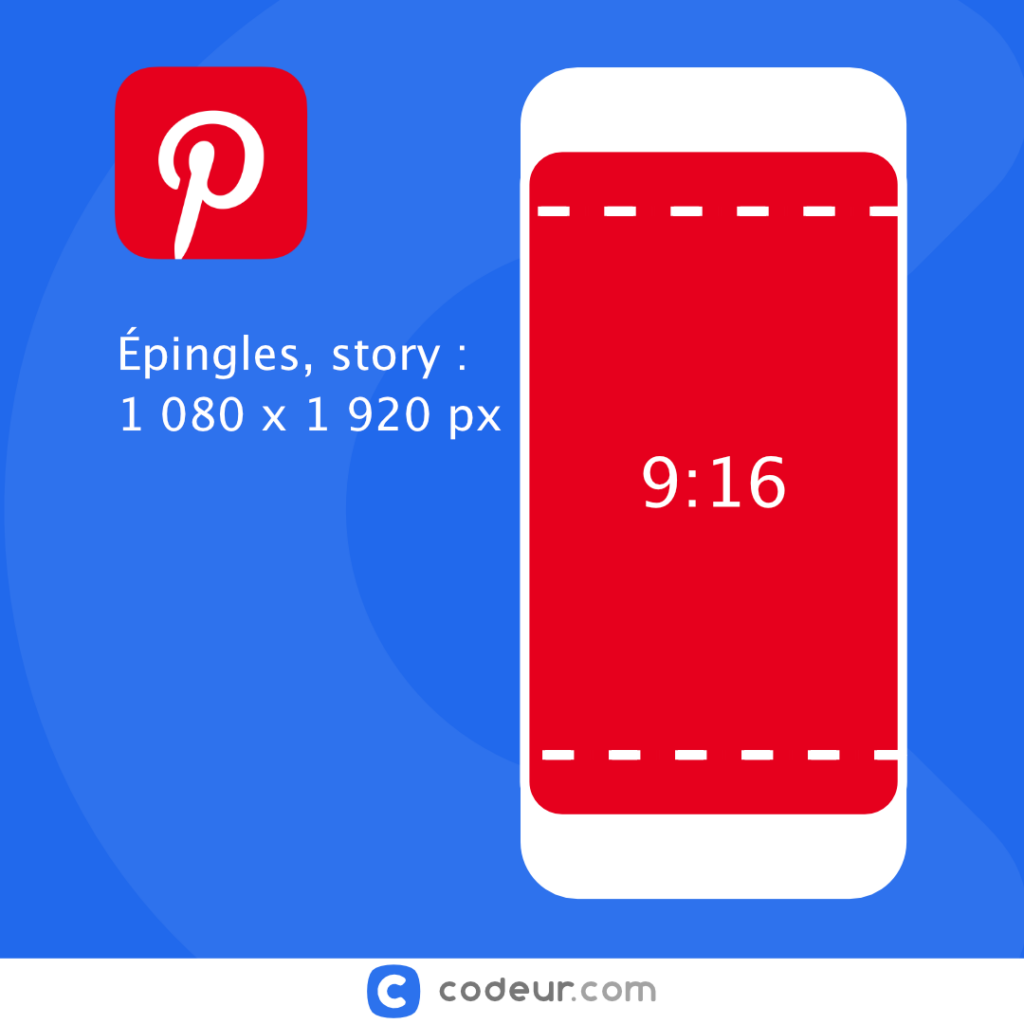
Pour les Épingles idées et les Stories, adoptez un ratio de 9:16 avec une taille de 1080 x 1920 pixels. Cela vous donnera beaucoup d’espace vertical pour exprimer votre message.
Le format de vos images
Après avoir décidé des dimensions de l’image, il est essentiel de choisir le bon format. JPEG est largement utilisé pour les photos car il offre un bon équilibre entre qualité et taille de fichier. PNG est un excellent choix pour les images qui nécessitent une transparence, comme les logos ou les images de fonds complexes. Enfin, les GIF sont idéals pour les images animées, qui peuvent ajouter un peu de vie à votre contenu.
Notre infographie des tailles d’images pour Pinterest