Que vous soyez novice cherchant à débuter avec le nécessaire, ou un passionné désirant perfectionner votre studio, cet article vous guide à travers le matériel pour enregistrer un podcast !
De la sélection du microphone à l’optimisation acoustique, découvrez comment équiper votre espace pour capturer chaque mot avec clarté et offrir une expérience de qualité à vos auditeurs.
Le matériel obligatoire pour enregistrer un podcast
Pour lancer un podcast avec professionnalisme, quelques équipements de base sont obligatoires. Ils garantissent une qualité sonore qui garde l’attention de votre communauté en proposant une expérience d’écoute agréable.
Voici le matériel incontournable pour débuter dans le podcasting.
Le microphone pour capter la voix
Un son de qualité supérieure transforme n’importe quel podcast en une expérience immersive pour l’auditeur.
Les microphones USB, comme le Blue Yeti ou l’Audio-Technica AT2020USB+ représentent des choix éclairés pour celles et ceux qui débutent dans le monde du podcasting.
Ces modèles bénéficient d’une installation simple et d’une qualité de son respectable.
Pour les passionnés recherchant une fidélité audio sans compromis, les microphones à condensateur XLR, tels que le Shure SM7B ou le Rode NT1-A, montrent rapidement leurs avantages. Attention, ces derniers nécessitent une interface audio pour convertir le signal analogique en un signal numérique que l’ordinateur peut traiter.
Le casque d’écoute pour saisir l’enregistrement
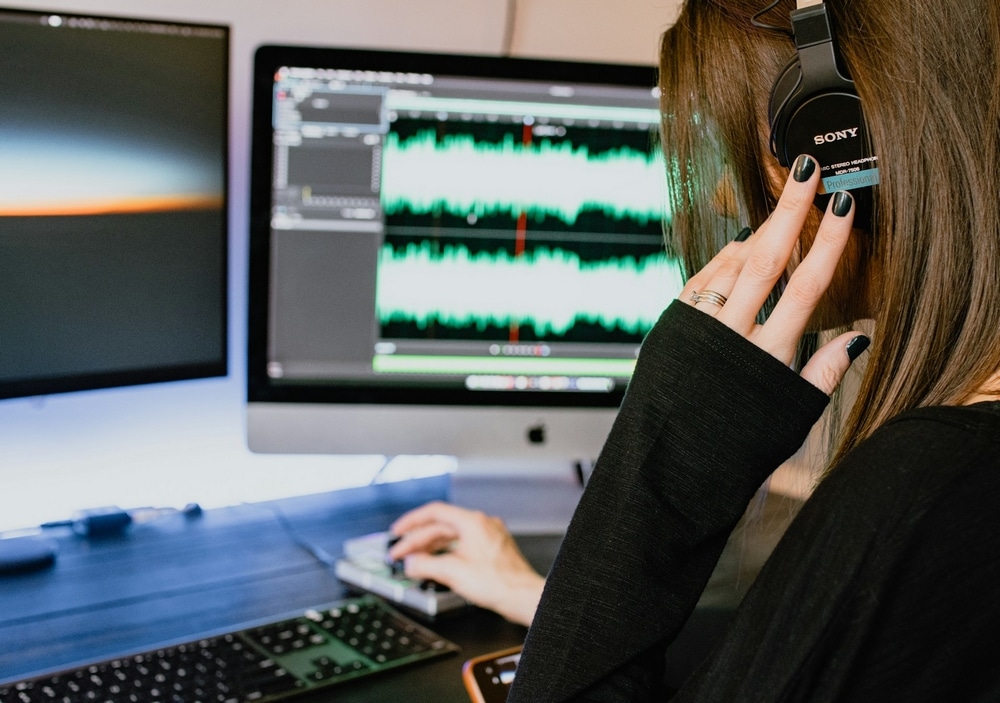
Écouter sa voix est important lorsqu’il s’agit d’enregistrer un podcast.
Un casque sert à surveiller, en temps réel, la qualité audio d’un podcast, mais aussi à détecter et corriger immédiatement les problèmes techniques tels que les bruits de fond ou les distorsions. Il permet également aux podcasteurs de contrôler et ajuster leur performance vocale en direct, assurant la cohérence et l’adéquation du ton et de l’émotion avec le contenu de l’épisode.
De plus, un casque à isolation sonore aide à maintenir la concentration, prévenir les fuites audio et éviter les échos et réverbérations indésirables dans l’enregistrement final.
Le logiciel pour enregistrer et monter le podcast
La magie du montage transforme les enregistrements bruts en œuvres polies. Pour les débutants ou ceux ayant besoin d’un outil basique, Audacity est une option gratuite et simple, parfaite pour les coupes et ajustements de base sans submerger l’utilisateur.
GarageBand bénéficie également d’une interface conviviale pour les utilisateurs de Mac, idéale pour celles et ceux qui font leurs premiers pas dans le montage audio.
En revanche, pour les créateurs souhaitant explorer des effets audio avancés, ou qui monétisent leur podcast, Adobe Audition et Reaper sont des choix performants, avec des fonctionnalités complètes pour une production de niveau supérieur. Ces logiciels permettent d’enrichir le podcast pour pousser la qualité de leur contenu au maximum.
Le support de microphone pour stabiliser l’enregistrement
Un support de microphone ou un bras articulé assure que le micro reste en position optimale, éliminant les variations de son dues à des mouvements non désirés. Cet accessoire aide à maintenir une qualité sonore constante tout au long de la session d’enregistrement, ce qui réduit le temps passé en post-production à corriger les irrégularités audio.
Le matériel supplémentaire pour un podcast plus professionnel
Pour les créateurs souhaitant hisser leur podcast à un niveau supérieur, l’intégration de ces accessoires peut faire toute la différence. S’ils ne sont pas essentiels pour démarrer, ils offrent tout de même des améliorations significatives en termes de contrôle, de qualité et de flexibilité audio.
Table de mixage : le centre de contrôle audio
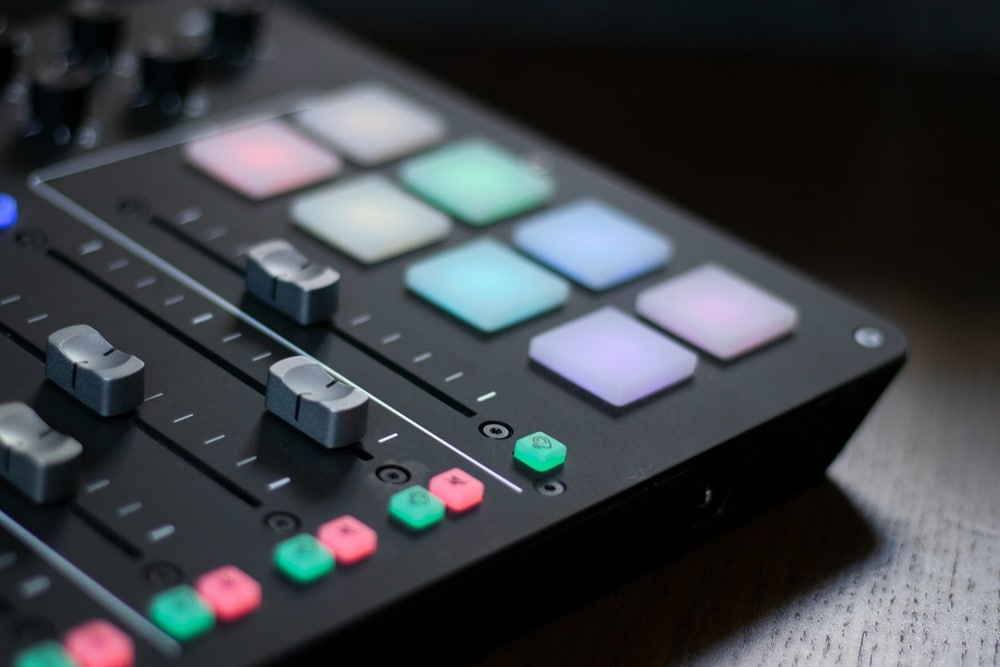
Introduire une table de mixage dans votre installation élève instantanément la qualité de production de votre podcast. Cet équipement vous permet de gérer plusieurs sources audio avec aisance, ajustant les niveaux et intégrant des effets en temps réel.
Que vous coordonniez plusieurs intervenants ou que vous manipuliez des pistes audio diverses, une table de mixage simplifie ces tâches.
Interface audio : la clé pour des microphones de qualité professionnelle
Nous l’évoquons brièvement dans la première partie de l’article. L’utilisation de microphones XLR nécessite une interface audio pour relier le micro à votre ordinateur. Cette pièce d’équipement est indispensable pour exploiter pleinement le potentiel des microphones haut de gamme. Elle enrichit votre son grâce à des préamplis de qualité qui captent un signal audio clair et détaillé.
Filtre anti-pop : enregistrer le podcast avec un son net et précis
Les plosives, comme les sons “p” et “t” prononcés, peuvent perturber l’enregistrement avec des bruits explosifs. Un filtre anti-pop atténue efficacement ces interruptions, assurant une articulation claire et professionnelle.
L’ajout de ce petit accessoire peut considérablement augmenter la qualité de vos enregistrements vocaux, rendant le son final plus lisse et agréable à l’écoute.
Isolation acoustique : maîtriser l’environnement sonore
L’acoustique de votre espace d’enregistrement influence grandement la qualité sonore de vos épisodes. L’utilisation de panneaux acoustiques ou d’écrans antibruit réduit les bruits de fond et les réverbérations non désirées. Ce contrôle de l’environnement sonore s’avère judicieux si vous faites intervenir plusieurs participants ou si votre pièce donne sur une rue bruyante, par exemple.
Microphones supplémentaires : assurer une qualité constante
Planifier des interviews avec plusieurs invités nécessite parfois des microphones additionnels. Disposer de micros supplémentaires garantit que chaque voix est captée avec clarté et cohérence. Résultat : vous obtenez une qualité audio uniforme pour tous les participants de votre podcast.
Notre conseil pour choisir son matériel pour enregistrer un podcast
Choisir les bons accessoires ne se limite pas à la qualité sonore ; il s’agit également de prévoir l’évolutivité. La bonne idée est d’investir dans des équipements modulaires qui s’adaptent à la croissance de votre podcast. Optez pour des cartes audio et des tables de mixage compatibles avec des extensions ou modules pour enrichir leurs fonctionnalités. Ainsi, votre studio pourra évoluer sans nécessiter de remplacements coûteux.
Après avoir enregistré votre podcast, collaborez avec un expert en marketing freelance pour booster sa diffusion. Postez gratuitement votre annonce sur Codeur.com dès maintenant !


