Vous êtes à la recherche d’un logiciel de devis pour démarrer votre activité d’indépendant ou pour votre TPE / PME ? Pour de nombreuses activités, un bon logiciel de devis est aussi important qu’un bon CRM.
Si vous utilisez déjà un outil parmi les différents logiciels de facturation pour les freelances utiles aux prestataires, la plupart d’entre eux permettent aussi la rédaction et la création de devis.
Nous souhaitons aujourd’hui compléter cette liste avec 9 nouveaux logiciels gratuits pour la création de devis.
Certains outils dans cet article sont sponsorisés. Ils comportent la mention “Sponsorisé”. Découvrez comment sponsoriser votre outil.
Facture.net : un outil de devis et factures 100% gratuit
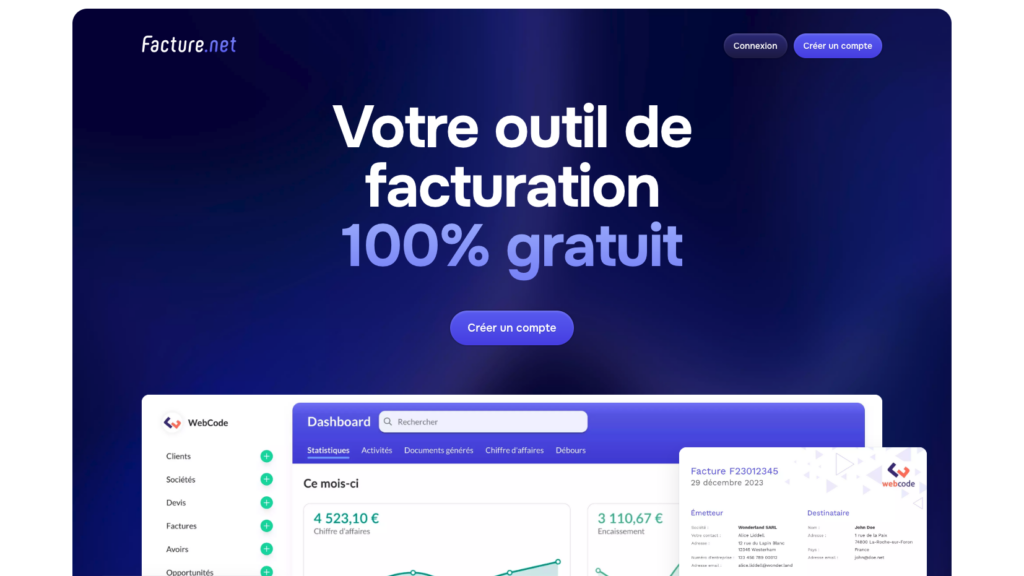
Facture.net est un outil de devis et de facturation gratuit dédié aux TPE, PME et freelances.
Facile et rapide, l’utilisation permet de commencer rapidement sa gestion commerciale : facturation, création de devis et gestion du portefeuille client !
L’outil vous propose de classer vos documents par catégories et de les exporter en un clic sous différents formats (PDF, Excel, CSV, JSON).
Ce logiciel de devis en ligne gratuit est vraiment 100% gratuit, compatible avec la facturation électronique et agréé norme NF 525 (obligatoire depuis le 1er janvier 2018).
L’avantage de Facture.net pour les freelance : Facture.net est idéal pour les freelances qui veulent gérer leur activité simplement sans frais cachés.
Lire aussi : Facture.net : l’outil gratuit qu’il vous fallait pour gérer vos factures et vos devis
Shine Facture : la solution simple et rapide pour vos devis

Shine Facture est un outil pensé pour simplifier la création de devis professionnels, que vous soyez freelance, TPE ou PME. Grâce à son interface claire et intuitive, vous pouvez générer un devis en quelques clics, le personnaliser et l’envoyer directement par email ou PDF.
Les points forts :
- Création de devis rapide et personnalisable
- Suivi des devis envoyés et validés
- Transformation facile d’un devis en facture
- Accessibilité sur ordinateur et application mobile
- Options avancées avec les plans Premium : relances automatiques, gestion centralisée des documents
Shine Facture permet ainsi de gérer vos devis simplement, de gagner du temps et de garder une vision claire de vos prospects et clients.
BonneFacture : le logiciel pour créer un devis rapidement
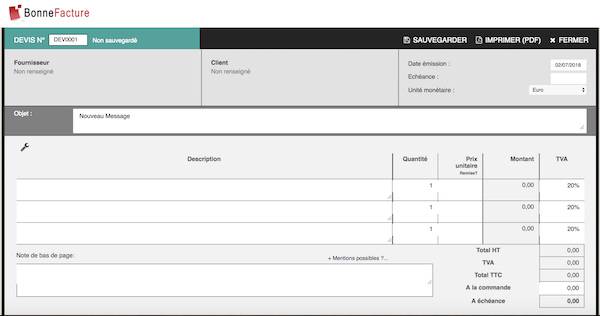
Simple et rapide, BonneFacture vous permet de créer différents documents comptables. Créez vos devis en ligne facilement et en respectant la règlementation en vigueur.
Vous pouvez l’utiliser pour éditer un devis express gratuitement, sans avoir à créer un compte.
Plusieurs modèles sont proposés, selon le statut juridique de votre entreprise. Par exemple, les auto-entrepreneurs pourront choisir d’émettre un devis sans TVA. Ainsi, la mention « franchisé de TVA » s’apposera automatiquement en bas de page.
L’avantage de BonneFacture pour les freelances : Avec BonneFacture, un freelance peut générer un devis express en ligne sans inscription, parfait pour répondre rapidement à un prospect pressé.
FactureDevis.fr : outil en ligne de création de devis
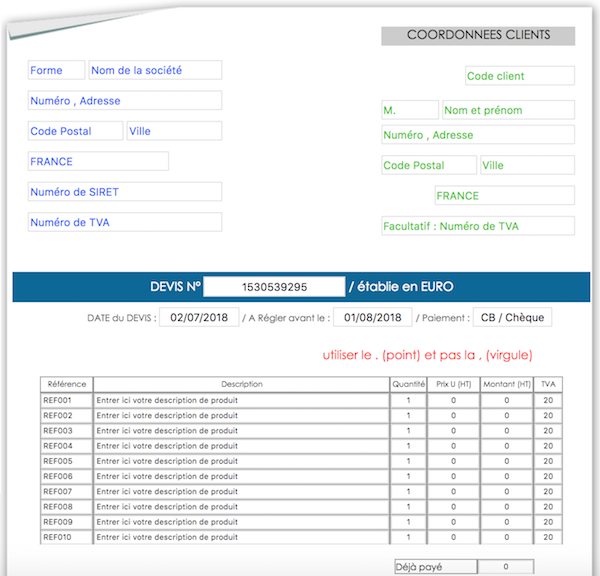
FactureDevis est un outil en ligne qui, comme son nom l’indique, vous permet de créer des factures et des devis gratuitement.
Son interface très épurée vous permet de rapidement trouver toutes les options dont vous avez besoin.
Son principe de fonctionnement est similaire au site Bonnefacture : vous n’êtes pas obligé de créer un compte pour l’utiliser.
Lorsque vous avez terminé de remplir les différents champs de votre devis, vous pouvez le télécharger en PDF pour avoir un document parfait à transmettre à votre prospect.
L’avantage de FactureDevis.fr pour les freelances : FactureDevis.fr séduit par sa simplicité : aucun compte nécessaire et un PDF professionnel prêt en quelques clics, pratique pour les freelances qui veulent aller à l’essentiel.
Le logiciel Free Devis Factures gratuit
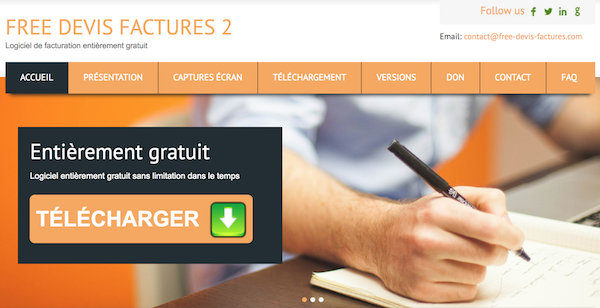
Doté de nombreuses fonctionnalités, Free Devis Factures est un logiciel gratuit de création de devis spécialement dédié aux auto-entrepreneurs. Il vous permet de créer plusieurs modèles de devis et de les conserver en mémoire.
Contrairement aux outils précédents, vous n’êtes pas obligé de retaper le document à chaque fois, surtout pour des prestations similaires.
Vous pouvez aussi l’utiliser pour éditer des factures, transformer vos devis en factures et assurer la gestion quotidienne de votre auto-entreprise.
L’avantage de Free Devis Factures pour les freelances : Free Devis Factures convient particulièrement aux freelances qui répètent souvent les mêmes prestations, car il garde en mémoire vos modèles de devis et fait gagner un temps précieux.
Factomos : logiciel de facturation et création de devis
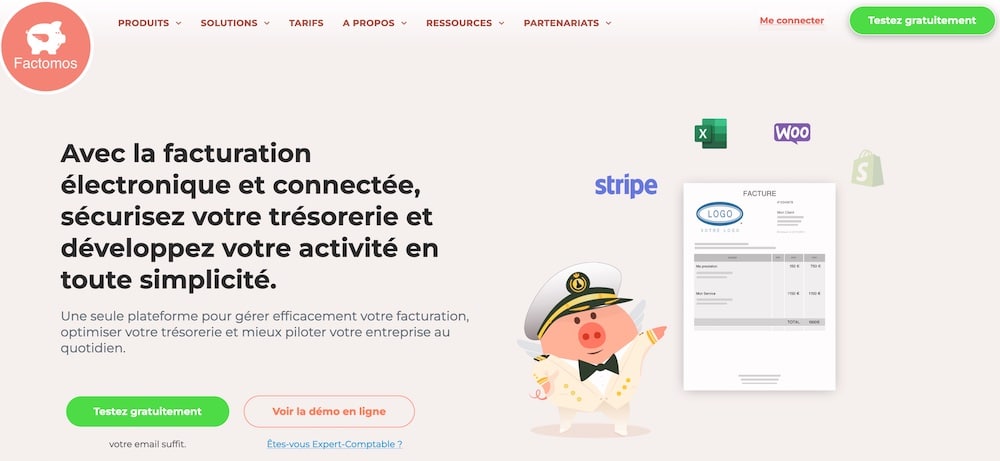
Le logiciel de devis et de facturation Factomos vous propose un large éventail de fonctionnalités, à condition de créer un compte.
Vous pouvez créer et éditer vos devis gratuitement pour les envoyer à vos clients, créer vos factures ou suivre leur règlement.
Avec un abonnement de 5 euros par mois, vous pouvez créer facilement vos devis, vos factures et tous vos documents comptables. Il permet de suivre les projets acceptés et de paramétrer des relances si le client tarde à vous répondre.
L’avantage de Factomos pour les freelances : Factomos est un bon compromis pour les freelances qui veulent un suivi plus poussé : devis, factures, relances automatiques et gestion de projets centralisés au même endroit.
Kafeo : un outil pour gérer simplement vos devis
Quel que soit votre statut, le logiciel Kafeo vous permettra de créer et gérer vos devis et autres documents de facturation.
Cet outil mise sur la rapidité de prise en main et la simplicité d’utilisation. Vous pourrez en effet facilement générer vos devis et factures et gérer vos contacts.
L’avantage de Kafeo pour les freelances : Kafeo mise sur la simplicité : les freelances peuvent créer rapidement des devis et gérer leurs contacts sans se perdre dans des menus compliqués.
Pour accéder à plus de fonctionnalités il sera nécessaire de souscrire à un compte Pro à 79€ HT.
À noter que ce logiciel ne fonctionne que sous environnement Windows.
Henrri : logiciel de création de devis gratuit
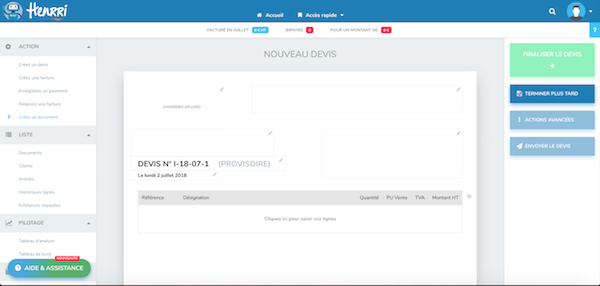
Créé en 2016, Henrri est un logiciel de devis entièrement gratuit. Il vous permet de créer facilement vos devis et vos factures.
De nombreuses fonctionnalités sont proposées et en font un excellent outil pour créer des deivs. L’un des points forts de ce logiciel de devis est la possibilité d’utiliser le logiciel à plusieurs, grâce à un nombre d’utilisateurs illimités.
Pour accéder à ce logiciel intuitif et ergonomique, et ainsi créer votre premier devis, il faudra d’abord vous créer un compte et renseigner un certain nombre d’informations.
L’avantage de Henrri pour les freelances : Henrri est parfait pour les freelances qui collaborent : le nombre d’utilisateurs est illimité, ce qui facilite le travail à plusieurs ou le suivi par un comptable.
Excel : un outil pratique pour créer vos premiers devis
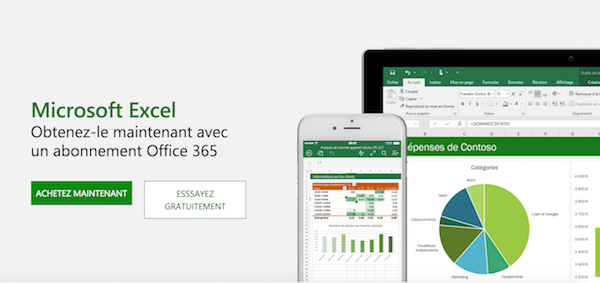
Eh oui ! Il n’est pas obligatoire d’utiliser un logiciel dédié pour créer un devis. Plus connu pour son utilisation bureautique, Excel vous permet aussi de créer des documents comptables.
Il vous suffit d’élaborer une trame qui comprend votre logo et toutes les mentions obligatoires.
Vous pouvez ensuite utiliser les formules pour que vos calculs s’éditent automatiquement, au fur et à mesure que vous remplissez les lignes de prestation, le nombre d’heures nécessaires à la mission, ainsi que le coût unitaire.
Paramétrez la TVA et vous pourrez ainsi calculer le montant de TVA, le montant net et enfin le total.
Vous pouvez également enregistrer des trames complétées, si vous êtes amené à produire souvent le même type de devis.
Lire aussi : Auto-entrepreneur : téléchargez un modèle de devis gratuit
Un document rédigé sous Excel est tout à fait légal, à partir du moment où il comprend bien toutes les mentions obligatoires. Lorsque le tableau est correctement rempli, il ne vous reste qu’à l’enregistrer sous format PDF et à le transmettre à votre prospect.
L’avantage d’Excel pour les freelances : Excel reste un outil flexible pour les freelances qui veulent garder la main sur la mise en page et les calculs. Une solution simple pour commencer sans dépendre d’un logiciel tiers.
Les outils de création de devis intégrés aux comptes bancaires professionnels
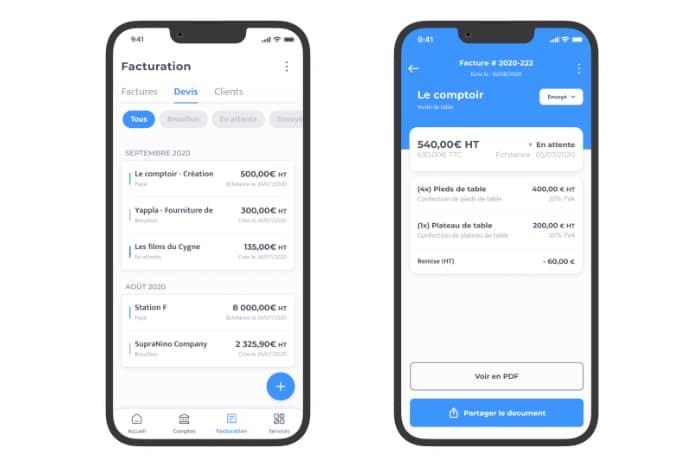
Le saviez-vous ? Certaines banques proposent des applications de devis pour créer des devis et des factures, intégrées dans leur offre de compte bancaire professionnel.
C’est le cas de Blank, filiale du Crédit Agricole. A partir de 6€ HT/mois, vous bénéficiez ainsi :
- d’un compte professionnel dédié avec IBAN français
- d’une carte VISA Business
- d’un outil de création de devis et factures intégré
- de l’automatisation de votre déclaration URSSAF directement depuis votre compte
- et bien d’autres avantages…
Offre spéciale partenaires ! Profitez d’un cashback exceptionnel sur votre projet ou votre abonnement Codeur.com pour toute ouverture de compte professionnel Blank.
L’avantage des outils intégrés aux comptes bancaires pro pour les freelances : Avec une banque comme Blank, le freelance regroupe tout au même endroit : compte bancaire, carte pro et création de devis. Idéal pour simplifier la gestion de son activité.
Quel logiciel de devis choisir ?
Cette liste d’outils en ligne pour créer vos devis est non-exhaustive. Cependant, elle constitue déjà une base pour les freelances ou les entreprises qui doivent éditer un devis rapidement.
Si vous cherchez un outil gratuit et flexible, on vous conseil Facture.net qui vous permettra de gérer votre TPE / PME ou votre activité d’indépendant très facilement. Il est parfait pour créer des devis et créer des factures gratuitement.
À vous de voir quel outil vous convient le mieux, selon la nature de votre activité et la fréquence à laquelle vous êtes amené à envoyer des devis.
Trouvez des missions freelances facilement en vous inscrivant sur Codeur.com.


