Que vous soyez nouveau sur Tumblr ou que vous cherchiez à optimiser votre blog existant, l’une des premières choses que vous devez maîtriser est l’art de choisir les bonnes dimensions pour vos images.
Sur Tumblr, l’image visuelle est primordiale et peut transformer votre blog d’être simplement ‘agréable’ à carrément ‘virale’. Ainsi, il est essentiel de comprendre comment fonctionnent les tailles d’images pour tirer le meilleur parti de chaque publication.
Dans cet article, nous vous présenterons le grand guide des tailles pour Tumblr – un guide exhaustif qui vous aidera à naviguer dans les spécifications de dimension d’image pour les avatars, les photos de couverture, les images de posts, les GIFs, et bien plus.
Notre guide des tailles d’images Tumblr
Pour votre profil
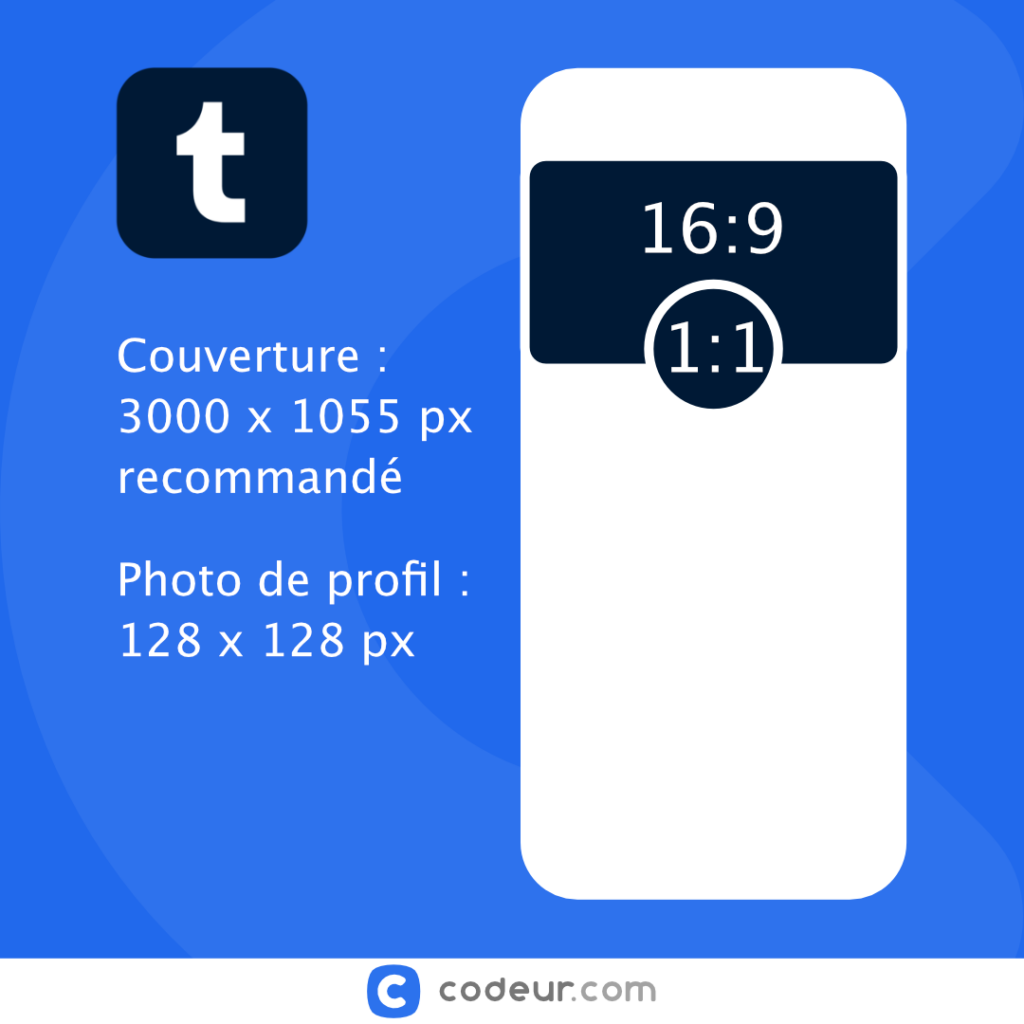
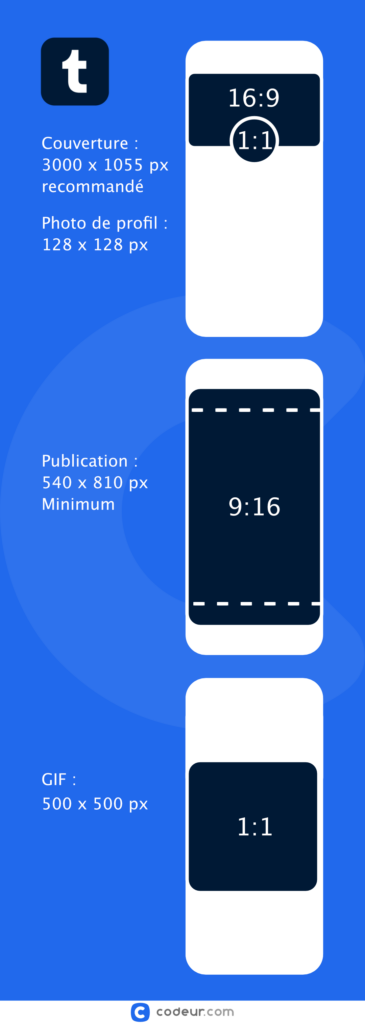
La présentation de votre profil Tumblr a un impact important sur la façon dont les autres utilisateurs perçoivent vos contenus. Pour commencer, nous vous recommandons d’utiliser une photo de profil de 128×128 pixels.
Cette dimension est idéale pour afficher votre image clairement, tout en la gardant suffisamment petite pour qu’elle s’adapte parfaitement à l’espace réservé à votre avatar. Vous devez également tenir compte de votre photo de couverture Tumblr, qui devrait idéalement mesurer 3000×1055 pixels.
Ce format large offre un bel espace pour une image forte qui se fait remarquer et complimente votre photo de profil.
Pour vos publications
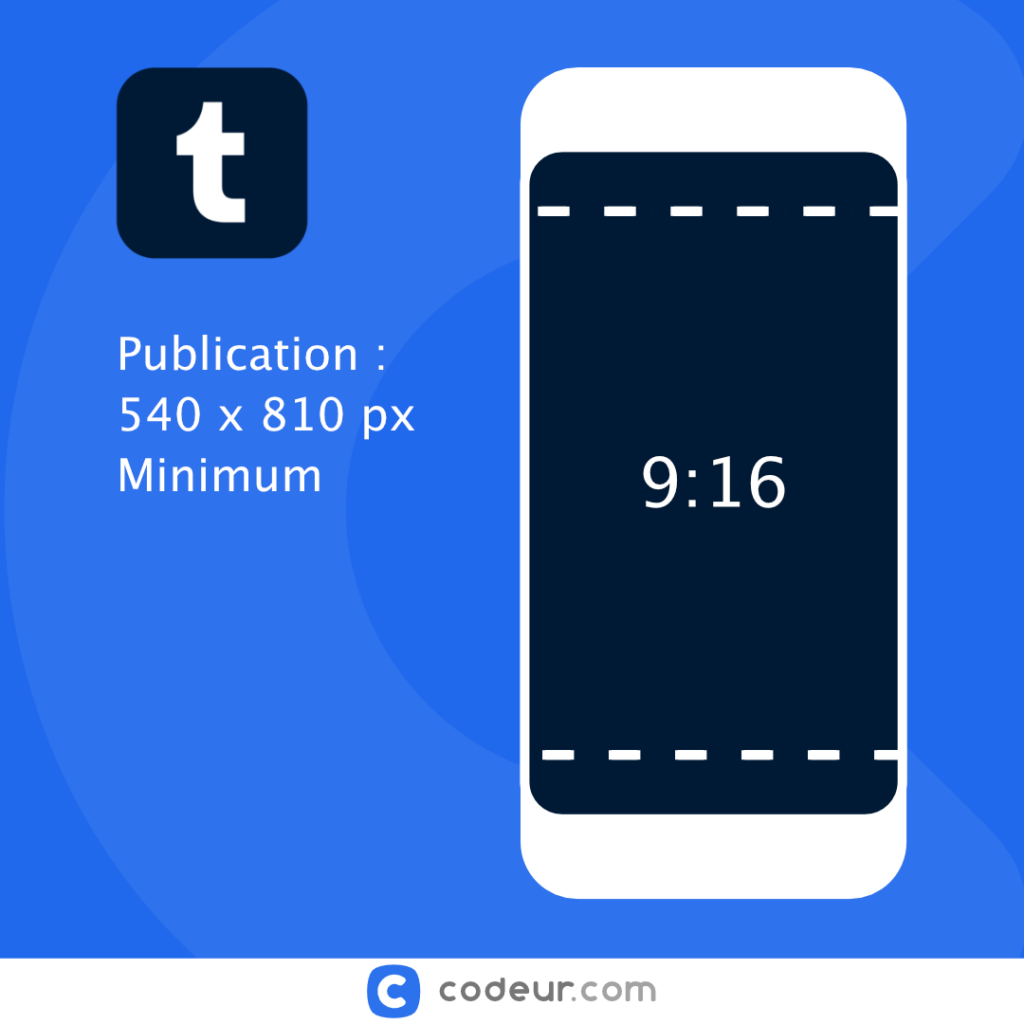
En ce qui concerne les images que vous partagez sur Tumblr, nous vous conseillons de garder à l’esprit certaines dimensions clés pour garantir un affichage optimal sur le flux Tumblr.
Les photos sont généralement affichées en 540×810 pixels au minimum, mais peuvent aller jusqu’à 1280×1920 pixels pour une image de haute résolution. Cela permet de garantir que même les détails les plus subtils de vos images sont capturés avec clarté et ne sont pas perdus en raison de la compression ou du redimensionnement.
Pour vos GIFs animés
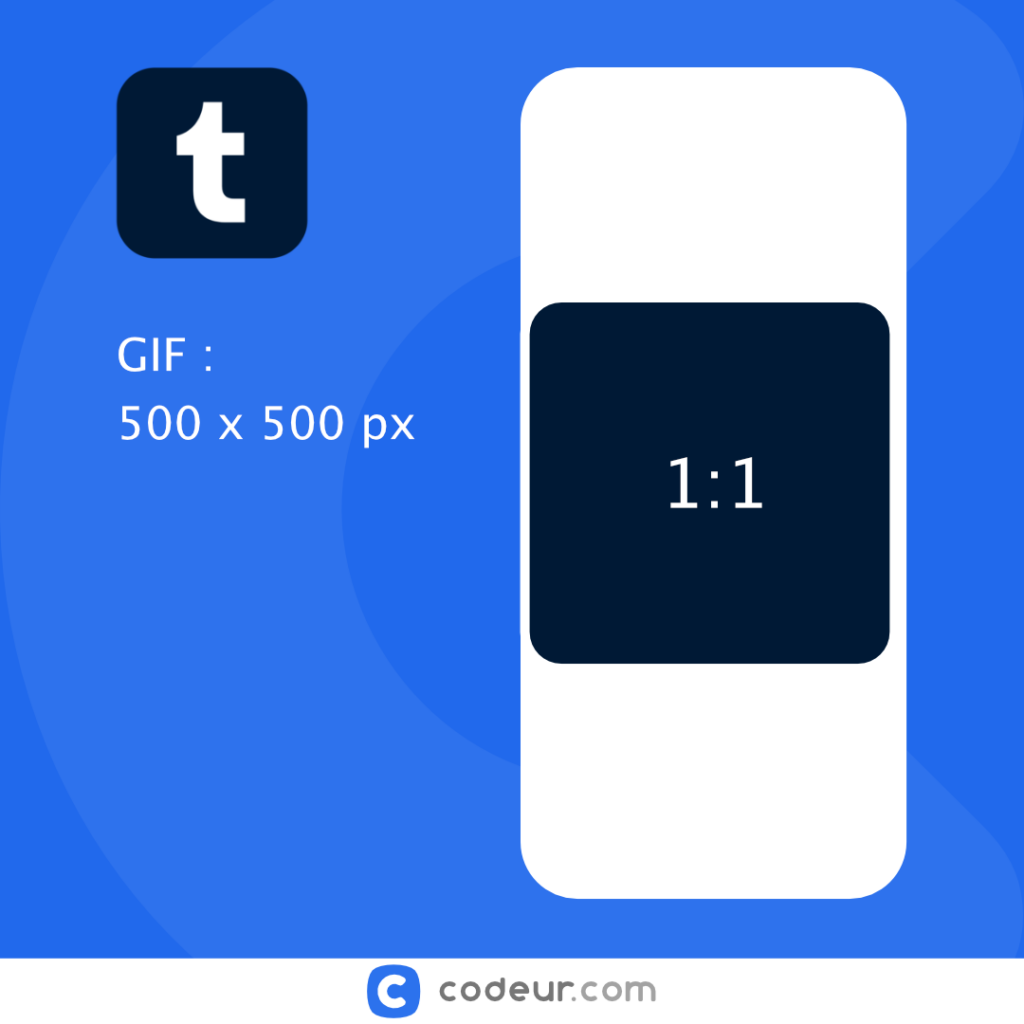
Enfin, si vous prévoyez de partager des GIF sur Tumblr, sachez que la plateforme recommande une largeur de 500 px maximum pour ces images animées. Veillez également à ce que vos GIF ne dépassent pas 1Mb, afin d’éviter tout problème de chargement ou affichage lents.
En outre, si vous prévoyez de poster une photo sur un post audio, la dimension recommandée est de 169×169 pixels afin de s’adapter parfaitement à l’espace dédié.
Notre infographie des tailles d’images Tumblr
Conclusion
Comprendre et appliquer les bonnes dimensions d’image sur Tumblr est un élément clé pour améliorer l’attrait visuel et l’engagement de votre blog. Que vous postiez des avatars, des photos de couverture, des images de poste ou des GIF, il est crucial d’utiliser les spécifications de dimensionnement adéquates pour assurer un affichage optimal.
Avec ce guide, nous espérons que vous pouvez naviguer avec succès à travers l’univers de Tumblr ! Sinon, faites-vous accompagner par des professionnels dans votre quête de succès sur les réseaux sociaux grâce à Codeur.com.


