Créer un favicon, c’est la touche finale de votre site internet. Le favicon est l’icône qui apparaitra sur les moteurs de recherche et dans le navigateur, il ne faut donc pas le négliger.
Comment générer ce petit symbole qui fait toute la différence pour votre marque ? C’est simple comme bonjour.
Voici 12 générateurs de favicon qui vous permettront de créer un favicon facilement pour votre site internet.
Qu’est ce qu’un favicon ?
Le favicon est une icône qui apparaît devant l’URL ou l’onglet de votre site web. Il est minuscule mais très important pour votre marque. Les favicons se trouvent également dans les barres de favoris et la barre d’adresse des navigateurs. Ils permettent de reconnaître une marque au premier coup d’œil.
Voici les différentes tailles des favicons : 16×16, 32×32, 48×48, 64×64, 128×128 pixels. Vous pouvez les trouver sous formats *.ICO, *.PNG ou *.GIF.
Voici une liste des générateurs les plus efficaces pour créer des favicons professionnels rapidement et facilement.
1. Favicon.io
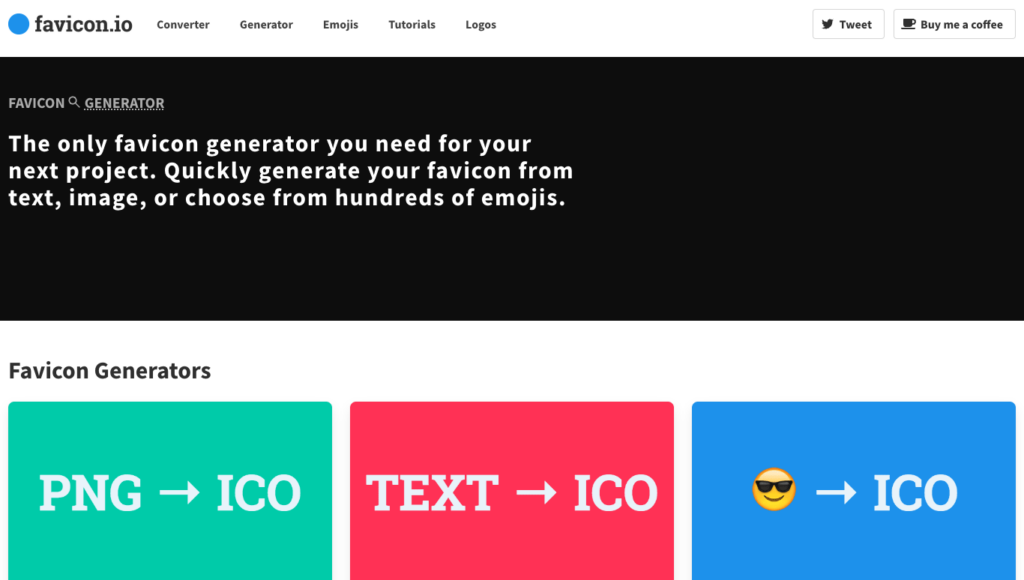
Favicon.io est un excellent générateur de favicon gratuit. Il permet de créer un favicon facilement à partir d’une image, d’un texte ou même d’un émoji.
Il vous suffit d’uploader l’image, de choisir le texte ou l’émoji à convertir en favicon et l’outil gratuit le transforme en favicon au format .ICO !
Il n’y a donc pas plus simple pour créer votre favicon. En plus, l’interface de Favicon.io est très intuitive.
2. Le générateur de favicon de Small SEO Tools

Small SEO Tools est un site qui propose de nombreux outils pour créer et gérer un site internet. Ils proposent notamment ce générateur de favicon gratuit. Il est très fonctionnel et en français !
Il vous suffit d’uploader votre image de 2 Mo maximum, au format .JPG .JPEG .PNG ou .GIF ! Cliquez sur “Générer un favicon” et l’outil crée votre favicon en quelques secondes.
Vous obtenez un favicon dans de nombreuses dimensions, de 16×16 jusqu’à 310×310.
3. Faviconer
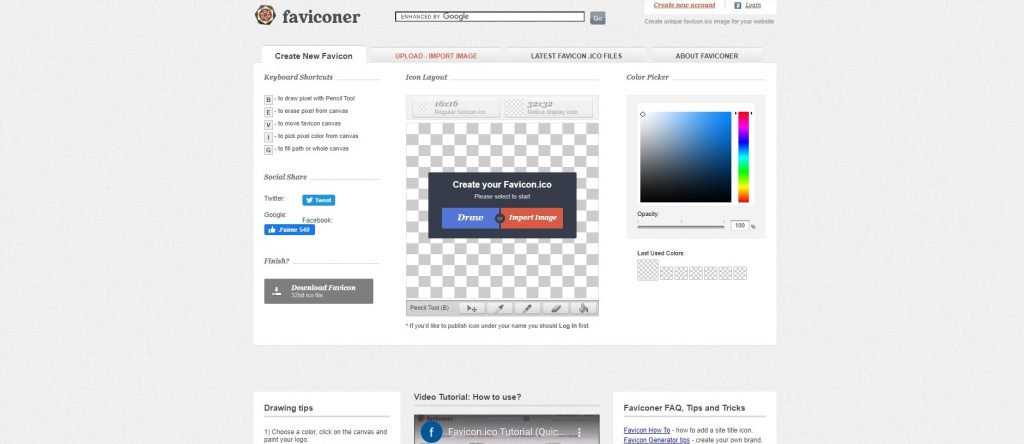
Si vous êtes créatif, utilisez Faviconer pour générer et créer un favicon en ligne gratuitement.
Vous pouvez importer des images sous de nombreux formats différents. Il est aussi possible de créer un favicon animé.
4. Real Favicon Generator

Comme les autres générateurs de favicon gratuits, Real Favicon Generator est un outil simple à prendre en main.
Pour créer un favicon, il vous suffit d’importer l’image de votre favicon et l’outil gratuit se charge de le convertir. Il vous suffit de récupérer votre image au format .ICO et de l’uploader sur votre site pour mettre en ligne votre favicon.
5. Favicon generator
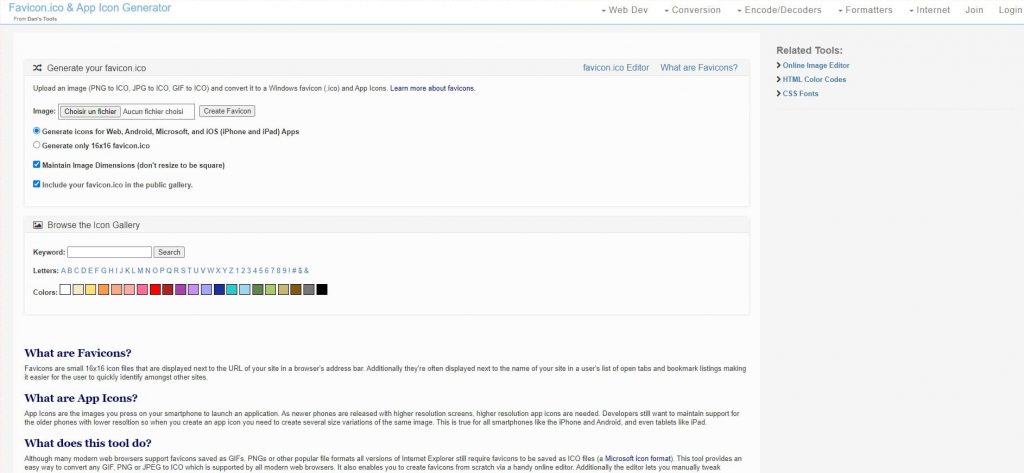
Favicon Generator est un générateur gratuit est très simple à utiliser puisqu’il suffit de télécharger votre image sur le site à partir des formats JPEG, PNG ou GIF.
Favicon generator peut convertir en .ICO automatiquement. Il vous suffit ensuite de télécharger le fichier favicon dans le dossier racine de votre site internet.
L’interface est un peu austère, mais en faut-il plus pour créer un favicon ?
6. Xiconeditor
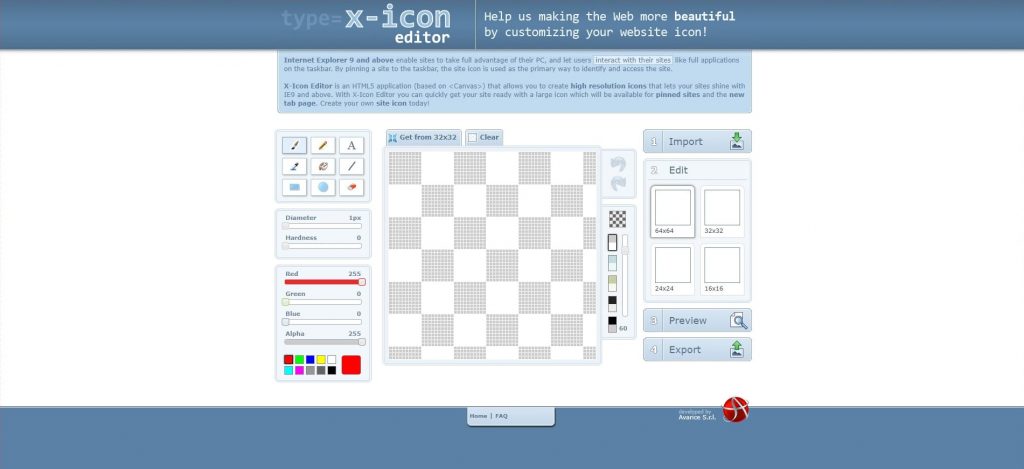
Ce générateur de favicon est particulièrement recommandé si vous souhaitez réaliser un favicon entièrement personnalisé.
Xiconeditor met à votre disposition des outils pour créer un favicon de zéro comme un pinceau, un éditeur de texte ou encore une gomme. C’est un très bon outil pour créer gratuitement un favicon unique.
Ce générateur permet aussi d’importer votre fichier, de le recadrer et de le prévisualiser avant de le télécharger pour l’intégrer à votre site.
7. Favicon.cc
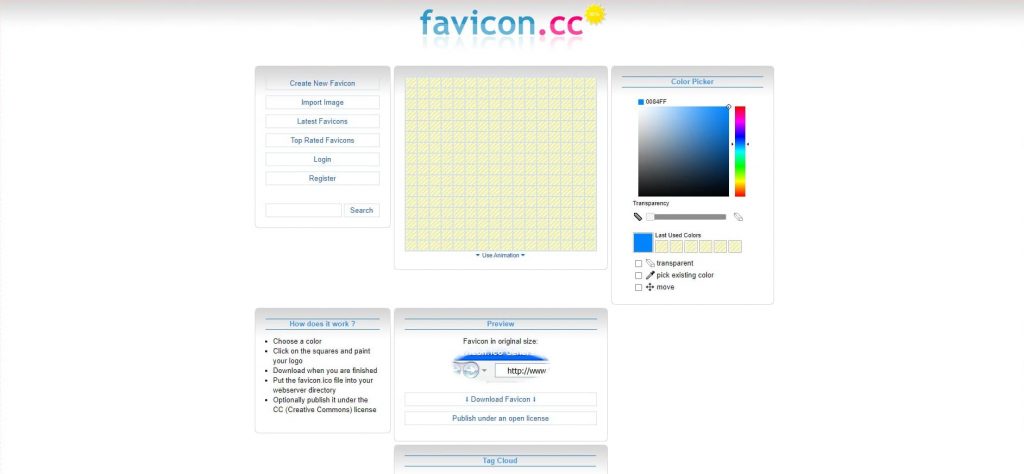
Favicon.cc est un générateur permet aussi aux plus créatifs de créer un favicon gratuitement que vous pouvez aussi animer. Le site prend en compte les formats d’image JPEG, PNG, ICO, JPG, BMP, GIF et CUR.
8. Wizlogo

Le générateur de favicon Wizlogo est un bon choix pour créer un favicon gratuitement. Il propose en plus une interface en français, ce qui est rare pour ce type d’outils.
Comme tous les autres, il fonctionne très bien. Son seul point noir, c’est que pour récupérer le précieux favicon, il est nécessaire de s’inscrire. Petit carton jaune, pour un outil qui avait (presque) tout pour lui.
9. Favicomatic

Favicomatic offre deux options pour créer un favicon :
- Télécharger une image pour la convertir en .ICO
- Créer un favicon sous toutes les plateformes disponibles en incluant les applications IOS et Android.
Vous pouvez personnaliser la taille et la couleur de fond dans les paramètres avancés du générateur de favicon.
10. Genfavicon
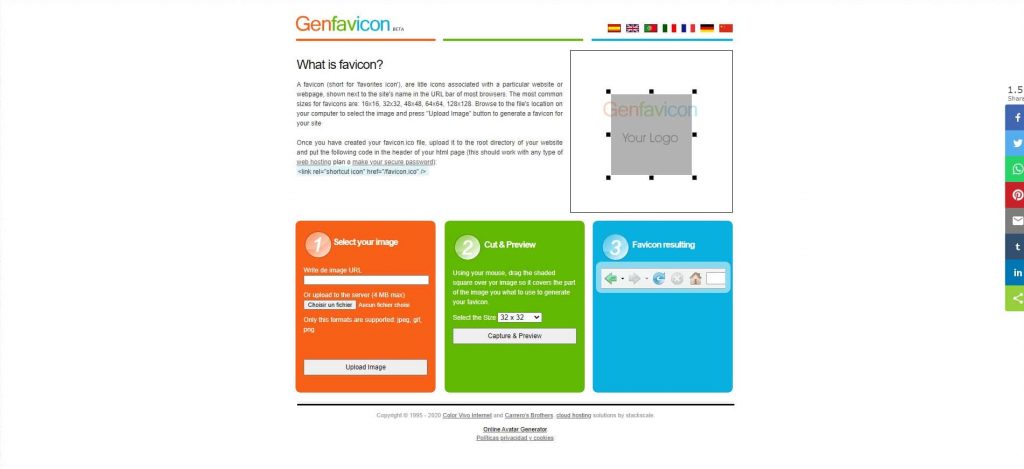
Créez un favicon en trois étapes avec Genfavicon et choisissez la taille de votre icône pendant la création.
Il vous suffit alors de télécharger le fichier au format souhaité puis de sélectionner la taille de votre favicon. Pensez à prévisualiser l’icône en cliquant sur le bouton “capturer et visualiser”.
11. Favicon.pro
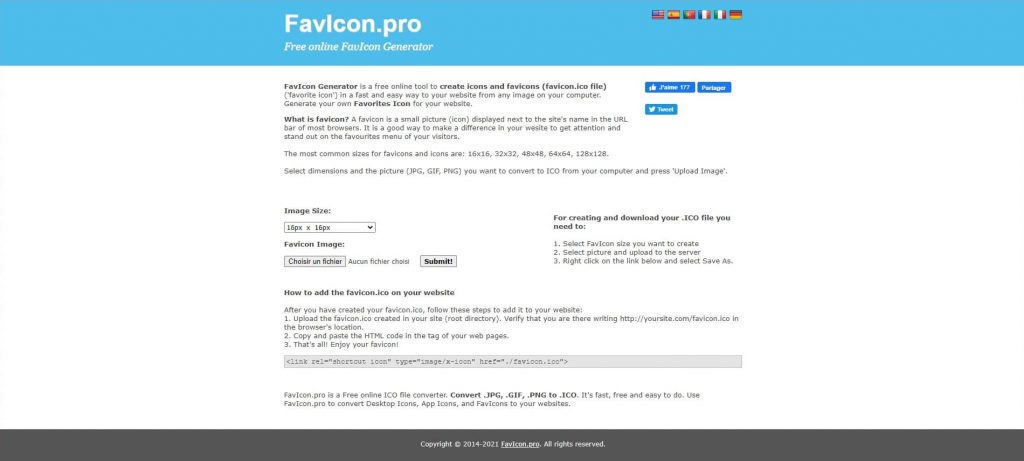
Ce générateur de favicon prend en charge les formats habituels pour les transformer en icône, il est simple et rapide d’utilisation.
Favicon.pro inclut même un guide pour créer votre favicon étape par étape puis le télécharger sur votre site !
12. Antifavicon
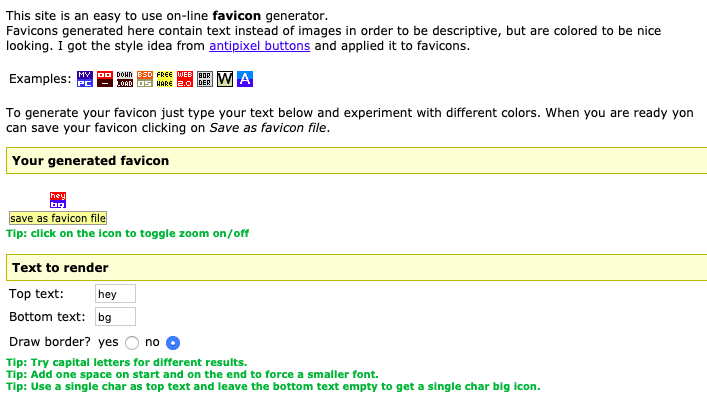
Antifavicon est un outil génère une icône en fonction du texte que vous lui donnez, il n’utilise pas d’image. Vous pouvez personnaliser les couleurs du texte et de fond dans les zones de texte.
Créez votre favicon en quelques secondes et ajoutez le à votre site
Choisissez et utilisez un de ces générateurs de favicon pour créer un favicon et donner une image professionnelle à votre marque afin d’inspirer confiance aux visiteurs de votre site web.
Vous n’arrivez pas à ajouter le favicon sur votre site ? Faites appel à un professionnel de Codeur.com ou apprenez à ajouter un favicon sur Shopify ou sur WordPress en suivant nos tutoriels.


