Word est le le logiciel de traitement de texte de référence depuis plusieurs décennies. Mais ce n’est pas un logiciel de traitement de texte gratuit.
Pourtant, il existe différentes alternatives de très bonne qualité, complètement gratuites et accessibles en ligne ou en tant que logiciel.
Voici une sélection des meilleurs logiciels de traitement de texte gratuits en ligne ou hors ligne.
Pas envie de rédiger vos textes ? De nombreux rédacteurs web freelances sont disponibles sur Redacteur.com. Commandez vos textes dès aujourd’hui et recevez des rédactions de qualité.
Les outils de cet article ont été sélectionnés par notre équipe et ne sont pas sponsorisés. Découvrez comment sponsoriser votre outil.
Les logiciels de traitement de texte gratuits en ligne
Ces 3 premiers logiciels de traitement de texte sont accessible en ligne gratuitement. Leur avantage principal : pouvoir y accéder à tout moment depuis un ordinateur ou un appareil connecté à internet.
Google Docs

Comme souvent, Google est de la partie avec sa propre suite bureautique en ligne comprenant notamment Google Docs pour le traitement de texte.
Simple d’utilisation, accessible depuis n’importe où (et n’importe quel appareil) car basé sur le cloud, Google Docs a aussi l’avantage de faciliter le travail collaboratif sur un même document.
Une alternative incontournable, malgré des fonctionnalités un peu moins riches que d’autres alternatives.
Docs d’Infomaniak (kDrive)

Infomaniak propose une suite complète d’outils : kSuite. Vous avez accès à une adresse mail, du stockage cloud et un accès à kDrive, l’équivalent de la suite Google Drive en ligne.
Docs est le logiciel de traitement de texte de la suite kDrive. L’outil de traitement de texte en ligne est donc gratuit et propose toutes les fonctionnalités habituelles d’un éditeur de texte.
Zoho Writer
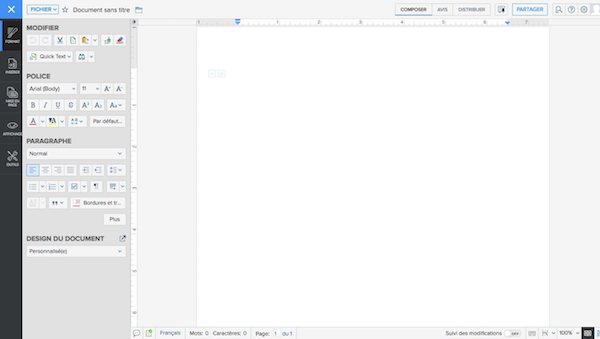
Zoho Writer est, à l’image de Google Docs, un outil de traitement de texte gratuit en ligne : il suffit de créer un compte sur le site (sans frais) pour y accéder.
Et les similarités avec Google ne s’arrêtent pas là : l’outil facilite grandement le travail collaboratif en ligne et permet de partager des documents de façon sécurisée.
De même, les documents peuvent être édités hors ligne et être sauvegardé dès la prochaine connexion à internet.
À lire aussi : 5 astuces pour bien choisir sa suite bureautique collaborative
Les logiciels de traitement de texte gratuits à télécharger
Si vous préférez un logiciel de traitement de texte ordinaire, comme Word, à installer sur votre ordinateur, les 3 logiciels suivants devraient mieux vous convenir.
Writer de la suite LibreOffice
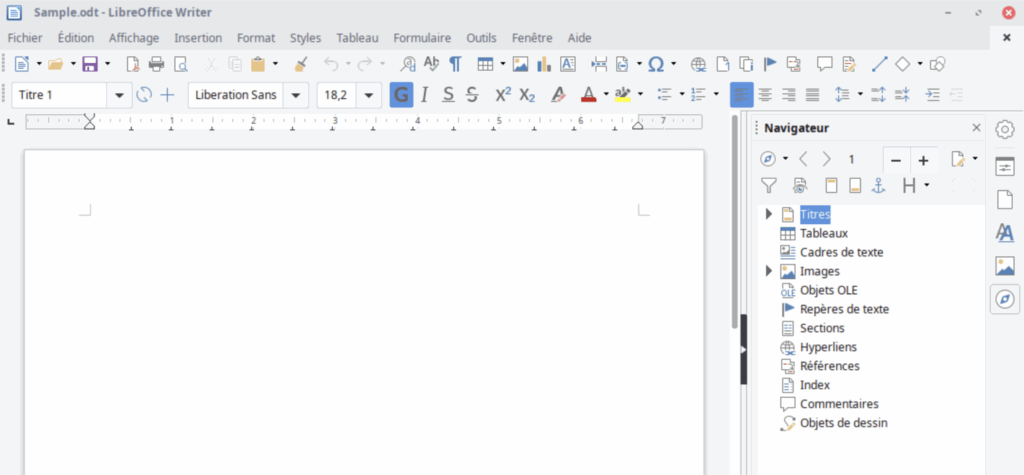
LibreOffice s’est imposée comme l’une des meilleurs suites bureautiques libres et gratuites.
À l’instar de la suite Microsoft Office, elle dispose de différents logiciels : du tableur au logiciel de présentation, en passant bien sûr par le traitement de texte.
Le logiciel Writer est le logiciel de traitement de texte de LibreOffice, à l’instar de Word pour la suite de Microsoft.
Cette solution ouvre sans difficulté les documents aux formats .doc ou .docx, vous permettant de passer aisément de Word à Libreoffice.
WPS Writer de la suite WPS Office
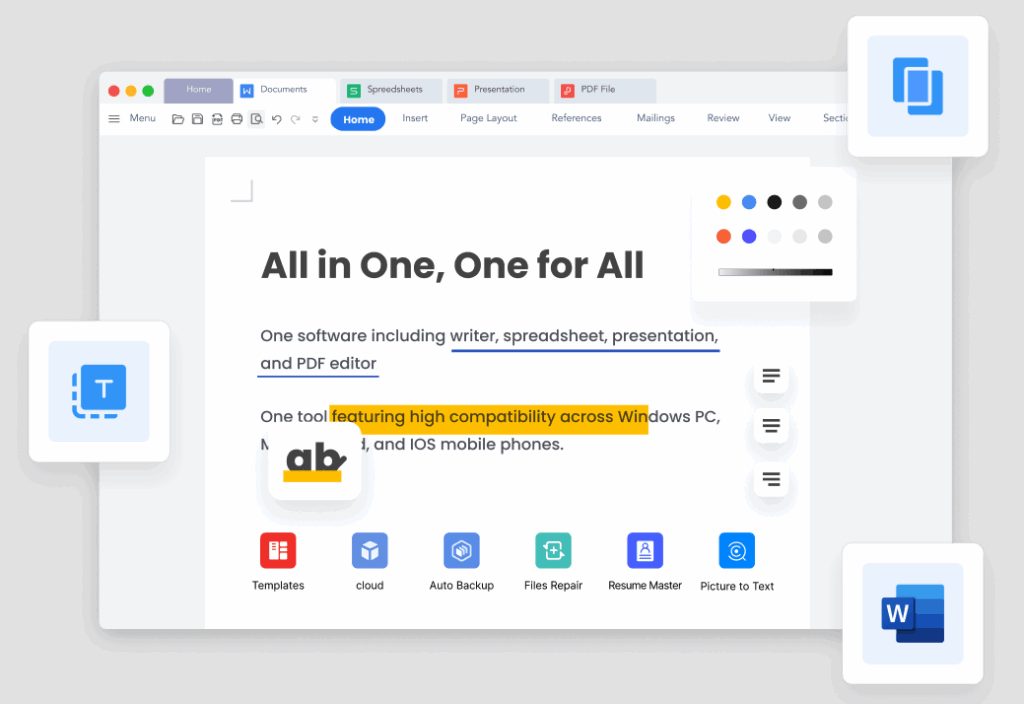
WPS Writer, de la suite WPS Office, est une alternative à Office complète tout en étant très “light” : elle comprend un logiciel de traitement de texte gratuit, un outil de présentation et un équivalent d’Excel.
Sa solution de traitement de texte n’a rien à envier à Word – il dispose peu ou proue des mêmes fonctionnalités, avec même quelques petits plus.
Si la version gratuite est très complète, il faut toutefois noter la présence de quelques publicités.
TextMaker de la suite FreeOffice
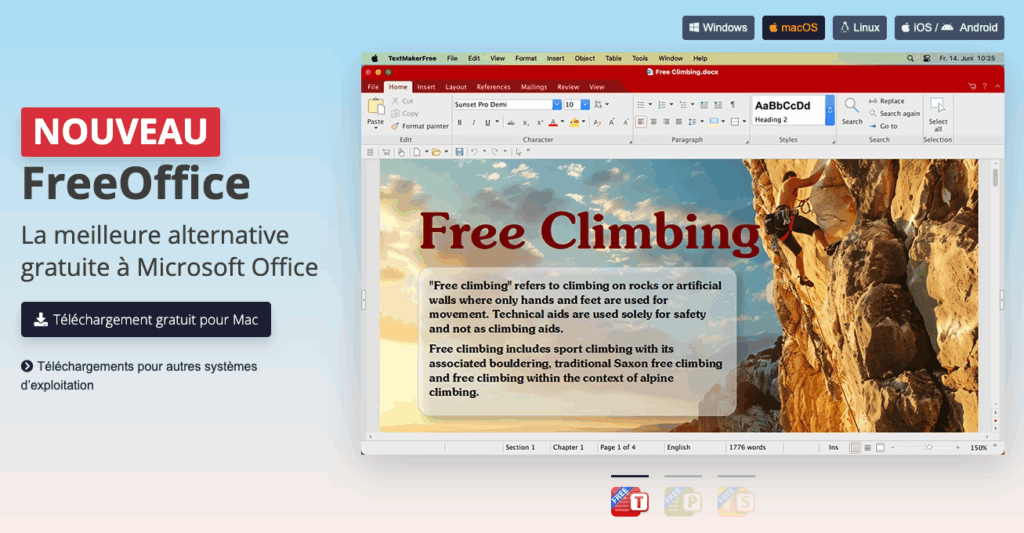
La suite FreeOffice propose dans sa suite d’outils à télécharger TextMaker, qui est bel et bien un logiciel de traitement de texte gratuit et complet.
Il supporte la plupart des formats de fichiers et inclut une panoplie d’outils très complète pour créer et personnaliser votre mise en page.
Rapide, performant et simple d’utilisation, c’est une alternative à Word qu’il ne faut pas négliger.
Disponible sur tous les systèmes d’exploitation (Windows, MacOS, Linux) et sur mobile (iOS et Android), il ravira ceux qui cherchent un logiciel de traitement de texte gratuit.


