Il est obligatoire d’utiliser un outil d’analyse de logs pour comprendre et analyser efficacement le trafic et la manière dont les bots des moteurs de recherchent crawlent votre site internet.
Que ce soit pour réaliser une analyse des logs SEO ou simplement pour monitorer le trafic de votre site, nous avons sélectionné pour vous les meilleurs analyseurs de logs disponibles !
Les outils de cet article ont été sélectionnés par notre équipe et ne sont pas sponsorisés. Découvrez comment sponsoriser votre outil.
Screaming Frog : Log File Analyser
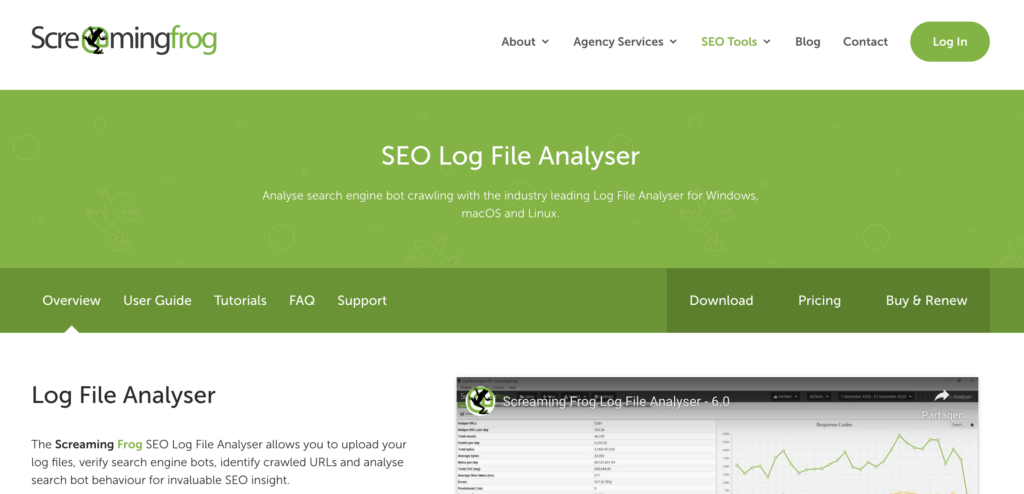
Logiciel d’analyse de logs sur desktop, Screaming Frog : Log File Analyser est simple d’installation et ne nécessite aucun paramétrage particulier pour l’utiliser une fois installé.
Il vous permet d’analyser facilement les logs de votre site internet et de comprendre qui visite votre site.
Cet analyseur de logs est parfait pour contrôler comment les moteurs de recherche crawlent votre site internet et à quelle fréquence ils le font.
Le prix : Screaming Frog Analysis comporte une version gratuite pouvant crawler jusqu’à 1000 lignes. La version payante sera réservée aux sites plus importants et démarre à 99£/an/utilisateur.
Attention à ne pas confondre le Log File Analyser et le crawler SEO Spider si vous prenez la version payante. Le SEO Spider est un outil de crawl tandis que le Log File Analyser est un outil d’analyse des logs.
Loggly : un bon analyseur de logs gratuit
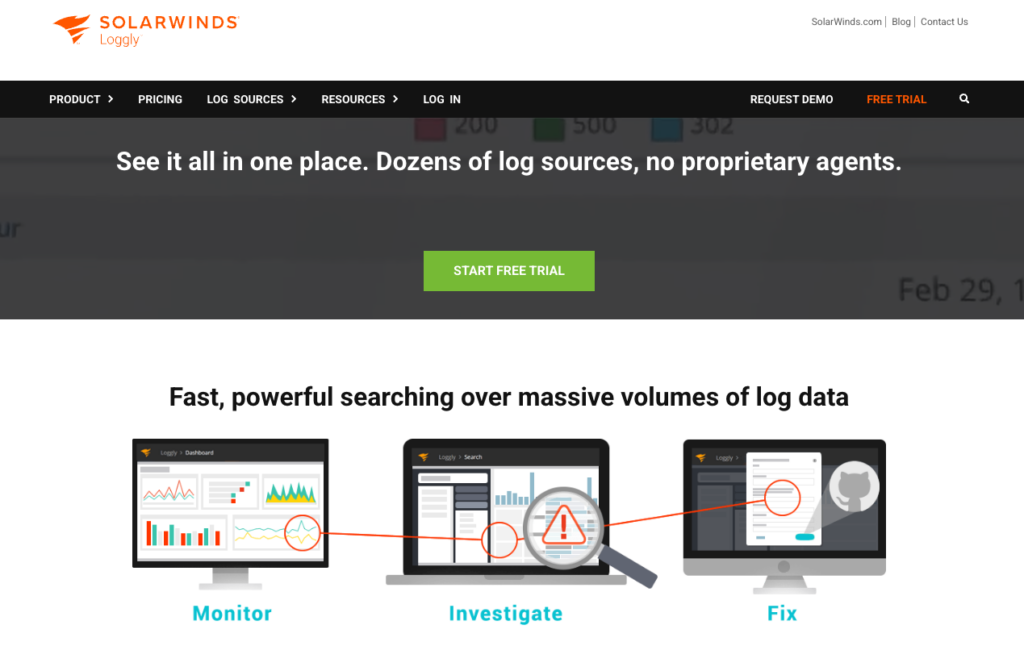
Loggly est un service de gestion et d’analyse des logs basé sur le cloud, fondé en 2009. Leur objectif principal est de simplifier la gestion des logs et de permettre aux développeurs et aux ingénieurs de ne pas avoir à se soucier de la gestion des logs.
Parmi ses clients figurent EA, Autodesk, SendGrid, Sony Pictures et Citrix.
Le prix : Loggly propose un plan gratuit idéal pour commencer et des plans payants pour recevoir des alertes automatiques, travailler à plusieurs ou encore avoir accès à des dashboards intégrés.
logz.io : un outil d’analyse des logs en temps réel

logz.io vous offre un aperçu en temps réel et exploitable de vos logs grâce au service ELK. ELK est une plateforme d’analyse de logs simple mais robuste.
Parmi ses clients figurent Netflix, Facebook, LinkedIn, Cisco et Microsoft. logz.io est probablement l’un des principaux concurrents de Splunk, dont on va parler plus tard.
Le prix : Propose une tarification à la consommation.
GoAccess : un analyseur de logs open-source
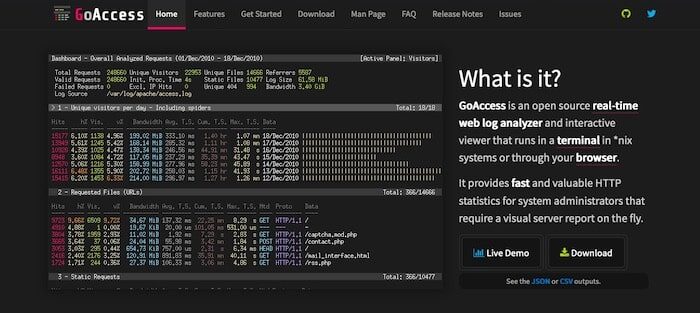
Voilà le premier logiciel de cette liste entièrement gratuit, et pour cause : il est open source et disponible sur GitHub avec plus de 2 900 étoiles et plus de 200 forks.
GoAccess est conçu pour être un analyseur de journaux rapide, basé sur un terminal. C’est un outil pour ceux qui aiment utiliser les terminaux et qui veulent un accès rapide à leurs données.
Vous pouvez facilement générer des rapports à la volée avec cet outil en les générant en temps réel en HTML, JSON ou CSV.
Le prix : 100% gratuit !
Splunk : comprendre vos datas grâce aux logs

Splunk est un grand nom dans le domaine de la gestion des journaux et des applications. Cet outil d’analyse de logs existe depuis 2003 et n’est pas un nouveau venu dans le domaine de l’analyse et de la surveillance des données.
Racheté par Cisco, Splunk offre un excellent moyen de collecter, stocker, indexer, rechercher, corréler, visualiser, analyser et rendre compte de toute donnée générée par une machine afin d’identifier et de résoudre les problèmes opérationnels et de sécurité de manière plus rapide, répétable et abordable.
Ils offrent de puissants outils d’analyse qui vous permettent de remonter le temps facilement grâce à des requêtes ad hoc. Leur tableau de bord et leurs graphiques de tendances constituent également un excellent moyen de repérer et de visualiser les tendances possibles.
Le prix : Splunk propose des forfaits gratuits et payants. Le plan gratuit, Spunk light, vous permet d’enregistrer jusqu’à 500 Mo de données par jour. La tarification des forfaits payants dépend du volume de données que vous traitez.
Papertrail : analysez vos logs facilement
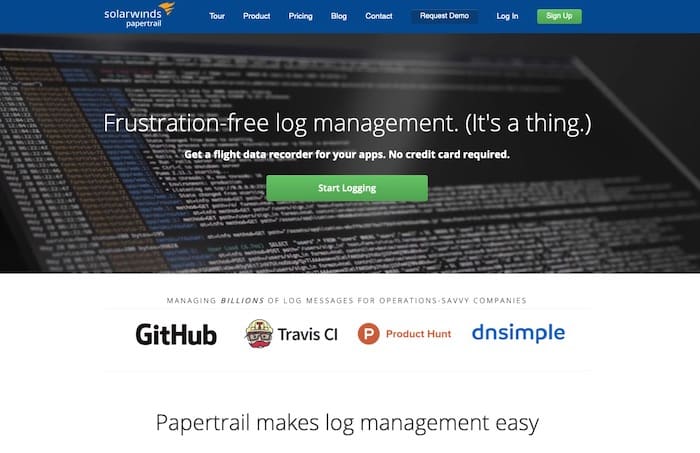
Papertrail est plutôt un service de gestion de logs, mais il offre également des fonctionnalités intéressantes qui permettent de les analyser rapidement !
Parmi ses fonctionnalités, un visualiseur de journaux intuitif basé sur le web et de puissants outils en ligne de commande. Si vous êtes un développeur, vous aimerez probablement Papertrail ! Vous pouvez effectuer des recherches en direct, par heure, par contenu, enregistrer vos recherches et même colorier vos logs différemment selon leur nature.
Enfin, Papertrail dispose d’intégrations avec vos outils préférés tels que Slack et Zendesk, ainsi qu’un widget pour Mac OS !
Le prix : Papertrail propose des formules gratuites et payantes à partir de 7$ par mois.
Fluentd : un outil pour unifier vos logs
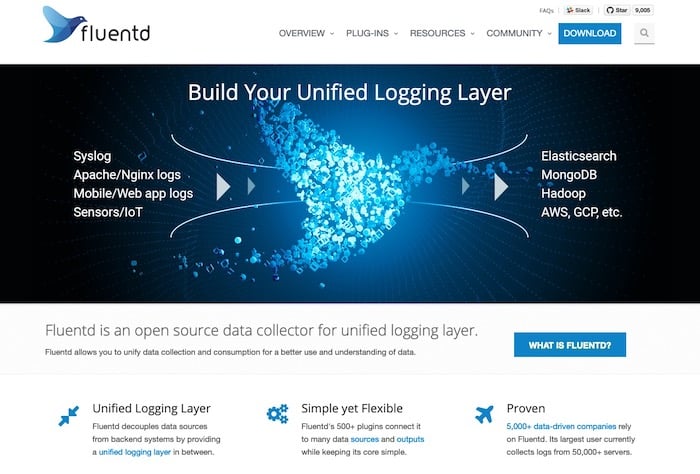
Fluentd est open source et vous permet d’unifier les logs de plusieurs sources afin de les analyser plus facilement et mieux. Les utilisateurs de Fluentd disposent également de plus de 300 plugins pour se connecter à une multitude de sources de données.
Parmi les utilisateurs de Fluentd, citons Microsoft, Amazon AWS ou encore Nintendo.
Le prix : Fluentd est open source, donc gratuit !
Dynatrace : un outil de gestion et d’analyse de logs
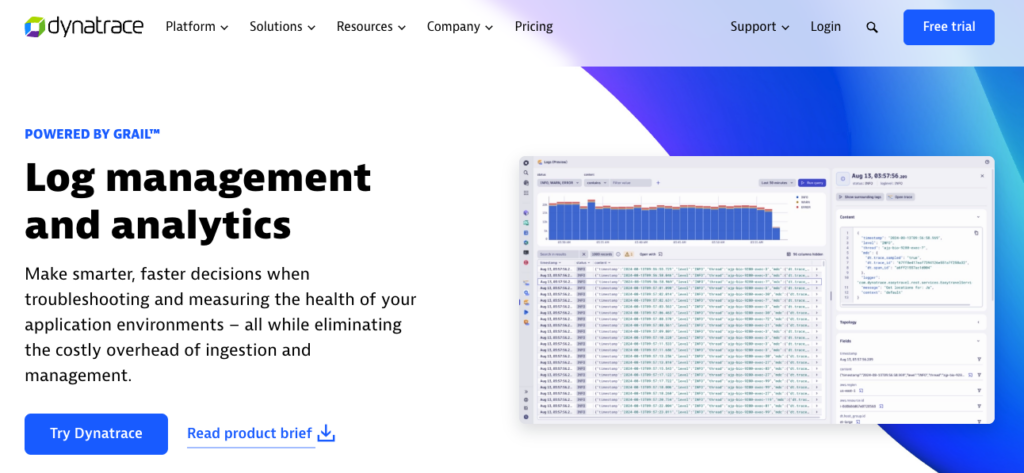
Dynatrace est un outil d’analyse de logs qui vous aide à gérer et à analyser vos journaux pour prendre des décisions.
Cet outil permet de mesurer votre environnement de travail et d’identifier les points de friction.
Côté tarification, Dynatrace propose une facturation à la consommation de data. A surveiller en fonction de la taille de votre site.
À lire aussi : Cocolyze, l’outil SEO français propose des analyses de pages 100% gratuites
Analysez vos logs est essentiel
La dernière chose que vous voulez est de passer des heures à fouiller dans des fichiers de logs interminables et non-organisés pour essayer de trouver ce dont vous avez besoin.
Il existe de nombreux outils d’analyse des logs pour vous aider à mieux comprendre vos données et à les analyser plus efficacement.
Mais si vous n’êtes pas rompu à l’exercice d’analyse des logs, faites appel à un spécialiste sur la plateforme freelance Codeur.com ! Vous trouverez des spécialistes réseau ou SEO pour analyser vos logs selon votre objectif.


