Vous voulez permettre à vos visiteurs de prendre rendez-vous ou d’effectuer une réservation sur votre site web ? Un plugin WordPress de prise de rendez-vous peu vous faciliter la tâche.
Découvrez 8 plugins de réservation WordPress qui ont fait leur preuve et découvrez comment ajouter le module de prise de rendez-vous de Calendly si vous utilisez cette solution.
Si vous souhaitez déléguer la création de votre site, découvrez le prix d’un site WordPress grâce à notre simulateur en ligne gratuit. L’ajout d’un plugin de réservation ne fera pas forcément augmenter le tarif de votre site !
Les outils de cet article ont été sélectionnés par notre équipe et ne sont pas sponsorisés. Découvrez comment sponsoriser votre outil.
Plugin WordPress de prise de réservation Amelia
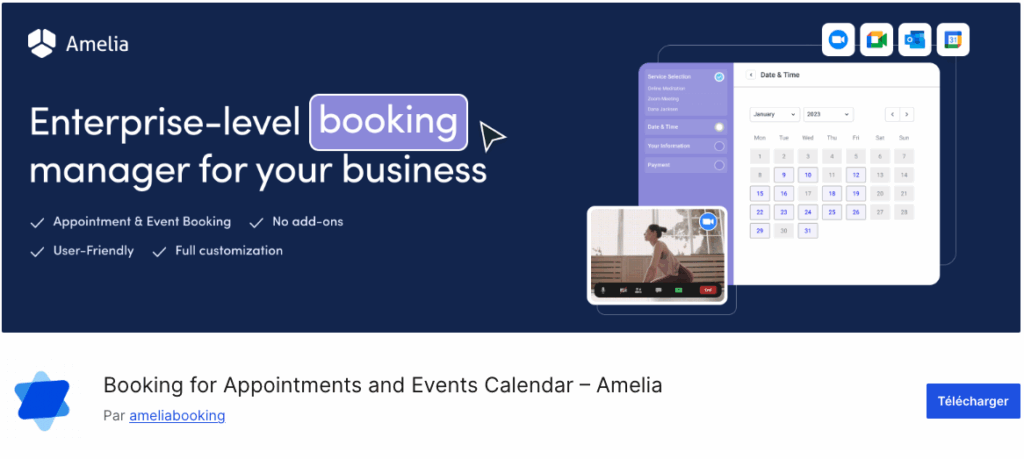
Le plugin WordPress de prise de rendez-vous Amelia Booking est l’un des modules de réservation en ligne les plus utilisés.
En version gratuite, l’outil est déjà totalement fonctionnel, que vous soyez une entreprise, un particulier ou un indépendant. Il permet même de recevoir des paiements en ligne.
La version payante apporte quelques options supplémentaires très pratiques :
- L’envoi de SMS
- Le paiement par lien
- Rendez-vous récurrents
- Intégration avec Google Meet, Zoom, Outlook…
Module de prise de rendez-vous WP Bookly
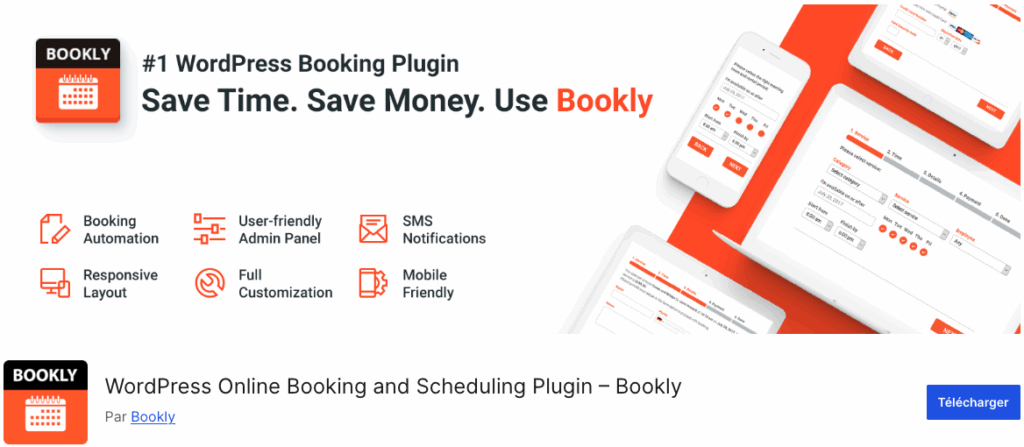
Bookly est un plugin de réservation WordPress complet qui automatise la réservation et la programmation en ligne de vos services. Bookly est mieux adapté à la réservation de services tels que les rendez-vous chez le coiffeur, les bilans de santé, les réunions, les restaurants, et autres services professionnels.
C’est l’un des plugins WordPress les plus faciles à utiliser.
Bookly est compatible avec le plugin WPML, qui permet de créer un site multilingue. Il vous permet également de gérer votre base de clients sans effort en fournissant une liste de clients, triable et consultable.
Vous pouvez également enrichir les fonctionnalités de base grâce au grand nombre d’addons, comme des coupons de réduction, des champs personnalisés, des réservations de groupe, des rendez-vous multiples, des paiements récurrents…
Plugin WordPress Simply Schedule Appointment
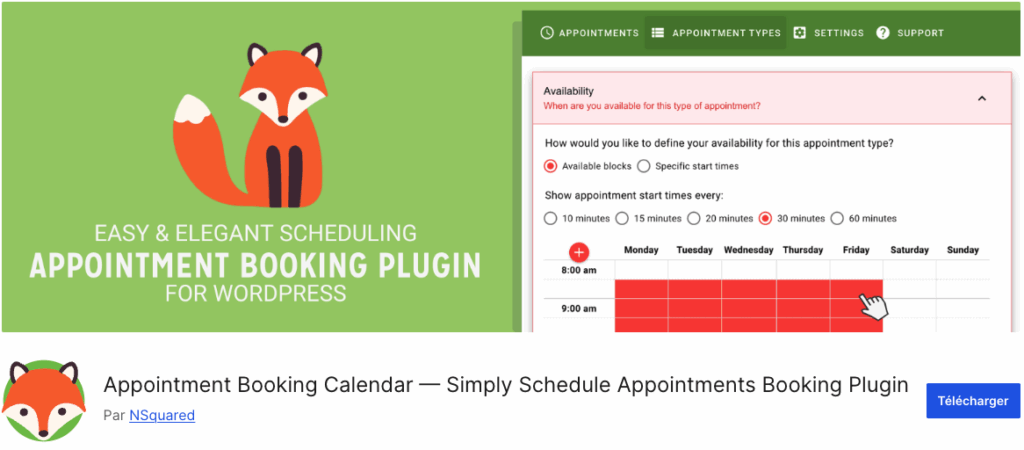
Le plugin de prise de rendez-vous Simply Schedule Appointment permet à vos visiteurs de prendre facilement des rendez-vous sur votre site.
Assez complet en version gratuite, une version payante permet notamment l’intégration avec divers services tiers : Google Calendar, mailchimp, Stripe, Paypal, Zoom, etc…
Plugin WordPress de réservation d’événement

Events Manager est un plugin WordPress de réservation et d’inscription en ligne conçu spécialement pour l’organisation d’événements.
Ce plugin de réservation permet aussi bien d’organiser des événement que d’être utilisé comme un simple plugin de prise de rendez-vous.
Gratuit, il dispose d’une version premium pour l’intégration des paiements en ligne via PayPal, la possibilité d’éditer des factures et des billets imprimable, ou l’envoi au format PDF.
WP Simple Booking Calendar
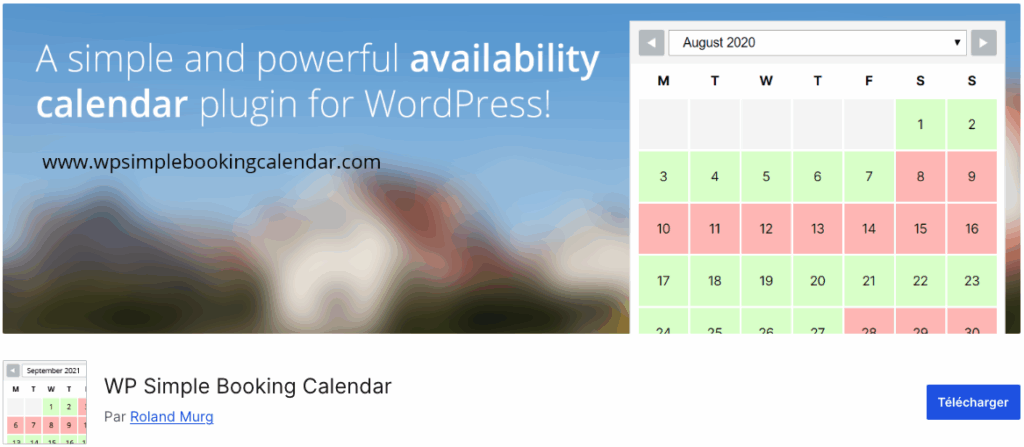
WP Simple Booking Calendar est une bonne solution si vous êtes à la recherche d’un plugin WordPress de réservation simple, qui montre à vos clients vos disponibilités.
Avec la version gratuite de ce plugin, vous obtenez toutes les fonctionnalités que vous êtes en droit d’attendre, à l’exception notable du paiement en ligne. Vous pouvez afficher un widget de calendrier de réservation qui indique la disponibilité et prendre des réservations grâce à une interface conviviale qui supporte le multilingue.
Avec la version premium, vous pouvez même synchroniser vos plannings de réservation avec des applications de location vacances tierces, comme Airbnb et Booking.com. Toute modification apportée au calendrier de votre site web sera automatiquement répercutée sur vos comptes tiers.
Booking Calendar
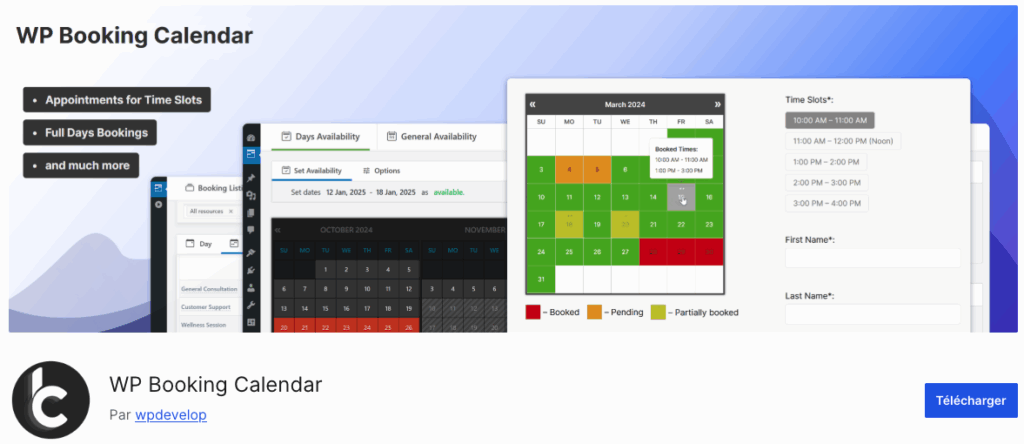
Le plugin Booking Calendar est l’un des plugins de réservation les plus anciens et populaires dans le répertoire de plugins WordPress. Ce plugin est vraiment facile à utiliser avec de nombreuses fonctionnalités, adaptées à un large éventail d’entreprises.
La version premium du plugin est livrée avec toutes les fonctionnalités dont vous aurez besoin pour votre site de réservation en ligne WordPress. Puisque toutes les réservations et les paramètres sont stockés dans votre base de données WordPress, vous n’avez pas besoin d’avoir un compte tiers pour gérer les réservations. Cependant, si vous souhaitez importer des flux provenant de sources tierces comme Airbnb, Booking.com, TripAdvisor, et ainsi de suite, vous pouvez facilement le faire.
Vos formulaires de réservation et la prise en charge du calendrier sont responsive, ce qui signifie que vous n’aurez pas à vous soucier de l’affichage sur les différents écrans et résolutions : ça marche.
Mieux encore, un large éventail de passerelles de paiement en ligne est pris en charge, comme PayPal, Stripe, Authorize.net, et plus encore.
Birchpress
Le meilleur pour la fin ? Avec BirchPress, les formulaires de réservation peuvent être facilement construits à l’aide de l’éditeur intégré et ensuite placés sur vos pages via des shortcodes. Il se synchronise avec vos calendriers en ligne tels que Google Agenda et iCal, ce qui vous permet de visualiser rapidement vos rendez-vous et vos disponibilités.
BirchPress vous permet également d’envoyer des courriels hautement personnalisés à vos clients lorsqu’un rendez-vous est pris, reporté ou annulé. Vous pouvez également rappeler à vos clients un rendez-vous à venir, sans avoir à utiliser un autre logiciel de marketing.
Ce plugin est livré avec la possibilité de payer via PayPal. Pour plus d’options de paiement, vous pouvez combiner Birchpress avec WooCommerce. Le plugin est également livré avec des milliers de fonctions et de hooks, ce qui en fait l’un des plugins de rendez-vous les plus developer-friendly qui existent.
WooCommerce Bookings

WooCommerce Bookings est le plugin de réservation officiel de WooCommerce.
Un moyen simple d’activer un système de réservations si vous disposez déjà de l’outil. L’extension créé un nouveau type de produit et offre une fonction de réservation basée sur la date ou l’heure. Vous pouvez filtrer les places réservées et mettre à jour vos disponibilités depuis le tableau de bord de l’administrateur.
Les visiteurs peuvent définir le nombre de participants lors de la création de leur réservation. Vous pouvez choisir d’approuver la demande instantanément ou d’exiger l’approbation de l’administrateur. Vous pouvez activer les notifications par e-mail pour les confirmations et envoyer des e-mails de rappel si nécessaire. Il est également possible de permettre aux utilisateurs d’annuler leurs réservations s’ils le souhaitent.
Le prix est de 249$, pour une licence annuelle incluant les mises à jour.
Ajouter Calendly à votre site WordPress

Si vous utilisez la solution Calendly, il n’existe pas de plugin WordPress pour l’intégrer. En revanche, il vous suffit d’ajouter un bloc HTML sur la page WordPress et d’y coller le code HTML de votre Calendly indiqué dans votre espace personnel pour intégrer votre calendrier de prise de rendez-vous directement sur votre site WordPress !
Calendly propose un tutoriel en anglais pour vous aider à intégrer son calendrier sur votre site WordPress, que vous utilisiez WordPress.com ou WordPress.org !
Intégrer un plugin de réservation WordPress avec un freelance
Si vous avez du mal à installer ou à configurer un plugin WordPress pour la prise de rendez-vous, vous pouvez faire appel à un développeur WordPress freelance sur la plateforme Codeur.com !
Un expert WordPress freelance pourra vous aider à trouver le plugin le plus adapté à votre situation. Vous pouvez également lui demander de créer votre propre extension WordPress pour obtenir un plugin WordPress de pris de rendez-vous sur mesure.


